logo
Brands
  1. Home
  2. •
  3. Brands
  4. •
  5. Pioneer
  6. •
  7. DVD Recorder
  8. •
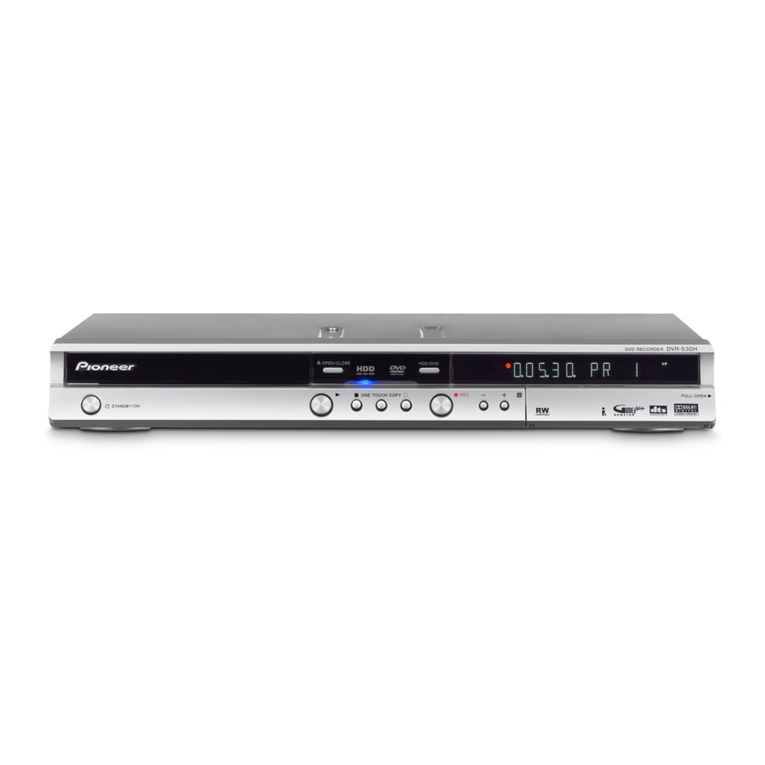
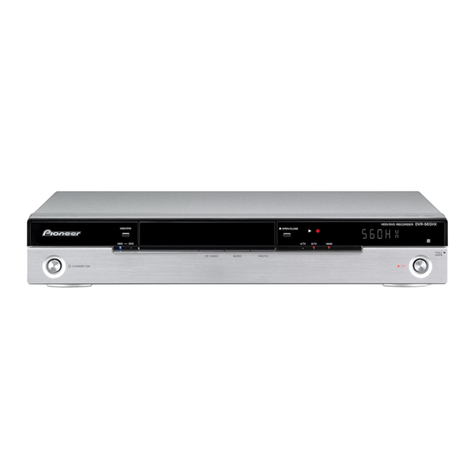
  9. Pioneer DVR-530H User manual

Pioneer DVR-530H User manual

Other manuals for DVR-530H

1

Other Pioneer DVD Recorder manuals

Pioneer DVR-A06 User manual

Pioneer

Pioneer DVR-A06 User manual

Pioneer DVR-645H-S User manual

Pioneer

Pioneer DVR-645H-S User manual

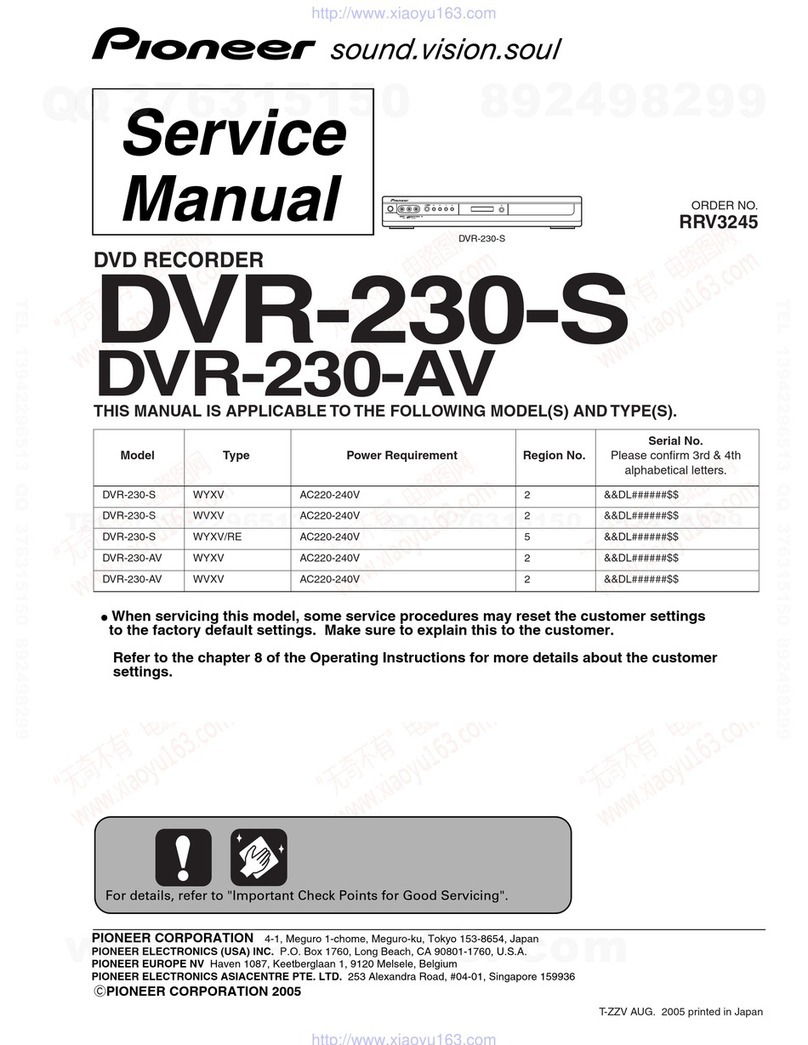
Pioneer DVR-230-AV User manual

Pioneer

Pioneer DVR-230-AV User manual

Pioneer DVR-231-S User manual

Pioneer

Pioneer DVR-231-S User manual

Pioneer DVR-XD09 User manual

Pioneer

Pioneer DVR-XD09 User manual

Pioneer DVR-230-AV User manual

Pioneer

Pioneer DVR-230-AV User manual

Pioneer DVR-X162Q User manual

Pioneer

Pioneer DVR-X162Q User manual

Pioneer DVR-5100H-S User manual

Pioneer

Pioneer DVR-5100H-S User manual

Pioneer DVR-210-S User manual

Pioneer

Pioneer DVR-210-S User manual

Pioneer 9000 - PRV - DVD Recorder User manual

Pioneer

Pioneer 9000 - PRV - DVD Recorder User manual

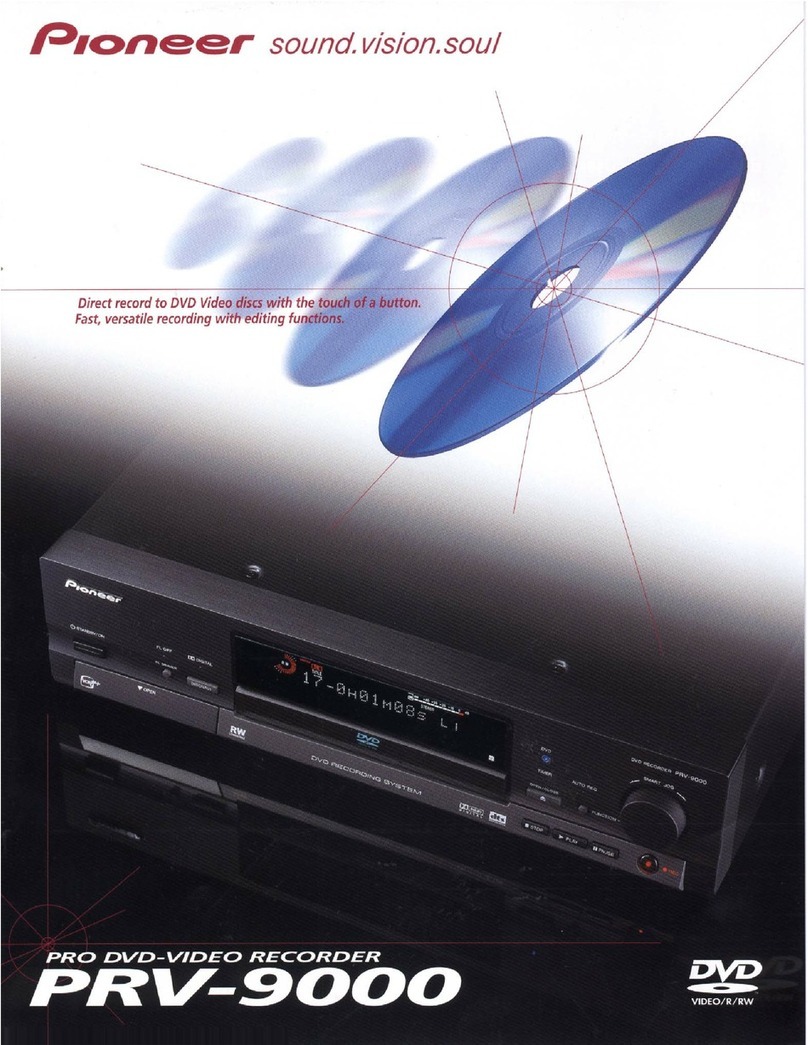
Pioneer PRV-9000 Instruction Manual

Pioneer

Pioneer PRV-9000 Instruction Manual

Pioneer DVR-550H-K User manual

Pioneer

Pioneer DVR-550H-K User manual

Pioneer DVR-520H User manual

Pioneer

Pioneer DVR-520H User manual

Pioneer DVR-LX60 User manual

Pioneer

Pioneer DVR-LX60 User manual

Pioneer BDR-2206 User manual

Pioneer

Pioneer BDR-2206 User manual

Pioneer DVR-TS08 User manual

Pioneer

Pioneer DVR-TS08 User manual

Pioneer DVR-541H-S User manual

Pioneer

Pioneer DVR-541H-S User manual

Pioneer DVR-220-S User manual

Pioneer

Pioneer DVR-220-S User manual

Pioneer PRA-DW11 User manual

Pioneer

Pioneer PRA-DW11 User manual

Pioneer DVR-610 Installation guide

Pioneer

Pioneer DVR-610 Installation guide

Pioneer DVR-532H-S User manual

Pioneer

Pioneer DVR-532H-S User manual

Pioneer DVR-3100 User manual

Pioneer

Pioneer DVR-3100 User manual

Pioneer DVR-RT300 User manual

Pioneer

Pioneer DVR-RT300 User manual

Pioneer DVR-555HX-S User manual

Pioneer

Pioneer DVR-555HX-S User manual

Popular DVD Recorder manuals by other brands

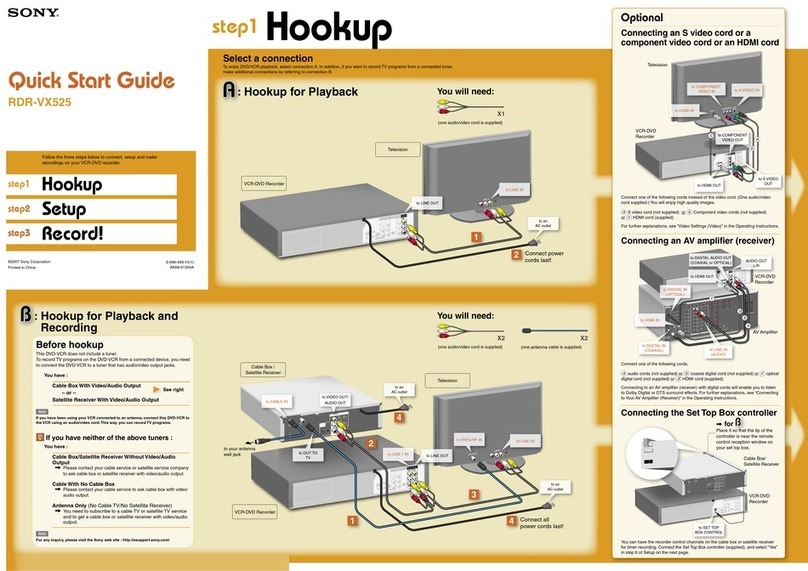
Sony RDR-VX525 - DVDr/ VCR Combo Quick setup guide

Sony

Sony RDR-VX525 - DVDr/ VCR Combo Quick setup guide

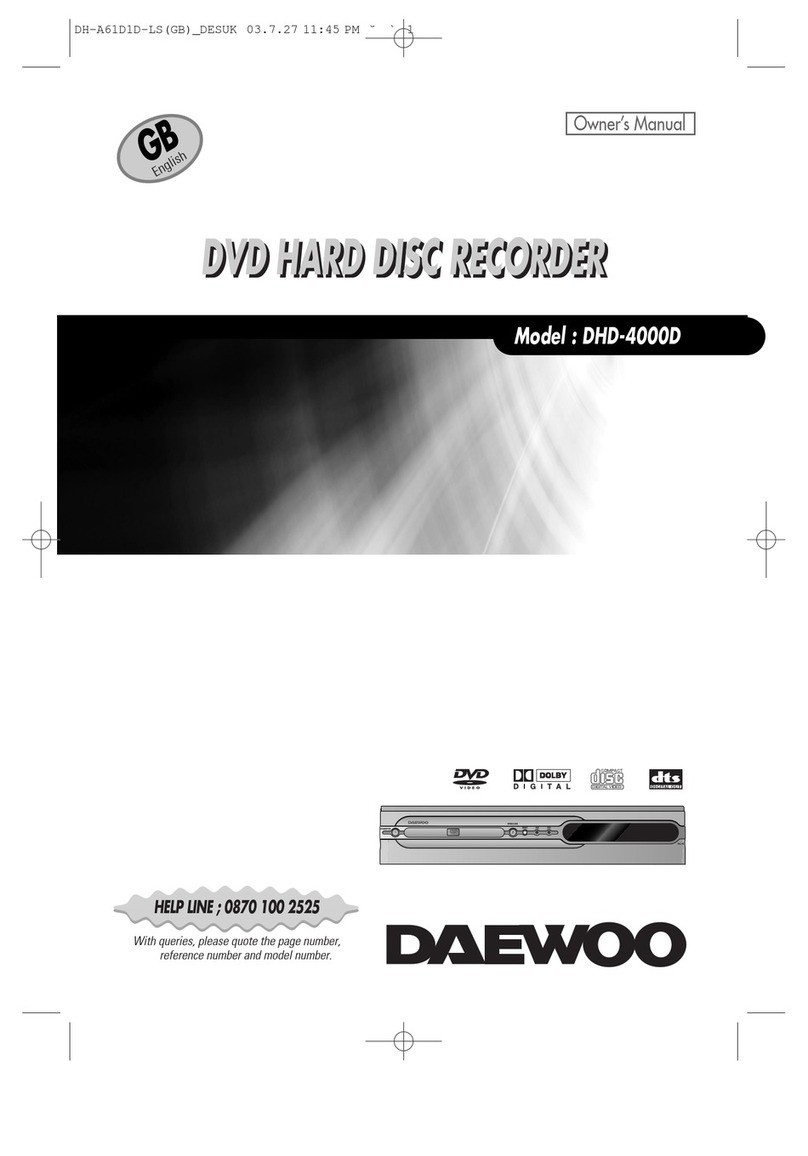
Daewoo DHD-4000D owner's manual

Daewoo

Daewoo DHD-4000D owner's manual

Medion MD 40570 user manual

Medion

Medion MD 40570 user manual

Philips ShowView DVDR3460H Specifications

Philips

Philips ShowView DVDR3460H Specifications

Sony RDR-GX355 - Tunerless DVD Recorder operating instructions

Sony

Sony RDR-GX355 - Tunerless DVD Recorder operating instructions

Sony DVDirect VRD-MC3 quick start guide

Sony

Sony DVDirect VRD-MC3 quick start guide

Samsung DVD-R130/XAA Service manual

Samsung

Samsung DVD-R130/XAA Service manual

FUNAI HD-B2735 owner's manual

FUNAI

FUNAI HD-B2735 owner's manual

Panasonic DMR-EH54DEG Service manual

Panasonic

Panasonic DMR-EH54DEG Service manual

Sanyo DRW-1000 instruction manual

Sanyo

Sanyo DRW-1000 instruction manual

Philips DVDR610/05 Specifications

Philips

Philips DVDR610/05 Specifications

JVC DR-M10 instructions

JVC

JVC DR-M10 instructions

Samsung SV-DVD40 user manual

Samsung

Samsung SV-DVD40 user manual

Philips DVDR3355 user manual

Philips

Philips DVDR3355 user manual

FUNAI FDR-90E Service manual

FUNAI

FUNAI FDR-90E Service manual

LG RC298 owner's manual

LG

LG RC298 owner's manual

Samsung DVD-R130 Service manual

Samsung

Samsung DVD-R130 Service manual

Philips DD-A110GX Service manual

Philips

Philips DD-A110GX Service manual

https://manuals.online logo
https://manuals.online logoBrands
  • About & Mission
  • Contact us
  • Privacy Policy
  • Terms and Conditions

Copyright 2025 Manuals.Online. All Rights Reserved.

English
Using Dual Layer DVD-R Discs
Dual Layer DVD-R discs contain two recordable layers on a single side. This unit is capable of recording
to Dual Layer DVD-R discs in Video mode. As a result, you can record up to approximately 1.8x more
material than with conventional DVD-R discs. In addition, record, playback and copy functions can all
be performed in the same way as with conventional discs. However, in order to use Dual Layer DVD-R
discs properly, we recommend that you read the following notes regarding disc usage.
• Dual Layer DVD-R disc technology is a new standard approved by DVD Forum in February 2005.
• If you intend to play back Dual Layer DVD-R discs recorded on this unit in other DVD recorders/players, you must
finalize the discs. (Even so, discs may not be played back on some DVD recorders/players.)
Please read the information provided on the disc packaging carefully, and confirm the disc type, version and recording
speed compatibility before purchasing Dual Layer DVD-R discs.
Confirm the disc type.
This unit cannot record to DVD+R Double
Layer discs.
Confirm the disc version.
Always use Ver. 3.0*Dual Layer DVD-R discs.
Some discs are CPRM-compatible. For details
about these discs, refer to the Operating
Instructions.
*Ver. 3.0 may be printed either on the front or on
the back side of the disc case depending on the
manufacturer.
Confirm the recording speed.
Always use discs compatible with 2x or 4x
recording speed.
This logo indicates that the
disc is a Dual Layer DVD-R
disc.
• Correct operation has been confirmed for Dual Layer
DVD-R discs (Ver. 3.0/2x, 4x) produced by the
following manufacturer:
Mitsubishi Kagaku Media / Verbatim (as of March
2005)
About Dual Layer DVD-R discs
1
2
3
4
R DL
4X/2X
DVD
DVD
–R DL
R DL
Ver.
3.0
Recordable
2x/4x Recording
speed compatibility
DUAL LAYER
DUAL LAYER
R DL
4X/2X
4
1
23
Recording times for Dual Layer
DVD-R discs
Standard recording times*when using a 12 cm
single-sided 8.5 GB Dual Layer DVD-R disc are
as follows:
XP: Approx. 1 hr 51 mins
SP: Approx. 3 hrs 35 mins
LP: Approx. 7 hrs 11 mins
EP: Approx. 10 hrs 46 mins
SLP: Approx. 14 hrs 21 mins
SEP: Approx. 17 hrs 57 mins
MN1: Approx. 24 hrs
*The maximum number of titles that can be
recorded on a disc is 99. You may not be able
to record for the maximum recording time if
the maximum allowable number of titles is
exceeded.
01EN_DVD-R_DL_2.fm Page 6 Thursday, March 10, 2005 7:40 PM

• You can only record to Dual Layer DVD-R discs using this unit in Video mode. You cannot record to these discs
using VR mode.
• When recording to a Dual Layer DVD-R disc, if the recording layer switches from the first layer to the second, titles
are automatically divided.
• You can record up to 99 titles on a single disc. Therefore, if the 99th title spans both the first and second layers of
the disc, recording is canceled.
• This unit cannot play back, record additional material to or edit (including finalizing) unfinalized discs that have
been recorded in Video mode on another DVD recorder.
• When playback switches from the first to the second layer of the disc, you may notice a pause in playback.
• If you intend to play back Dual Layer DVD-R discs recorded on this unit in other DVD recorders/players, you must
finalize the discs. (Even so, discs may not be played back on some DVD recorders/players.)
• Once a disc is finalized, it cannot be recorded to or edited.
• The finalizing process may take longer than when finalizing conventional DVD-R discs. The longer the remaining
recordable time left on the disc, the longer the finalization process takes.
• With normal-speed dubbing, titles are divided at the point where copying switches from the first to the second
layer. However, thumbnail images for the titles may differ from the original thumbnail images.
In addition, if the number of titles exceeds 99, the last title will not be copied.
• With high-speed dubbing, titles are not divided at the point where the layers change.
• About the Copy screen:
Notes on using Dual Layer DVD-R discs
Recording
Playback
Finalizing
Copying
1 > 2 > 3
3.2G
6.3G
DVD-R
Video Mode
HDD
SP
Recording Mode
Finalize
Return
Recording Mode
Input Disc Name
Finalize
Start Copy
Copy List Total
Current DVD Remain
Copy Time 0h14m
SP
Copy HDD DVD (Video Mode)
Start Copy
When recording spans both the
first and second layers of the
disc, the Copy List Total bar
graph indicator turns purple.
With normal speed dubbing, all of
the titles may fit onto the first layer
even if the Copy List Total bar
graph changes color.
When the first layer of the disc
is full, recording begins on the
second layer. In this case, the
length of the bar graph
indicator is shortened by half.
<VRB1392-A>
01EN_DVD-R_DL_2.fm Page 7 Thursday, March 10, 2005 7:40 PM