Specifications
zDisplay:7inch screen 5 points Capacitive Touch panel, 1024*600,16:10 IPS
zOS:Android 4.2 .2 operations system
zCPU:ARM CortexA9 dual core,1.6GHz
zGPU:Mali400 MP4 Quad-core GPU
zRAM: 1GB DDR3
zSpeaker:1 speaker
zCamera: Front 0.3M
zInternet:support WIFI
zEntertainment:support 3D,G senor games,online chatting
zHD cinema:support Flash 11.1 online video,1080P video, HDMI output.
zOTG: USB 2.0, connect with PC, flash driver.
zStorage:build in memory, support TF card up to 32GB
zPlay time:internal smart power management system, long last video play.
1
Device description
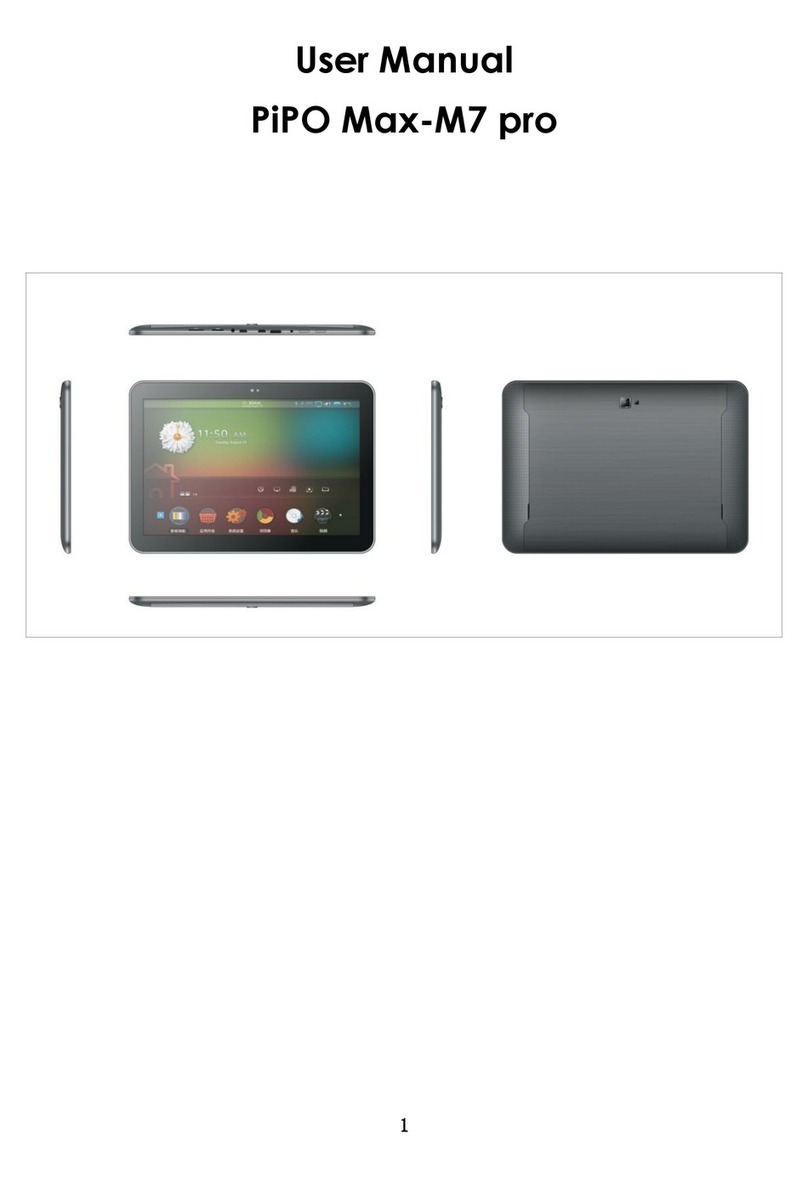
①Touch screen:You can click and drag in the touch screen.
②Camera:You can take photos and videos etc..
③Volume-:Turn down the volume.
④Volume+:Turn up the volume.
⑤POWER:
Turn on/off the device by long pressing this button.
-- When the power indicator is on, press the power key, the device will turn on. (It will
take some time)
-- Press for 3 seconds when it is off.
The system would indicate MID Option. Click “Power off” to shut it down. Press the
returnkeytostay.
Press the Power key for a short time, you can shut /start the screen.
2
⑥:DC jack: Connect the power cable to charge to the device.
⑦:Mini USB, Mini-5pin connector.
⑧MIC:Voicereceiving.
⑨:Earphone jack: 3.5mm standard earphone jack.
⑩Micro SD card:SD card slot.
【TIPS 】:1. When the battery is low, it will power off automatically.
2. Shutdown illegally, when you restart, device would scan and repair the
disk. The screen will stay at the progress bar for a long time .
3. Definition of “Press”:
Short Press: Press the button less than 2 seconds.
Long Press: Press the button more than 3 seconds.
If there is no special explanation, “Press” means Short Press.
3
Setting up for the first time
Charging your device:
For first-time use, you need to charge the device for ten hours.
After that you can recharge the device as needed.
Connect the DC-in jack to your device and plug theAC adapter into anyAC outlet.
【TIPS】:
1. This device adopts built-in polymer battery. Only the specified charger should be
used.
2. It is normal for the device’s surface to become warm during charging or long
periods of use. All devices are factory tested before release.
3. If you do not use this set for a long time, please charge/release it once
one month to avoid deep discharge.The damage caused by battery