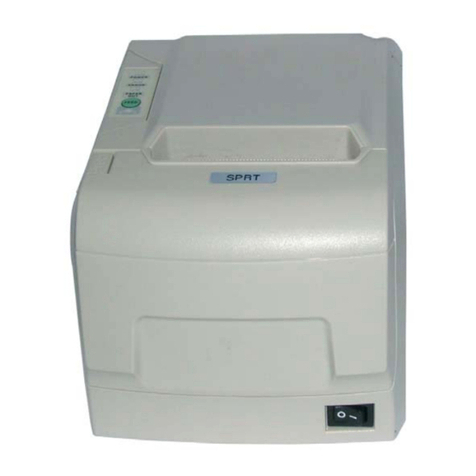
Precautions
1. The printer is installed in a solid place to avoid the printer on a
vibration and washing places.
2. Do not use of or storage printer,in heat and humidity and a serious
pollution of local.
3. The printer’s power adapter connect to a proper grounding outlet, to
avoid large-scale electrical or the other power supply voltage
fluctuations device cause to use the same socket
4.Avoid water or conductive material (for example: metal) into the printer
inside, the event should immediately turn off the power.
5.The printer can not print in paperless state, or it will seriously
undermine the printing roller and the thermal print head.
6. If you do not use the printer a long time, please disconnect the printer
power adapter power.
7. Users can not make bold to take down printer repair or remake.
8. The power adapter to use only the power adapter with random special
configuration.
9.In order to ensure print quality and product life, it is suggested to use
the recommended or equivalent quality thermal printing paper.
10. When plugged into the power connect cable or the data cable, please
make sure the printer power is turned off.
11.Please properly keep this manual,in order to use of reference
Application Area
Electronic Cash Register POS System Bill Print
Electronic Funds Transfer (EFT) POS Systems Bill Print
Sports, postal services, civil aviation ticket printing
Inquiries and service system for ticket printing
Measuring instrument information on printing
Tax, single-bill printing