8 LP1200
Operating the function keys / display
In general
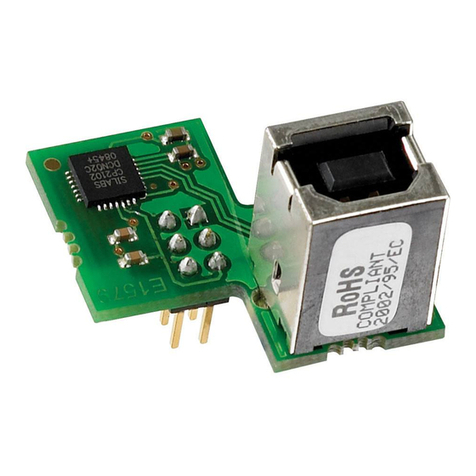
When using the PGMMOD for configuration of an IAMS/IFM or AFCM device, you will be guided through all parameters and can
choose the settings which fit the application. For each menu there is a scrolling help text which is automatically shown in line
3 on the display.
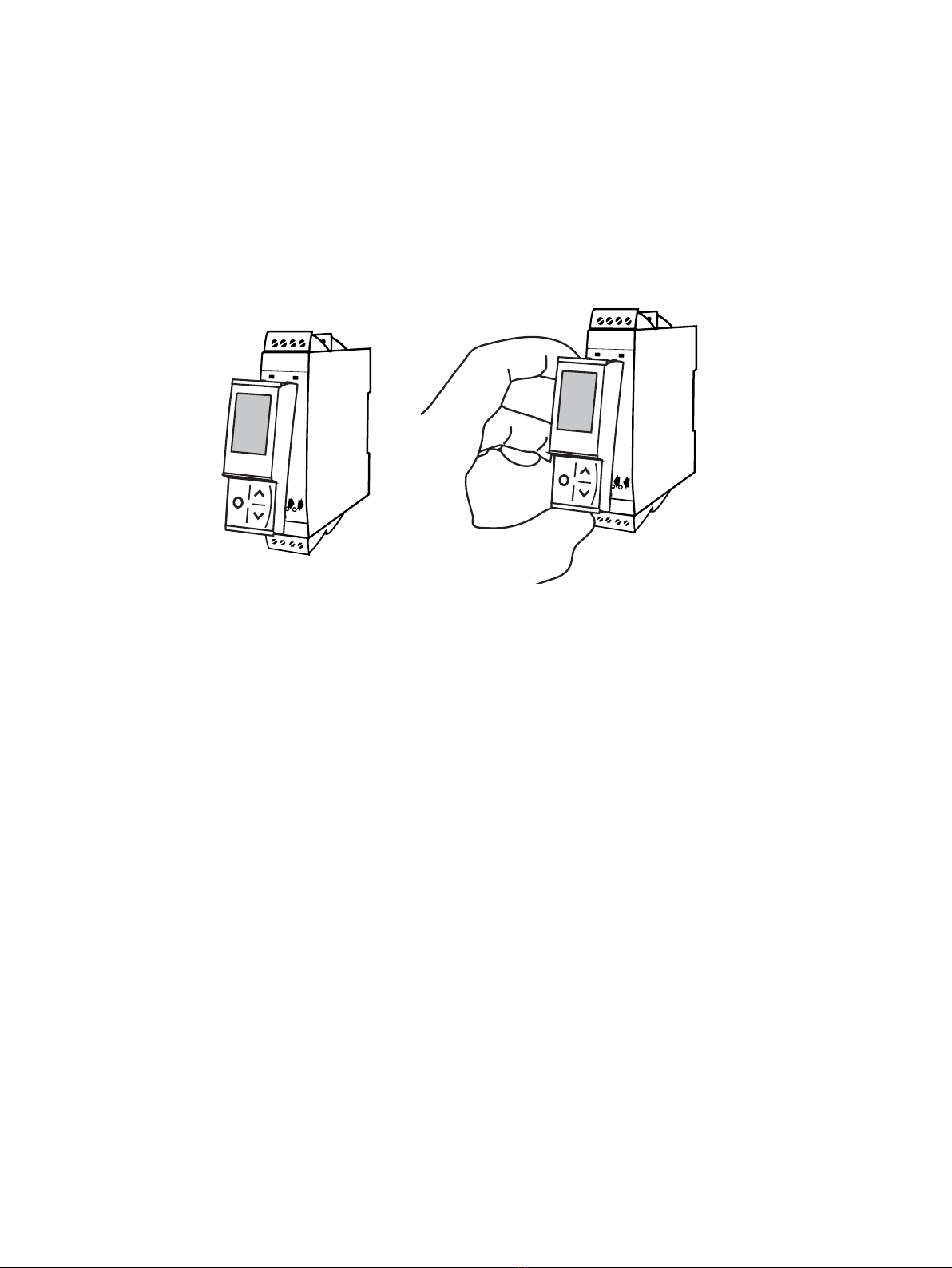
Configuration is carried out by use of the 3 function keys:
1will increase the numerical value or choose the next parameter
2will decrease the numerical value or choose the previous parameter
3will save the chosen value and proceed to the next menu
When configuration is completed, the display will return to the default state (monitor). Pressing and holding 3will return to
the previous menu or return to the default state without saving the changed values or parameters.
If no key is activated for 1 minute, the display will return to the default state without saving the changed values or
parameters.
For device-specific programming menus, please refer to the user manual for each device.
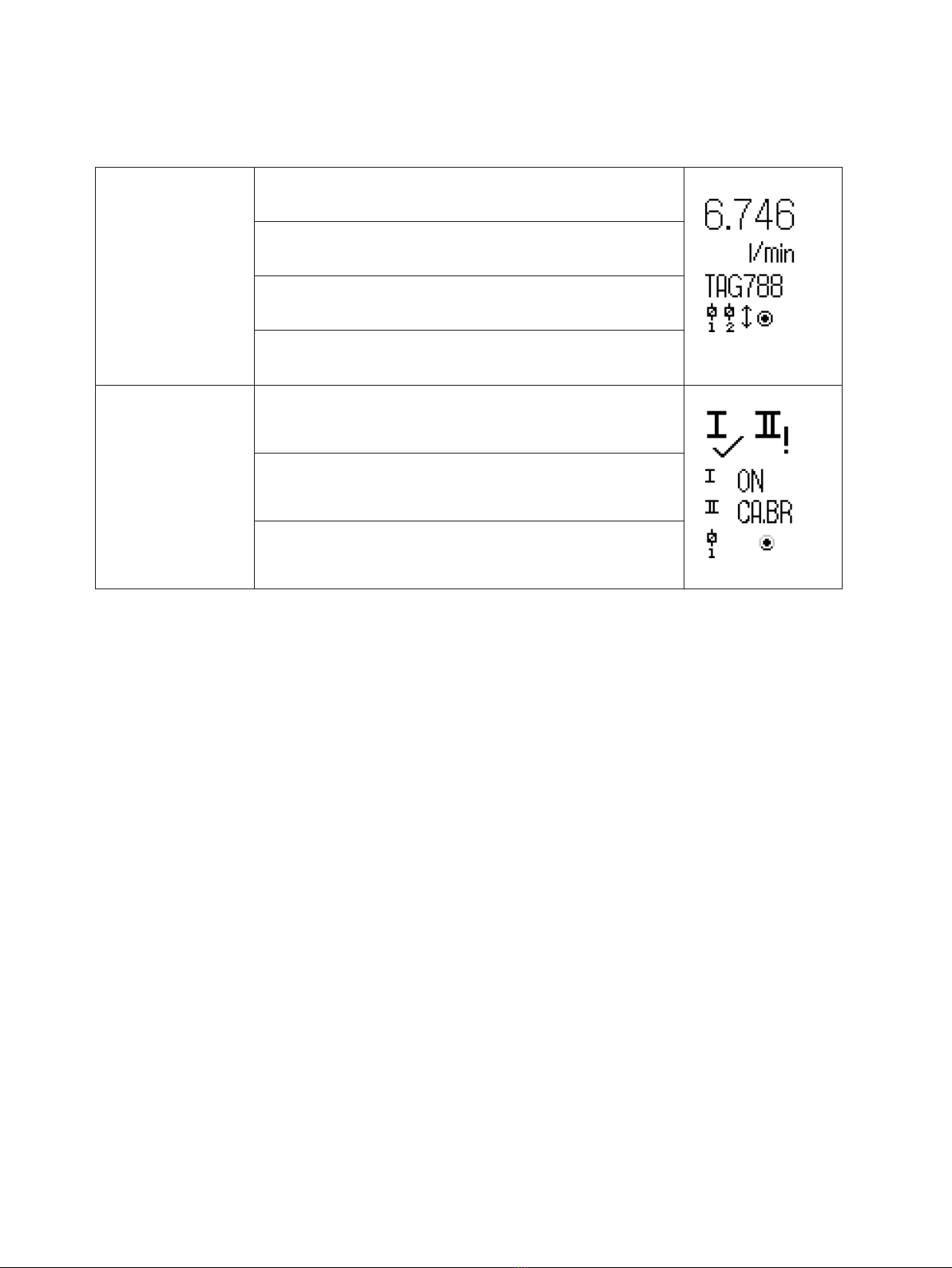
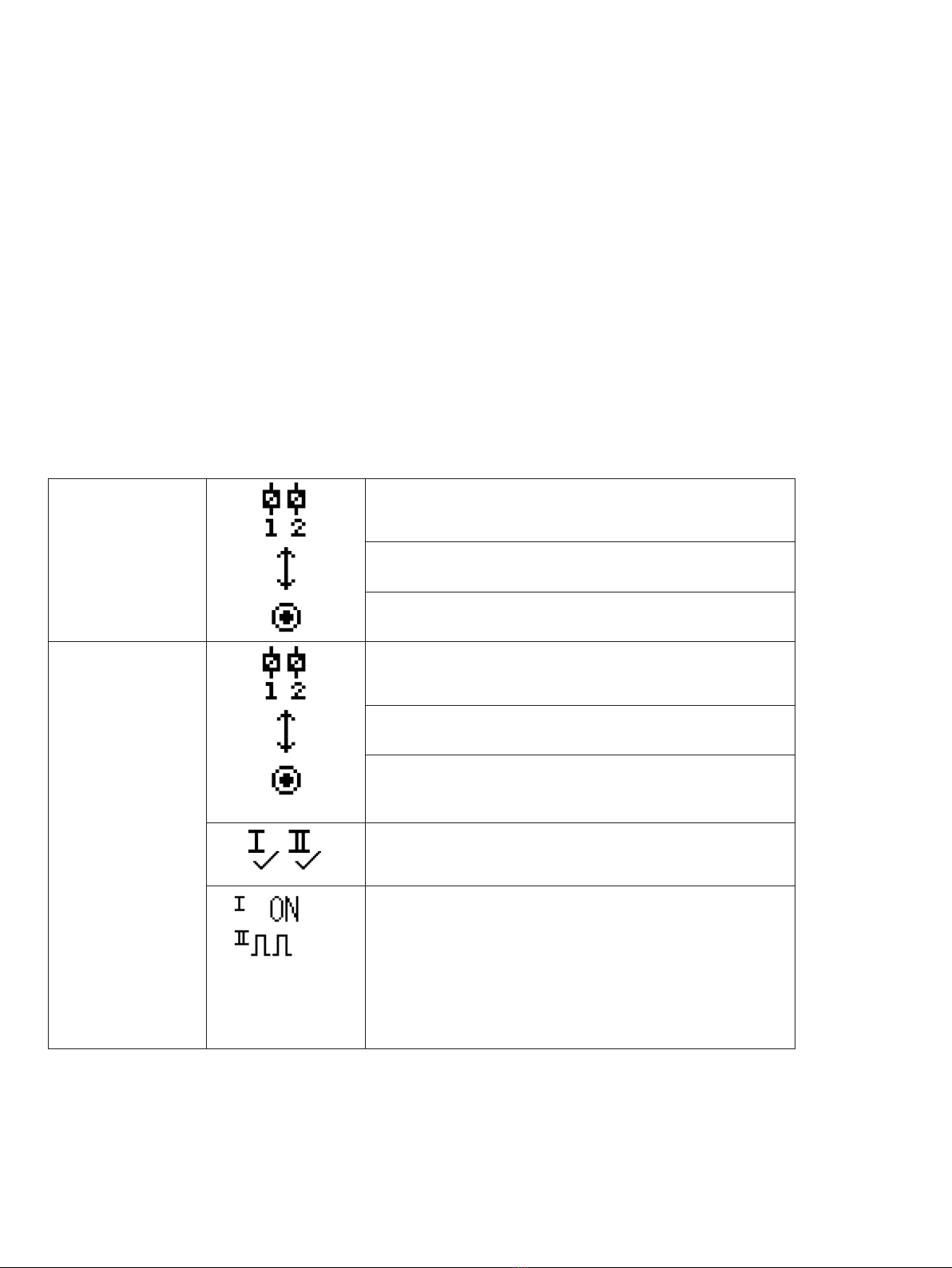
PGMMOD display icons explained
IAMS/IFM Relay status (Relay energized]. Icon with 1 or 2 blinking indicates
delayed relay action (programmable on/off delay).
Arrow up/down indicates process value is trending higher/lower.
Circular indicator confirms display to host communication.
AFCM Relay status (Relay energized]. Icon with 1 or 2 blinking indicates
delayed relay action (programmable on/off delay).
Arrow up/down indicates process value is trending higher/lower.
Circular indicator confirms display to host communication. Steady
dot indicates device is SIL-locked, blinking dot indicates non SIL-
locked device.
Checkmark indicates input OK or ‘!’ for error condition / device
error on channel input.
One or two channels:
ON indicates that the relay / digital output is energized.
OFF = not energized.
The pulse icon indicates input frequency above 1 Hz.
Device faults are displayed in channel 1 status.
Device or sensors faults messages e.g. CA.BR (cable break) are
device-dependent, please consult device manual for a complete
list of applicable error codes.