manuals.online logo
Brands
  1. Home
  2. •
  3. Brands
  4. •
  5. RetiCAM
  6. •
  7. Camera Accessories
  8. •
  9. RetiCAM MT-01 User manual

RetiCAM MT-01 User manual

Popular Camera Accessories manuals by other brands

CamRanger CamRanger user manual

CamRanger

CamRanger CamRanger user manual

Custom Brackets HDV CAGE KIT Instructions for use

Custom Brackets

Custom Brackets HDV CAGE KIT Instructions for use

Aegis ABL052010P user manual

Aegis

Aegis ABL052010P user manual

Saft SRA Series Installation and operating instructions

Saft

Saft SRA Series Installation and operating instructions

Kodak TIB5200 technical information

Kodak

Kodak TIB5200 technical information

Videotec HEG instruction manual

Videotec

Videotec HEG instruction manual

Ikelite 6171.11 manual

Ikelite

Ikelite 6171.11 manual

Pentax Auto Bellows Slide Copier K user manual

Pentax

Pentax Auto Bellows Slide Copier K user manual

Nikon UT-1 user manual

Nikon

Nikon UT-1 user manual

dji RONIN 4D quick start guide

dji

dji RONIN 4D quick start guide

SLIK ABLE 300DX user manual

SLIK

SLIK ABLE 300DX user manual

Rebelcell 36V70 user manual

Rebelcell

Rebelcell 36V70 user manual

Trojan GC2 48V quick start guide

Trojan

Trojan GC2 48V quick start guide

Calumet 7100 Series CK7114 operating instructions

Calumet

Calumet 7100 Series CK7114 operating instructions

Ropox 4Single Series User manual and installation instructions

Ropox

Ropox 4Single Series User manual and installation instructions

Cambo Wide DS Digital Series Main operating instructions

Cambo

Cambo Wide DS Digital Series Main operating instructions

Samsung SHG-120 Specification sheet

Samsung

Samsung SHG-120 Specification sheet

Ryobi BPL-1820 Owner's operating manual

Ryobi

Ryobi BPL-1820 Owner's operating manual

manuals.online logo
manuals.online logoBrands
  • About & Mission
  • Contact us
  • Privacy Policy
  • Terms and Conditions

Copyright 2025 Manuals.Online. All Rights Reserved.

R
E
T
I
C
A
M
S
M
A
R
T
P
H
O
N
E
A
N
D
C
A
M
E
R
A
A
C
C
E
S
S
O
R
I
E
S
:
P
H
O
N
E
M
O
U
N
T
,
T
R
I
P
O
D
,
C
A
R
M
O
U
N
T
,
O
P
T
I
C
S
,
B
L
U
E
T
O
O
T
H
RetiCAM
Smartphone Tripod Mount Hot Shoe AdapterBall Head
For more smartphone and camera accessories please visit ReCAM.com
For technical support, warranty
services or any quesons about our
products, please contact us at
ReCAM.com. We’re here to help.
RetiCAM
Products
Overview:
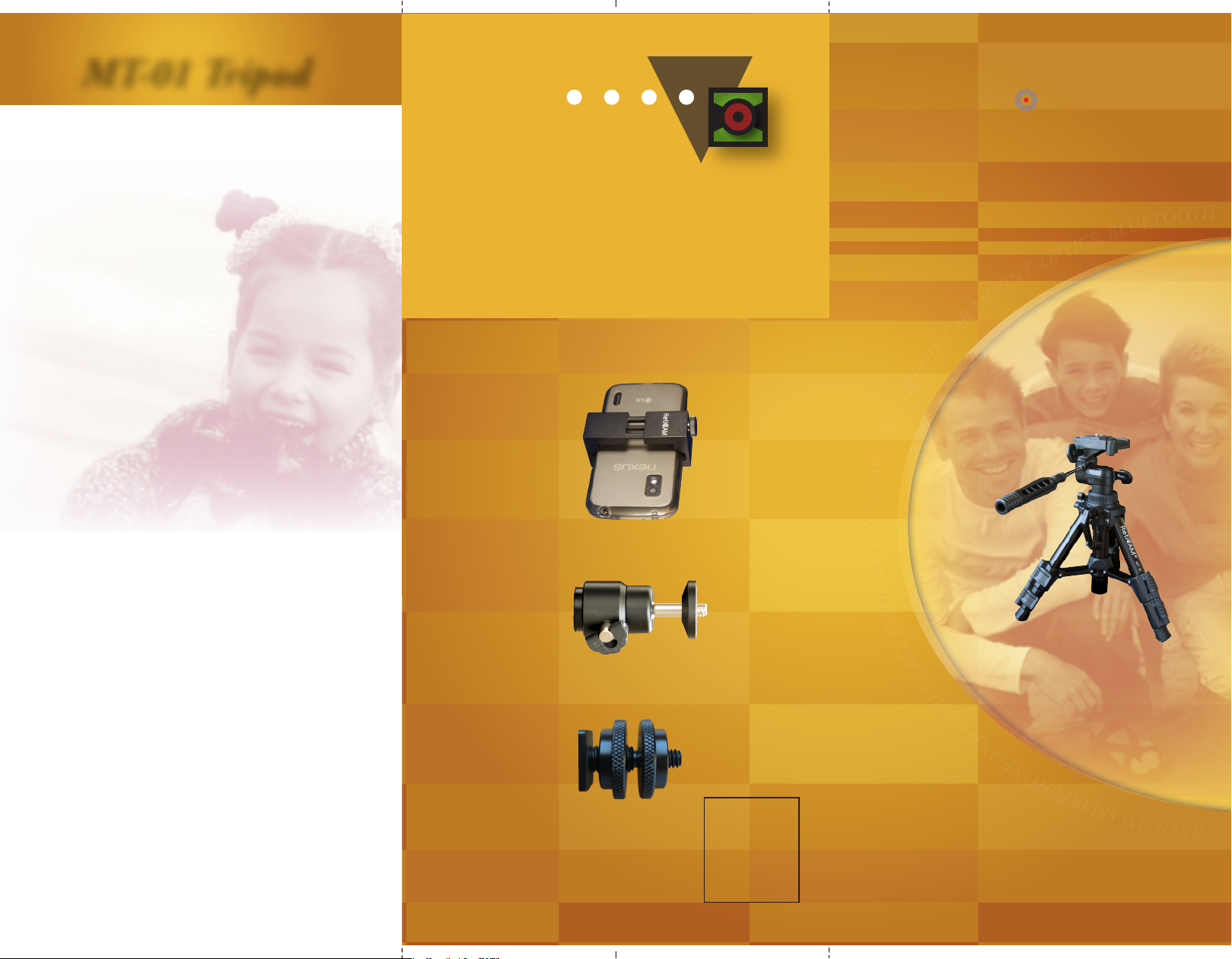
ReCAM MT-01 Tabletop Tripod is a durable,
full-featured tripod designed for cameras,
smartphones, spong scopes and many other devices.
It is light-weight and portable, but unlike most mini
tripods, it can extend to 19" tall making it easier to
posion your equipment to eye level.
Equipped with a three-way pan/lt head, the tripod
offers smooth adjustment that allows precise
posioning of your camera to achieve the opmal
shoong angle. A quick release plate enables instant
mounng and removal of your device. Sturdy 3-secon
legs are made of aluminum and come with quick snap
flip locks. A 20mm-diameter geared center column with
hand crank allows rapid height adjustment on the fly.
Features:
» Complete table top tripod for digital cameras, DSLR
cameras, camcorders, spong scopes, and tripod
mounts for smartphones and tablets;
» Full of Features: 3-Way pan/lt head, quick release
mounng plate, extendable center column, quick snap
leg locks, non-slip rubber feet;
» Strong, sturdy and durable: Aluminum construcon,
20mm legs and geared center post, over-sized locks;
» Light weight and portable with a convenient carry bag
included;
» Min Height: 10-3/4"; Max height: 19"; Weight: 25oz;
Max Load: 5lb.
Package Content:
ReCAM MT-01 Tabletop Tripod
Carrying Case
Product Brochure
MT-01 Tripod
CustomerSupport
Model:MT-01
RetiCAM.com
RetiCAM
Tabletop
Tripod
RetiCAMSmartphoneandCameraAccessories
MT-01TabletopTripod
RetiCAM
RetiCAM MT-01 TabletopTripod
Standard 1/4”-20 Tripod Screw
Safety
• Always ensure that the tripod head and legs
are locked ghtly and the tripod is resng firmly
on a level surface before using your Tripod.
• Avoid leaving tripod unaended or in areas
where people could trip over.
• To raise the tripod, extend the largest
diameter leg secons first and raise the Center
Column only when necessary.
• Do not exceed the maximum specified load
capacity. Do not use the tripod when
temperature is below −20°C or above 70°C.
• Always clean and dry the tripod aer it has
been exposed to wet, dusty, sandy or salty
condions.
• Detach mounng plate from base before
mounng a camera to the plate.
• Do not li or move the tripod by holding the
tripod head only.
• Remove camera or other equipment from
tripod when transporng.
FeaturesandComponents
Mounng Plate Release/Lock
Pan Head Lock
Quick Flip Leg Lock
Quick Release
Mounng Plate
Le/Right Tilt Lock
Tilt/Pan Handle Bar
Center Column Lock
Center Column Crank
Mid Level Spreader
Rubber Foot

















