5
[1] AUTO (default). This will synchronize the ’s tempo to the external MIDI clock signal coming from
the MIDI IN connector.
[2] INTERNAL. This will cause the to operate at the tempo of the unit itself.
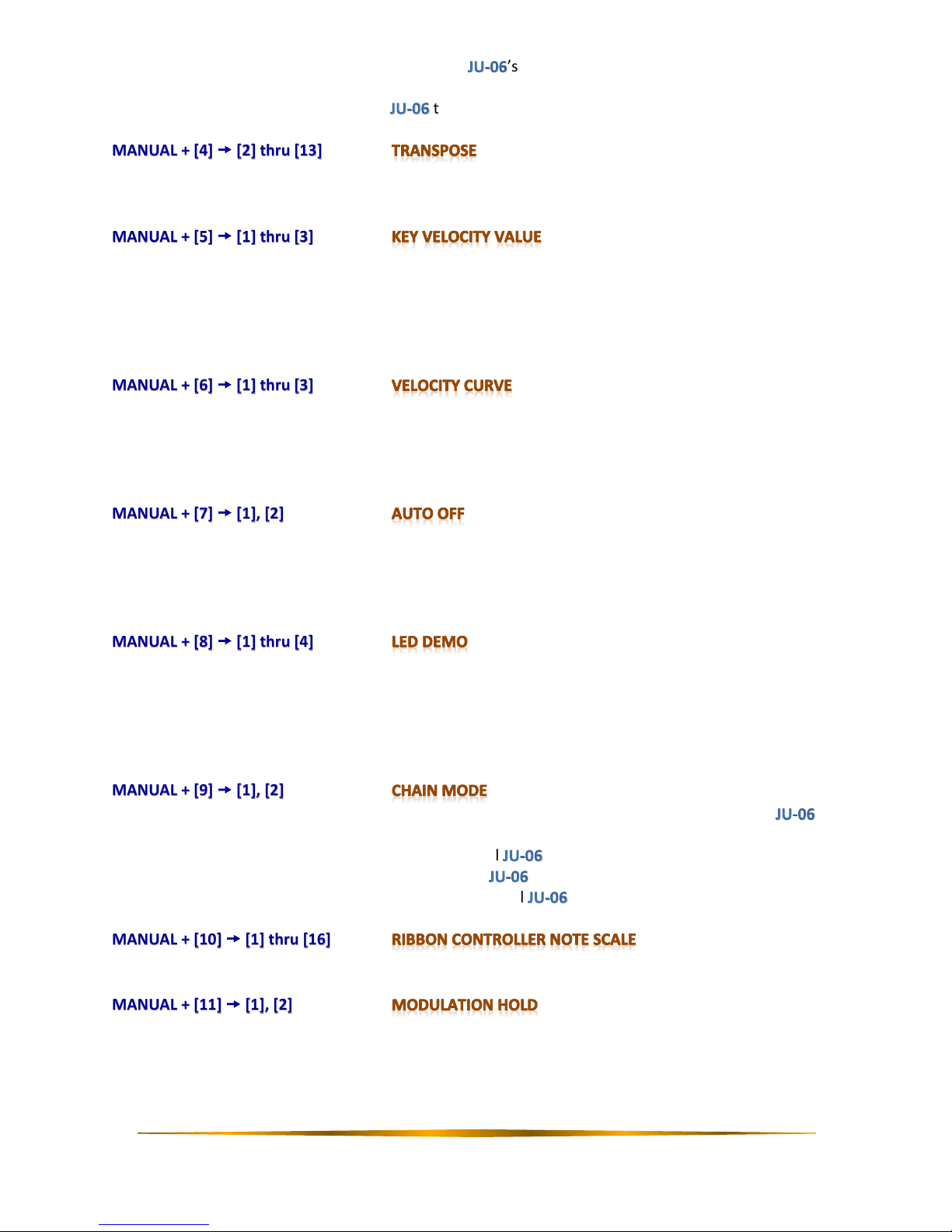
MANUAL + [4] [2] thru [13]
Transpose the keyboard range up or down in semitones, where the default of ±0 is [8]. This only applies when
using the K-25m keyboard.
MANUAL + [5] [1] thru [3]
Adjusts the key velocity value that will be transmitted when playing the keyboard. This only applies when using
the K-25m keyboard.
[1] TOUCH. Transmits the actual keyboard velocity.
[2] (64). Transmits a fixed velocity of 64 (half) regardless of the actual velocity.
[3] (127). Transmits a fixed velocity of 127 (max) regardless of the actual velocity.
MANUAL + [6] [1] thru [3]
Sets the velocity curve of the keyboard. This only applies when using the K-25m keyboard.
[1] LIGHT. Sets the keyboard to a light touch.
[2] MEDIUM. Sets the keyboard to the standard touch.
[3] HEAVY. Sets the keyboard to a heavy touch.
MANUAL + [7] [1], [2]
Sets Auto Off.
[1] OFF. Prevents the unit from powering down automatically.
[2] 30 min. Causes the unit to turn off automatically after 30 minutes of inactivity. Auto Off will not occur
while the unit is plugged in via USB.
MANUAL + [8] [1] thru [4]
Specifies the length of inactivity before the LED demo turns on.
[1] OFF. Prevents the unit from entering the LED demo.
[2] 1 min. Causes the LED demo to engage after 1 minute.
[3] 3 min. Causes the LED demo to engage after 3 minutes.
[4] 10 min. Causes the LED demo to engage after 10 minutes.
MANUAL + [9] [1], [2]
Sets Chain Mode on or off. Chain Mode can be used to increase polyphony by connecting more units via
MIDI cable.
[1] OFF. Prevents communication with additional units.
[2] ON. Allows additional polyphony with more units attached via MIDI cable. In this mode, the 5th
and subsequent notes are passed through to additional units via MIDI out.
MANUAL + [10] [1] thru [16]
Sets the ribbon controller note scale. The default is [1].
MANUAL + [11] [1], [2]
Sets the modulation hold of the C2 ribbon controler.
[1] HOLD OFF (default)
This is like having a spring on the mod-wheel –the second you take your finger off it, the modulation effect
jumps back down to zero.