manuals.online logo
Brands
  1. Home
  2. •
  3. Brands
  4. •
  5. Scanner
  6. •
  7. Metal Detector
  8. •
  9. Scanner TX-1001B User manual

Scanner TX-1001B User manual

Popular Metal Detector manuals by other brands

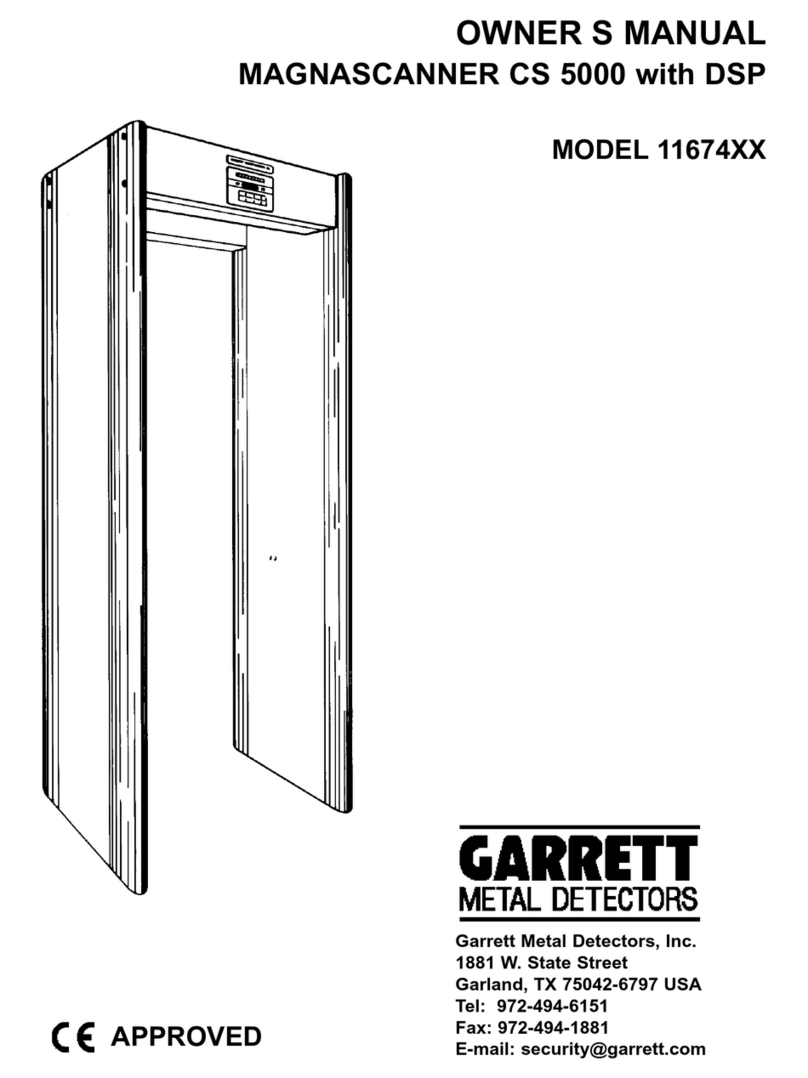
Garrett MAGNASCANNER CS 5000 owner's manual

Garrett

Garrett MAGNASCANNER CS 5000 owner's manual

Valex 1800200 Use and maintenance manual

Valex

Valex 1800200 Use and maintenance manual

Velleman CS130 user manual

Velleman

Velleman CS130 user manual

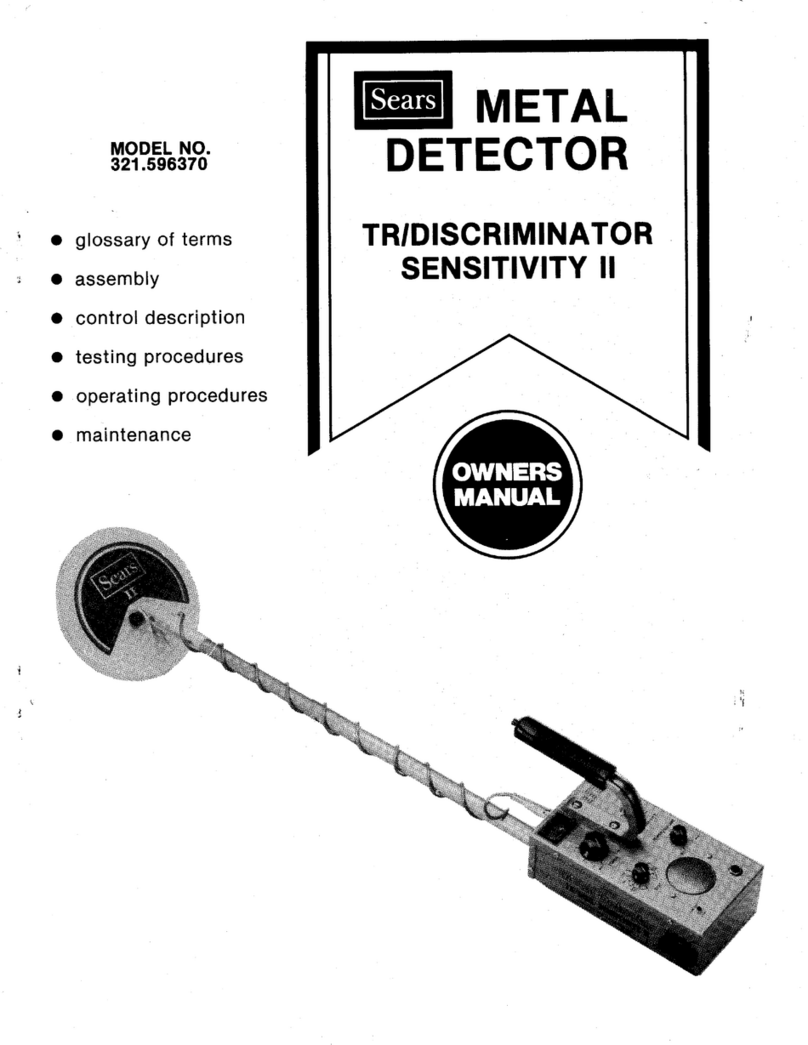
Sears 321.596370 owner's manual

Sears

Sears 321.596370 owner's manual

Eriez X8 reference guide

Eriez

Eriez X8 reference guide

Steinberg Systems SBS-MD-22 user manual

Steinberg Systems

Steinberg Systems SBS-MD-22 user manual

REV Ritter CB-7005 instruction manual

REV Ritter

REV Ritter CB-7005 instruction manual

nalanda MD027 owner's manual

nalanda

nalanda MD027 owner's manual

Fisher Research Labs F70 user manual

Fisher Research Labs

Fisher Research Labs F70 user manual

Gauss MIL MD operating manual

Gauss

Gauss MIL MD operating manual

Steinberg Systems SBS-MD-12 user manual

Steinberg Systems

Steinberg Systems SBS-MD-12 user manual

GOLDEN MASK 5 user guide

GOLDEN MASK

GOLDEN MASK 5 user guide

Grizzly YM 203 manual

Grizzly

Grizzly YM 203 manual

Fisher Research Labs 1280-X Aquanaut operating manual

Fisher Research Labs

Fisher Research Labs 1280-X Aquanaut operating manual

Treasure Cove Vibra-Probe 560 quick guide

Treasure Cove

Treasure Cove Vibra-Probe 560 quick guide

Garrett GTI 2500 owner's manual

Garrett

Garrett GTI 2500 owner's manual

Mikron Stinger 2 User's operating manual

Mikron

Mikron Stinger 2 User's operating manual

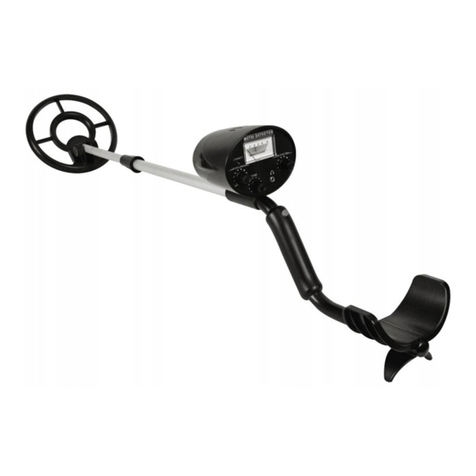
Mylek MYMD1061 user manual

Mylek

Mylek MYMD1061 user manual

manuals.online logo
manuals.online logoBrands
  • About & Mission
  • Contact us
  • Privacy Policy
  • Terms and Conditions

Copyright 2025 Manuals.Online. All Rights Reserved.

Sensitivity Adjustment:
(1) The sensitivity shall be adjusted when performance instability is observed
or sound is produced when detecting human body without any metal stuff
because the detection distance is less than the
stipulated requirement or the
sensitivity is too high.
(2) Rotate the Sensitivity Adjuster clockwise, until there is no sound from the
Buzzer, then counter-clockwise barely to the position where a sound is
produced, then rotate for another half a circle c lockwise, until the sensitivity
meets the requirement.
Detection Distance:
The sensitivity of the detector is determined primarily by the size, shape and
composition of the object to be detected. Typical performance
figures are
given below:
Object Sensitivity
Pin 30-60mm
One coin 75-100mm
6 inch
knife
64model hand gun
160-180mm
180-195mm
Specification:
Power: 9V (6F22) standard or rechargeable battery (* Optional)
Frequency: 25KHz
Voltage: 9V (6F22)
Weight: 400G (without battery)
Size: 41(L) ×8(W)
×4.2(H)cm
Operating Temperature: -15℃
to +55℃
Note:
(1) Be sure to switch off the power after use. If you are not going to use it for
a while, take the battery out.
(2) When use rechargeable battery, duration of charging is 5~6 hours.
(3) Voltage of Charger: 9~12V (DC). (*Charger is Optional)
(4) Keep the metal detector dry and
clean. Wipe off the detector with a
wet
cloth, don’t use the chemical detergent.
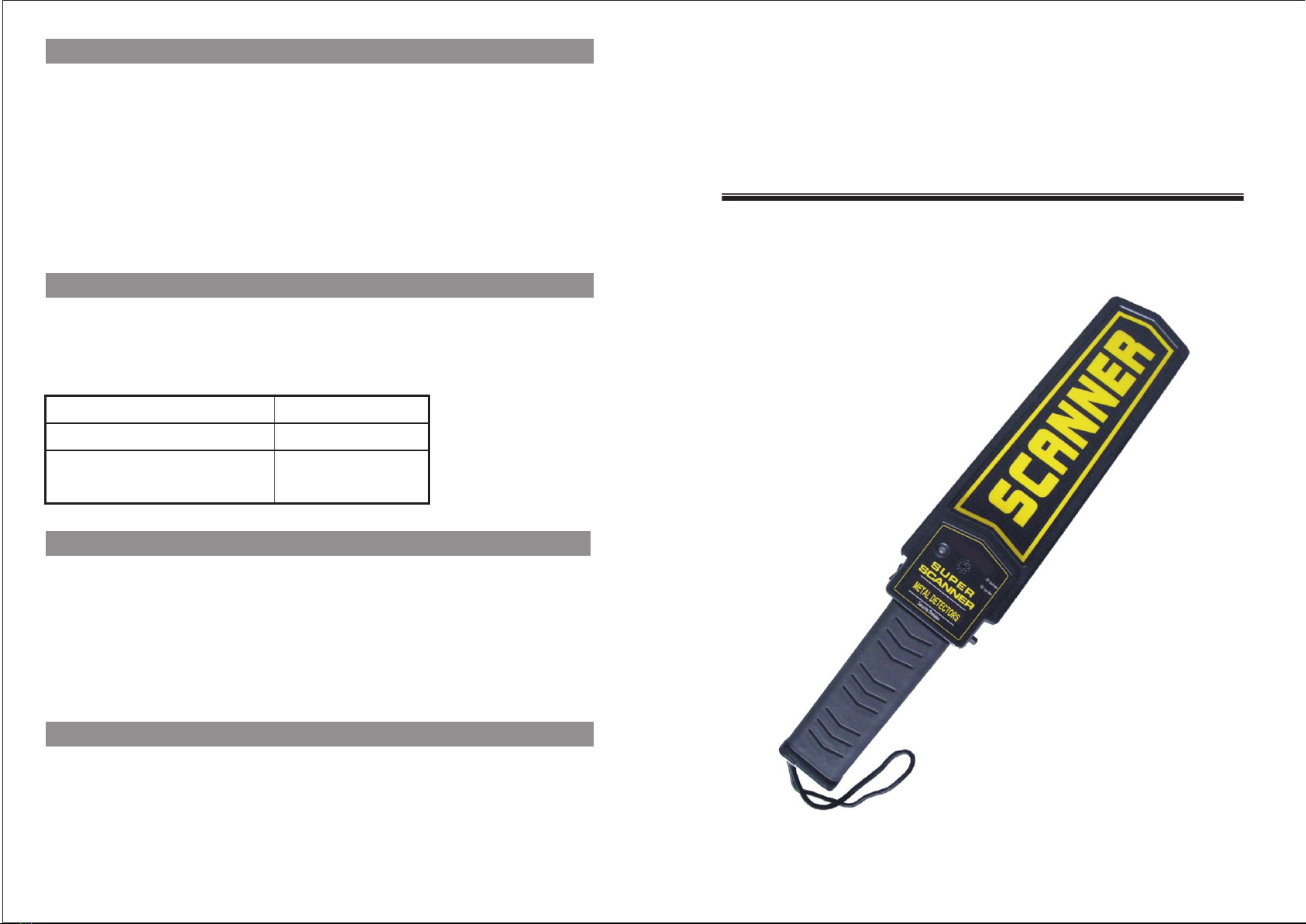
SUPER HAND HELD METAL DETECTOR
OPERATION
MANUAL
Introduction :
Super Hand Held Metal Detector is a high performance Metal Detector
designed to meet
the exact requirements of the security industry. The special
design of it’s detecting area makes that this model has very high sensitivity.
Typical uses will include body search for offensive weapons in crowd control,
airport and border security, checking parcels and letters for metal objects and
anywhere that hidden metal needs to be detected. This product adopts a
large
scale integrated circuit (LSI). It can be charged by using 9V rechargeable
battery. It has a low battery indicator, LED, buzzer or vibration alarm.
Function:
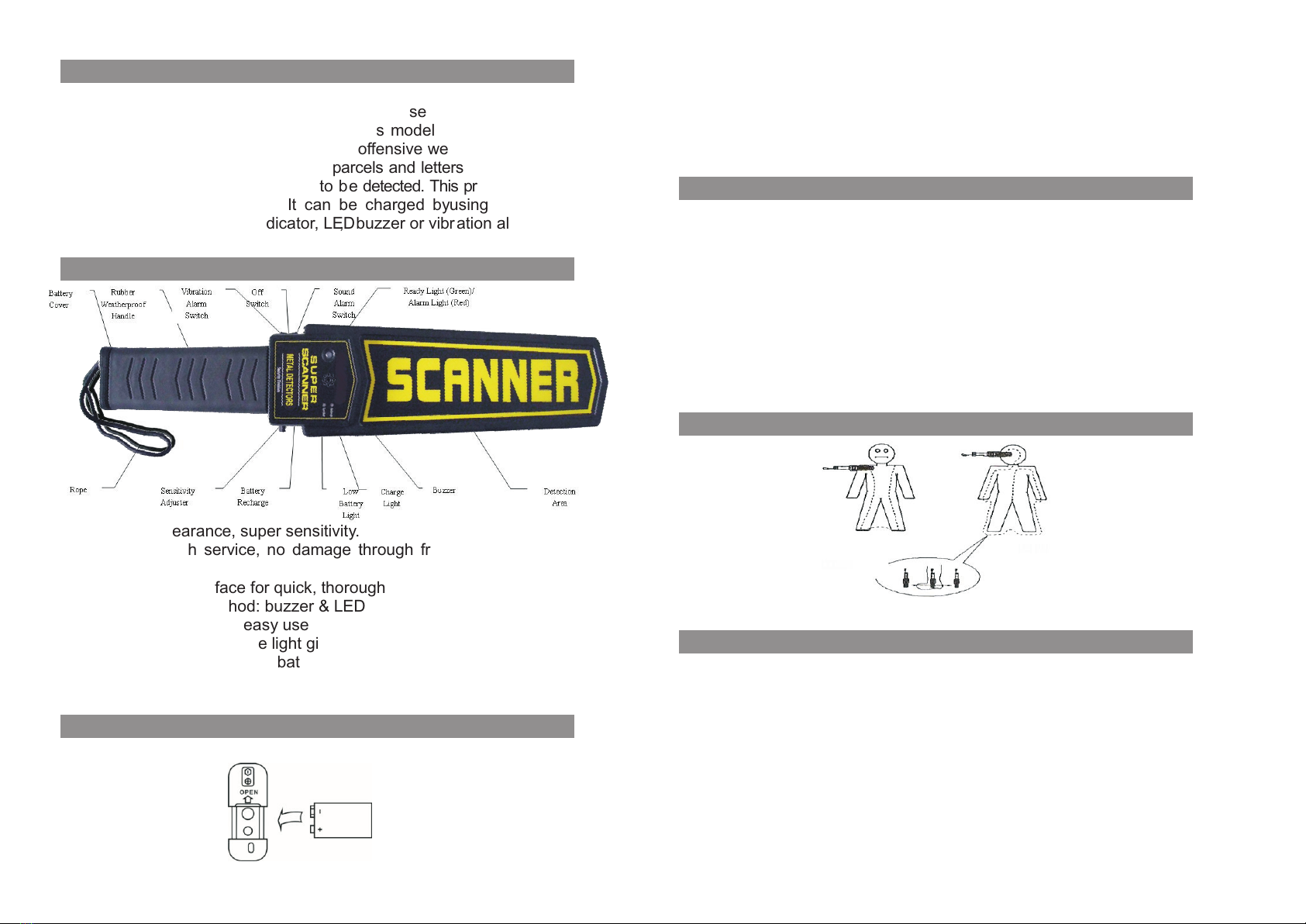
(1) Elegant appearance, super sensitivity.
(2) Rigid for tough service, no damage through free dropping at one meter
altitude.
(3) Large 10’’ scan suface for quick, thorough scanning.
(4) 2 kinds of alarm method: buzzer & LED alarm; vibration & LED alarm.
(5) Adjustable sensitivity, easy use
(6) Low battery light / Charge light gives a timely alert
(7) After installing chargeable battery (*Optional) in the battery compartment,
you can charge the device directly.
Install and replace battery:
1. The battery lid can be opened by pushing backward with thumb at the
concave groove.
2. Install the 6F22(9V) battery according to the anode and cathode sign s on
the battery lid.
3. Cover with the battery lid and push forward firmly.
Operation:
(1) Grasp the handle and press the button “Sound Alarm Switch” or “Vibration
Alarm Switch”, the power has been connected. Green “PW” LED turns on.
After 1~2 seconds Self-calibrating, the detector under the normal sensitivity
mode.
(2) The Search Area scans over a metal target, for example: a coin, you can
hear the audio alarm from the Buzzer, and the red Alert LED turns on.
(3) When the detector turns on and is not detecting metal objects, you hear a
durative audio alert, and the red “Low Battery Indicator LED” turns on. It
indicates that you should replace the battery. For good detecting fuction and
result, we suggest replace a new battery or charge it in time.
Body Scanning Procedure:
Picture 1
Picture 2
Body Scanning Procedure:
(1) Firstly, scanning the front body from the right shoulder, and move down
to
the right ankle, from the right ankle to the left, and move up to the left
shoulder. (Refer to Picture 1)
(2) Secondly, scanning the back body from the head, move along the outline
of the body, and over the left hand, the left leg, and move from the left ankle
to the right ankle, then along the right leg and hand up to the right shoulder,
from the neck move along the spine. (Refer to Picture 2)
(3) While scanning the ankle and feet area, holding the detector level to the
ground about 1~2 inches above the surface. When a detecting is being done
near the ground, reduce the sensitivity.