8
EN
CD1 SCHUBERT
DSM set
SUR EQ
DSM
+Enter+
SUR EQ
DSM
+Delete+
SUR EQ
Registering an equalizer
curve onto each disc
— Disc Sound Memory (DSM)
(CD/MD changer or CD/MD player with
program memory function)
Once you have registered the desired equalizer
curve and the sound characteristics (bass,
treble and subwoofer level) onto the discs, you
can enjoy the same equalizer curve every time
you play them. You can register up to 200
discs.
1Play the desired disc.
2Select the equalizer curve, and adjust the
sound characteristics.
3Press (SHIFT), then press (3) (PLAY
MODE) repeatedly until “DSM SET”
appears.
4Press (5) (ENTER) momentarily.
When the DSM setting is complete, the
display will go back to the normal playback
mode.
Changing the stored equalizer
curve
Play the disc whose equalizer curve you want
to change, and follow the “Setting and storing
the equalizer curve”.
Erasing the stored equalizer curve
1Press (SHIFT), then press (3) (PLAY
MODE) repeatedly until “DSM SET”
appears.
2Press (5) (ENTER) for two seconds.
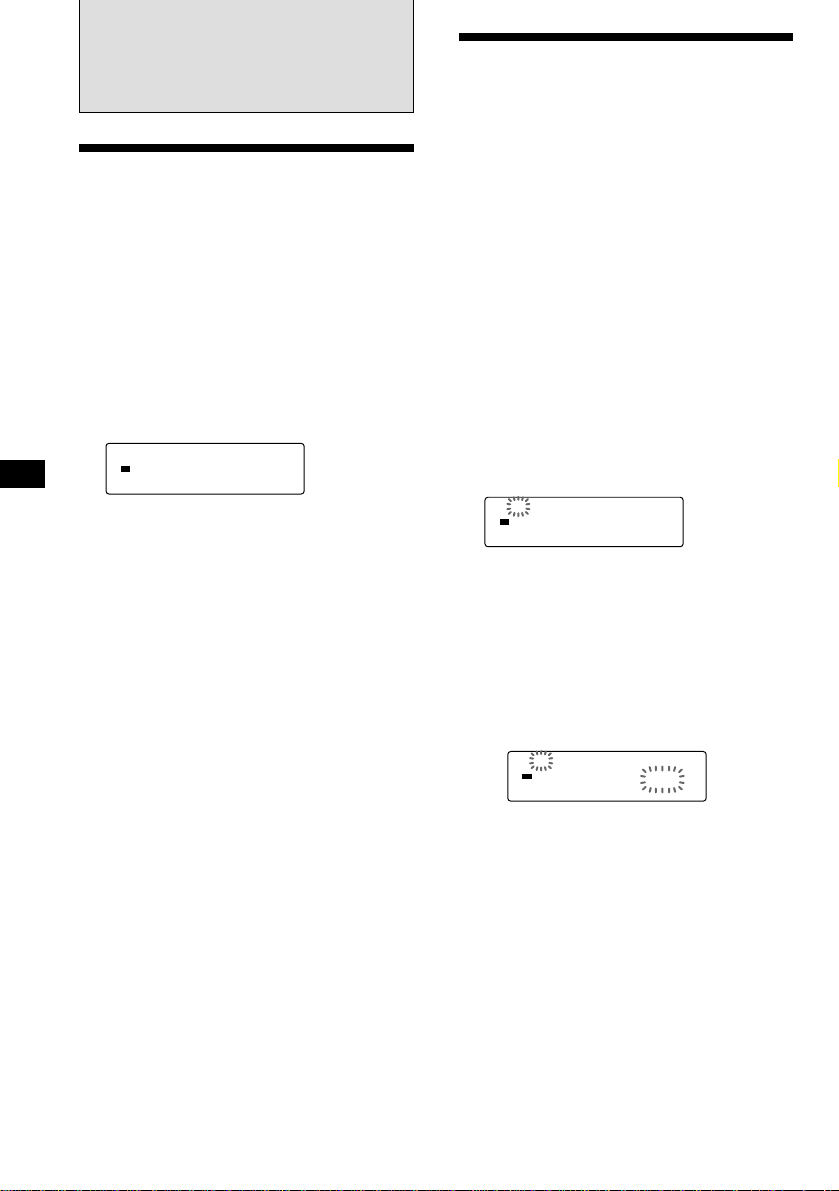
3Adjust the cut-off frequency
1Press (1) (N) or (4) (n) to select the
line out.
SUB (Subwoofer) ˜F (Front)
˜R (Rear)
2Rotate/press (+) to select the desired
cut-off frequency.
Subwoofer :
50 Hz n62 Hz n78 Hz n99 Hz n125 Hz
n157 Hz
Front, Rear:
Flat n78 Hz n99 Hz n125 Hz n157 Hz
n198 Hz
If you rotate/press (–), the cut-off
frequency appear in the reverse order.
3Repeat steps 1and 2to select the
cut-off frequency.
4Press (SOUND) for two seconds.
When the cut-off frequency setting is
complete, the display goes back to the
normal playback mode.
Tip
To adjust the subwoofer level, select “SUB” by pressing
(1) (N) or (3) (n) after step 3 above. Then rotate/press
(+) or (–) to adjust the level. When you finish adjusting
the subwoofer level, press (SOUND) for two seconds.
Listening to each program
source in its registered
equalizer curve
— Source Sound Memory
You can listen to the same source (CD, MD,
TAPE, FM and AM) always in the same
equalizer curve and sound characteristics
(bass, treble and subwoofer level) even after
changing the program source or turning the
unit on and off again.
CNW
Cut off
F 125Hz
SUR EQ
CNW
Cut off
F Flat
SUR EQ