PAGE 9
OWNER'S MANUAL
SYSTEM OPERATIONS
PAGE 8
OWNER'S MANUAL
SYSTEM OPERATIONS
LOCK/ ARM ALARM
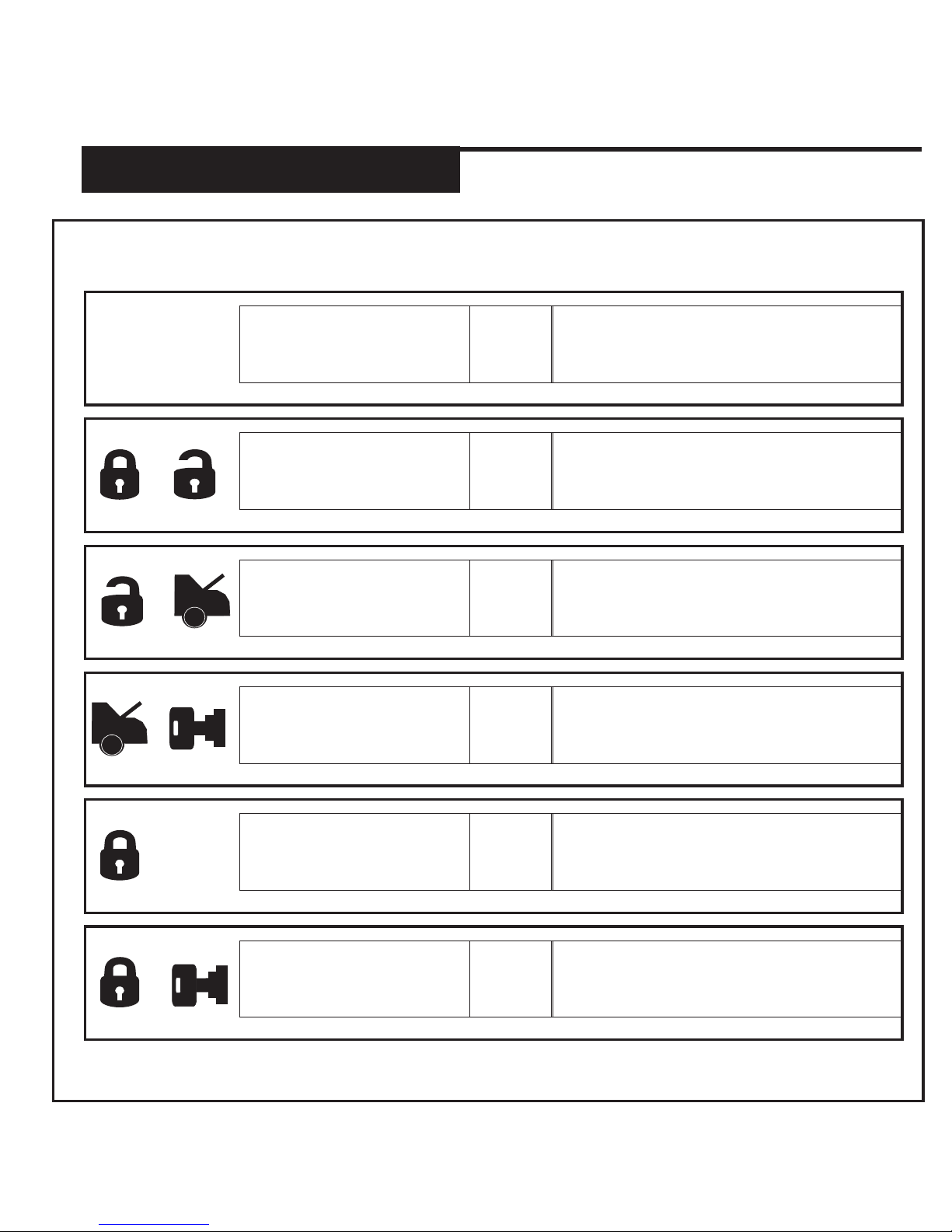
Press and release the Lock Button to lock the vehicle’s doors (if door locks are connected).
The park lights will flash once and the siren/horn will honk/chirp once. The LED’s on the antenna
will begin to flash (Programmable). The system will arm then monitor the vehicle’s doors, hood
and shock sensor. If any zone is violated the alarm will activate. The 2way remote will display
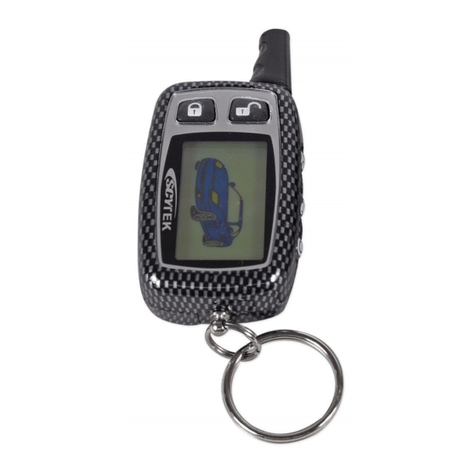
the large Lock icon when locked.(Some options will require additional parts and/or labour).
UNLOCK/ DISARM ALARM
Press and release the Unlock Button to unlock the vehicle’s doors (if door locks are connected).
The park lights will flash twice and the siren/horn will honk/chirp twice. The LED’s on the
antenna will stop flashing. If an alarm model was installed the system will disarm. If the alarm
was triggered pressing Unlock once will turn off the siren, pressing Unlock a second time will
unlock and disarm the alarm. The 2way remote will display the large Unlock icon when
unlocked.(Some options will require additional parts and/or labour).
DRIVER’S PRIORITY UNLOCK
When this option is installed and programmed, pressing the Unlock Button once will unlock the
driver’s door. Pressing the Unlock Button a second time will unlock the rest of the vehicle’s
doors. The 2way remote will display the large Unlock icon when this feature is activated.(Some
options will require additional parts and/or labour).
TRUNK RELEASE
Press and hold the Trunk Button for 3 to 5 seconds to activate the trunk release. When
activated the park lights will flash twice and the siren/horn will honk/chirp twice, the doors will
unlock and the trunk will open. The 2way remote will display the large Unlock icon and the Trunk
icon when activated.(Some options will require additional parts and/or labour).
SILENT LOCK/UNLOCK
If you wish to Lock/ Arm or Unlock/ Disarm your vehicle without siren chirps or horn honks on
specific occasions, you can do so by pressing the Lock and Unlock Buttons at the same time for
2 seconds. The system will toggle between lock and unlock without any audible confirmation.
REMOTE START
Press and hold the Start Button for 3 seconds to activate the remote start. The park lights will
flash once and the siren/horn will honk/chirp once, then the vehicle will start. Once the vehicle
is started the siren/horn will honk/chirp once and park lights will stay on solid. The vehicle will
run for the set runtime then shut down.(Default 15 minutes). The 2way remote will display the
START icon as well as the remaining runtime.
KEY TAKEOVER (TO ENTER THEN DRIVE THE VEHICLE)
Enter the vehicle then insert the ignition key into the key cylinder. Turn the key to the ON
position. (Do not turn the key to Start). Pressing on the brake at this point will turn the remote
starter off. Being that the key is in the ignition and in the ON position the vehicle will stay on. If
the key was not turned to the ON position the vehicle will shut off when the brake is pressed. If
you do this by mistake simply restart the vehicle with the key.
EXTENDED RUNTIME
If you would like to extend the remote start runtime you can do so by pressing the Start Button
for no more 2 seconds while the system is running by the remote starter. The park lights will
flash and the siren/horn will honk/chirp to confirm that the runtime has been rest to the set
runtime. (Default 15 minutes). If the vehicle had been running for 10 minutes, the new total run
time will be 25 minutes.
REMOTE STARTER SHUTDOWN (BY REMOTE)
To shut the remote starter off from form the remote transmitter, press and hold the Start Button
for 3-5 seconds. The park lights will flash and the siren/horn will honk/chirp twice to confirm the
vehicle has shut off.
IDLE MODE
With the vehicle running by key, press and release the Start Button. The doors will unlock, the
park lights will turn on and the siren/horn will honk/chirp once. You can now remove the key
from the ignition and the vehicle will remain running for the set runtime then shut off. The 2way
remote will display the IDLE icon as well as the remaining runtime.
ARS.2
ARS.2