Connections
-7-
AUX IN
This unit has a audio input terminal. You can input the analogue stereo
audio signals from extra devices such as VCD, CD, VCR,MP3 player,
etc.
Use the audio cable to connect the input terminal AUX IN on the rear
panel of this player, when the player connect the AUX input terminal, the
player will disconnectthe bluetooth connection automatically .
Bluetooth Connection
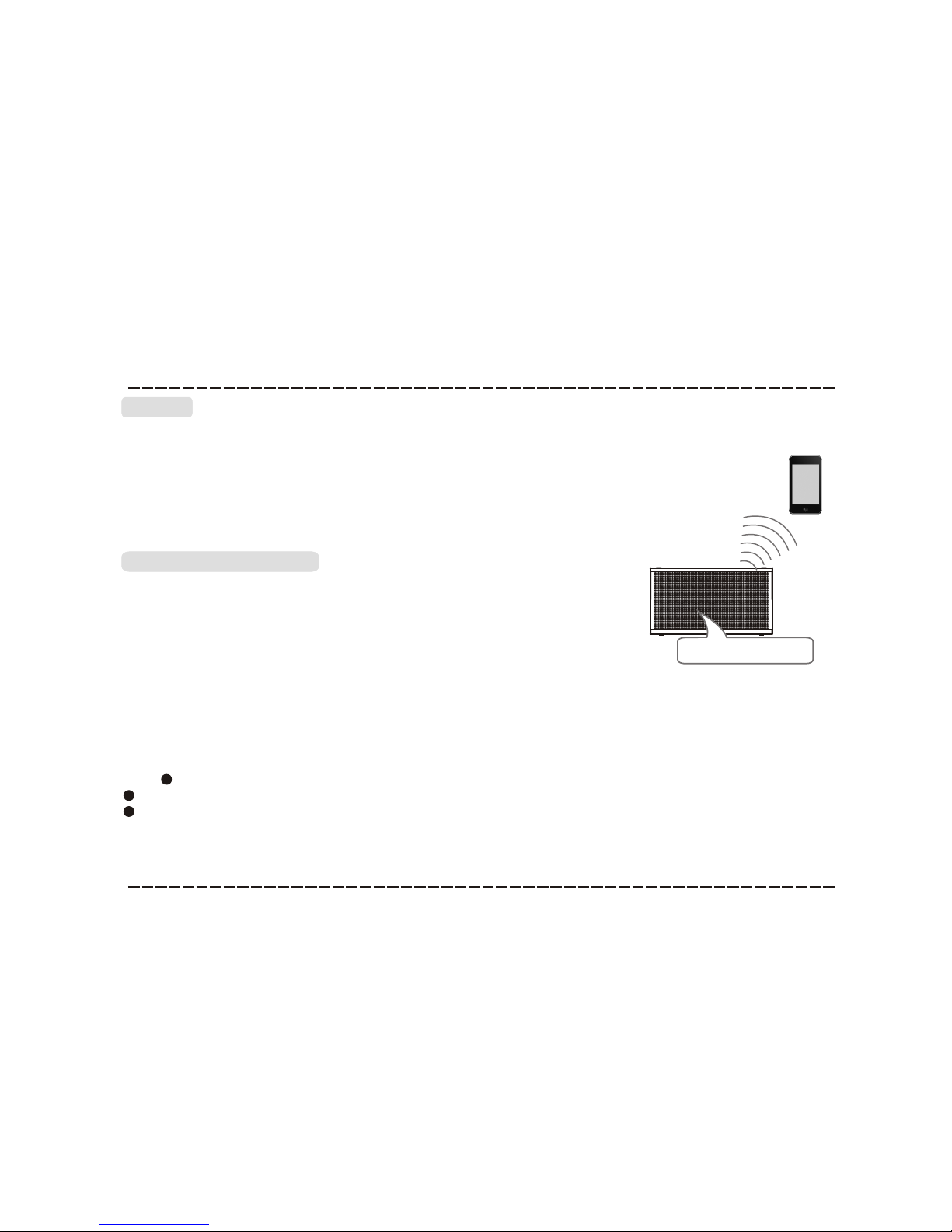
The model of the player is URBAN BEATZ SPB4M,power on the speaker,
the red andblue indicator flashing alternately, use your smartphone to
search the bluetoothsignal of the speaker, select
on the list,then input the password 0000, the speaker will synchronizeto
play songs on your smart phone while they connected successfully.
isconnected the bluetoothon the smart phone to switched off the
bluetooth connection.
The bluetooth isconnected to your smart phone successfully for the first
time, disconnect thebluetooth on your smart phone then reconnected it,
the player will memories your smart phone and repaired
automatically.Press [PLAY/PAUSE] to resume the playback.
URBAN BEATZ SPB4M
In bluetooth mode,[PLAY/PAUSE],[NEXT], [PREVIOUS], [VOLUME+/-]
etc. are also active.
URBAN BEATZ SPB4M
The blue indicator fladhiing means bluetooth was connected,
d
Note: Bluetooth connection rangein 10 meters.
The model in your device was not deleted.
Bluetooth
Model:URBAN BEATZ SPB4M