UVI Group Corporation www.ChinaGpsTracking.com User manual for PT502
For technical support, please contact us at uvigroups@gmail.com Skype ID: KevinChu1981 10 / 14
PT502 will send GPRS packet every 30 seconds always (we suggest time interval >= 30 seconds).
Note: please only use above Time Interval for sending GPRS packet if you have no special needs for tracker, and
don’t use following special extened commands.
Special and Extened Commands:
If you want to save the GPRS cost, then the normal way is just use Time Interval and ACC Ratio, then you can
send below command to config it:
Example: 000000GTI30,0,0,0,240
Note: you must connect car’s ignition wire with PT502’s ACC when using this command.
Then PT502 will send GPRS packet every 30 seconds when car moving,
and PT502 will send GPRS packet every 2hours (30secondsx240=7200seconds=2hours) when car’s ACC off.
Full commands notes:
Example: 000000GTI30,300,30,0,240
Then PT502 will send GPRS packet every 30 seconds when car moving,
and PT502 will send GPRS packet at every 300 meters distance,
and PT502 will send GPRS packet once car turn bend for 30 degree or over 30 degree,
and PT502 will send GPRS packet every 2hours (30secondsx240=7200seconds=2hours) when car’s ACC off.
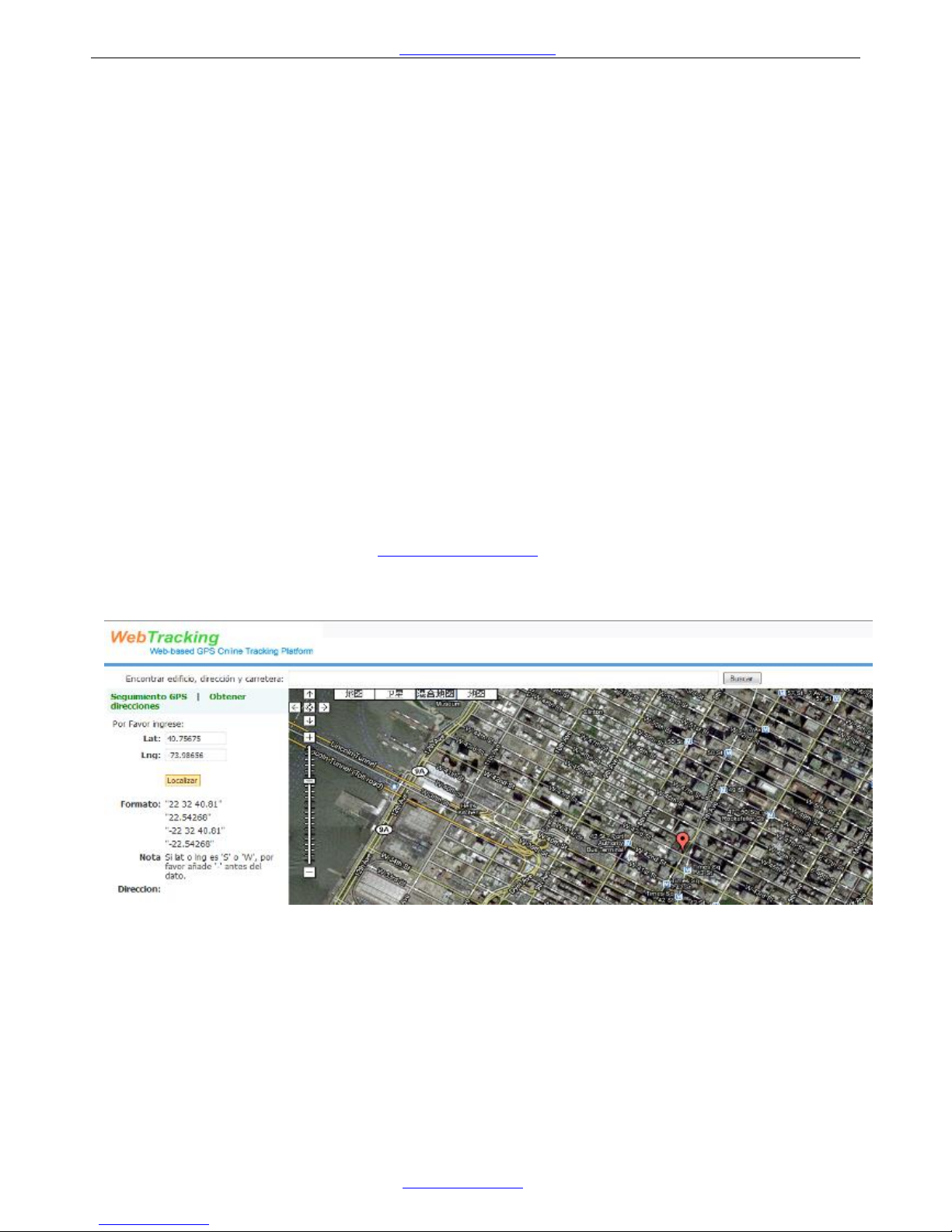
Back to WebTrackings and go to “Real-time” page, select your tracker, then you can see your tracker on the map.
All above setting is basic setting to connect to the software.
After PT502 connect to server successfully, you can also:
--Get street address by SMS request
The tracker must work on the WebTrackings successfully.
Then you can send the SMS command to get the street name.
The SMS command: <password>RCA
Example: 000000RCA
SMS received: Center: Nigang West Road Side Rd,Futian,Shenzhen,Guangdong,China
(Additional: tracker can only reply the street name in English)
--Set Mileage Alert to remind you maintain your car
Please use your mobile sending sms command to set the MileageAlert.
The SMS command: <password>MLA<base mileage>,<increment> unit: 100 meters
Example: 000000MLA100000,50000
Above sms command means, if the tracker record this car move more than 10000km, tracker will send one
Mileage Alert for each 5000km mileage increments.
This Mileage Alert will be sent to your email address, if you set your email address in your software account
successfully.