CARSFM1
24/09/2009 6 Velleman®
levels). Use the volume control on the radio to get the best signal
quality.
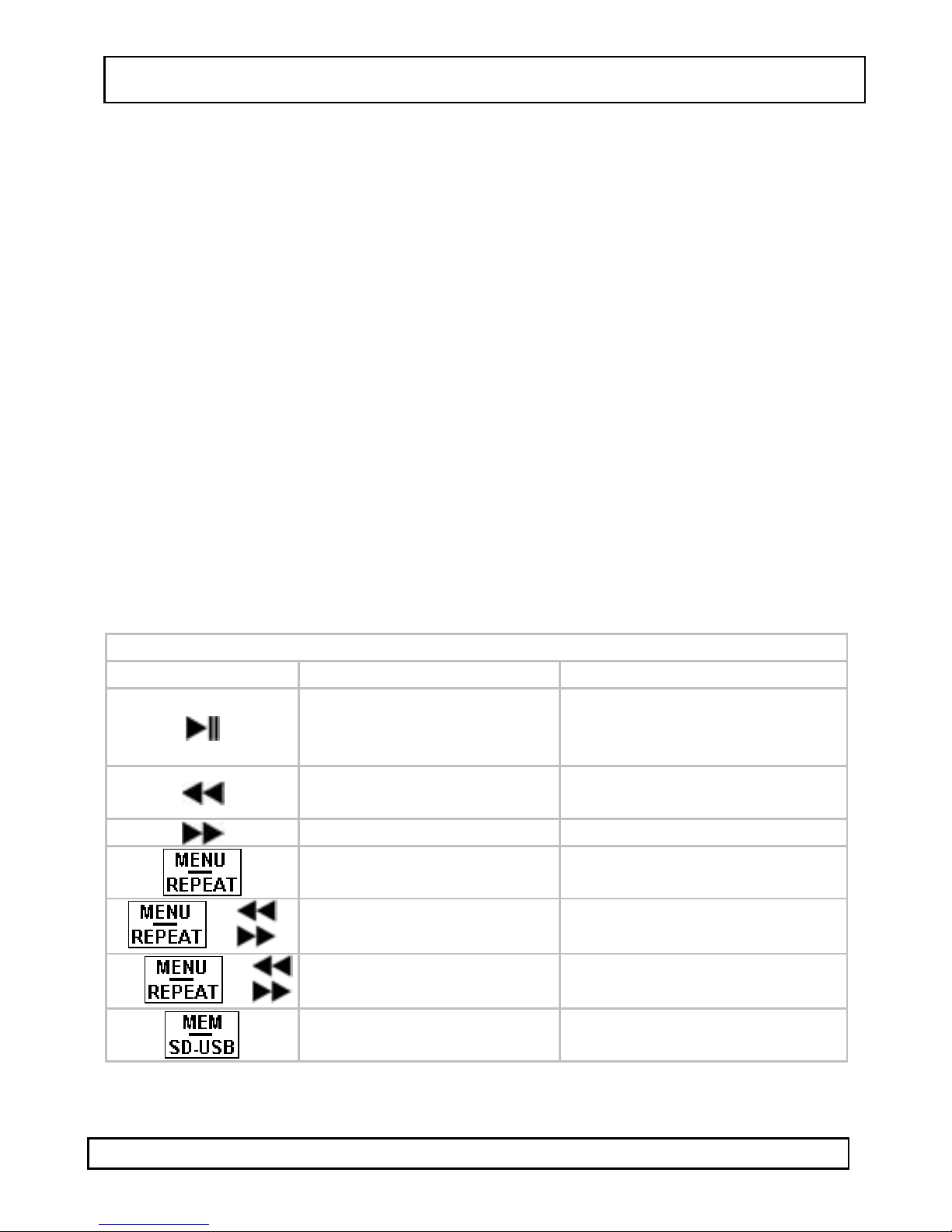
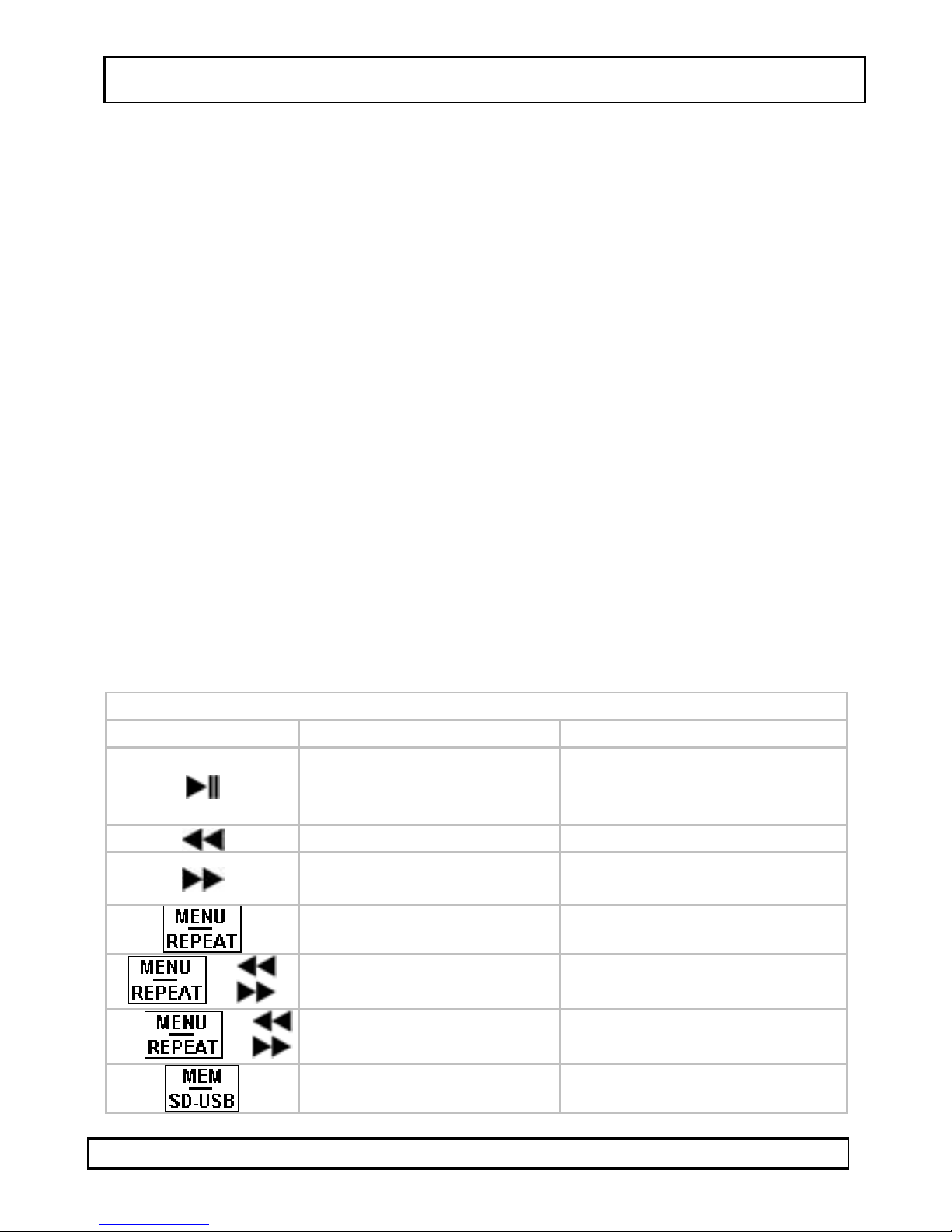
•Press the button, to toggle between pause and play mode. In
play mode, press the or buttons to skip to previous or next
track. Press and hold or for ±2s to skip to previous or next
folder (see §7: file organization).
•In playback mode, press and hold the button for ±2s to switch
the transmitter display between frequency, equalizer or
remaining play time.
•In playback mode, press and hold the MENU/REPEAT button for ±2s
to repeat the current track. Press and hold the MENU/REPEAT
button again for ±2s to return to normal playback.
•7 frequencies can be stored for quick access. First select the desired
frequency, than press the MEM/SD-USB button. Use the or
buttons to select a memory address (1~7).
•To recall a stored frequency, press the MEM/SD-USB button
repeatedly until the desired frequencies is shown on the display.
•For music tracks that are provided through the USB-port and that
contain an ID3-tag, a car radio with RDS (Radio Data System)
functionality will show the track information on its display.
•Briefly press the MENU/REPEAT button 3 times. Use the or
button to select the RDS display method and press the
MENU/REPEAT button again.
NOR: display shows 8 characters
SCR: display scrolls with 1s interval
•Briefly press the MENU/REPEAT button 4 times. Use the or
button to select the interval time under normal RDS display
mode (2~6s) and press the MENU/REPEAT button again.
Remote control
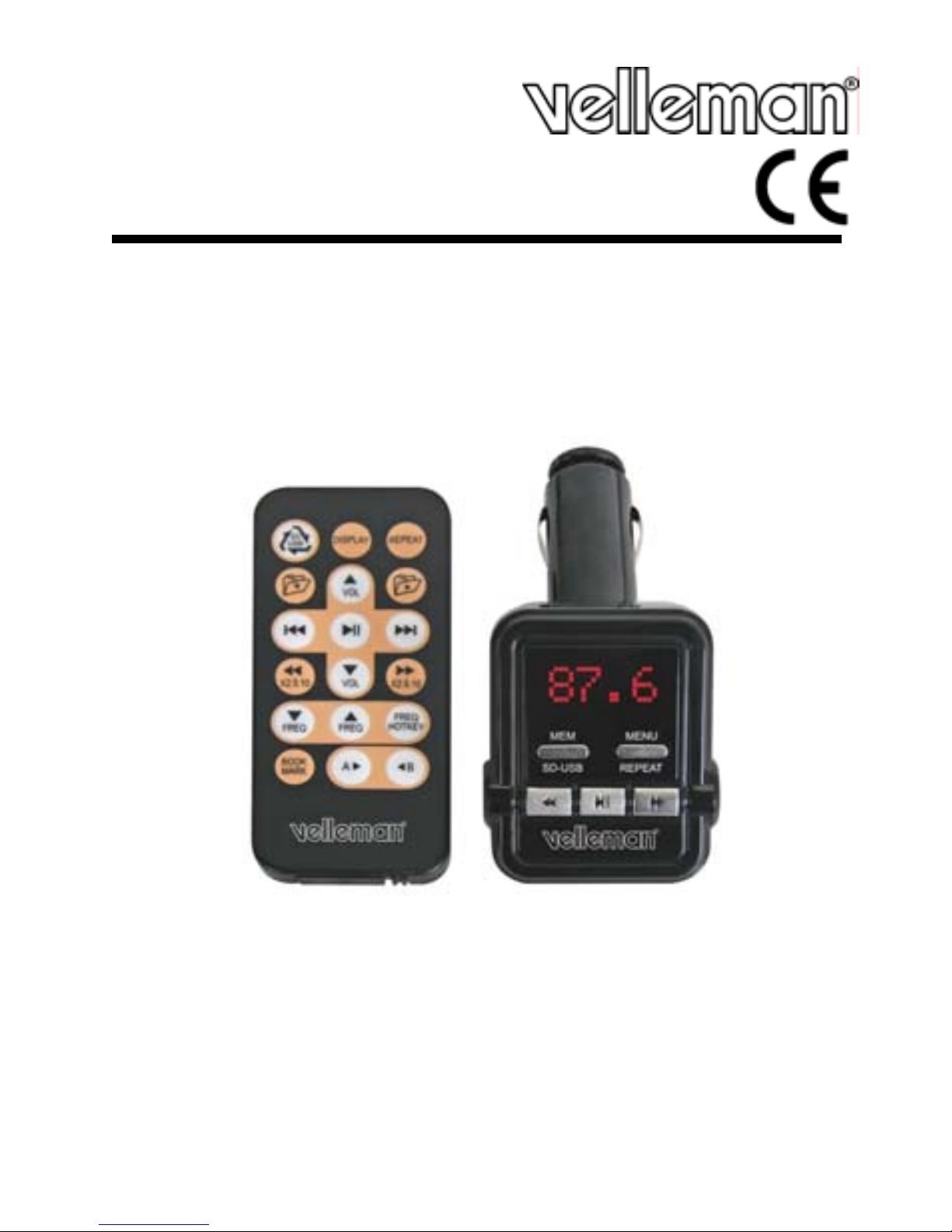
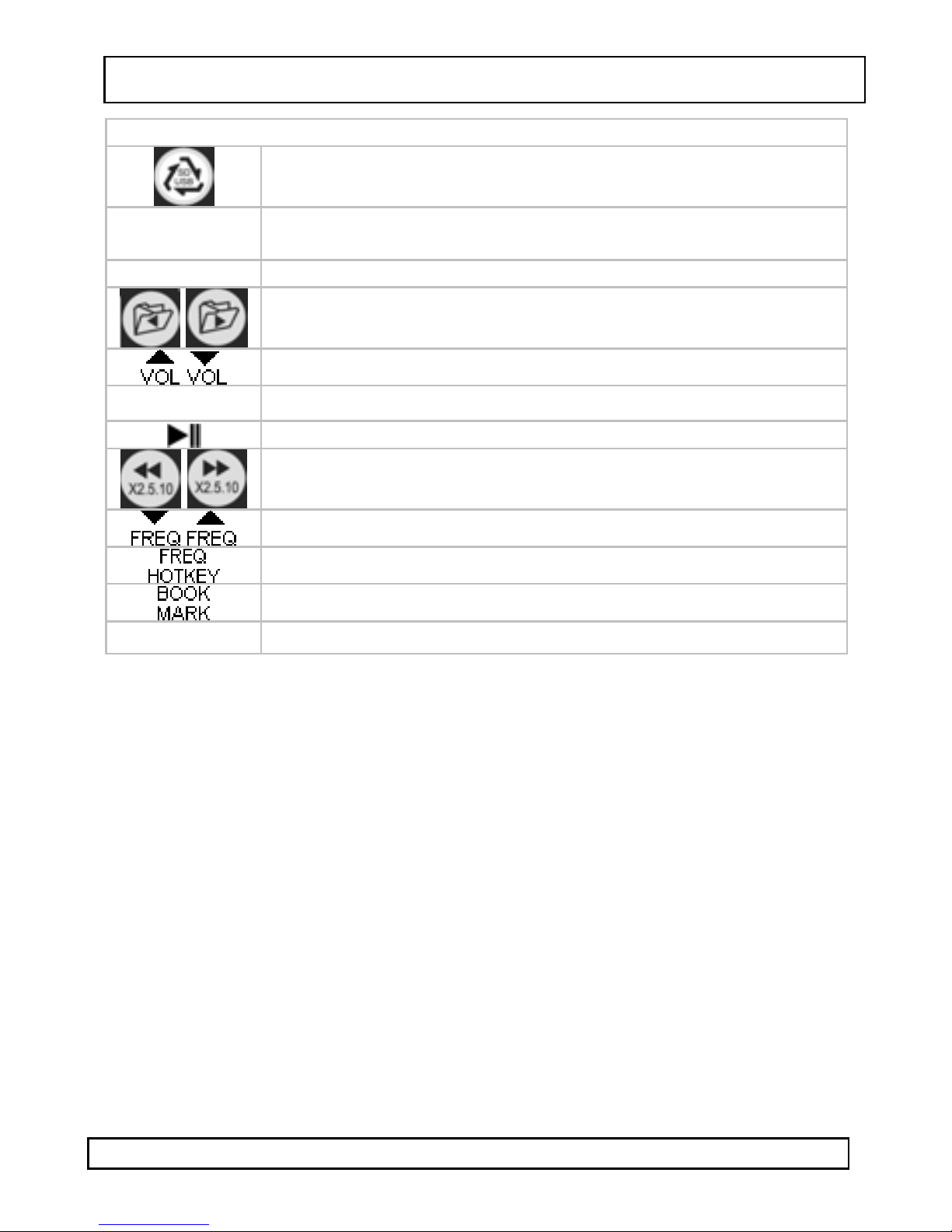
•Refer to the overview under §5 for key functions.
•Use the fast reverse () or fast forward () buttons to scroll back
or forward through the current track at increased speed (2x, 5x or
10x).
•To recall a stored frequency, press the FREQ HOTKEY button
repeatedly until the desired frequencies is shown on the display.
•To repeat only a certain section of a track, press the Abutton at
the desired starting point and press the B button at the desired
end point. The section between A en B will be repeated until the B
button is pressed again.