SERVICE
INSTRUCTIONS
NOTE:
All monitors are equipped with automatic degaussing
coils
(L701) which demagnetize the picture tube
every
time
the monitorIs turned
on
after
being
off
for a minimum
of
5 minutes. Should any part
of
the chassis
become magnetized
It
will be necessary
to
degauss the affected area with a manual degaussing coil. Move
the coil
slowly
around the
CRT
face area and all surrounding metal parts. Then slowly withdraw for adistance
of
6 feet before turning off.
Horizontal vs. Vertical:
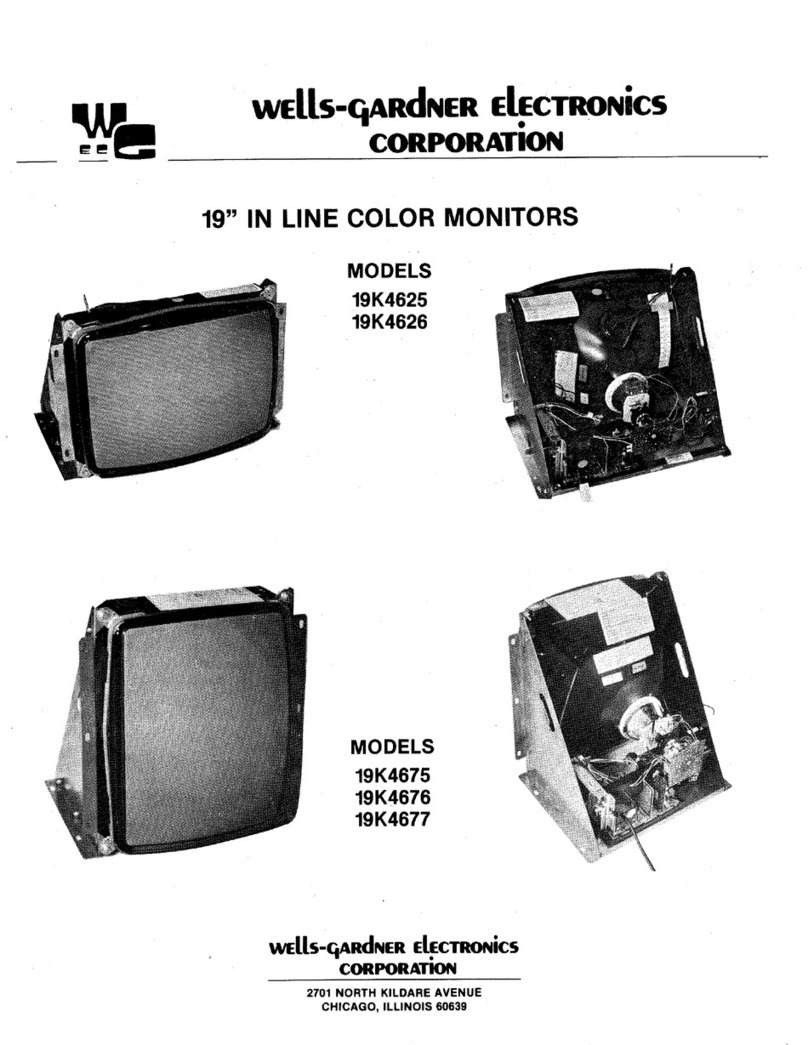
Some models have the picture tube mounted vertically rather than horizontally. That
Is,
the picture tube Is
mounted in the frame such that the long dimension
of
the tube Is up and down. Examples
of
this include(but
are not
limited
to) Models
K4951,
K4952,
K4956,
K4956R, and
K4961
as
In
the pictures on the bottom
of
the
front cover. Other than the physical orlentatlon
of
the picture tube, there Is
no
electrical difference between
these models and their horizontal counterparts. The same circuits, the vertical circuits, produce and control
deflection along the short dimension
of
the tube In all models.
The same circuits, the horizontal circuits, produce and control deflection along the long dimension
of
the
tube
In
all models.,Therefore, wherever "vertical" appears in this manual
or
on the monitor,
it
refers to the short
dimension
of
the picture tube; wherever "horizontal" appears,
lt
refers tothe long dimension
of
the picture tube.
1.0
BLACK
LEVEL CONTROL ADJUSTMENT
This control has been set at the factory and should not need further at-
tention. However, when the game is connected 3 slight adj1Jstment
of
VR201
may
be
necessary to obtain the proper black level (the black
portion
of
the picture just extinguished).
2.0 VERTICAL SIZE (HEIGHT)
Location
of
this control is shown in Fig.
1.
This control must
be
adjust-
ed
slowly,
If
necessary, until the picture or test pattern attains the cor-
rect vertical proportions.
NOTE:
This adjustment interactswith thevertical dampingadjustment
described in the paragraph below. Umay
be
necessary to readjust the
vertical size after the vertical damping control has been adjusted.
3.0 VERTICAL DAMPING
Adjustment
of
this control is required only if the monitoris being used
with a game in which the top several raster lines are visible
on
the
screen. Adjust the vertical damping control for uniform spacing
of
the
top raster lines.
4.0 CIRCUIT PROTECTION
A 4.0A ptgtall fuse, mounted on the Main Board has been provided to
protect the Power Output Circuit.
5.0 FOCUS
Adjust the Focus control, located on the
HV
unit(T352), for maximum
over-all definition and fine picture detall.
6.0 HORIZONTAL
HOLD
CONTROL ADJUSTMENT, VR351
(See
Fig.
1a
or
1b)
A warm-up period
of
at
least five minutes should
be
allowed before
alignment is carried out. With the monitor being driven from the
game signal, short
TP601
to
TP31.
Adjust
VR351
until the picture
stops sliding horizontally. Remove the short.
7.0
HORIZONTAL
VIDEO POSITION
If
the video is
off
center on the raster, some compensation can be
made by adjusting
this
control.
8.0 VERTICAL RASTER POSITION ADJUSTMENT
If
the video Is
off
center vertically, (short dimension
of
picture tube)
some compensation can be made by turning the vertical raster posl-
tlon control.
9.0 HORIZONTAL RASTER POSITION
ADJUSTMENT
If the video
Is
off
center horizontally (long dimension
of
the picture
tube), somecompensationcan be made by moving thehorizontal ras-
ter position adjustment jumper to either positions
"A"
or
"L".
NOTE:
This adjustment Is not provided on Model
K4903.
10.0 HORIZONTAL WIDTH ADJUSTMENT
The
horizontal width coll ls a hexagonal tuning tool adjustment. This
control must
be
adjusted slowly,
If
necessary, until the picture
or
test pattern attains the correct horizontal proportions.
3
...
..
,
..
ltt:D CUTO,ir
...
cvro,,:-\
ILU
CUTOFF\
'\
.
..
...
,m
DftlVE
_,,
WIDTH
COIL
H01tl2 Yt:ltT Yt:ltT
VIIIT
vt:ltT
HOllll
SClttEN
CIENT!ltlNG
Silt:
HOLD DAMPING IIASTl!:lt ltASTl!lt
POI.
SMln-lf
*NOT
ON
MOOl!L
IC
◄
IOl
ltl!O
CUTOFI'
...
""
...
...
Figure 1(a)
Gllfll
ltro
ORIYI: O!tlVE
..
,.,
WHEN USING
COM-
POSff'E
SVIIC
USE
HOltllONTAL
STNC
INPUTS.
""--·
ILIC
LIVl!L
At"""
,...,
HOltlZ
WIOTH
,~,
HOltlZ
YIEIIT
Yt:IIT
\ll!ltT
VlltT
ltOltll
SCltHN
CINTOt"'°
SIU
NOLD
OAIIIIP-
ltAITt:lt
IIAITl!lt
P'OS.
IHln
Flgure
1(b)