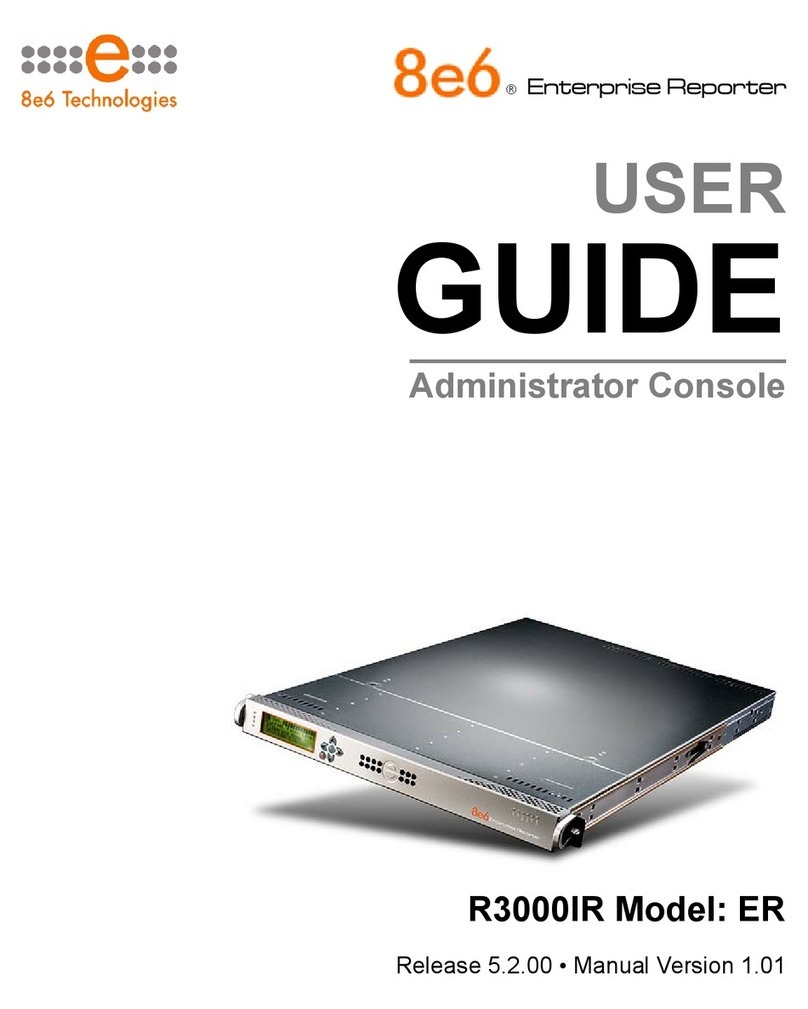
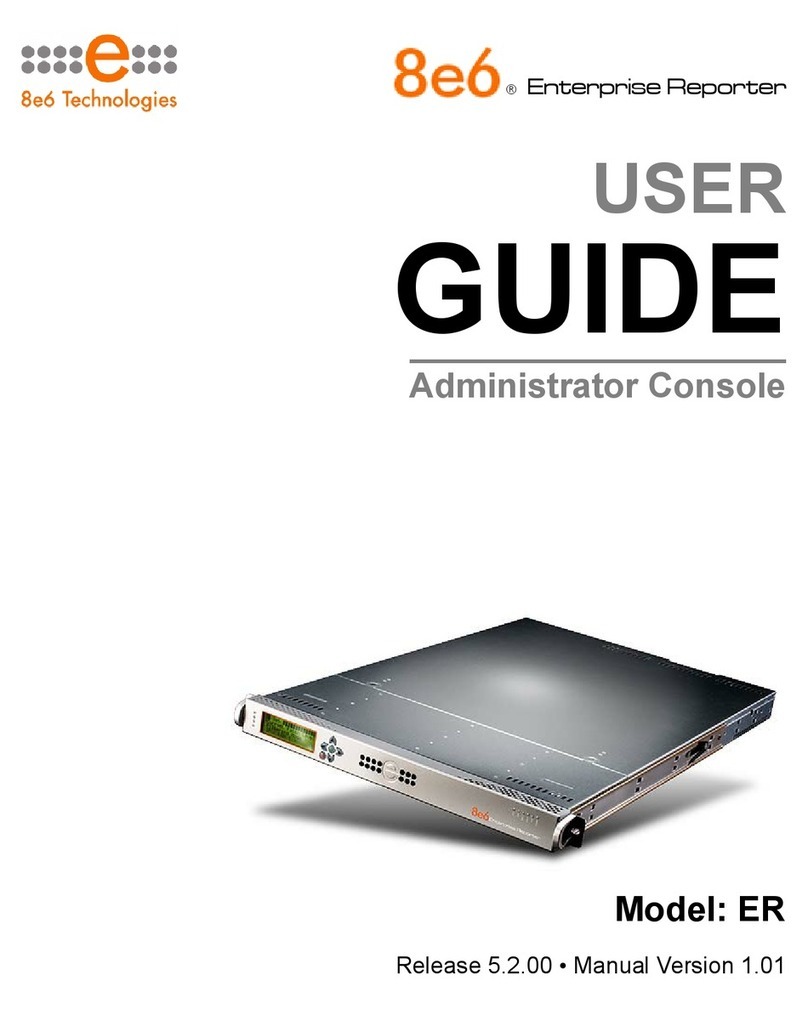
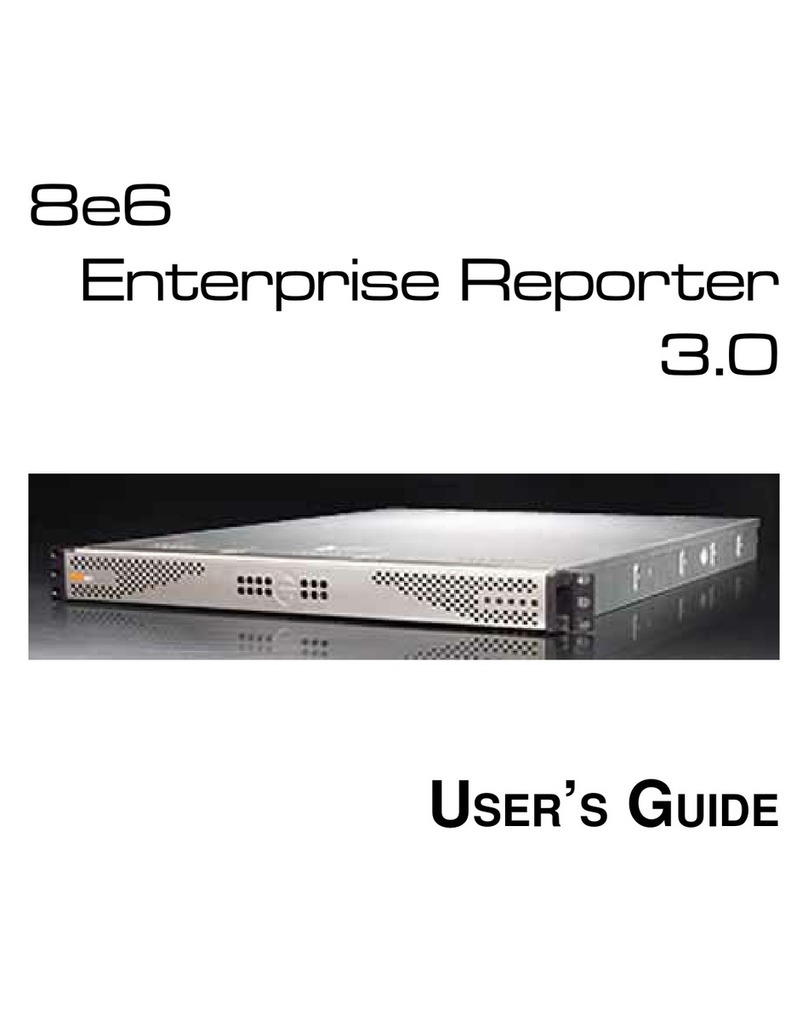
8e6 Technologies ProxyBlocker MSA-004-005 User manual

GUIDE
ProxyBlocker
®
QUICK START
Model: ProxyBlocker
MSA-004-005
Release: 1.0.00 / Updated: 02.11.08

ii 8e6 ProxyBlocker Quick Start Guide
8e6 ProxyBlocker Quick Start Guide
© 2008 8e6 Technologies. All rights reserved.
This document may not, in whole or in part, be copied, photocopied, reproduced, translated, or reduced to any elec-
tronic medium or machine readable form without prior written consent from 8e6 Technologies.
Every effort has been made to ensure the accuracy of this document. However, 8e6 Technologies makes no war-
ranties with respect to this documentation and disclaims any implied warranties of merchantability and tness for a
particular purpose. 8e6 Technologies shall not be liable for any error or for incidental or consequential damages in
connection with the furnishing, performance, or use of this manual or the examples herein. The information in this
documentation is subject to change without notice.
Trademarks
Other product names mentioned in this manual may be trademarks or registered trademarks of their respective com-
panies and are the sole property of their respective manufacturers.
Part# PBA-MSAul-QSG-080211

8e6 ProxyBlocker Quick Start Guide iii
Contents
8e6 ProxyBloCker IntroduCtIon ...............................................................1
About this Document ....................................................................................................................2
Conventions Used in this Document...........................................................................................2
servICe InformatIon ..................................................................................3
PrelImInary setuP ProCedures .................................................................4
Unpack the Unit from the Carton .................................................................................................4
Select a Site for the Server...........................................................................................................5
Rack Mount the Server..................................................................................................................6
Check the Power Supply.............................................................................................................15
General Safety Information.........................................................................................................16
Install the server ..................................................................................19
Step 1: Setup Procedures...........................................................................................................19
Step 1A: Wizard Setup Procedures ...........................................................................................20
Step 1B: Console Setup Procedures.........................................................................................27
Step 2: Test the ProxyBlocker Console Connection................................................................37
Step 3: Test Filtering ...................................................................................................................38
Step 4: Set Library Updates........................................................................................................38
ConClusIon .............................................................................................41
led IndICators and Buttons...................................................................42
MSA Units.....................................................................................................................................42
regulatory sPeCIfICatIons and dIsClaImers.............................................43
Declaration of the Manufacturer or Importer ............................................................................43
Index .......................................................................................................45

iv 8e6 ProxyBlocker Quick Start Guide

8e6 ProxyBlocker Quick Start Guide 1
8e6 ProxyBloCker IntroduCtIon
Thank you for choosing to evaluate the 8e6 Technologies ProxyBlocker. The Proxy-
Blocker offers a solution for organizations using an Internet ltering product other than
8e6’s R3000 Enterprise Filter. 8e6 ProxyBlocker tracks each user’s online activity of
Web-based proxies and anonymizers, and can be congured to block specic Web sites
or service ports, thereby protecting your organization against lost productivity, network
bandwidth issues, and possible legal problems that can result from the misuse of Inter-
net resources.

2 8e6 ProxyBlocker Quick Start Guide
About this Document
This document is divided into the following sections:
Introduction - This section is comprised of an overview of the ProxyBlocker product
and how to use this document
Service Information - This section provides 8e6 Technologies contact information
Preliminary Setup Procedures - This section includes instructions on how to physi-
cally set up the ProxyBlocker in your network environment
Install the Server - This section explains how to congure the ProxyBlocker for
ltering
Conclusion - This section indicates that the quick start steps have been completed
LED Indicators and Buttons - This section explains how to read LED indicators
and use LED buttons for troubleshooting the unit
Regulatory Specications and Disclaimers - This section cites safety and emis-
sions compliance information for the ProxyBlocker model referenced in this docu-
ment
Index - An alphabetized list of some topics included in this document
Conventions Used in this Document
The following icons are used throughout this document to call attention to important
information pertaining to handling, operation, and maintenance of the server; safety and
preservation of the equipment, and personal safety:
NOTE: The “note” icon is followed by additional information to be consid-
ered.
WARNING: The “warning” icon is followed by information alerting you to a
potential situation that may cause damage to property or equipment.
CAUTION: The “caution” icon is followed by information warning you that a
situation has the potential to cause bodily harm or death.
•
•
•
•
•
•
•
•

8e6 ProxyBlocker Quick Start Guide 3
servICe InformatIon
The user should not attempt any maintenance or service on the unit beyond the proce-
dures outlined in this document.
Any initial hardware setup problem that cannot be resolved at your internal organiza-
tion should be referred to an 8e6 Technologies solutions engineer or technical support
representative.
8e6 Corporate Headquarters (USA)
Local : 714.282.6111
Domestic US : 1.888.786.7999
International : +1.714.282.6111
8e6 Taiwan
Taipei Local : 2397-0300
Domestic Taiwan : 02-2397-0300
International : 886-2-2397-0300
Procedures
When calling 8e6 Technologies regarding a problem, please provide the representative
the following information:
Your contact information.
Serial number or original order number.
Description of the problem.
Network environment in which the unit is used.
State of the unit before the problem occurred.
Frequency and repeatability of the problem.
Can the product continue to operate with this problem?
Can you identify anything that may have caused the problem?
•
•
•
•
•
•
•
•

4 8e6 ProxyBlocker Quick Start Guide
PrelImInary setuP ProCedures
Unpack the Unit from the Carton
Inspect the packaging container for evidence of mishandling during transit. If the packag-
ing container is damaged, photograph it for reference.
Carefully unpack the unit from the carton and verify that all accessories are included.
Save all packing materials in the event that the unit needs to be returned to 8e6 Tech-
nologies.
The carton should contain the following items:
1 ProxyBlocker unit
1 AC Power Cord
1 Serial Port Cable
1 CAT-5E Crossover Cable
Rack Mount Brackets (2)
1 End User License Agreement (EULA)
1 envelope containing a CD-ROM with PDFs of the ProxyBlocker User Guide and
ProxyBlocker Authentication User Guide. The latest version of the ProxyBlocker User
Guide can be obtained from our Web site at http://www.8e6.com/docs/pba_ug.pdf.
The latest version of the ProxyBlocker Authentication User Guide can be obtained
from our Web site at http://www.8e6.com/docs/pba_auth_ug.pdf.
NOTES: A coupler is included in the carton if a three-foot CAT-5E crossover
cable was packaged with your unit instead of a 14-foot CAT-5E crossover cable.
Inspect the server and accessories for damage. If the contents appear damaged, le a
damage claim with the carrier immediately.
WARNING: To avoid danger of suffocation, do not leave plastic bags used for
packaging the server or any of its components in places where children or infants
may play with them.
•
•
•
•
•
•
•

8e6 ProxyBlocker Quick Start Guide 5
Select a Site for the Server
The server operates reliably within normal ofce environmental limits. Select a site that
meets the following criteria:
Clean and relatively free of excess dust.
Well-ventilated and away from sources of heat, with the ventilating openings on the
server kept free of obstructions.
Away from sources of vibration or physical shock.
Isolated from strong electromagnetic elds and noise caused by electrical devices
such as elevators, copy machines, air conditioners, large fans, large electric motors,
radio and TV transmitters, and high-frequency security devices.
Access space provided so the server power cord can be unplugged from the power
supply or the wall outlet—this is the only way to remove the AC power cord from the
server.
Clearance provided for cooling and airow: Approximately 30 inches (76.2 cm) in the
back and 25 inches (63.5 cm) in the front.
Located near a properly earthed, grounded, power outlet.
•
•
•
•
•
•
•

6 8e6 ProxyBlocker Quick Start Guide
Rack Mount the Server
Rack Setup Precautions
Warning:
Before rack mounting the server, the physical environment should be set up to safely ac-
commodate the server. Be sure that:
The weight of all units in the rack is evenly distributed. Mounting of the equipment in
the rack should be such that a hazardous condition is not achieved due to uneven
mechanical loading.
The rack will not tip over when the server is mounted, even when the unit is fully
extended from the rack.
For a single rack installation, stabilizers are attached to the rack.
For multiple rack installations, racks are coupled together.
Reliable earthing of rack-mounted equipment is maintained at all times. Particular
attention should be given to supply connections other than direct connections to the
branch circuit (e.g. use of power strips).
A power cord will be long enough to t into the server when properly mounted in the
rack and will be able to supply power to the unit.
The connection of the server to the power supply will not overload any circuits. Con-
sideration should be given to the connection of the equipment to the supply circuit
and the effect that overloading of the circuits might have on overcurrent protection
and supply wiring. Appropriate consideration of equipment nameplate ratings should
be used when addressing this concern.
The server is only connected to a properly rated supply circuit. Reliable earthing
(grounding) of rack-mounted equipment should be maintained.
The air ow through the server’s fan or vents is not restricted. Installation of the
equipment in a rack should be such that the amount of air ow required for safe op-
eration of the equipment is not compromised.
The maximum operating ambient temperature does not exceed 104°F (40°C). If
installed in a closed or multi-unit rack assembly, the operating ambient temperature
of the rack environment may be greater than room ambient. Therefore, consideration
should be given to installing the equipment in an environment compatible with the
maximum ambient temperature (Tma) specied by the manufacturer.
WARNING: Extend only one component at a time. Extending two or more
components simultaneously may cause the rack to become unstable.
•
•
•
•
•
•
•
•
•
•

Table of contents
Other 8e6 Technologies Server manuals