manuals.online logo
Brands
  1. Home
  2. •
  3. Brands
  4. •
  5. Aceume
  6. •
  7. Karaoke System
  8. •
  9. Aceume TSR89 User manual

Aceume TSR89 User manual

Popular Karaoke System manuals by other brands

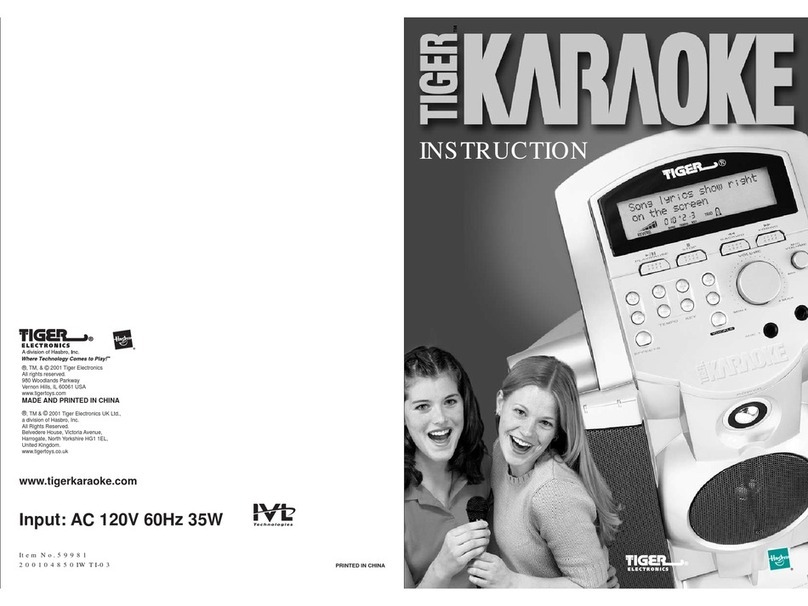
Tiger Karaoke Player Instruction

Tiger

Tiger Karaoke Player Instruction

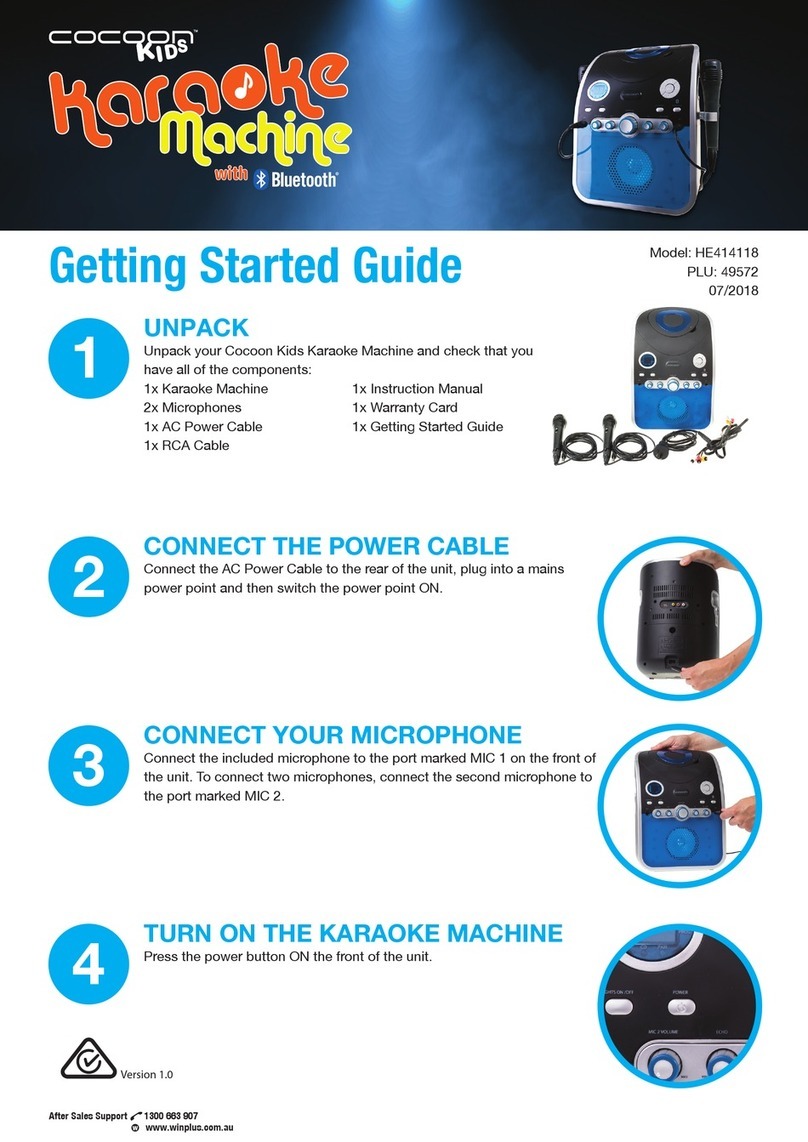
Cocoon HE414118 Getting started guide

Cocoon

Cocoon HE414118 Getting started guide

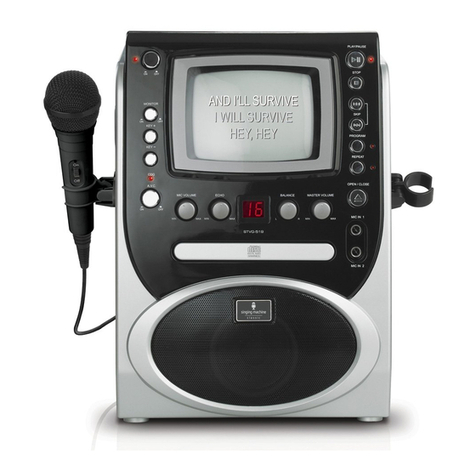
The Singing Machine STVG-519 instruction manual

The Singing Machine

The Singing Machine STVG-519 instruction manual

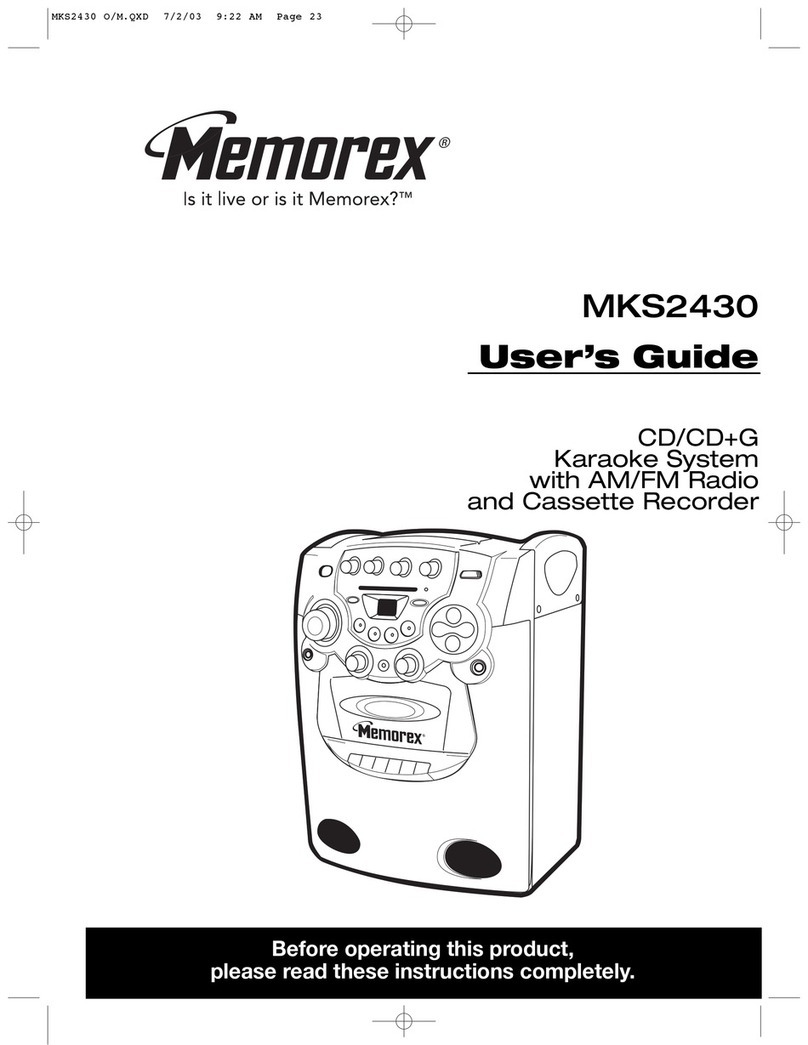
Memorex MKS2430 user guide

Memorex

Memorex MKS2430 user guide

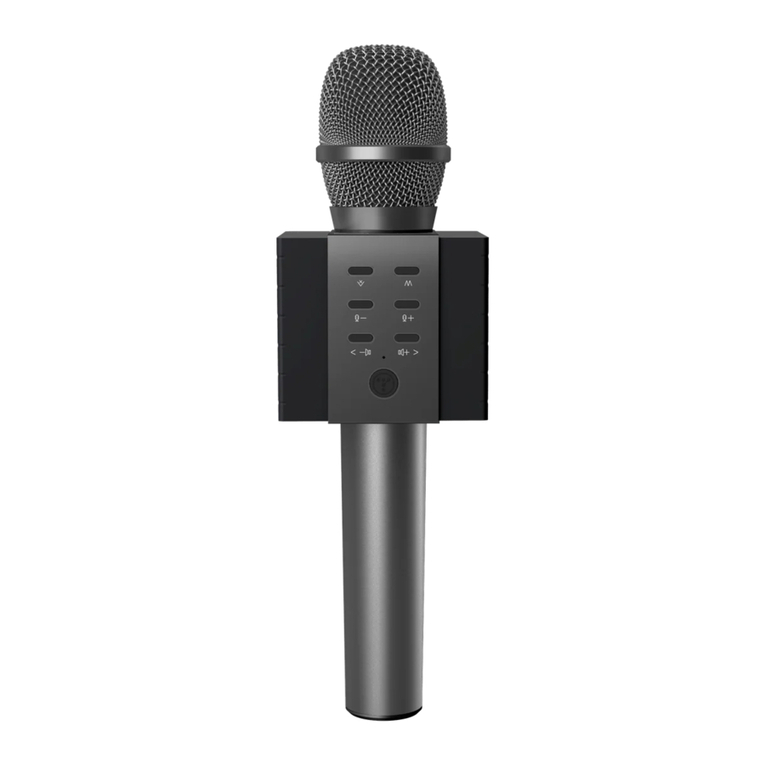
Tosing 008 user guide

Tosing

Tosing 008 user guide

Karma KSTATION instruction manual

Karma

Karma KSTATION instruction manual

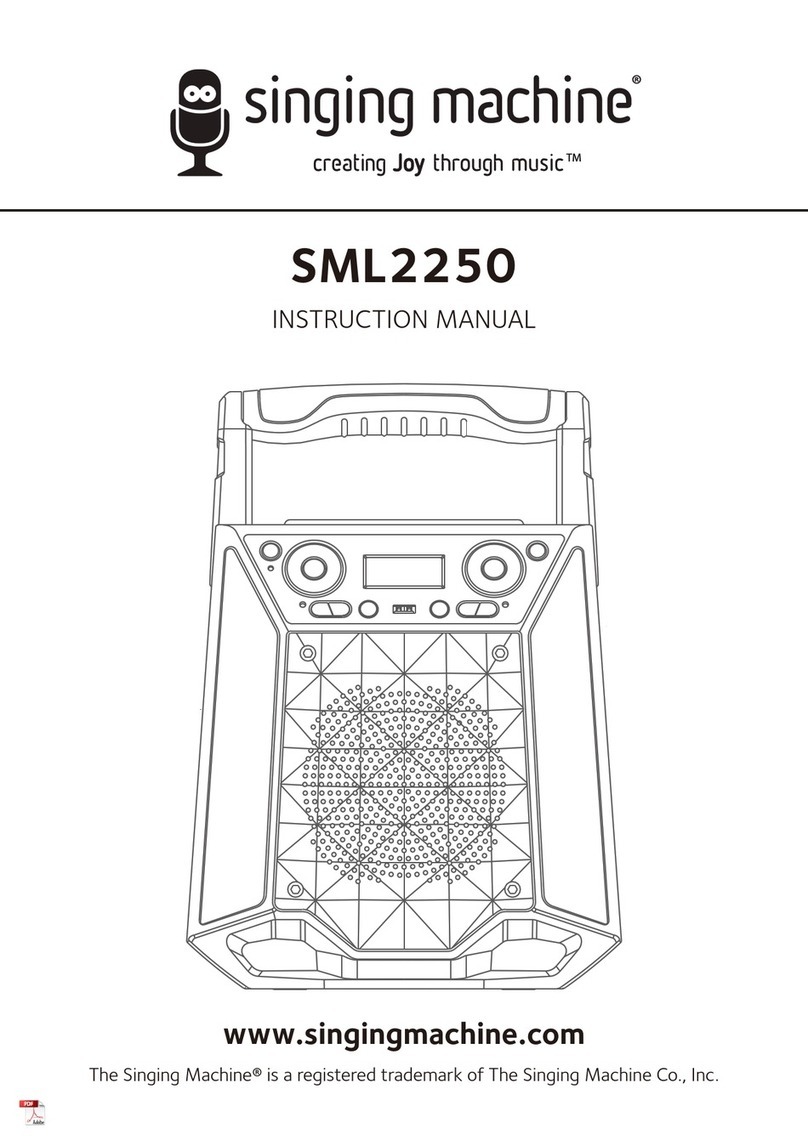
The Singing Machine SML2250 instruction manual

The Singing Machine

The Singing Machine SML2250 instruction manual

LG HT902TR-XK owner's manual

LG

LG HT902TR-XK owner's manual

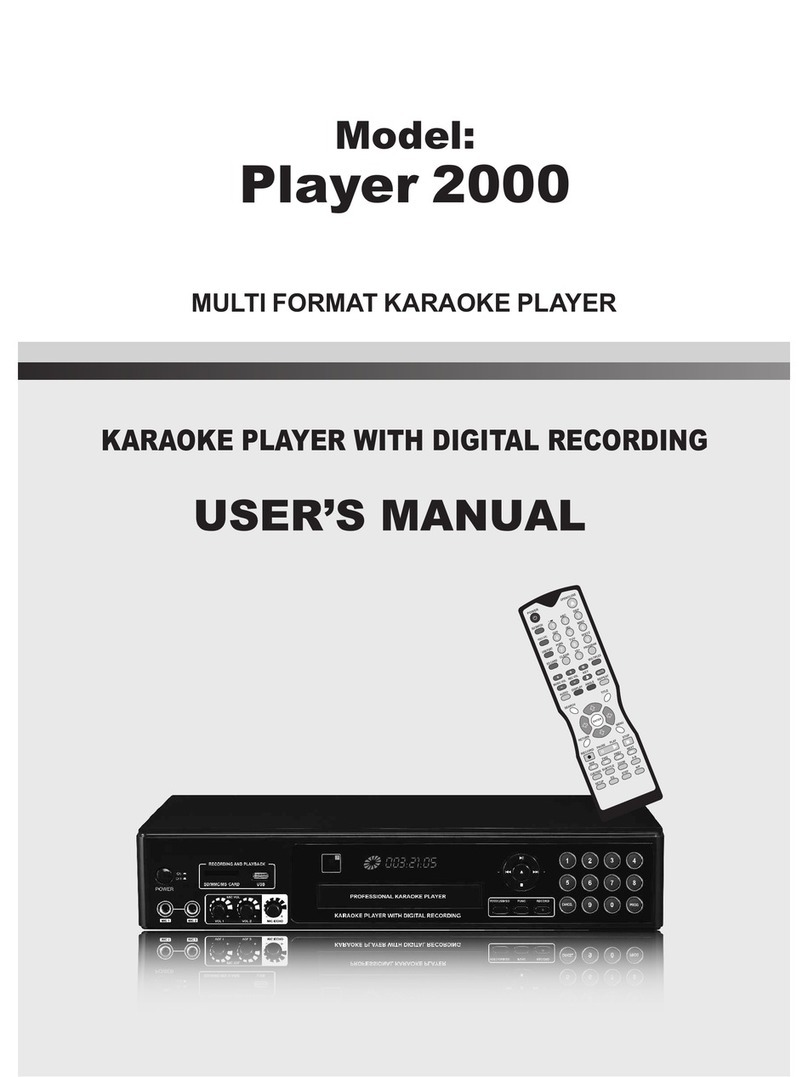
Karaoke Warehouse Player 2000 user manual

Karaoke Warehouse

Karaoke Warehouse Player 2000 user manual

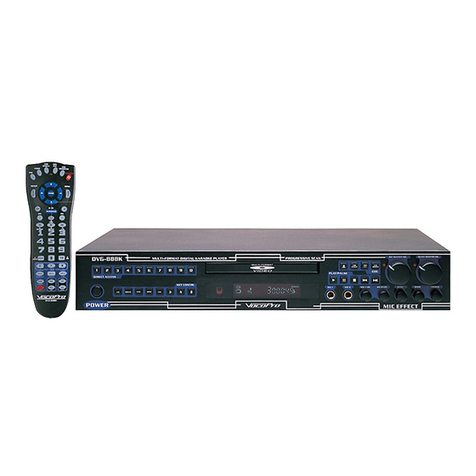
VocoPro DVG-888K II owner's manual

VocoPro

VocoPro DVG-888K II owner's manual

The Singing Machine SMVG-620 instruction manual

The Singing Machine

The Singing Machine SMVG-620 instruction manual

Singsation CENTER STAGE FREESTYLE quick start guide

Singsation

Singsation CENTER STAGE FREESTYLE quick start guide

RSQ NEO K-2 user manual

RSQ

RSQ NEO K-2 user manual

VocoPro BRIDGE user guide

VocoPro

VocoPro BRIDGE user guide

The Singing Machine SMK1010 instruction manual

The Singing Machine

The Singing Machine SMK1010 instruction manual

MASINGO Illuminato Q4 user manual

MASINGO

MASINGO Illuminato Q4 user manual

auna DisGo instruction manual

auna

auna DisGo instruction manual

CAVS DK3 owner's manual

CAVS

CAVS DK3 owner's manual

manuals.online logo
manuals.online logoBrands
  • About & Mission
  • Contact us
  • Privacy Policy
  • Terms and Conditions

Copyright 2025 Manuals.Online. All Rights Reserved.

FAST INSTALL TOUCH SCREEN KARAOKE SYSTEM P A G E | 1
ACEUME TRADE CO,.LTD | DESIGNED BY ACEUME, COPY RIGHTS RESERVED|
WWW.ACEUME.COM
Important notice:
The entire karaoke system includes several packages. Normally, we will send these packages from different warehouse.
We will send touch screen and monitor’s stand and base from your local warehouse, karaoke player and hard drive
package will be sent from Beijing warehouse. Namely, you won’t receive all items at same day. Packages will come one
after another. Please be patient. Normally, you could receive monitor and stand package at first, then receive player
package, hard drive package will be delivered last).So, before setting up entire system, confirm whether you have
received all items. If you have any questions, please feel free to contact us. We reply message within 12 hours.
FAST SETUP AND INSTALLATION 快速安装设置
►STEP1---CONFIRM ITEMS YOU RECIEVED 确认您是否已经陆续收到所有产品。
1) Package of Touch screen monitor package
触摸屏包裹
:
内有 Includes: Touch screen monitor 显示器, power adapter 适配器, network cable 网线, NETWORK-to-COM cable
网络接口转 COM 口连接线。附图 image bellow:
power adapter 适配器
NETWORK-to-COM cable 网络接口
转COM 口连接线
Touch screen monitor 显示器 network cable 网线

FAST INSTALL TOUCH SCREEN KARAOKE SYSTEM P A G E | 2
ACEUME TRADE CO,.LTD | DESIGNED BY ACEUME, COPY RIGHTS RESERVED|
WWW.ACEUME.COM
2) Package of Monitor stand and base
支架底座包裹
:
内有 Includes: Stand 立式支架, iron base 铁底座, plastic cover 塑料板, screws 螺丝.附图 image bellow:
Small iron board Includes: Stand 立
式支架 plastic cover 塑料板
iron base 铁底座 screws 螺丝
3) Package of Karaoke player jukebox
播放器包裹
:
内有 Includes: Karaoke player 点歌机, WIFI antenna WIFI 天线, AV audio cable AV 音频线, remote control 遥控器,
user manual 说明书。附图 image bellow:
Karaoke player 点歌机 remote control 遥控器 user manual 说明书
AV audio cable WIFI antenna WIFI 天线
FAST INSTALL TOUCH SCREEN KARAOKE SYSTEM P A G E | 3
ACEUME TRADE CO,.LTD | DESIGNED BY ACEUME, COPY RIGHTS RESERVED|
WWW.ACEUME.COM
4) Package of Hard drive of karaoke player
硬盘包裹
:
内有 Includes: Hard drive 硬盘, screws 螺丝。附图 image bellow:
Hard drive 硬盘 HDD screws 螺丝
★Notice★:If the hard drive is already installed onto the player. Check the bottom of the player, if you found these
two screws, then the hard drive is stalled installed inside. Please ignore this package and skip (STEP 2-INSTALL HARD
DRIVE TO KARAOKE PLAYER) next.
►STEP2---INSTALL HARD DRIVE TO KARAOKE PLAYER 安装硬盘到播放器
★Notice★: If your player already installed with hard drive, please ignore this STEP.
YouTube video tutorial link: https://youtu.be/JvTdSREBASc Scan right QR code to view►
Unscrew these two screws; pull out the HDD board from the player
FAST INSTALL TOUCH SCREEN KARAOKE SYSTEM P A G E | 4
ACEUME TRADE CO,.LTD | DESIGNED BY ACEUME, COPY RIGHTS RESERVED|
WWW.ACEUME.COM
Fix hard drive with the HDD board with two screws
Just fix these two screws with the board, the other two ports will be screwed later.
Pull out the SATA cable from the player; connect it with the hard drive’s SATA port.
Insert the HDD board with hard drive to the player inside.
FAST INSTALL TOUCH SCREEN KARAOKE SYSTEM P A G E | 5
ACEUME TRADE CO,.LTD | DESIGNED BY ACEUME, COPY RIGHTS RESERVED|
WWW.ACEUME.COM
Screw the HDD board with the player’s rear panel
Screw the HDD board and hard drive with the bottom of the player with the rest two screws.
FAST INSTALL TOUCH SCREEN KARAOKE SYSTEM P A G E | 6
ACEUME TRADE CO,.LTD | DESIGNED BY ACEUME, COPY RIGHTS RESERVED|
WWW.ACEUME.COM
►STEP3---ASSEMBLE THE STAND WITH BASE 组装底座与支架
YouTube video tutorial link: https://youtu.be/D-dIz3c17nA Scan right QR code to view►
Fix the iron base with the bottom of stand with four screws
Cover the iron base with the Plastic cover
►STEP4---FIX TOUCH SCREEN MONITOR WITH STAND
There are four screws fixing on the rear panel of touch screen monitor, unscrew them first
FAST INSTALL TOUCH SCREEN KARAOKE SYSTEM P A G E | 7
ACEUME TRADE CO,.LTD | DESIGNED BY ACEUME, COPY RIGHTS RESERVED|
WWW.ACEUME.COM
Fix the small iron board with these four screws you get.
Let the monitor’s cables pass through the stand
FAST INSTALL TOUCH SCREEN KARAOKE SYSTEM P A G E | 8
ACEUME TRADE CO,.LTD | DESIGNED BY ACEUME, COPY RIGHTS RESERVED|
WWW.ACEUME.COM
Fix the stand with the small iron board fixing with rear panel of touch screen monitor
The touch screen montior and stand is assembled.Leave VGA port, power port and network ports outside the base for later
connection
FAST INSTALL TOUCH SCREEN KARAOKE SYSTEM P A G E | 9
ACEUME TRADE CO,.LTD | DESIGNED BY ACEUME, COPY RIGHTS RESERVED|
WWW.ACEUME.COM
►STEP5---CONNECT MONITOR WITH KARAOKE PLAYER
YouTube video tutorial link: https://youtu.be/1DBteF53MWw Scan right QR code to view►
FAST INSTALL TOUCH SCREEN KARAOKE SYSTEM P A G E | 10
ACEUME TRADE CO,.LTD | DESIGNED BY ACEUME, COPY RIGHTS RESERVED|
WWW.ACEUME.COM
Important notice: if the COM port the player is not correctly connected, the touch function of the monitor won’t work
properly. So, please make sure connect the network cable with the NETWORK-COM cable, then connect the NETWORK-COM
cable with the player’s COM port
☆For System usage instruction, please go to link bellow to get the updated online instructions
https://www.aceume.com/tsr89.html Scan right QR code to visit►