1
-
CON EN S -
Chapter I
Introduction ................................................................................................ 3
1.1
Highlights of your new Network IP Camera ..................................................................... 3
1.2
Safety Instructions ........................................................................................................... 4
1.3
Packaging Contents ..........................................................................................................
1.4
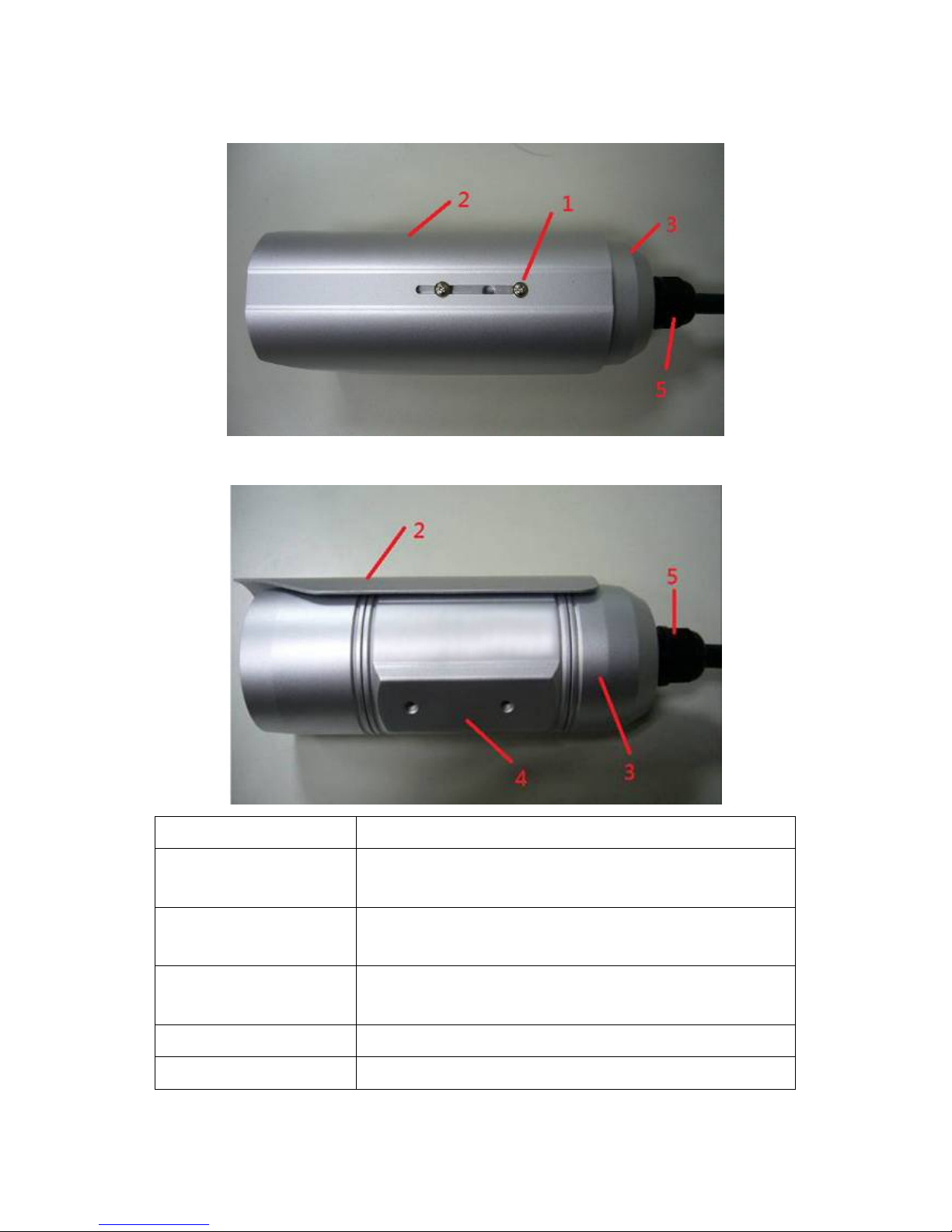
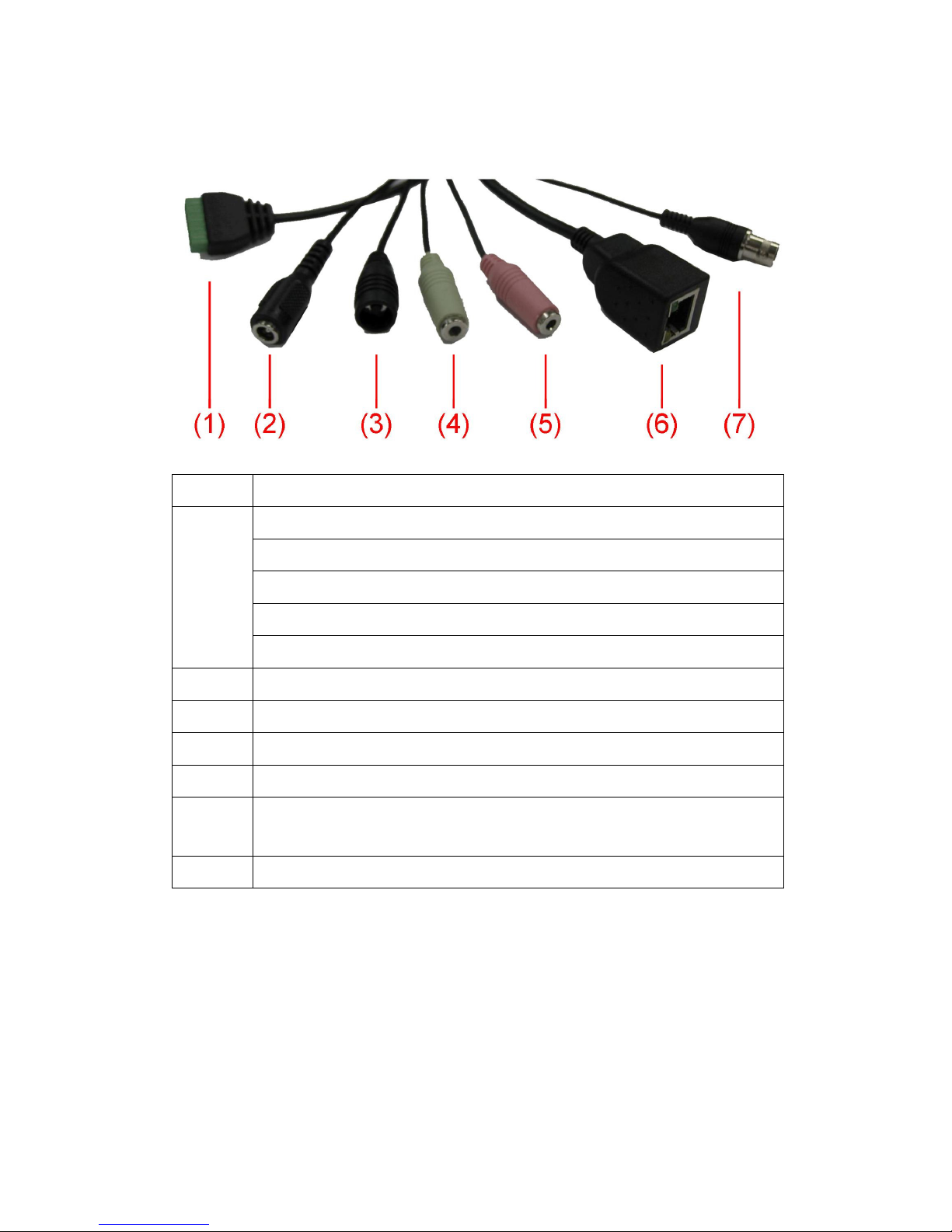
Familiar with your new Network IP Camera .................................................................... 6
1.
DI/DO PIN ASSIGNMENT .................................................................................................. 8
1.6
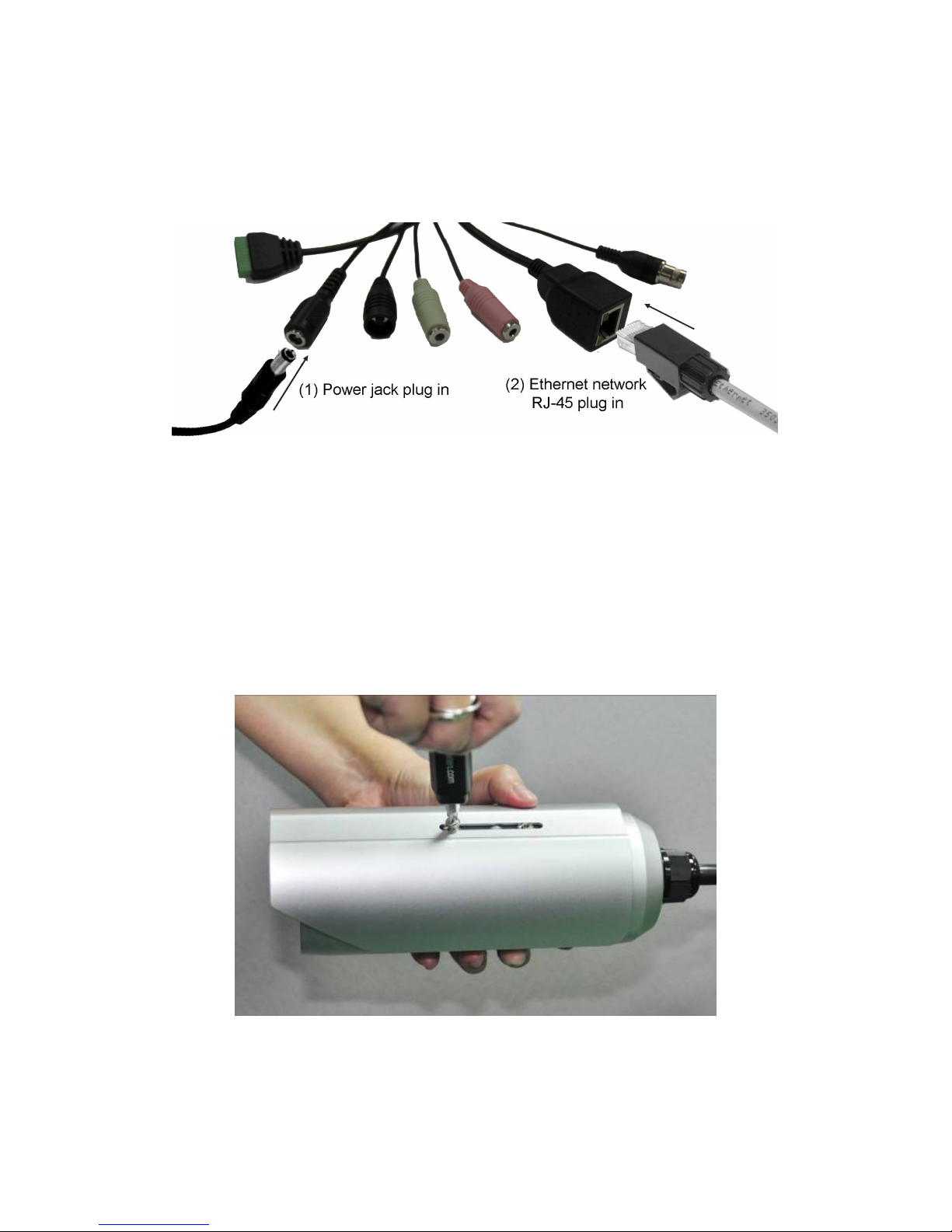
Installation of the Network IP Camera ............................................................................ 9
Chapter II
Access Network IP Camera by Web UI ........................................................ 11
2.1 Locate the IP address of Network IP Camera ................................................................ 11
2.2 Access to IP Camera’s Web User Interface and Install ActiveX Plugin .......................... 13
2.3 Viewing Live Video......................................................................................................... 16
2.4 Client Settings ................................................................................................................ 19
Chapter III Advanced Configuration ................................................................................ 20
3-1 System ........................................................................................................................... 21
3-2 Security .......................................................................................................................... 23
3-3 Network ......................................................................................................................... 26
3-3-1 ‘General’ setup page .............................................................................................. 26
3-3-2 ‘Advanced’ setup page ........................................................................................... 29
3-4 IP Filter .......................................................................................................................... 32
3- Video ............................................................................................................................. 34
3- -1 Image Setting ......................................................................................................... 3
3- -2 Video Setting .......................................................................................................... 38
3- -3 Overlay Setting ....................................................................................................... 41
3-6 Audio ............................................................................................................................. 43