aigo A396+
| 4 |
•To avoid electrical shock, do not expose to or immerse in water or
other fluids, disassemble, or operate if dropped or damaged.
Contact aigo Service Center for repair information.
•aigo will claim no responsibility for any damage on data loss due
to breakdown, repair or other causes.
aigo A396+
| 5 |
Contents
Important Notice................................................................................ 1
Before Using the Player.................................................................... 6
Product Features ........................................................................... 6
Technical Specifications ................................................................. 7
Package Content ........................................................................... 8
Product Overview .......................................................................... 9
Changing the Clip-On Panel (Interchangeable)............................ 15
Setting up the Frame ................................................................... 16
Connecting the AC Power Adapter............................................... 16
Display Mode ............................................................................... 17
Photo Playback............................................................................ 21
Music Playback............................................................................ 25
Video Playback ............................................................................ 28
To Delete or Copy Files in the List ............................................... 32
Card Select Mode ........................................................................ 39
USB Working Mode ..................................................................... 40
Troubleshooting Guide................................................................. 42
aigo A396+
| 6 |
Before Using the Player
Product Features
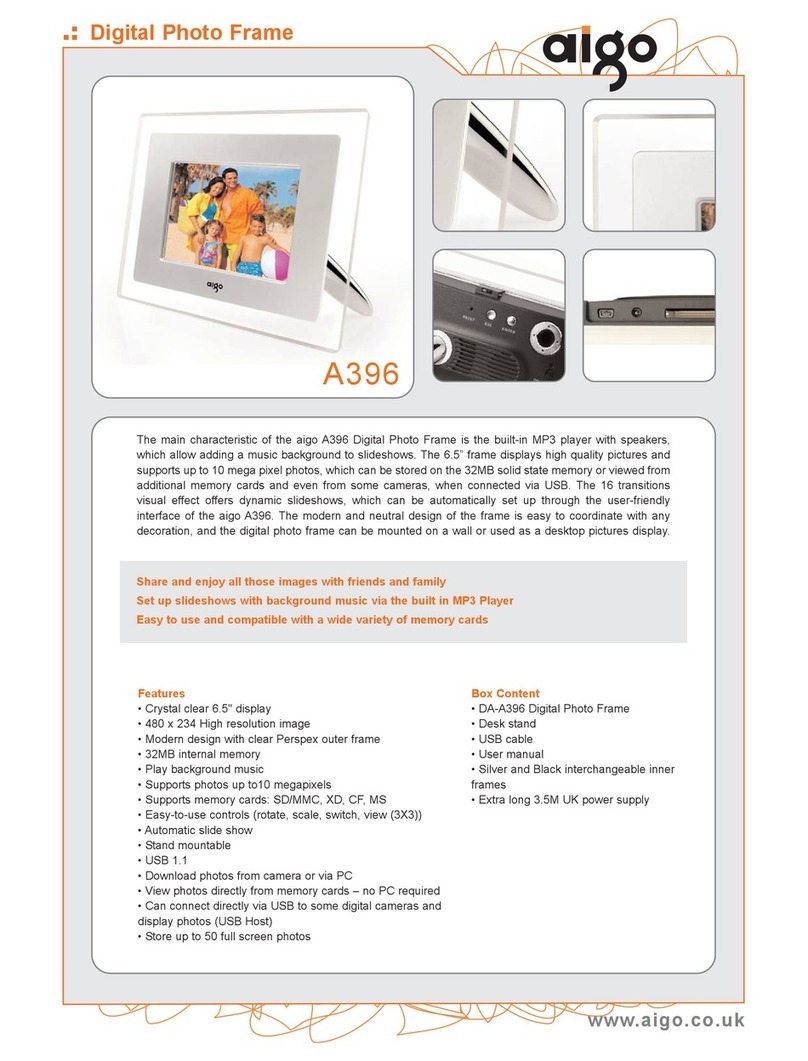
aigo Multimedia Digital Photo Frame A396+
•7.0'' TFT color LCD display with built-in speaker.
•Supports video playback.
•Supports Rotate/Zoom/Move/Review of photos with 9-photos (3×3)
display mode.
•Slideshow or static image display with landscape and portrait
options.
•Supports 13 special built-in animation effects.
•Time interval settings between slide show transitions.
•Playback slideshow with background music.
•Supports digital photo playback up to 12.0 megapixels.
•File information display.
•File management mode: Supports copy and delete functions.
•Support MP3 player, portable hard disk equipments
•Supports external memory cards SD, MS pro, CF and MMC.
•USB Interface for easy connection to computer.
•Built-in Memory.
•LED light display along Frame side (optional).
•Remote control function (optional).
aigo A396+
| 7 |
Technical Specifications
•Input voltage of power adapter: AC100~240v, 50~60Hz.
•Input voltage of this equipment: +5V DC.
•Power consumption: 6 W.
•Photo format: JPEG (YUV code) 12 mega pixel.
•Support audio format: MP3 (32kbps-320kbps, 44.1 kHz).
•WMA (32kbps-192kbps, 44.1 kHz).
•Support video format: MJPEG, MPEG-1 (*.mpg,*.mpeg,*.dat),
MPEG-2 (*.mpg,*.mpeg), MPEG-4 (AVI file codec in divx or xvid).
Maximum resolution of 720×560.
•Operation mode: Buttons or remote control (optional).
•Resolution of LCD display: 480×234.
•Effective display area: 154.08mmx86.58mm.