manuals.online logo
Brands
  1. Home
  2. •
  3. Brands
  4. •
  5. Alps Electric
  6. •
  7. Cables And Connectors
  8. •
  9. Alps Electric SCNA Series User manual

Alps Electric SCNA Series User manual

Popular Cables And Connectors manuals by other brands

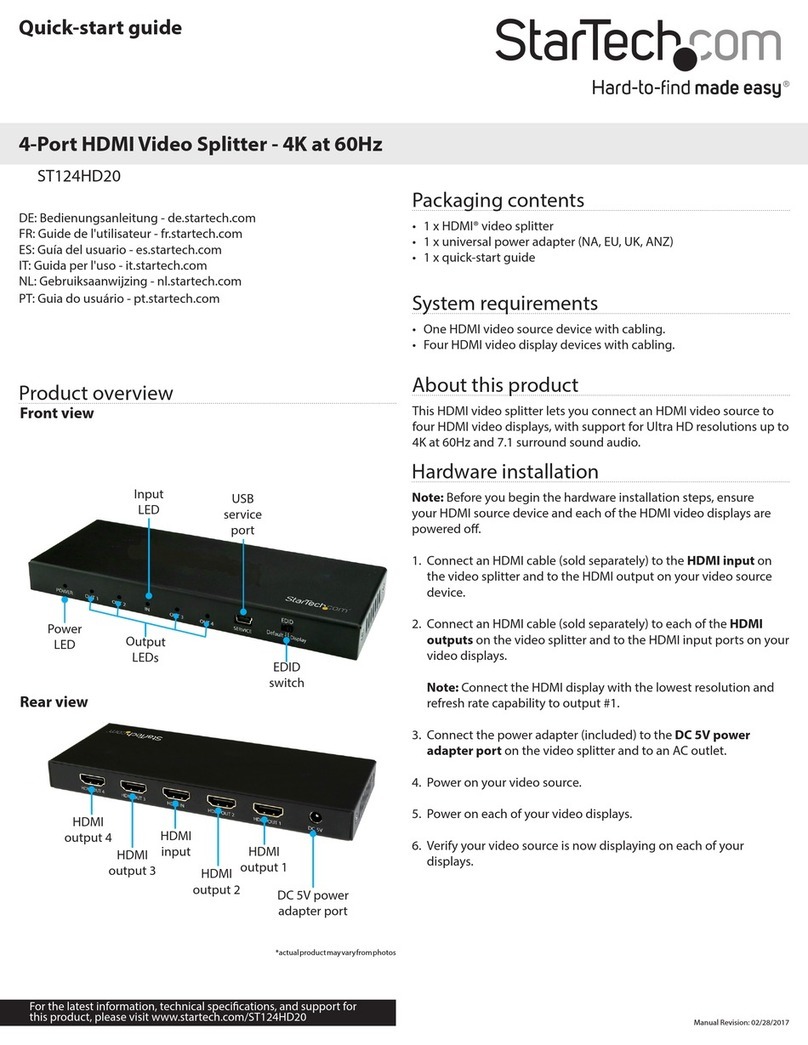
StarTech.com ST124HD20 quick start guide

StarTech.com

StarTech.com ST124HD20 quick start guide

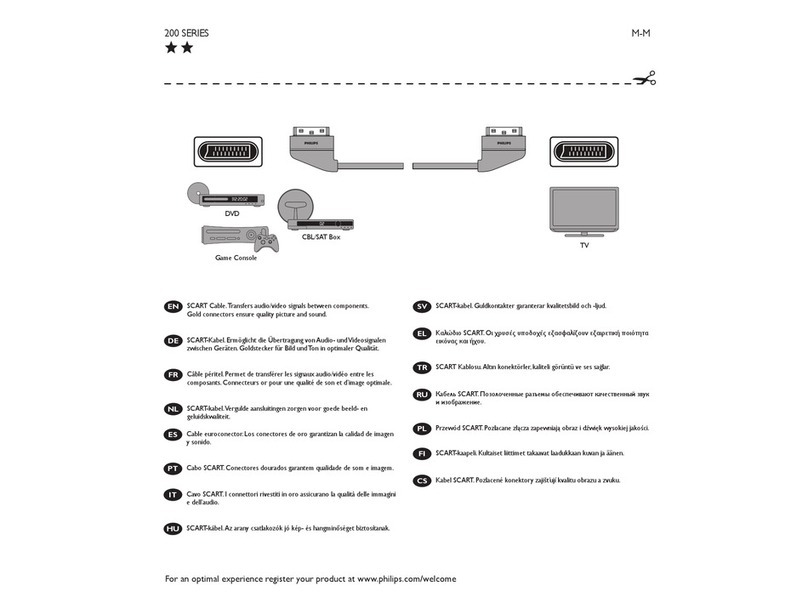
Philips SWV4543S/10 Features

Philips

Philips SWV4543S/10 Features

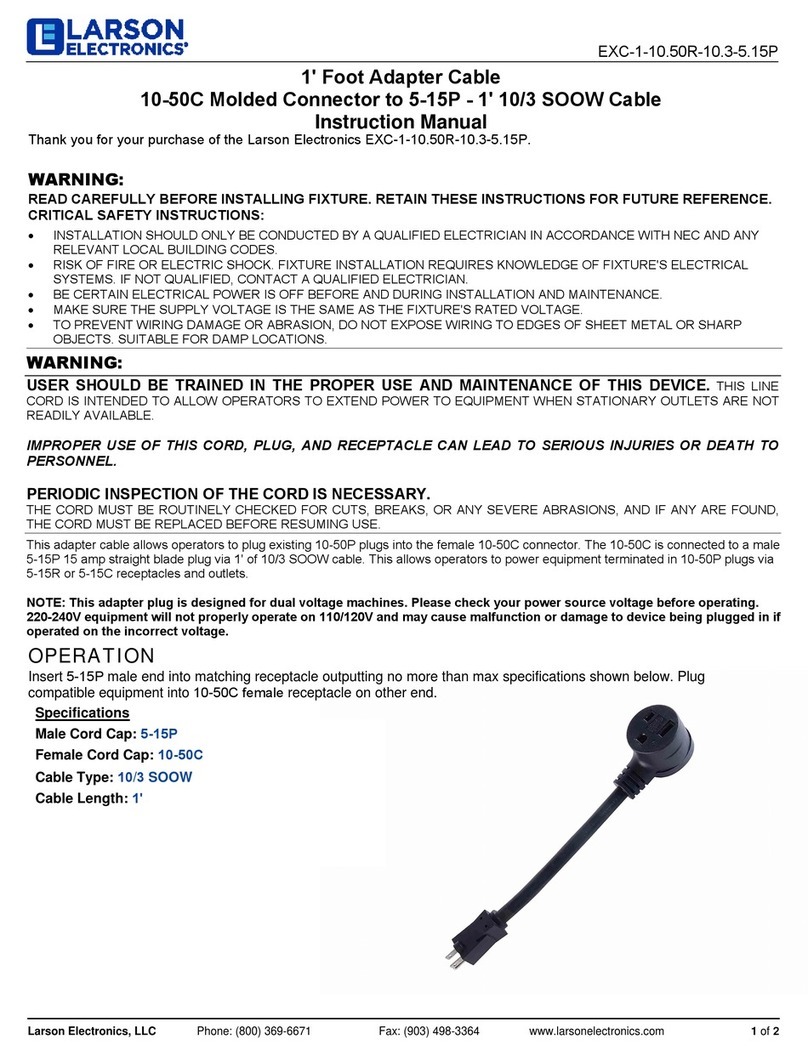
Larson Electronics 10-50C instruction manual

Larson Electronics

Larson Electronics 10-50C instruction manual

Grip MEK-PM Assembly and operating manual

Grip

Grip MEK-PM Assembly and operating manual

Ultra Products Travel Pack #3 ULT31436 Specifications

Ultra Products

Ultra Products Travel Pack #3 ULT31436 Specifications

Surpass QCH-F Operation manual

Surpass

Surpass QCH-F Operation manual

Philips SWA6310 Specifications

Philips

Philips SWA6310 Specifications

StarTech.com CRJ4550PK quick start guide

StarTech.com

StarTech.com CRJ4550PK quick start guide

Nohau EMUL-IP2K-PC user guide

Nohau

Nohau EMUL-IP2K-PC user guide

Foxun SX-SP144E-HD4K2K operating instructions

Foxun

Foxun SX-SP144E-HD4K2K operating instructions

Philips SWA3305W Specifications

Philips

Philips SWA3305W Specifications

opticis Stretch DVIM1-1P0x user manual

opticis

opticis Stretch DVIM1-1P0x user manual

Volkswagen VAS 6558A operating manual

Volkswagen

Volkswagen VAS 6558A operating manual

NEXIBO N-13 user manual

NEXIBO

NEXIBO N-13 user manual

CYP PU-1H3HBTL Operation manual

CYP

CYP PU-1H3HBTL Operation manual

Allen-Bradley 1784-u2dhp installation instructions

Allen-Bradley

Allen-Bradley 1784-u2dhp installation instructions

Global Caché Flex Link Blaster quick start

Global Caché

Global Caché Flex Link Blaster quick start

Hauppauge USB-Live2 Quick installation guide

Hauppauge

Hauppauge USB-Live2 Quick installation guide

manuals.online logo
manuals.online logoBrands
  • About & Mission
  • Contact us
  • Privacy Policy
  • Terms and Conditions

Copyright 2025 Manuals.Online. All Rights Reserved.

36
For
SD Memory
Card
For
miniSD™
Card
For
microSD™
Card
For
W-SIM
For
Memory
Stick Micro™
Combine Type
For
Express
Card™
For
Compact
Flash™
For PC cards
supporting
CardBus
For CMOS
Camera Module
For
Memory
Stick™
Minimum mounting area for compact devices.
Minimized mounting area prevents negation of size
advantage of the card.
●
Features
For mobile phones, personal digital assistants, digital still
cameras, compact audio equipment
●
Applications
Memory Stick Micro™
Standard mount
Surface mounting type
Push-push type
250V AC 1minute
Applicable media
Structure
Items Specifications
Media ejection
structure
Mounting type
Mounting style
−25℃to +60℃
1,000MΩmin.
40mΩmax.
12,000cycles
Operating
temperature range
Performance
Contact resistance
(Initial)
Insertion and
removal cycle
Voltage proof
Insulation resistance
(Initial)
Typical Specifications
Standard mount
Media ejection structure
Push-push type
Mounting system Stand-off(mm)
0
Product No.
SCNA1A0300
Packing system
Taping
Product Line
Connector for Memory Stick Micro™
SCNA Series
37
For
SD Memory
Card
For
miniSD™
Card
For
microSD™
Card
For
W-SIM
For
Memory
Stick™
For
Memory
Stick Micro™
Combine Type
For
Express
Card™
For
Compact
Flash™
For PC cards
supporting
CardBus
For CMOS
Camera Module
Standard mount
Connector for Memory Stick Micro™ SCNA Series
14.7
13.2 9.15
7.8
5.95
3.85
1.4
11-0.6
6.72
0.9G10=9
5.92
6.57
7.62
7.77 6.57
4.47
3.12
3.07
P0.9
7.77
13.9
12.35
10.75
10.45
7.854.72.7
15.5
14.9
2.9
0.3
1.3
4-1.2
7.1
7.1
7.92
6.57
4.4
2.8
2.01
0.41
No parts area
Ground pattern possible area
No Pattern area
Land area










G

















  

 

   
Dimensions
PC board mounting hole dimensions
(Viewed from the mounting face side)
Unit:mm
Style
52
For
SD Memory
Card
For
miniSD™
Card
For
microSD™
Card
For
W-SIM
For
Memory
Stick Micro™
Combine Type
For
Express
Card™
For
Compact
Flash™
For PC cards
supporting
CardBus
For CMOS
Camera Module
For
Memory
Stick™
Soldering Conditions
Example of Reflow Soldering Condition(Reference)
1. Heating method: Double heating method with infrared heater.
2. Temperature measurement: Thermocouple 0.1 to 0.2φCA(K)or CC(T).
3. Temperature profile(Surface of products).
200
100
240℃(max.)
230℃(min.)
150℃
180℃
Time (s)
10 sec.(max.)
90±30 sec.
Room
temperature
Temperature (˚C )
Pre-heating
Heating time sec.
1. When soldering terminals, there is a danger that load placed on the terminals may cause rattle, deformation or
electrical degradation to occur depending on the conditions. Caution is therefore required.
2. Avoid use of water-soluble soldering flux, since it may corrode the product.
3. Check and conform to reflow soldering requirements under actual mass production conditions.
4. PC board warping may alter the characteristics. Please take this into consideration when designing patterns and
layout.
5. This product has been designed and manufactured for use in ordinary electronic equipment, such as AV equipment,
electric home appliances, office machines and communication equipment. In case of using the products for highly
sensitive applications such as medical, aviation, aerospace and security, the set makers shall require to include
measures necessary to meet product safety requirements of such specific applications. Such measure may include
additional protection circuits and redundant circuits, for example.
6. The card specifications are provided by the above manufactures. Products by other manufactures may not be
compliant with these specifications and are subject to change without prior notice.
Cautions
Small Memory Card Connectors