Content
To Record / Encode
How to record...........................................................................16
To record with MIC...........................................................................16
To encode from other Audio Devices(Direct Encoding)...................16
To listen to the recorded file...............................................................17
To listen to FM Radio & Record at the Real time
To preset frequency by Auto Scan...............................................18
To save frequency by Manual........................................................18
To record FM Radio......................................................................19
To set up FM Band..............................................................................19
To set the MODE Function
Major MODE Setting Up...................................................................20
How to use the UTILITY program
Convorting format from TVF to WAV.............................................25
Font Download...................................................................................27
Firmware Upgrade.............................................................................30
Other and Trouble Diagnosis
Precautions............................................................................................33
How to troubleshoot.............................................................................33
To disconnect from PC(Windows 98SE / ME).................................36
Low Format.........................................................................................36
Specifications of Product ...............................................................37
Content
Features & Others
Features..............................................................................................01
Enclosures..........................................................................................02
Play Overview....................................................................................03
LCD Display.......................................................................................04
Required Environment for users
PC System Requirements...................................................................05
Required Software by OS(Operating System)...................................05
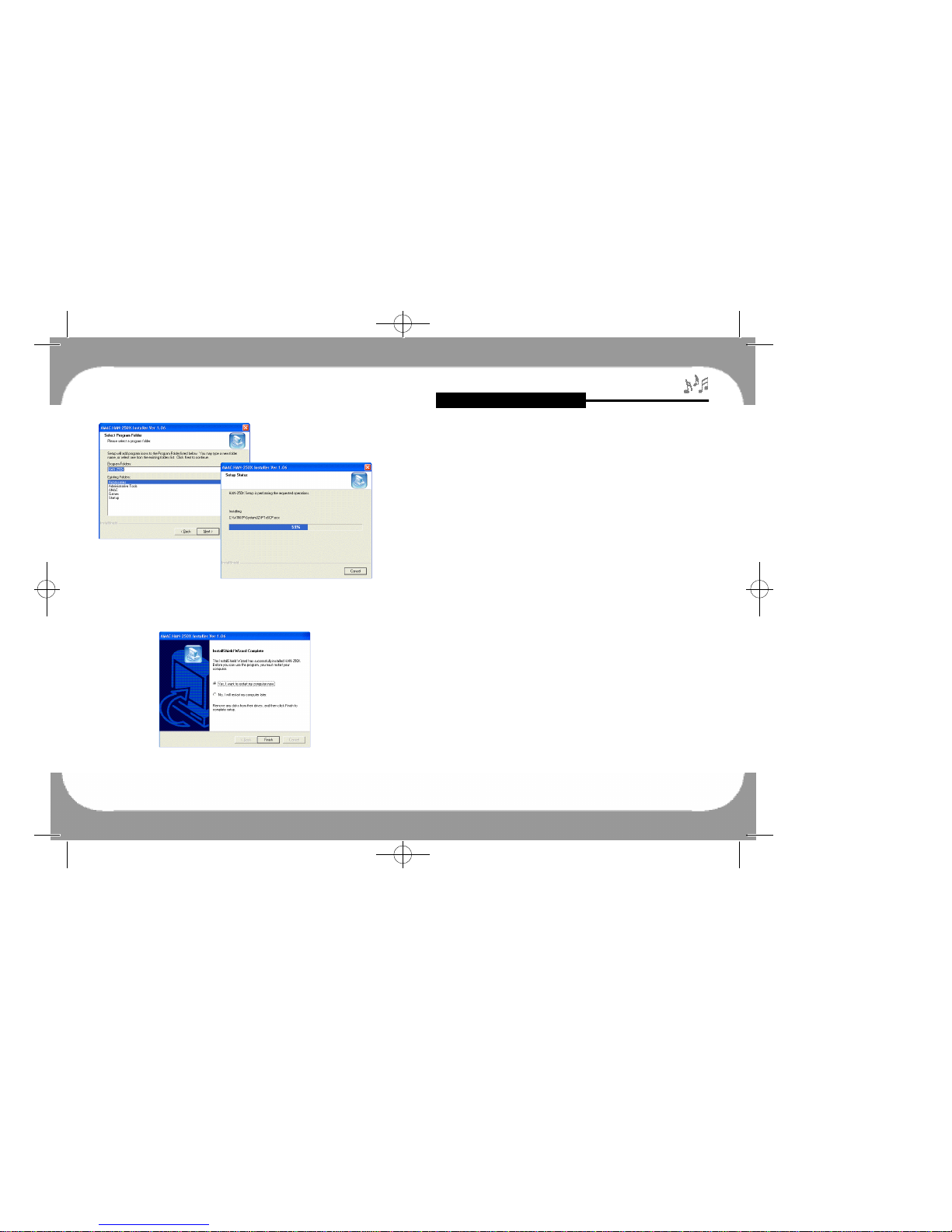
Software Installation Guide For Additional Functions......................06
To Upload/Download
To connect to PC................................................................................08
To upload/Download the files............................................................08
To format...........................................................................................10
To disconnect from PC(Windows 98SE / ME)................................10
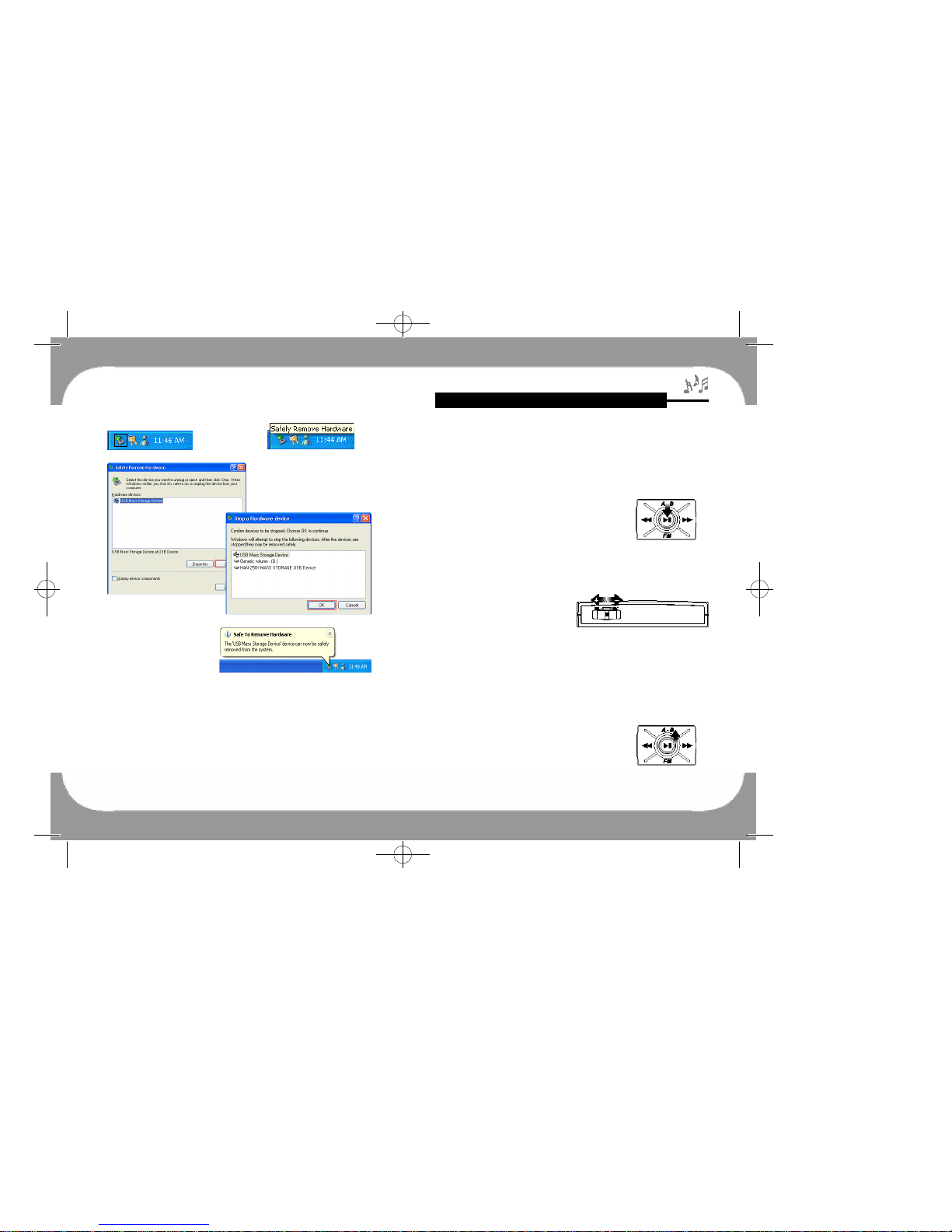
To disconnect from PC(Windows 2000 / XP).................................11
To listen to MP3 / WMA Music Files
To listen to Music
How to turn the POWER ON/OFF, PLAY/STOP.............................12
To control Volume.............................................................................12
Repeat Function for the Slected Area(A-B).......................................13
HOLD............................................................................................13
MENU Functions
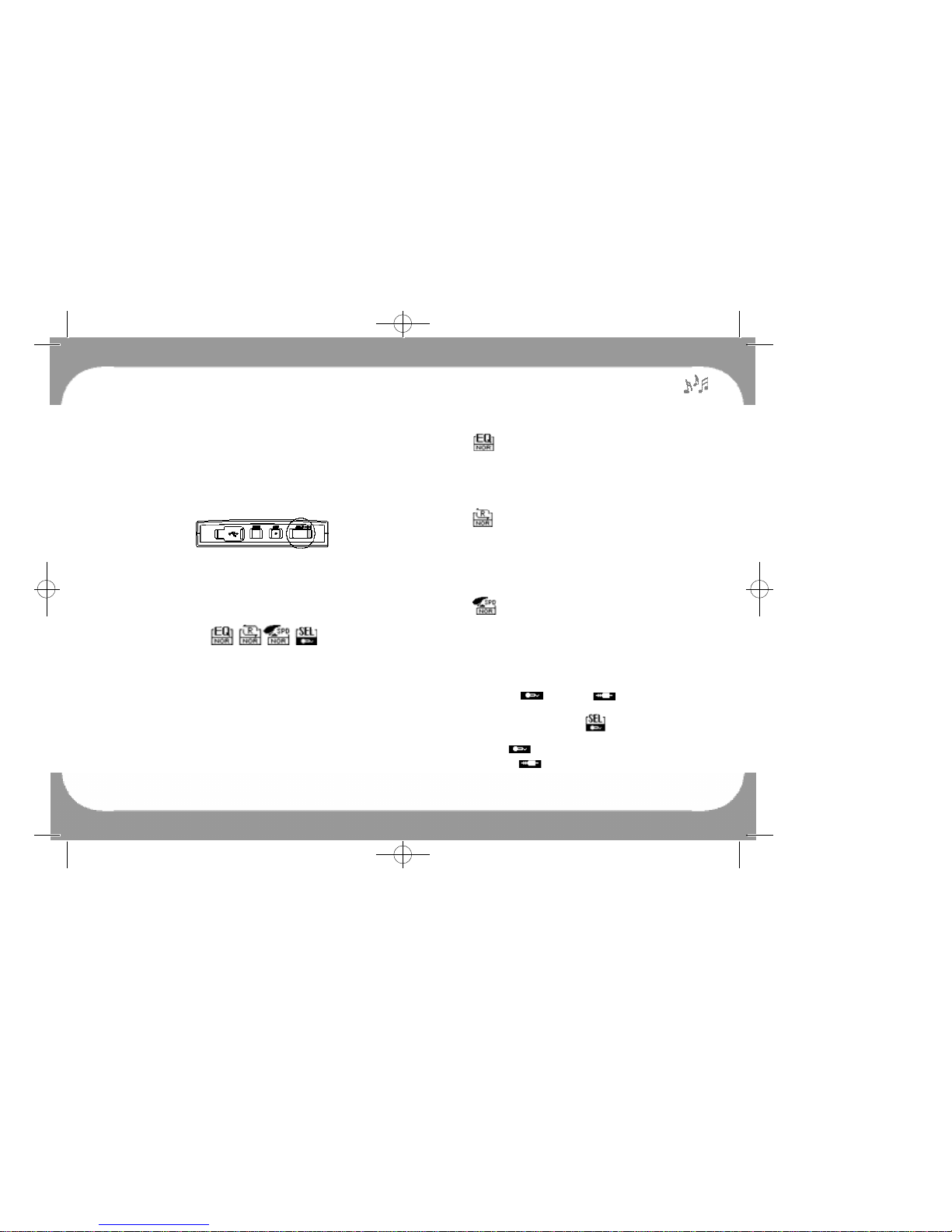
Equalizer(EQ) Setting Up..............................................................14
Repeat Setting Up...........................................................................14
Playback Speed Control.....................................................................14
Record/Encode Setting up..................................................................15
Power Saving Function
To search Directory
To move from file to file....................................................................15
To move to the Subfolder...................................................................15
To move to the Upfolder...................................................................15
250 영문 메뉴얼 2004.3.30 2:43 PM 페이지1