3
Welcome
Thank you for purchasing an Amcrest camera!
Here you can find information about your camera’s features and functions and information to aid in
troubleshooting. For access to the quick start guide and other support information, go to
http://amcrest.com/support
To contact Amcrest support, visit http://amcrest.com/contact and use the email form.
Call Amcrest Support using one of the following numbers:
Toll Free: (888) 212-7538
International Callers (Outside of US): +1-713-893-8956
USA: +1-713-893-8956
Canada: 437-888-0177
UK: 203-769-2757
Important Security Warning
To keep your Amcrest camera secure and prevent unauthorized access, please make sure to follow the steps
below:
•Always make sure that your camera has the latest firmware as listed on
www.amcrest.com/firmware
•Never use the default password for your camera. Always ensure that your
password is at least 810 characters long and contains a combination of
lowercase characters, uppercase characters, and numbers.
Overview
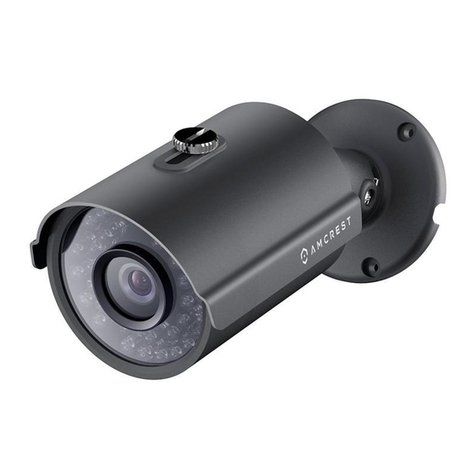
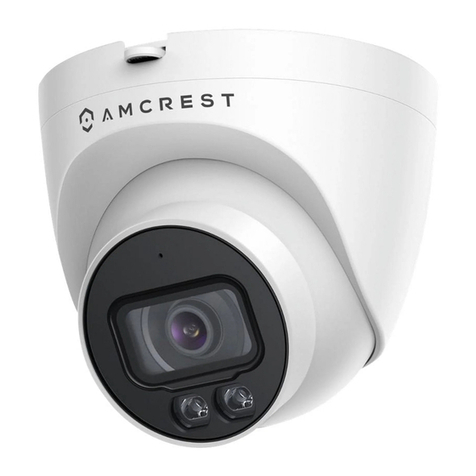
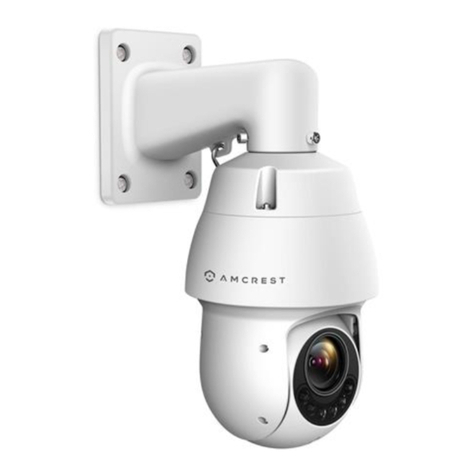
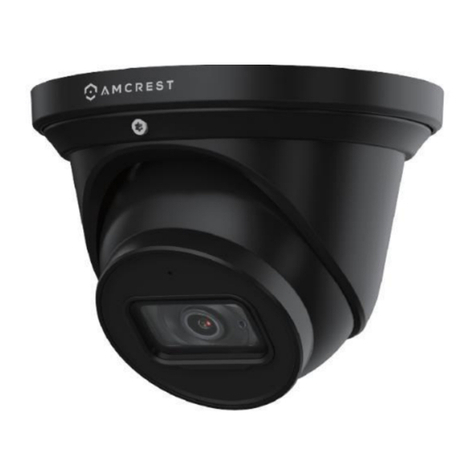
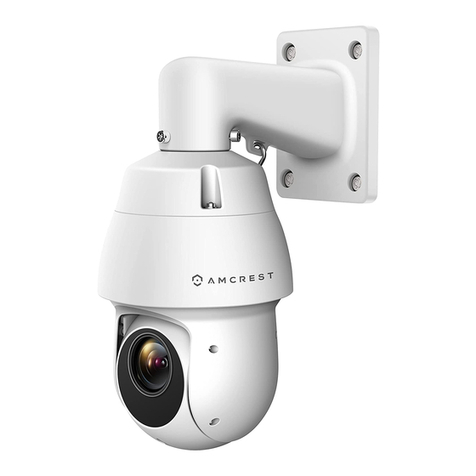
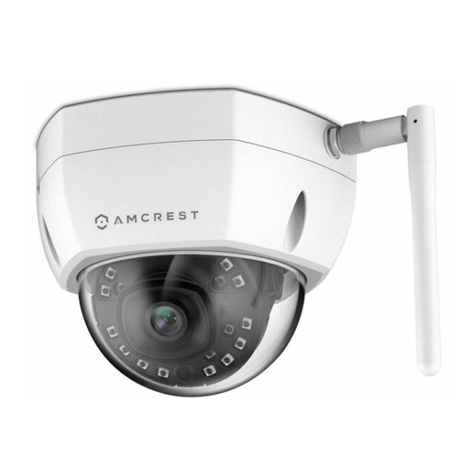
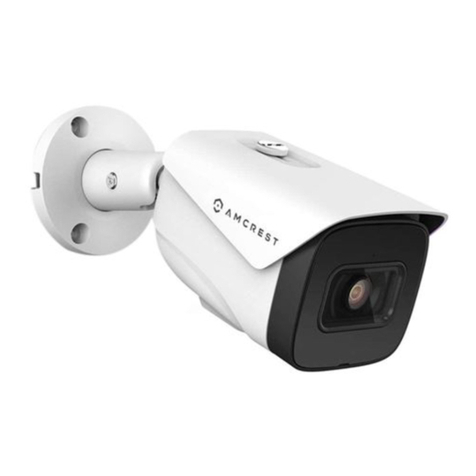
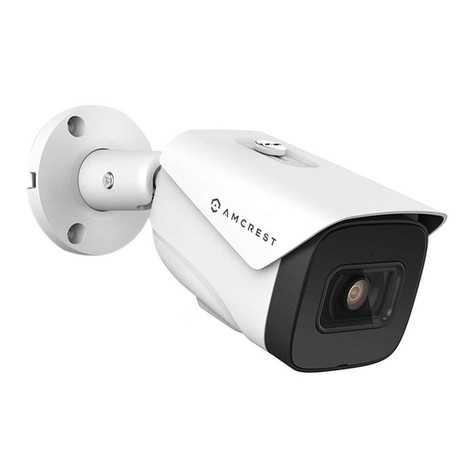
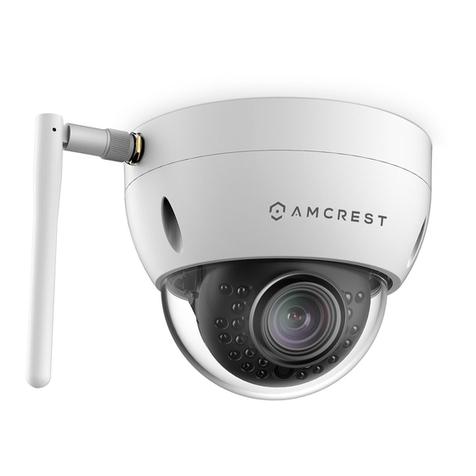
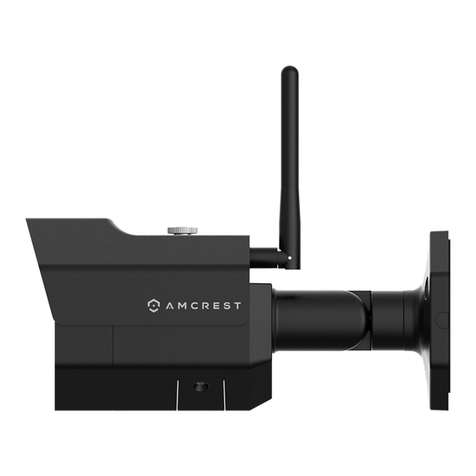
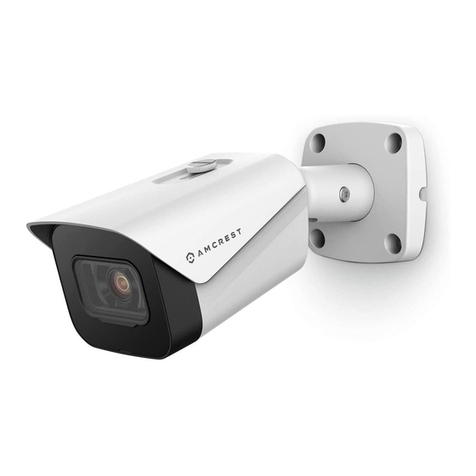
This 4MP Wi-Fi bullet camera features the latest JS technology and updated chipset which allows the camera to be
viewed in any web browser such as Google Chrome, Mozilla Firefox, Safari, Microsoft Edge, etc. The camera
connects to your network using SoftAP. SoftAP is an abbreviated term for "software-enabled access point" and is
used to provide a more efficient way of connecting your device wirelessly. The camera by default broadcasts a
unique SSID that will be used for the SoftAP connection process. This means, if you are connecting your camera
wirelessly, SoftAP must be used using the Amcrest View Pro.
The camera provides a full 114° angle of view and features 1 IR LED for night vision or 2 white light LEDs to achieve
color night vision. The camera features on-board motion detection and built-in AI features, such human detection,
using smart motion detection, and IVS features such as tripwire and intrusion for increased perimeter protection.
The camera also features flexible storage options to store recordings to a microSD card (up to 256GB), SFTP/FTP,
NAS, or an NVR. All features can be accessed and customized using a web browser however can be viewed as well
using the Amcrest View Pro app.
Connection & Installation
The below represents the height and width of the camera. The camera weights roughly 1.5lbs.