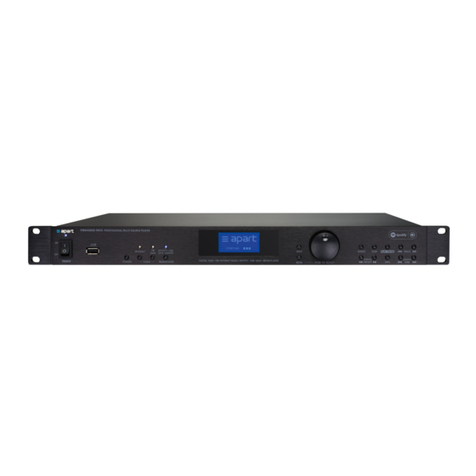
activate an automatically search down press and hold the button.
DAB+ mode: the tuner will show the previous item of the station
list. To activate this item, press the “ENTER |> ||” button.
Bluetooth mode: push to go back one track.
9. >>|:
FM mode: push the button to tune one step up (50kHz). To
activate an automatic search up press and hold the button.
DAB+ mode: the tuner will show the next item of the station list.
To activate this item, press the “ENTER |> ||” button.
Bluetooth mode: push to skip to the next track.
10. Memory >>: push to tune to the next station stored in memory.
There are 10 memory locations for FM and DAB+ mode each. If
there is no station programmed on a certain memory location, the
display will show “Preset xx empty”.
11. << Memory: push to tune to the previous station stored in
memory. There are 10 memory locations for FM and DAB+ mode
each. If there is no station programmed on a certain memory
location, the display will show “Preset xx empty”.
Note: To store a station into memory: first select an empty
memory location or a location you wish to overwrite. Then press
and hold both of the memory buttons.
12. Menu: press to enter or leave the menu. You can move through
the menu structure with the |<< and >>| buttons. Press “ENTER |>
||” button to activate the selected action.
13. + Info: push to switch between different display options, such
as RDS information, station name, program type, mono /stereo
(auto) and time information.
14. Standby: push to switch the tuner to standby mode or to wake up
from standby mode.