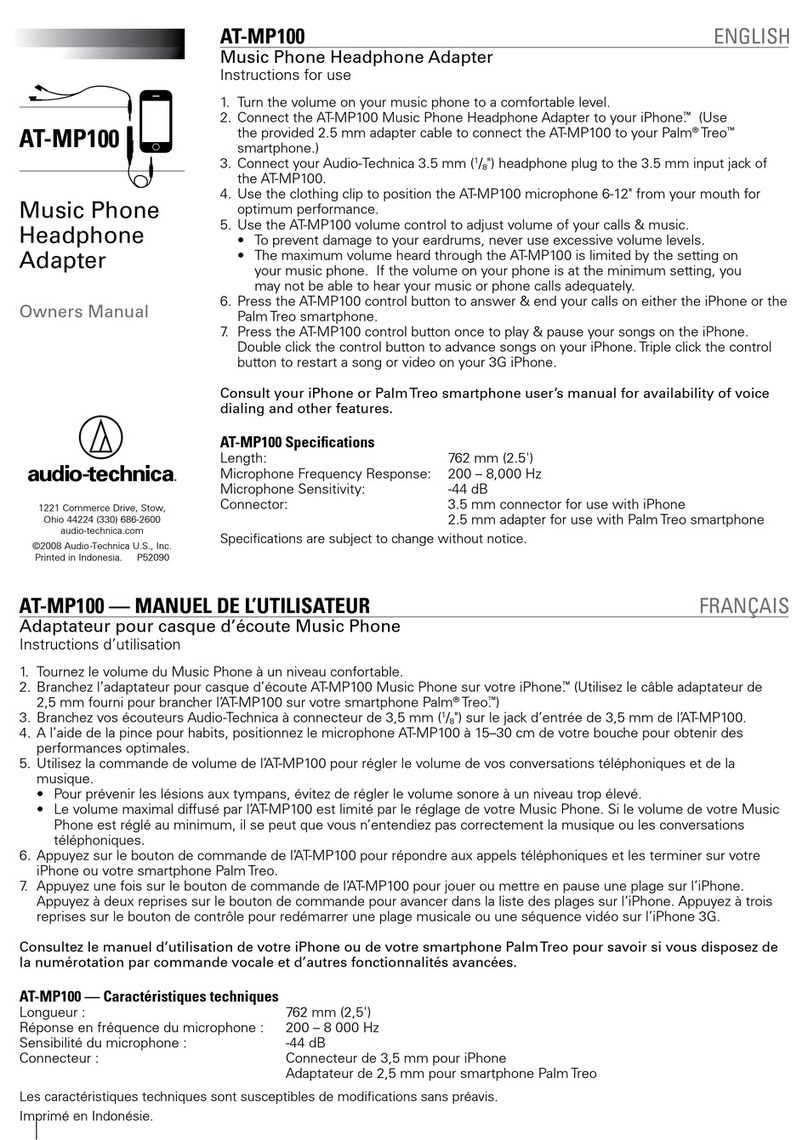
BAL-M40x Bluetooth Adapter – Quick Start Guide
Thank you and congratulations on your purchase o
the BAL-M40x Bluetooth Adapter and Ampli ier or
Audio-Technica® ATH-M40x headphones. Welcome
to a new world o mobility and sonic clarity!
•Using the included USB cable, charge ully. Power
LED will turn orange when charging, and go dark
when ully charged.
•Slowly and irmly press the unit into the
headphones (you will eel a “click” when it's in
place).
•Turn the power switch to the ON position.
•Unit will de ault to Pairing Mode. Search or
pairing name BAL-M40X on your device and pair.
•Press the + button several times until you hear
two beeps indicating maximum volume.
•Turn volume down on your Bluetooth device.
Press play and set approximate volume. Use Vol
OVER