User Manual
MPBT7501P
EN
User Manual
phones to play/pause the music.
·Long-press TWS button to disconnect the Bluetooth connection with
the mobile device.
TWS Function:
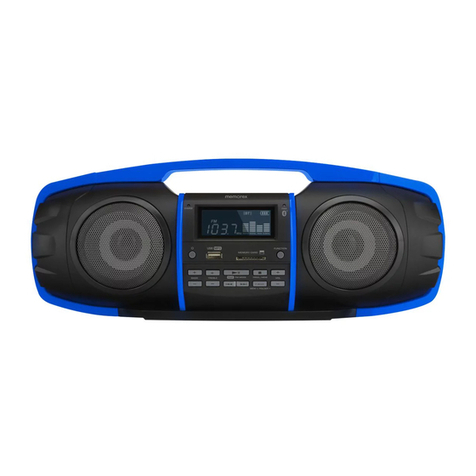
·Turn on two identical speakers you want to pair, both under BT mode.
Only need to set one of the two units.
·Short-press the “TWS” button to pair, the TWS button will keep lighting
after paired successfully.
·Make Bluetooth connection with your mobile phone to play music by
the two paired Speakers to create more powerful surround sound
effect.
·Short-press the “TWS” button again to exit TWS mode.
FM Radio:
·Turn the power button to “ON”, press the “MODE” button to FM state.
·Short press “Play/Pause” button to mute the speaker, long press
“Play/Pause” button to auto search the FM Channel and store it
automatically.
·Long press Forward or Backward button to change the stored FM
channel.
·Short press Forward or Backward button to adjust the volume.
Playing music from USB disk:
·Turn the Power button to “ON”.
· Insert USB flash disk into slot, the music will be played automatically.
·Long press Forward or Backward button to select songs you like, short
press to adjust the volume up and down.
·Press Play/Pause to play or pause.
Notes: Under any playing mode, when you insert a USB disk to the
speaker, it will switch to play the USB disk.