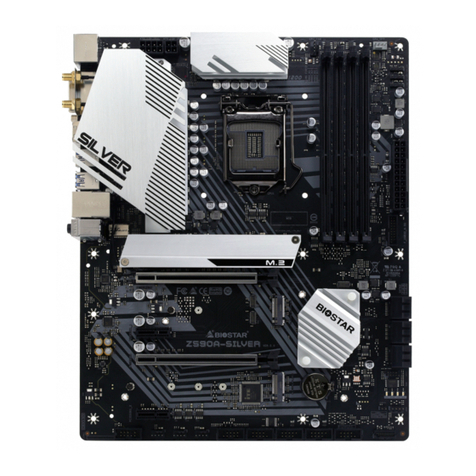
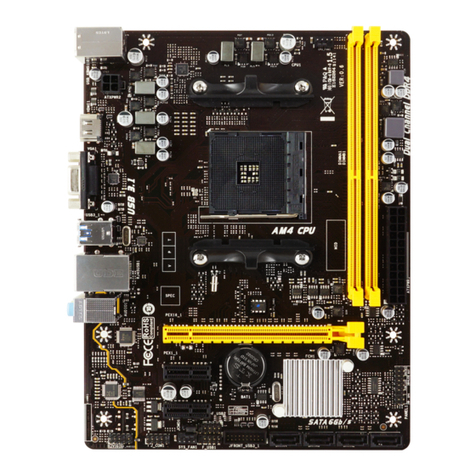
G965 Micro 775
2
ACPI Support
Phoenix-Award ACPI BIOS support Version 1.0b of Advan ced Con figuration
and Power interface speci fi cation (ACPI). It provides ASL code for power
management and device configuration capabilities as defined in the ACPI
speci fication, developed by Microsoft, Intel and Toshiba.
PCI Bus Support
This PHOENIX-AWARD BIOS also supports Version 3.0 of the Int el PCI
(Peripheral Component Interconnect) local bus specification.
DRAM Support
DDR SDRAM (Double Data Rate Synchronous DRAM) is supported.
Supported CPUs
This PHOENIX-AWARD BIOS supports the Intel CPU.
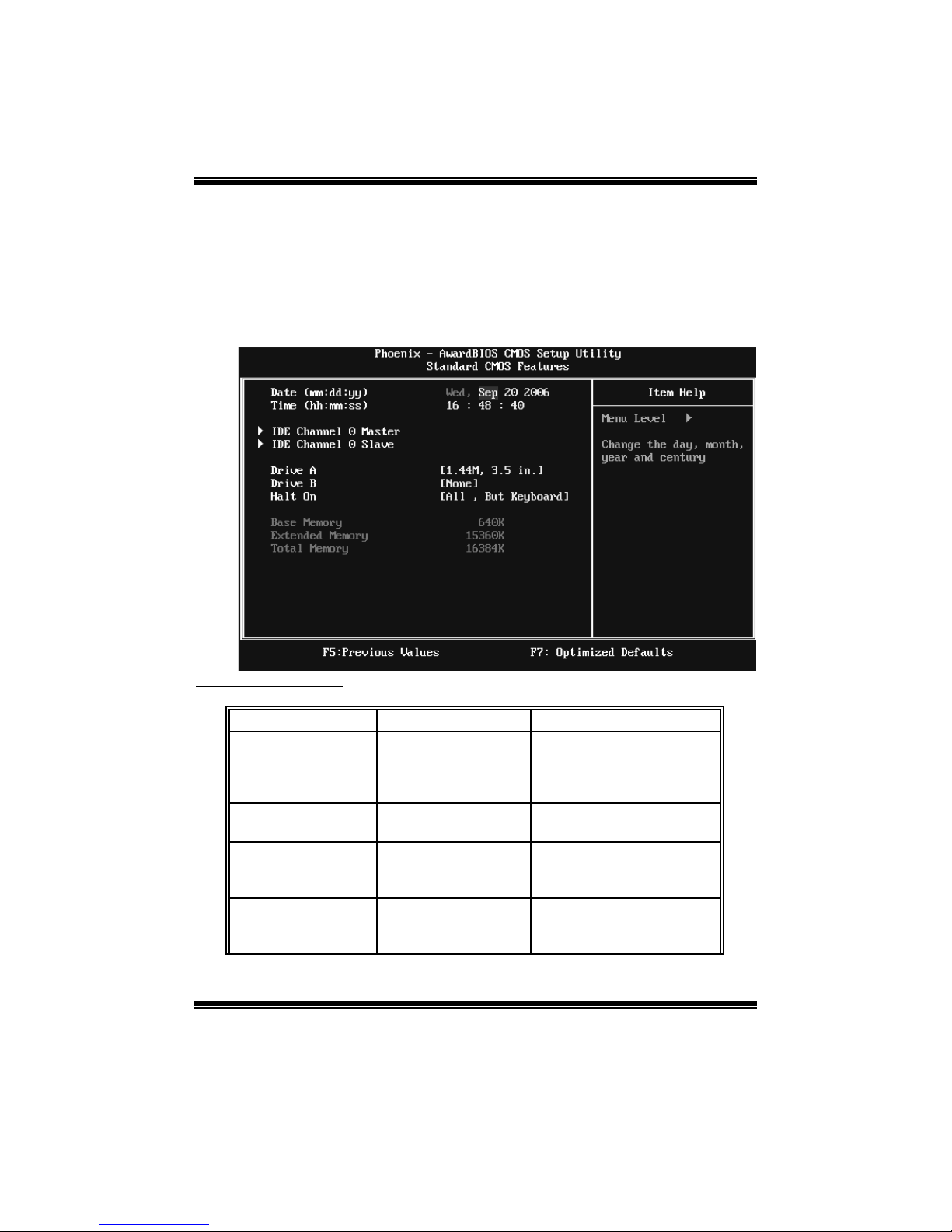
Using Setup
Use the arrow keys to highlight items in most of the place, press <Enter> to
select, use the <PgUp> and <PgDn> keys to change entries, press <F1> for help
and press <Esc> to quit. The following table provides more detail about how to
navigate in the Setup program by using the keyboard.
Keystroke Function
Up ar row M ove to pr e vio us i t em
Down arro w Move to ne xt item
Left ar ro w M ove to th e ite m on th e left (me nu b ar)
Ri g ht ar row M ove to th e ite m on th e r ig ht (me nu bar)
Move E nter Move to the item you desire d
Pg U p ke y Incr eas e t he nu mer ic val ue or ma ke c ha ng es
Pg D n ke y Decr ease th e n um eric val u e or ma ke ch ang es
+ Ke y Incr eas e t he nu mer ic val ue or ma ke c ha ng es
- Ke y Decr ease th e n um eric val u e or ma ke ch ang es
Esc key Main Menu – Quit and not s ave c hanges into CMOS
Stat us P ag e S etu p M en u an d Op ti on Pag e Set up M en u – E xi t
Current p age and r eturn to M ain Me nu
F1 key General helpon Setup navigation keys
F5 ke y Loa d pr e vi ous valu es fr o m CM OS
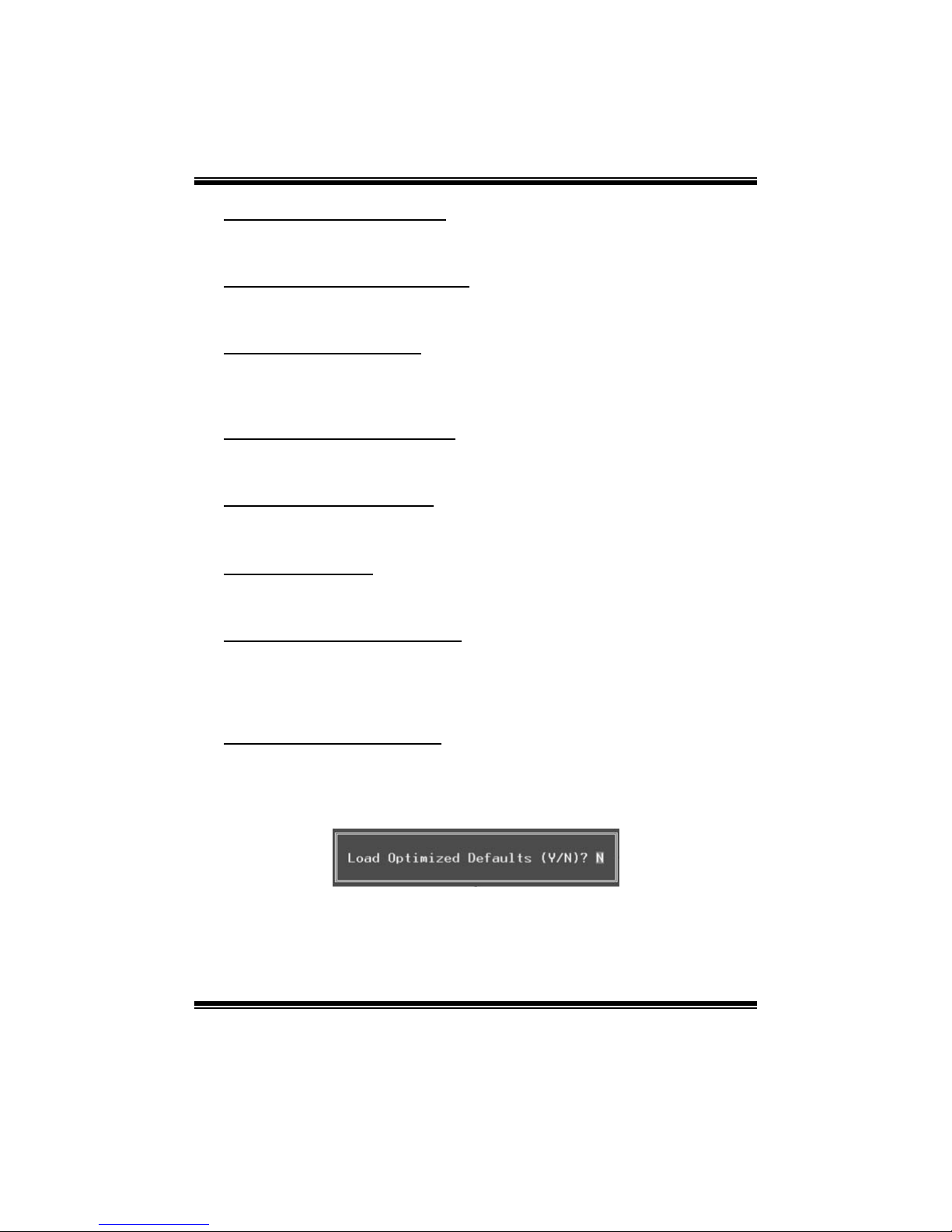
F7 ke y Loa d t he opti mize d d efa ults
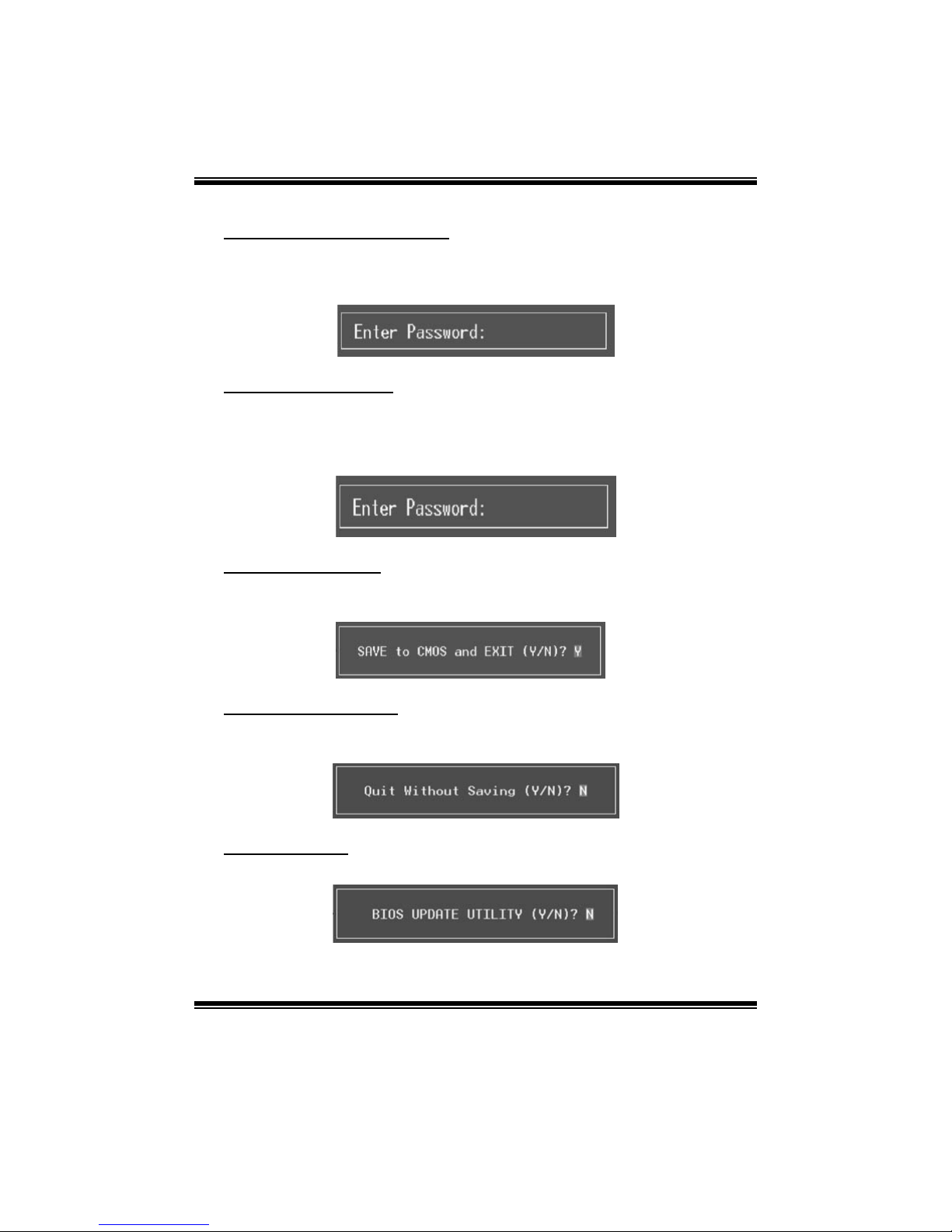
F10 ke y Sa ve al l th e C MOS c ha ng es a nd e xi t