Table of Contents
ii
Chapter 1: Introduction...............................................................1
1.1 Features..............................................................................................1
A. Hardware..........................................................................................................1
B. BIOS & Software.............................................................................................3
1.2 Package List.......................................................................................4
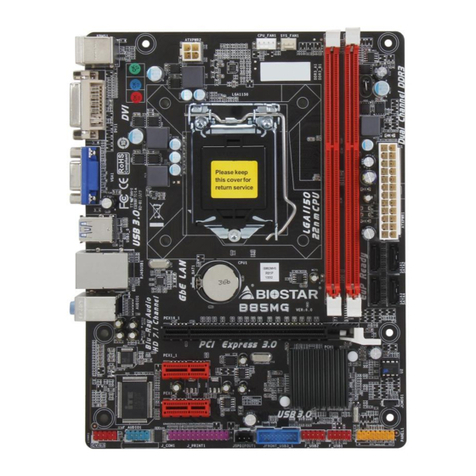
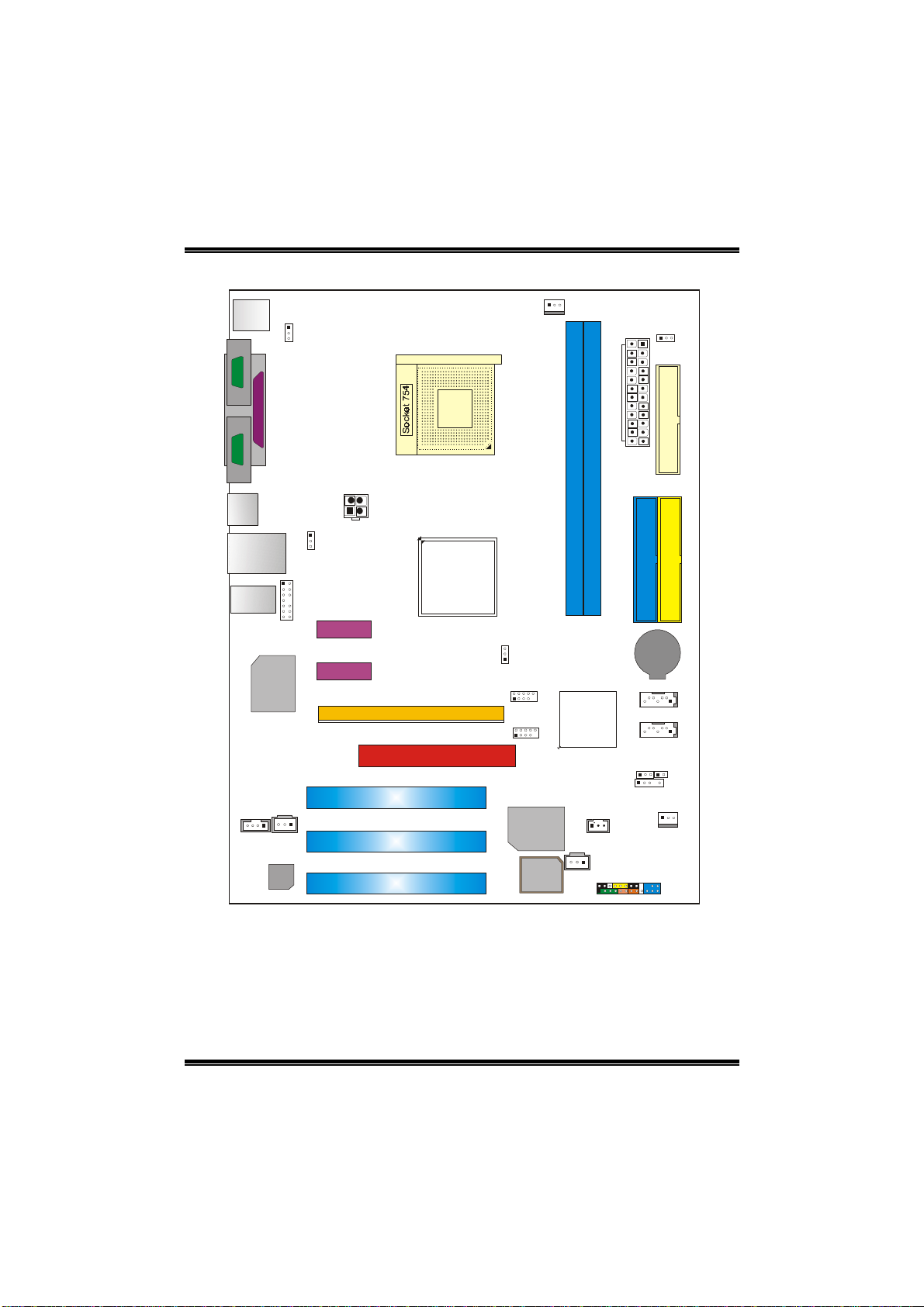
1.3 Layout.................................................................................................5
Chapter 2: Hardware Installation.............................................6
2.1 Central Processing Unit (CPU)........................................................6
2.2 FAN Headers.....................................................................................8
2.3 Memory Module Installation ..........................................................8
2.4 Connectors and Slots........................................................................9
Chapter 3: Headers & Jumpers Setup...................................11
3.1 How to Setup Jumpers...................................................................11
3.2 Detail Settings..................................................................................11
Chapter 4: Useful Help............................................................16
4.1 Award BIOS Beep Code.................................................................16
4.2 Extra Information............................................................................16
A. BIOS Update..................................................................................................16
B. CPU Overheated............................................................................................17
4.3 Troubleshooting..............................................................................18
Chapter 5: WarpSpeeder™...............................................19
5.1 Introduction.....................................................................................19
5.2 System Requirement.......................................................................19
5.3 Installation.......................................................................................20
5.4 [WarpSpeeder™] includes 1 tray icon and 5 panels..................21