manuals.online logo
Brands
  1. Home
  2. •
  3. Brands
  4. •
  5. Brock
  6. •
  7. Vacuum Cleaner
  8. •
  9. Brock ZLN3451 User manual

Brock ZLN3451 User manual

This manual suits for next models

1

Popular Vacuum Cleaner manuals by other brands

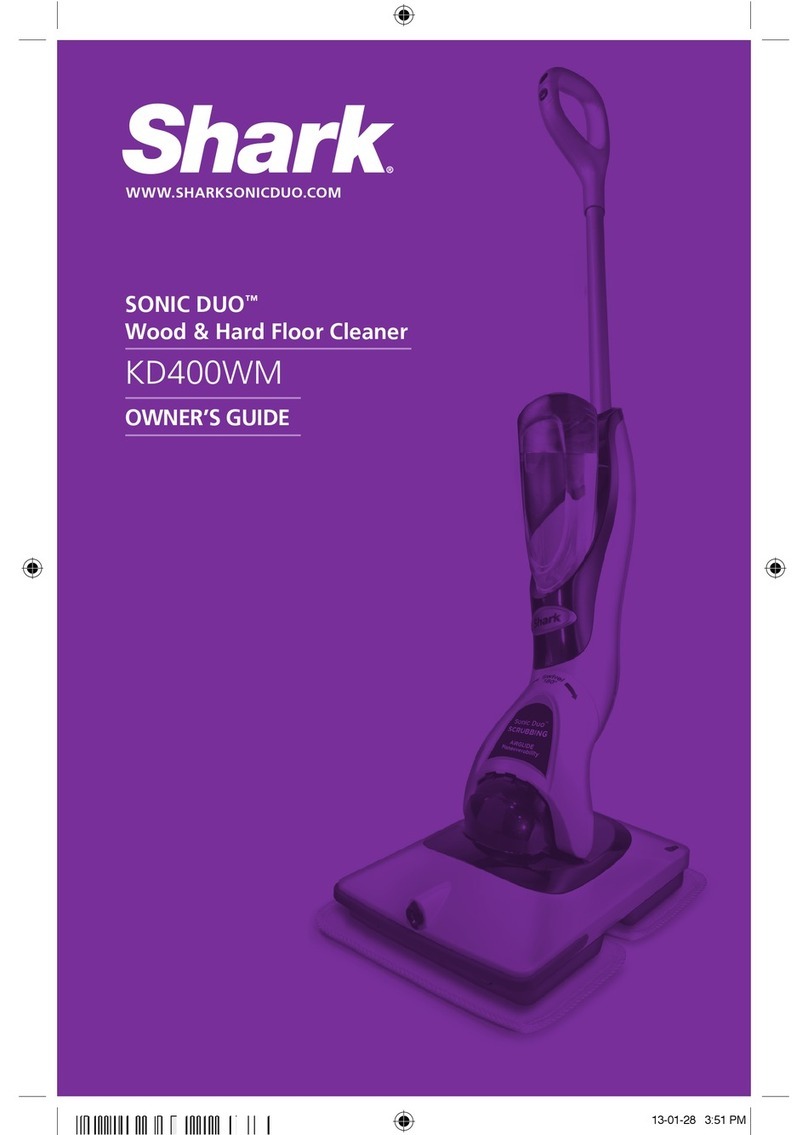
Shark KD400WM owner's guide

Shark

Shark KD400WM owner's guide

Shark CORDLESS SV780_N 14 user manual

Shark CORDLESS

Shark CORDLESS SV780_N 14 user manual

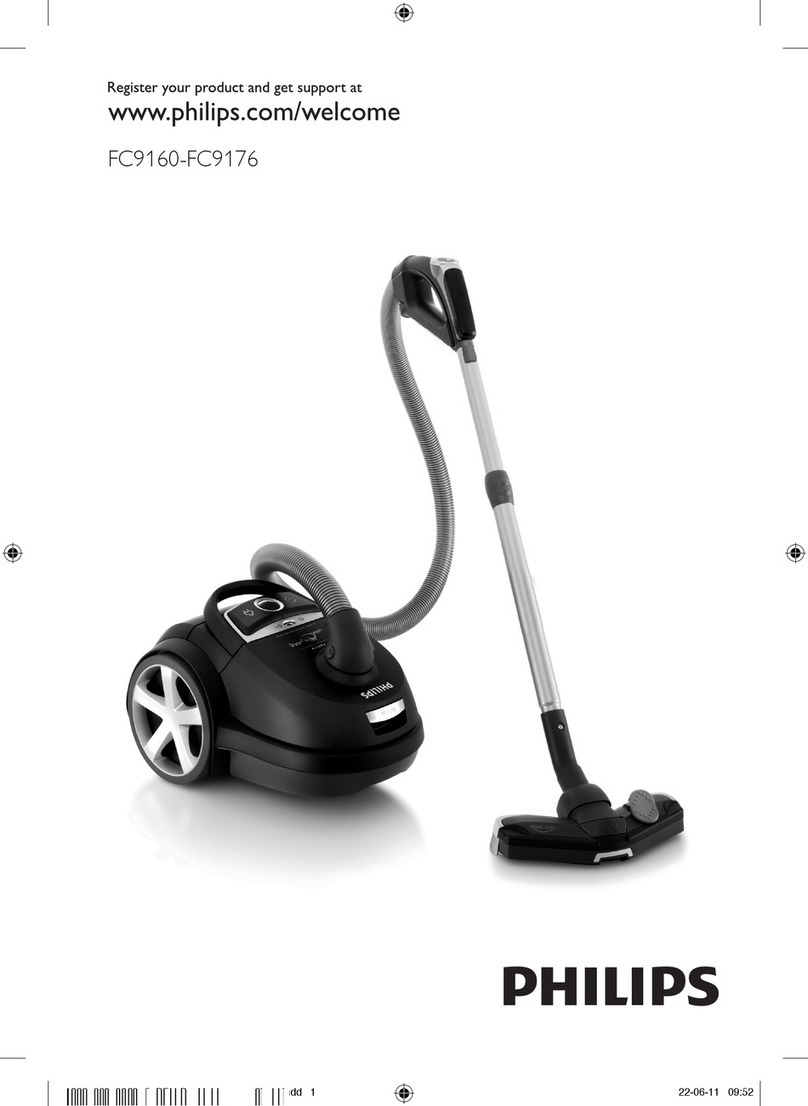
Philips FC9176/08 manual

Philips

Philips FC9176/08 manual

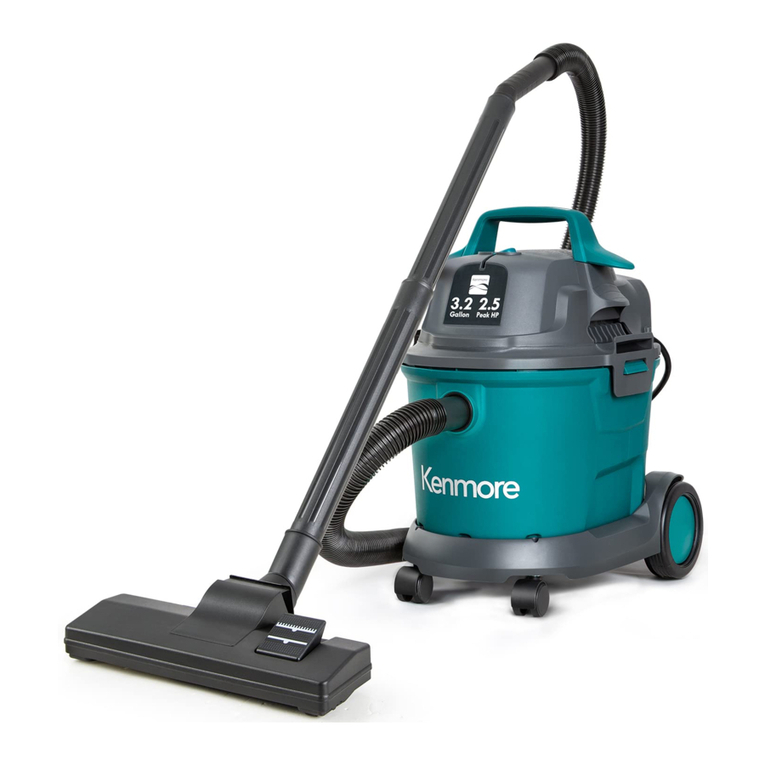
Kenmore KW3030 user manual

Kenmore

Kenmore KW3030 user manual

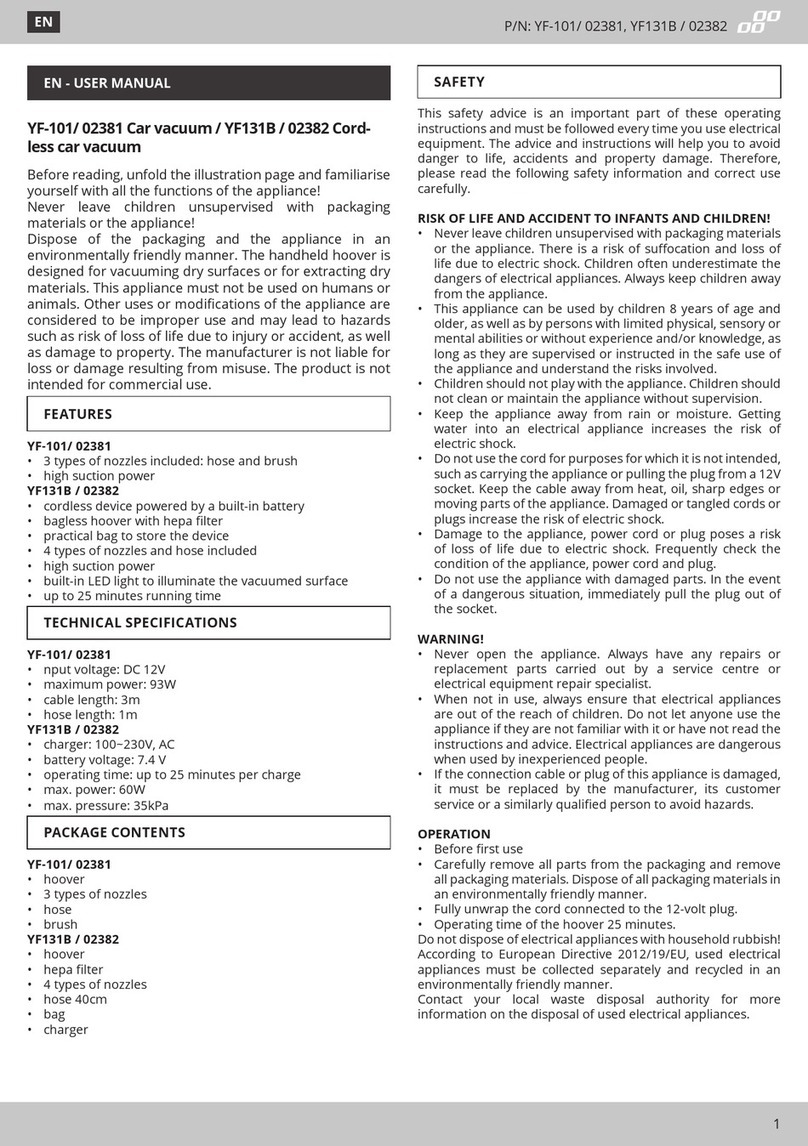
AMiO YF-101 user manual

AMiO

AMiO YF-101 user manual

Beko VRT 94929 VI user manual

Beko

Beko VRT 94929 VI user manual

Shark CORDLESS SV780 Series quick start guide

Shark CORDLESS

Shark CORDLESS SV780 Series quick start guide

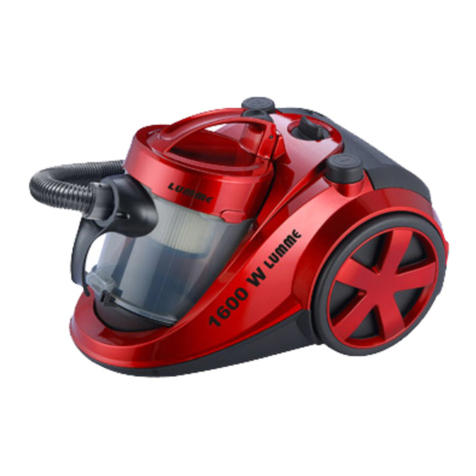
Lumme LU-3203 instruction manual

Lumme

Lumme LU-3203 instruction manual

Melissa 640-040/051 instruction manual

Melissa

Melissa 640-040/051 instruction manual

Makita DVC152L instruction manual

Makita

Makita DVC152L instruction manual

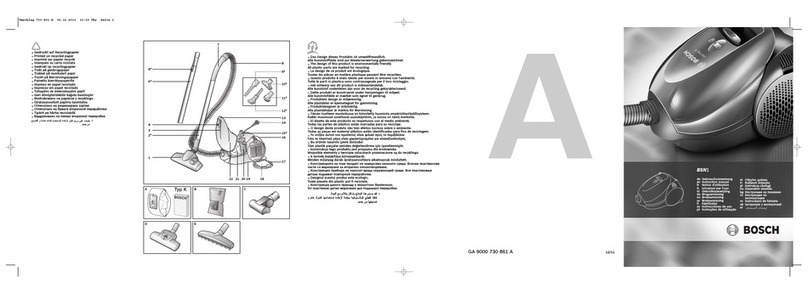
Bosch BSN1 instruction manual

Bosch

Bosch BSN1 instruction manual

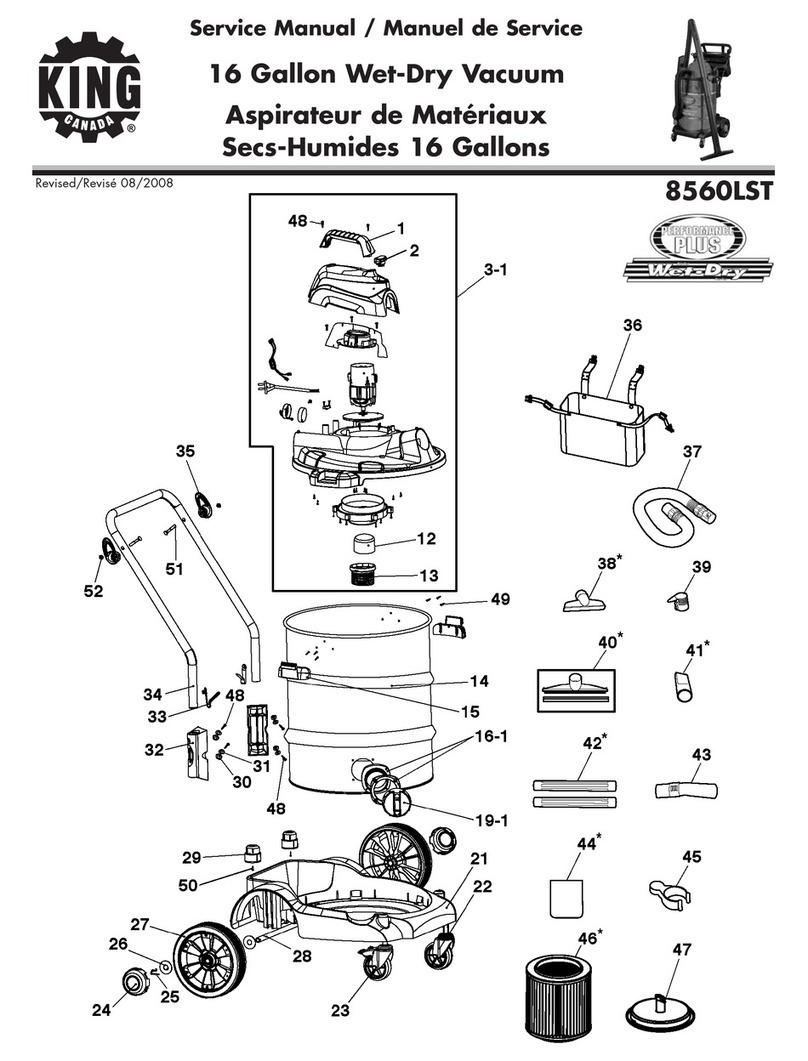
King Canada 8560LST Service manual & parts list

King Canada

King Canada 8560LST Service manual & parts list

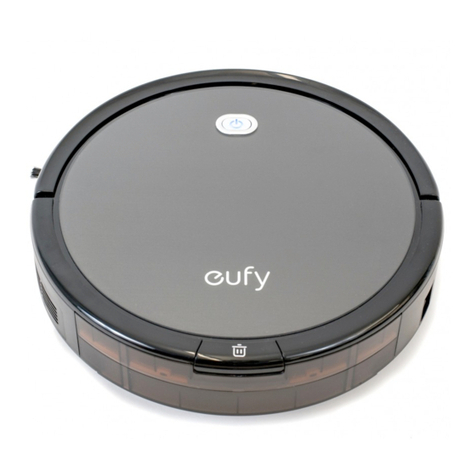
EUFY RoboVac 11c+ owner's manual

EUFY

EUFY RoboVac 11c+ owner's manual

Panasonic MC-E4101 Service manual

Panasonic

Panasonic MC-E4101 Service manual

Panasonic MC-V9658 operating instructions

Panasonic

Panasonic MC-V9658 operating instructions

Bosch BGB 2 Series instruction manual

Bosch

Bosch BGB 2 Series instruction manual

Hoover dog & cat TURBO manual

Hoover

Hoover dog & cat TURBO manual

FGE Far Tools NET UP 20 manual

FGE

FGE Far Tools NET UP 20 manual

manuals.online logo
manuals.online logoBrands
  • About & Mission
  • Contact us
  • Privacy Policy
  • Terms and Conditions

Copyright 2025 Manuals.Online. All Rights Reserved.

12
13 15
16
814
1
2
3
45
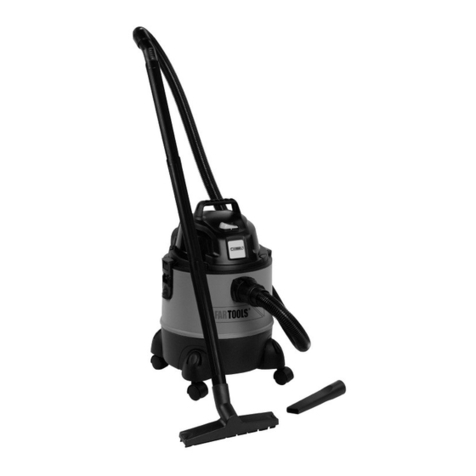
Main Part Identifications:
1. Floor Brush
2. Retractable brush knob
3. Tube
4. Airflow control
5. Hose
6.Dust container
7. Dust cup Handle
8. Power cable
9. Wire auto-rewinding button
10. Dust container unlocking button
11. Power on/off button
12.Air out-let filter
13.Grid filter
14. Sponge filter
15.Dust release button
16.Crevice brush
9
10
11
6
7
graceful
I.Brief Introduction:
The vacuum cleaner features exquisite appearance,
in color, reasonable in internal structure. This cyclone vacuum
cleaner with foot push switch and automatic wire rolling button
on it, and also has many absorbing attachments. Its absorb
power is controlled by electronics and it features low noise and
high efficiency. It makes your life comfortable if you choose
this machine.
II. For the sake of safety, please comply with following
instruction:
1.After using, don't pull the power cable when you want to
stop the power.
2.Don't run the applianceover the power cable when
operating.
3.Don't suck the burning cigarettes.
4.Don't suck water or other liquid.

Handle
Tube Tube
Tube Tube
Floor brush
5. Don't suck sharp things too heavy things.
6. Don't place it near heat source.
IV. How to use
1.Preparation
(1) Let the end of the hose insert into the air intake socket
anticlockwise 90°Until clicking position.
(2)After using, turn the hose with clockwise 90°and pull the end
out
(3) Fit the extension tube to the handle, tube and tube to floor
brush as showing in the picture.
2.Using the machine
Pull out the wire to suitable length, insert the plug into power
socket , press the switch to run the machine. The vacuum
cleaner begins to work. The part, which can adjust wind
volume, is on the handle.
Attention: Don't extend the cable beyond the RED mark
Take off the protective parts on the buttom base before gliding
on the floor.
3.Using accessories.
Dual-position carpet/floor brush
Pos.1:bristles extended, for hard floor
Pos.2: bristles retracted, for carpet
The narrow nozzle is for cleaning corners, edges of drawers,
curtains, lamps and clothing etc.
4.After using
(1)Press On/Off switch to stop the machine, and press the
cord-rewinders button to roll back the wire steadily .
Attention: If the power cable can?t rewind completely , please
pull out the power cable a little bit and press the cord-rewinder
button again. Y ou can repeat the rewinding step until the cable
is rewind completely.
(2)After using, you can put them as showing in the picture.
V. Replacing the Dust-cup
1. When the dust reach to the MAX board level in the dust-cup,
it means dust-cup is full. At this moment, dust-cup should be
emptied .
MA X
2.Open the dust-cup as showing in the picture.
VI. Maintenance
STRAINER
PLASTIC FILTER