manuals.online logo
Brands
  1. Home
  2. •
  3. Brands
  4. •
  5. Brookstone
  6. •
  7. Speakers
  8. •
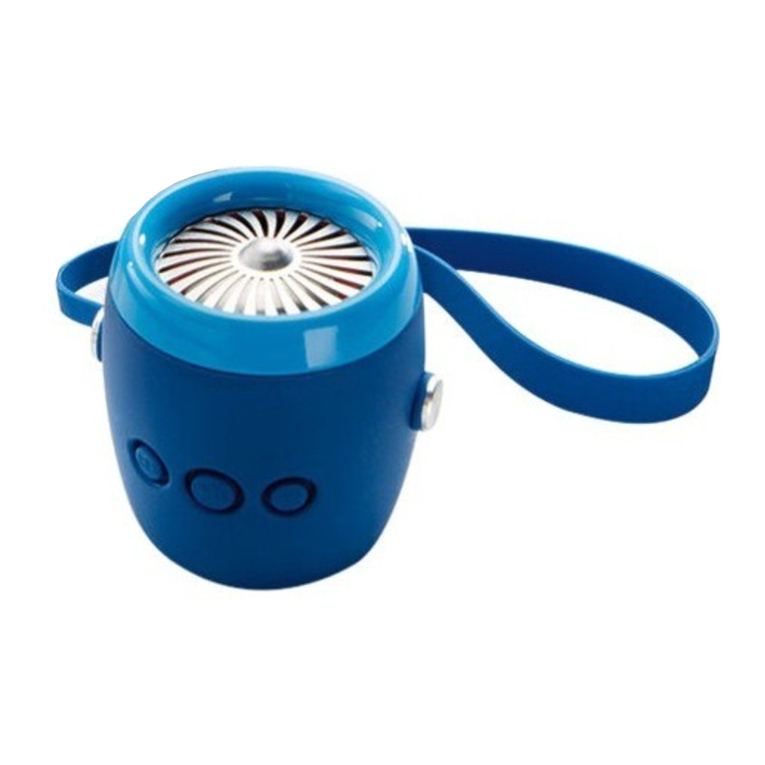
  9. Brookstone Pack Speaker User manual

Brookstone Pack Speaker User manual

Other Brookstone Speakers manuals

Brookstone Wrist Speaker User manual

Brookstone

Brookstone Wrist Speaker User manual

Brookstone Big Blue Party X User manual

Brookstone

Brookstone Big Blue Party X User manual

Brookstone 318418 User manual

Brookstone

Brookstone 318418 User manual

Brookstone podz User manual

Brookstone

Brookstone podz User manual

Brookstone Aviator Mini Wireless Speaker User manual

Brookstone

Brookstone Aviator Mini Wireless Speaker User manual

Brookstone tv hear User manual

Brookstone

Brookstone tv hear User manual

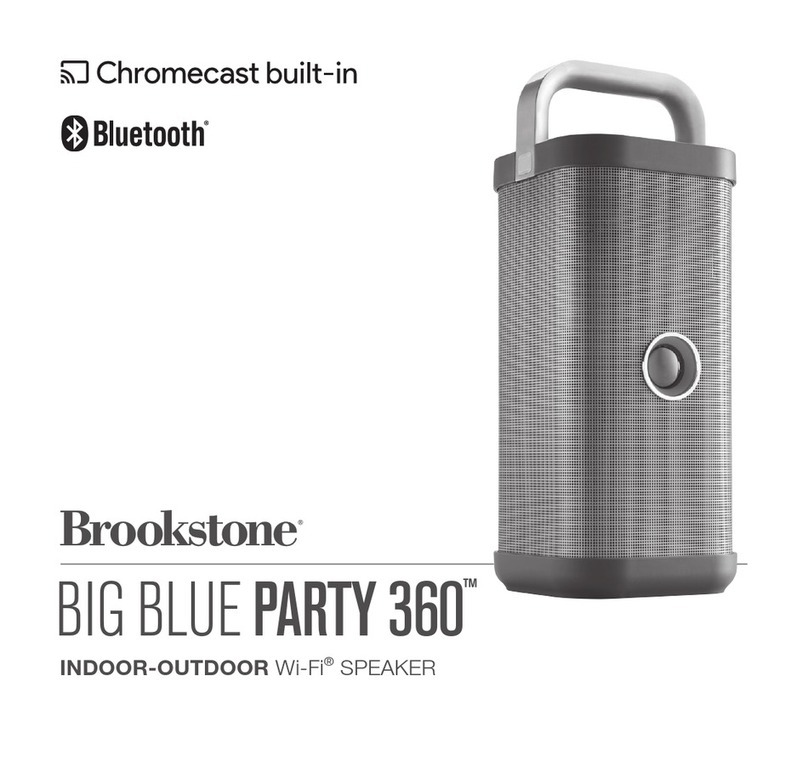
Brookstone BIG BLUE PARTY 360 User manual

Brookstone

Brookstone BIG BLUE PARTY 360 User manual

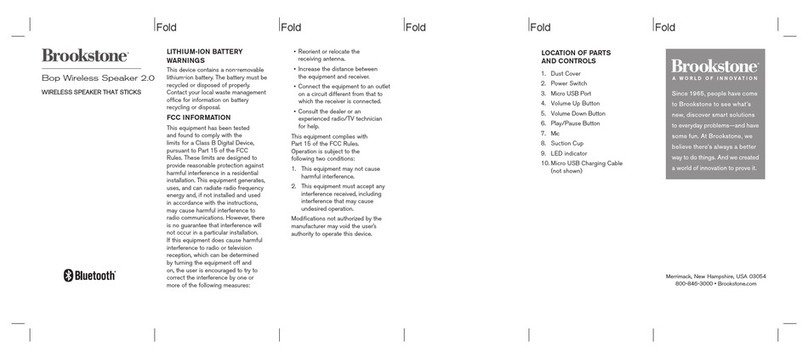
Brookstone Bop User manual

Brookstone

Brookstone Bop User manual

Brookstone SpeakOut917703p User manual

Brookstone

Brookstone SpeakOut917703p User manual

Brookstone 497362 User manual

Brookstone

Brookstone 497362 User manual

Brookstone BIG BLUE STUDIO User manual

Brookstone

Brookstone BIG BLUE STUDIO User manual

Brookstone Tranquil Moments 875782 User manual

Brookstone

Brookstone Tranquil Moments 875782 User manual

Brookstone Tranquil Moments Bedside User manual

Brookstone

Brookstone Tranquil Moments Bedside User manual

Brookstone BIG BLUE PARTY User manual

Brookstone

Brookstone BIG BLUE PARTY User manual

Brookstone BIG BLUE LIVE2 User manual

Brookstone

Brookstone BIG BLUE LIVE2 User manual

Brookstone BIG BLUE PARTY BKS800 User manual

Brookstone

Brookstone BIG BLUE PARTY BKS800 User manual

Brookstone BIG BLUE STUDIO User manual

Brookstone

Brookstone BIG BLUE STUDIO User manual

Brookstone 850022 User manual

Brookstone

Brookstone 850022 User manual

Brookstone BIG BLUE UNPLUGGED User manual

Brookstone

Brookstone BIG BLUE UNPLUGGED User manual

Brookstone Big Blue Media Tower User manual

Brookstone

Brookstone Big Blue Media Tower User manual

Brookstone BIG BLUE MINI User manual

Brookstone

Brookstone BIG BLUE MINI User manual

Brookstone GRONK BALL User manual

Brookstone

Brookstone GRONK BALL User manual

Brookstone BIG BLUESTUDIO User manual

Brookstone

Brookstone BIG BLUESTUDIO User manual

Brookstone 315223 User manual

Brookstone

Brookstone 315223 User manual

Popular Speakers manuals by other brands

Electro-Voice LR4S engineering data

Electro-Voice

Electro-Voice LR4S engineering data

Definitive Technology Sound Cylinder user guide

Definitive Technology

Definitive Technology Sound Cylinder user guide

AudioSource LS545 user manual

AudioSource

AudioSource LS545 user manual

Paso C402-T Instructions for use

Paso

Paso C402-T Instructions for use

Altec Lansing 416-8C LF SPEAKER manual

Altec Lansing

Altec Lansing 416-8C LF SPEAKER manual

Kenwood KFC-1072 Servise manual

Kenwood

Kenwood KFC-1072 Servise manual

Peavey ProSys 112 user guide

Peavey

Peavey ProSys 112 user guide

JBL Control Contractor 60 Series installation instructions

JBL

JBL Control Contractor 60 Series installation instructions

Aura STORM-8 owner's manual

Aura

Aura STORM-8 owner's manual

Oontz ANGLE 3 PLUS quick start guide

Oontz

Oontz ANGLE 3 PLUS quick start guide

Electro-Voice LR4A engineering data

Electro-Voice

Electro-Voice LR4A engineering data

Rave RK-650-ICA-B owner's manual

Rave

Rave RK-650-ICA-B owner's manual

Flux Reference Series installation manual

Flux

Flux Reference Series installation manual

Lanzar AQAWBS64BK installation manual

Lanzar

Lanzar AQAWBS64BK installation manual

DAPAudio DCS-6230 manual

DAPAudio

DAPAudio DCS-6230 manual

Aluratek ABS03F quick start guide

Aluratek

Aluratek ABS03F quick start guide

Kenwood KES-5A instruction manual

Kenwood

Kenwood KES-5A instruction manual

Sonance ORIGINAL SERIES instruction manual

Sonance

Sonance ORIGINAL SERIES instruction manual

manuals.online logo
manuals.online logoBrands
  • About & Mission
  • Contact us
  • Privacy Policy
  • Terms and Conditions

Copyright 2025 Manuals.Online. All Rights Reserved.

• Increase the distance between the
equipment and receiver.
• Connect the equipment to an outlet
on a circuit different from that to
which the receiver is connected.
• Consult the dealer or an
experienced radio/TV technician
for help.
1. Micro USB Charging Port
2. Dust Cover
3. Aux-In Port
4. Power/Pairing Button
5. Volume Down Button
6. Play/Pause/Call Button
7. Volume Up Button
8. Micro USB Charging Cable
(not shown)
4 5 6 7
1 32
Fold Fold Fold Fold Fold
CHARGING THE PACK
SPEAKER
1. Turn off Pack Speaker before
charging.
2. Connect the speaker to a PC/
Laptop or a 5V USB adapter (not
included) with the included USB
charging cable.
3. The Battery Indicator will turn on
red during charging and will turn
off when fully charged. It takes
about 2 hours to fully charge.
NOTE: The red LED will keep flashing
fast and the indication tone will repeat
every 30 seconds when battery is low.
TURNING ON/OFF THE
SPEAKER
1. Press and hold the Power Button
for 3 seconds to turn on the
speaker. The Battery and
Bluetooth® indicators turn on at the
same time.
2. Press and hold the Power Button
for 3 seconds to turn the speaker
off.
PAIRING YOUR DEVICE
1. Please keep the Pack Speaker and
the mobile device within 1 meter
of each other.
2. Turn on the Speaker. When the red
LED blinks quickly, the speaker is in
standby for pairing.
LOCATION OF PARTS AND

CONTROLS
This equipment complies with Part 15
ot the FCC Rules. Operation is subject
to the following two conditions:
1. This equipment may not cause
harmful interference.
2. This equipment must accept any
interference received, including
interference that may cause
undesired operation.
Modifications not authorized by the
manufacturer may void the user’s
authority to operate this device.
FCC ID: 2ABPRV9
Merrimack, New Hampshire, USA 03054
800-846-3000 • Brookstone.com
310850/310851/310848/310849
SPECIFICATIONS
Power Output: 3W
DC Input: 5V 500mA
Range: Class 2, up to 33 ft (10m)
Battery Capacity: 3.7V 800mAh
Charging Time: Approx. 2 hours
Battery Life: Approx. 5 hours
Compatibility: Bluetooth 2.0 or above
device with A2DP/AVRCP/HFP/HSP
Fold Fold Fold Fold Fold
The Bluetooth® word mark and logos
are registered trademarks owned of
Bluetooth SIG, Inc. and any use
of such marks by Brookstone is under
license.
Store the speaker in a cool, dry place.
1. When you have an incoming call,
the speaker sounds an incoming
call tone. Both the speaker and your
cellphone may ring, depending on
your cellphone settings.
2. To answer an incoming call, short
press Play/Pause Button to answer
the call.
3. To reject an incoming call, long
press Play/Pause Button to reject
the call.
4. To end a call, short press
Play/Pause Button once.
5. If, while you are listening to music,
your phone rings and you answer
the call, the music selection will
then continue from where it had
stopped after you end the call.
NOTES:
LISTENING TO YOUR AUDIO
DEVICE
1. Play your audio device as you
normally would.
2. Volume may be adjusted on your
audio device or by pressing and
holding the Volume Up or Down
buttons on the speaker.
3. A single press of the Volume Up
or Down buttons will advance to
the next track or go back to the
previous track.
4. To pause audio, press the Play/Pause
Button on the Speaker. To resume
audio playback, press the Play/Pause
Button again.
PLAYING MUSIC THROUGH A
WIRED CONNECTION

You can connect your audio device to
the speaker with a 3.5mm audio cable
(not included).
1. Plug one end of the cable into your
audio device, just like you would a
pair of headphones.
2. Plug the other end of the cable into
the speaker's AUX-IN port.

3. Use your audio device to control
music playback and volume
through speaker.
WATER-RESISTANT
1. Pack Speaker is compliant with
IPX4 waterproof standard “splash
proof in all directions.”
2. Never place the speaker under
running water or submerge
the speaker in water.
3. Once the speaker is in pairing mode
and your device is ready to pair,
select ‘Pack Speaker.’ If prompted,
use 0000 as a PIN for the pairing
code. Once the speaker is selected,
LED indicator will change to solid
blue to complete pairing.
.
1. If pairing is not successful, turn
the speaker off and on again.
2. After successful pairing, paired
devices will remember each other.
3. The AUX-IN will take priority over
Bluetooth®. Bluetooth® connection
is disconnected when AUX-IN is
plugged in. Bluetooth® will be
reconnected when AUX-IN is
unplugged.
CARE AND STORAGE
MOBILE PHONE OPERATION