EnglishDeutsch
 logo
Brands
  1. Home
  2. •
  3. Brands
  4. •
  5. Brother
  6. •
  7. Sewing Machine
  8. •
  9. Brother BAS-416 User manual

Brother BAS-416 User manual

Other manuals for BAS-416

9

This manual suits for next models

10

Other Brother Sewing Machine manuals

Brother MD-611 User manual

Brother

Brother MD-611 User manual

Brother NV1500 User manual

Brother

Brother NV1500 User manual

Brother JK2500NT User manual

Brother

Brother JK2500NT User manual

Brother KE-434C User manual

Brother

Brother KE-434C User manual
Brother HE-800B User manual

Brother

Brother HE-800B User manual
Brother Innov-is 900D User manual

Brother

Brother Innov-is 900D User manual

Brother BAS-416 User manual

Brother

Brother BAS-416 User manual
Brother 888-G10 User manual

Brother

Brother 888-G10 User manual
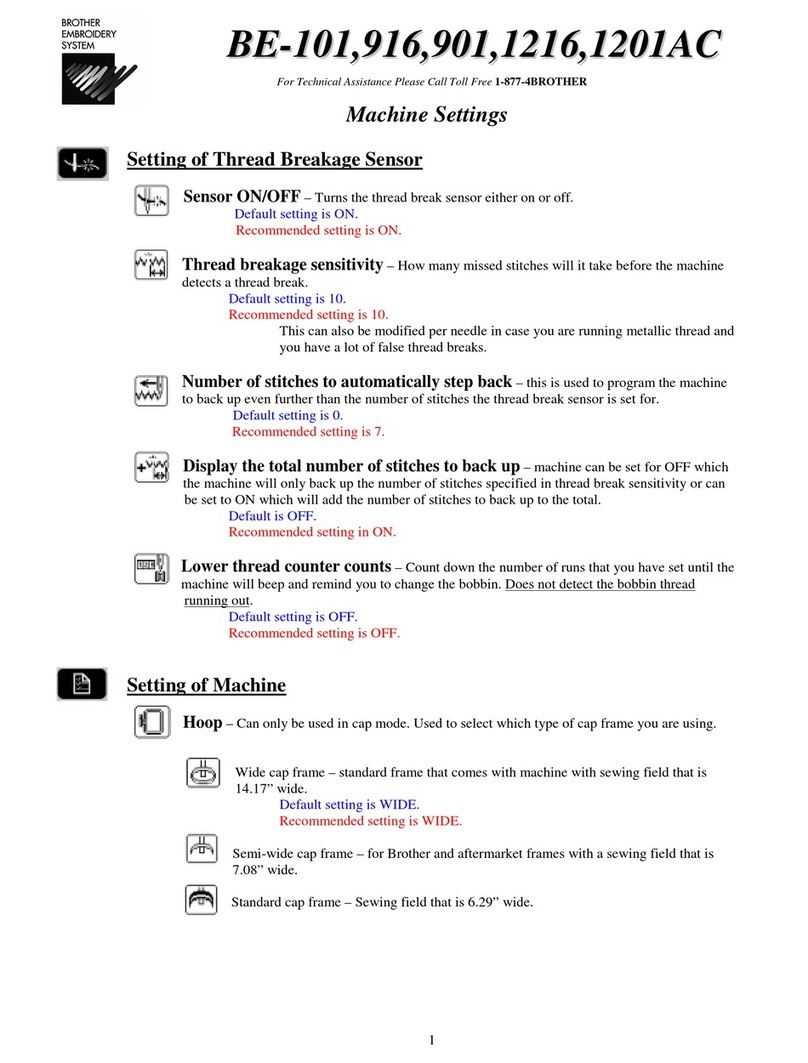
Brother BE-0901E PC Service manual

Brother

Brother BE-0901E PC Service manual
Brother PR-620 Assembly instructions

Brother

Brother PR-620 Assembly instructions
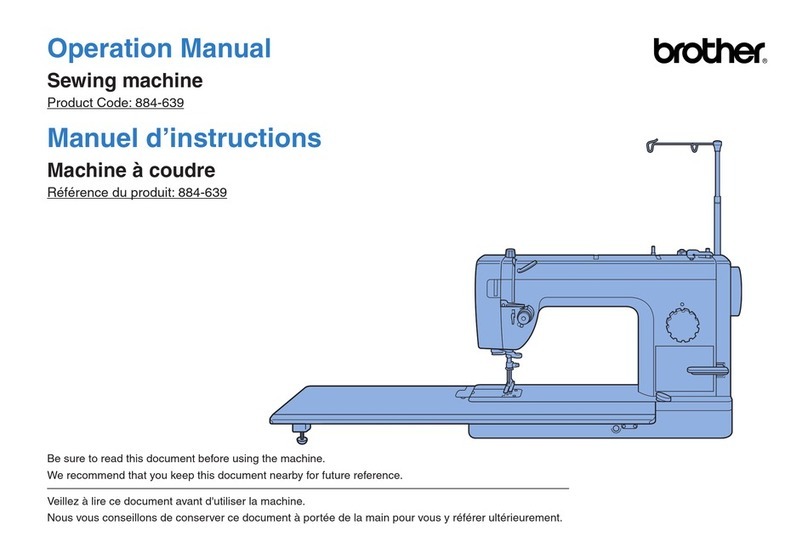
Brother 884-639 User manual

Brother

Brother 884-639 User manual

Brother LS2-B891 User manual

Brother

Brother LS2-B891 User manual
Brother NX-250 Setup guide

Brother

Brother NX-250 Setup guide

Brother Simplicity SB700T User manual

Brother

Brother Simplicity SB700T User manual
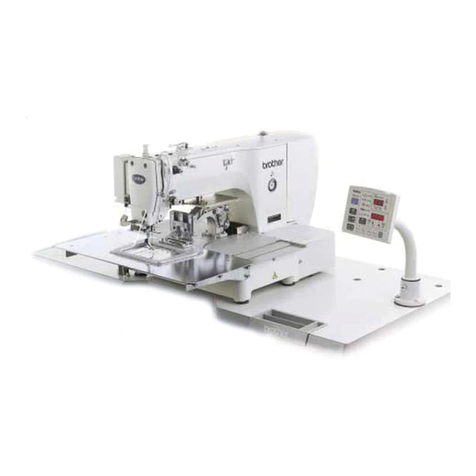
Brother BAS-311G Setup guide

Brother

Brother BAS-311G Setup guide

Brother Innov-is 4000DLTD User manual

Brother

Brother Innov-is 4000DLTD User manual
Brother LK3-B438E MKII User manual

Brother

Brother LK3-B438E MKII User manual
Brother LK3-B430E MARK II User manual

Brother

Brother LK3-B430E MARK II User manual
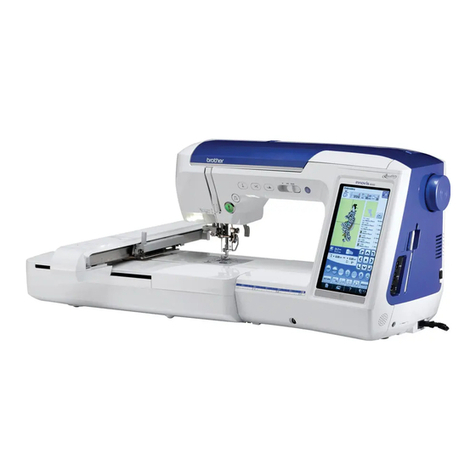
Brother Quattro 6000D User manual

Brother

Brother Quattro 6000D User manual
Brother BA-15 User manual

Brother

Brother BA-15 User manual
Brother Innov-is 1500D User manual

Brother

Brother Innov-is 1500D User manual

Brother Innov-is NV6000D User manual

Brother

Brother Innov-is NV6000D User manual

Brother Innov-is 2500D User manual

Brother

Brother Innov-is 2500D User manual

Brother Innov-is 950D User manual

Brother

Brother Innov-is 950D User manual

Popular Sewing Machine manuals by other brands

Riccar RL634DE user manual

Riccar

Riccar RL634DE user manual

Pfaff 3307-1 SERIES instruction manual

Pfaff

Pfaff 3307-1 SERIES instruction manual

Siruba C007JP Instruction book

Siruba

Siruba C007JP Instruction book

Husqvarna Viking Designer SE user guide

Husqvarna Viking

Husqvarna Viking Designer SE user guide

Singer 148-5 parts list

Singer

Singer 148-5 parts list

IKEA SY user guide

IKEA

IKEA SY user guide

Pfaff 571 instruction manual

Pfaff

Pfaff 571 instruction manual

Singer 15-91 Adjusters manual

Singer

Singer 15-91 Adjusters manual

Pegasus WT100 Series instructions

Pegasus

Pegasus WT100 Series instructions

Reliable 7100DB instruction manual

Reliable

Reliable 7100DB instruction manual

Pfaff 937 instruction manual

Pfaff

Pfaff 937 instruction manual

Singer 6038 Instruction book

Singer

Singer 6038 Instruction book

Singer 413K parts list

Singer

Singer 413K parts list

Pfaff 1471 E1 instruction manual

Pfaff

Pfaff 1471 E1 instruction manual

Kenmore 16677 - Serger Sewing Machine Servicing manual

Kenmore

Kenmore 16677 - Serger Sewing Machine Servicing manual

HIGHLEAD GC2008-M instruction manual

HIGHLEAD

HIGHLEAD GC2008-M instruction manual

Singer 400W4 List of parts

Singer

Singer 400W4 List of parts

Singer Quantum XL-100 parts list

Singer

Singer Quantum XL-100 parts list

https://manuals.online logo
https://manuals.online logoBrands
  • About & Mission
  • Contact us
  • Privacy Policy
  • Terms and Conditions

Copyright 2026 Manuals.Online. All Rights Reserved.

B
BE
ES
S-
-9
91
16
6,
,9
90
01
1,
,1
12
21
16
6,
,1
12
20
01
1A
AC
C
With the power to the machine ON.
1) Remove the two screws (K) and loosen screw (J), it may be a thumbscrew or Phillips
screw. Swing the L shape bracket (H) down.
NOTE: Do not attach these two screws (K) when not using cap drive system
2) Loosen the black thumb screw (G) and slide the guide bar (F) out of the lower arm.
3) Remove the two short black thumb screws, inner ones, (E) and remove the cap driver
from the machine by sliding it toward you.
4) Remove the two long black thumb screws (D) and remove the metal bar with the “L”
stamped into the top left corner of the plate from guide pins (C).
5) Remove the cap needle plate (A-2) and replace with the flat needle plate (A-1).
6) Turn machine off and move the switch (L) to “FLAT” mode and turn the power back on.
7) Move the needle case to needle #1 using the needle select buttons .
8) Turn the pulley in the direction of the arrow to 200 degrees.
9) Loosen the screw that secures the presser foot (B) and adjust presser foot height to the
thickness of two business cards or one credit card and then re-tighten screw.
10) Turn the pulley back to 100 degrees and raise presser foot with lever.
11) Place the TUBULAR arm attachment (A) onto the machine over the positioning pins
(C).
12) Attach using the longer Philips screws that have both a flat and spring washer.
For Technical Assistance Please Call Toll Free 1-877-4BROTHER
Remove this screw on
each side
Revised 1/10/05