Taiwan Carol Electronics Co., Ltd.
8
4. Troubleshooting
Problem Solution
Make sure that battery power is sufficient.
2.
If power still cannot be turned on, remove batteries first and complete
cut off the power for Bluetooth receiver (transmitter). After 10
seconds, try it again.
iver (RX) first, transmitter (TX) later.
2. Except receiver (RX) and transmitter (TX), turn off all unrelated
Bluetooth devices within effective distance.
3. Press the button continuously five times. Red light will flash uick
five times to clear pairing data (re uired for all pairing devices
including receiver (RX), transmitter (TX), mobile phone or
computer). Try connecting it again.
4.
Press the button continuously three times. Red light will flash uickly
three times for manual connection.
Mobile phone and receiver
(RX) are ever connected,
but fail to remain
connected.
It is suggested to clear old paring data record for mobile phone. Repeat
procedures “search>pair>connect”. Similarly, receiver (RX) may also
need to clear pairing data.
(RX) are connected, but
there is no sound.
Make sure that the mobile phone has correct music play mode and the
volume is at ade uate level without being muted.
5. Specifications
5.1 Compatibility Standard: Bluetooth specification V2.1 EDR
5.2 Support: Advanced Audio Distribution Profile (A2DP)
5.3 Radiated Power Specification: Class 1
5.4 Communication Distance: at least 20 meters (straight-line distance)
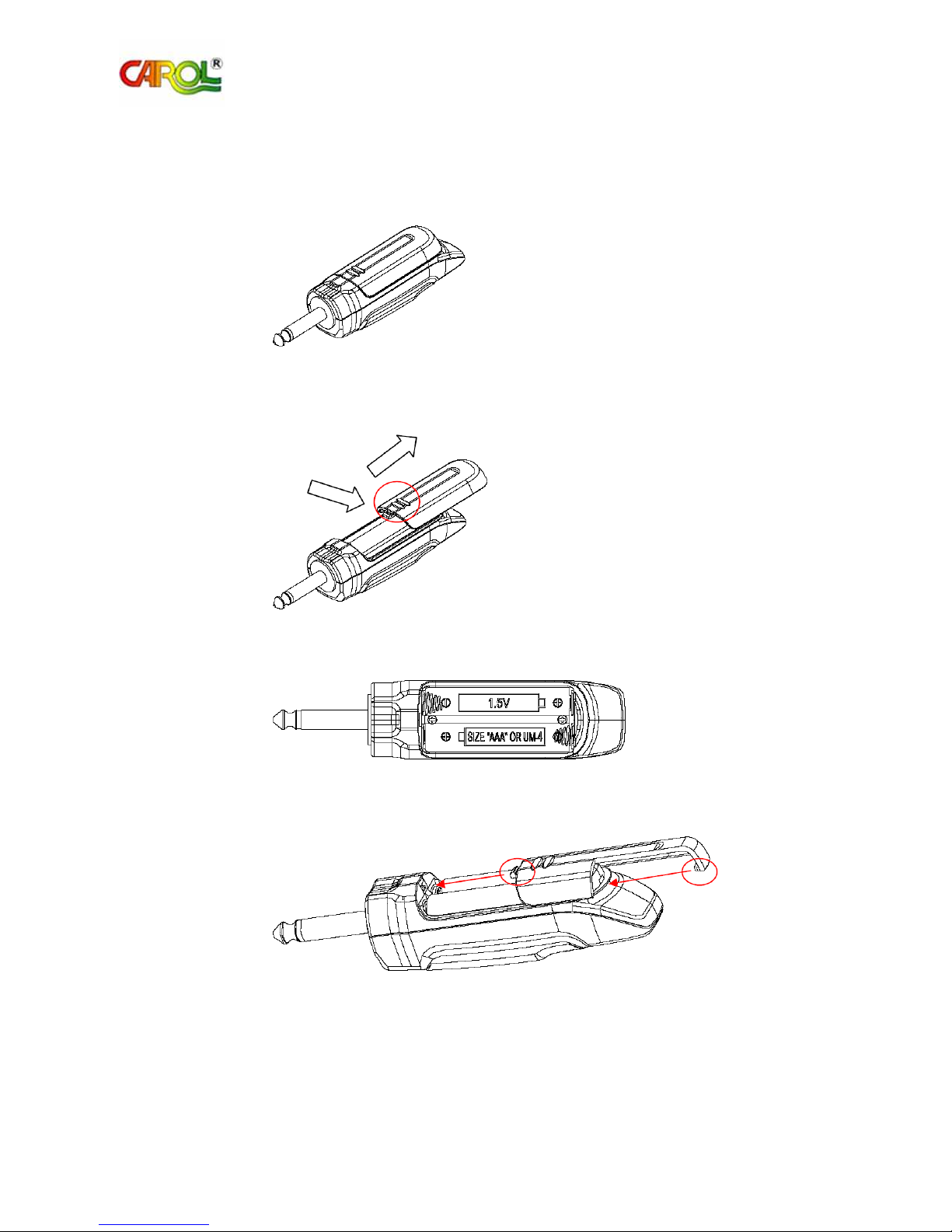
5.5 Battery uantity, specification: AAA size ×4 (TX×2 , RX×2 )
5.6 Battery Life: approximately 8 hours
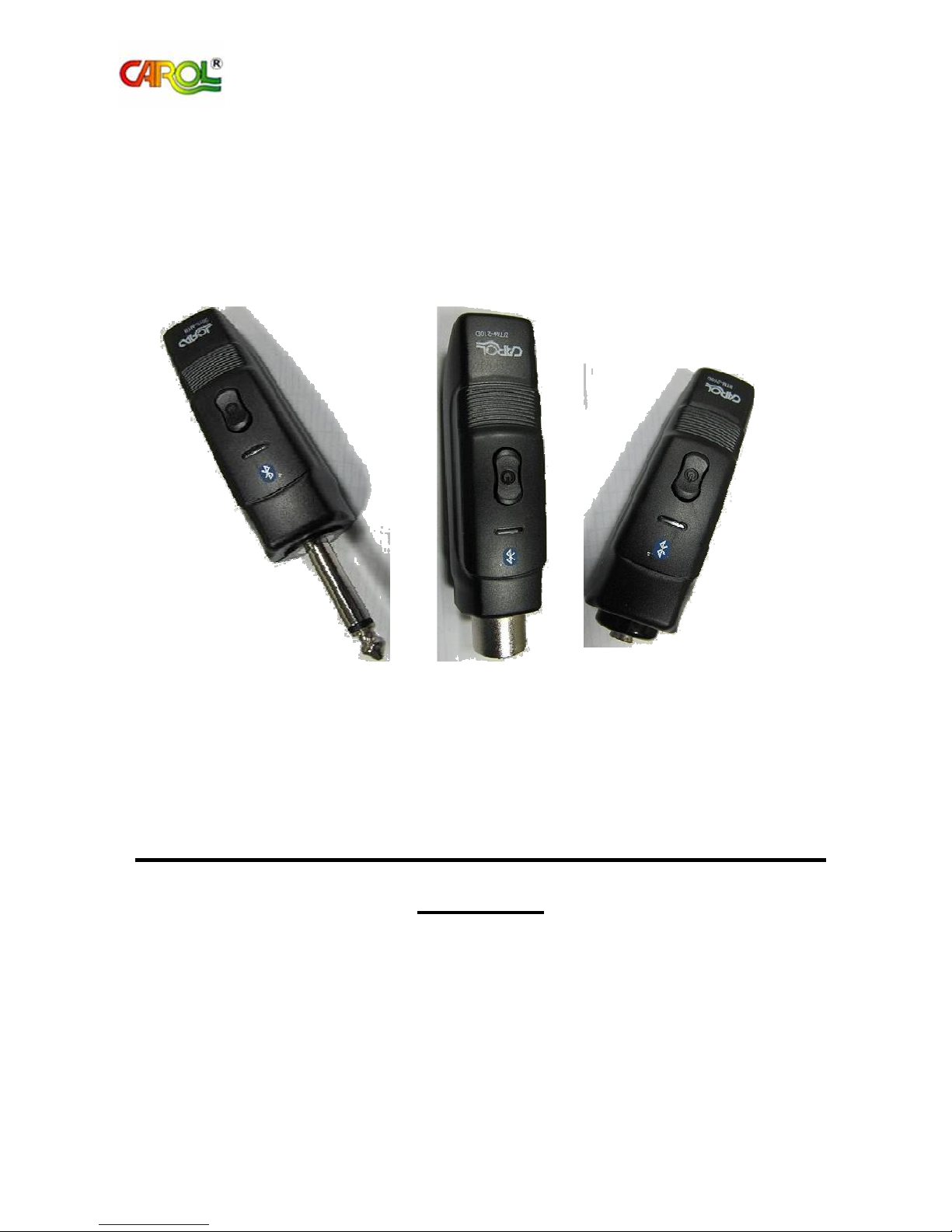
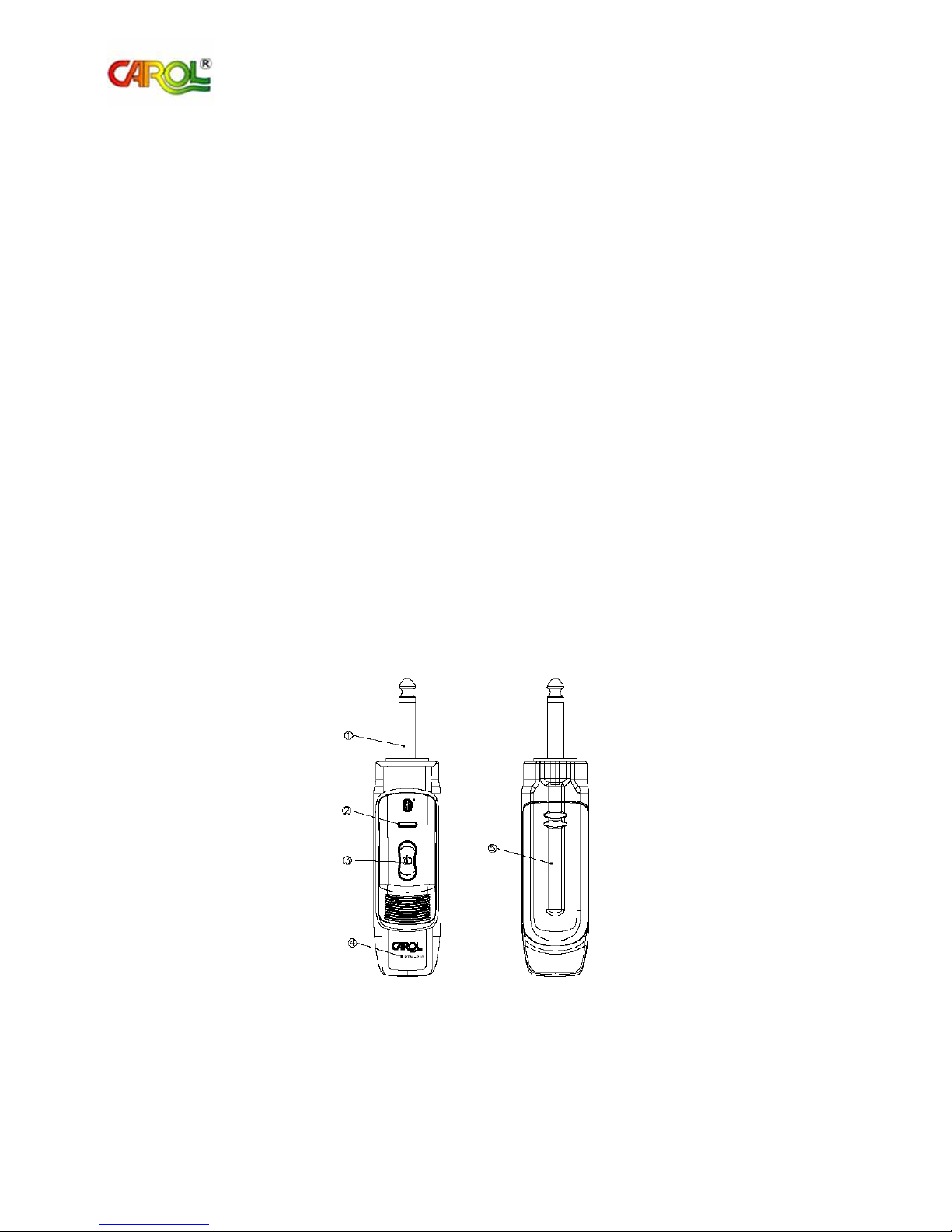
5.7 Receiver (RX) is e uipped with Ø6.3 Phone Plug
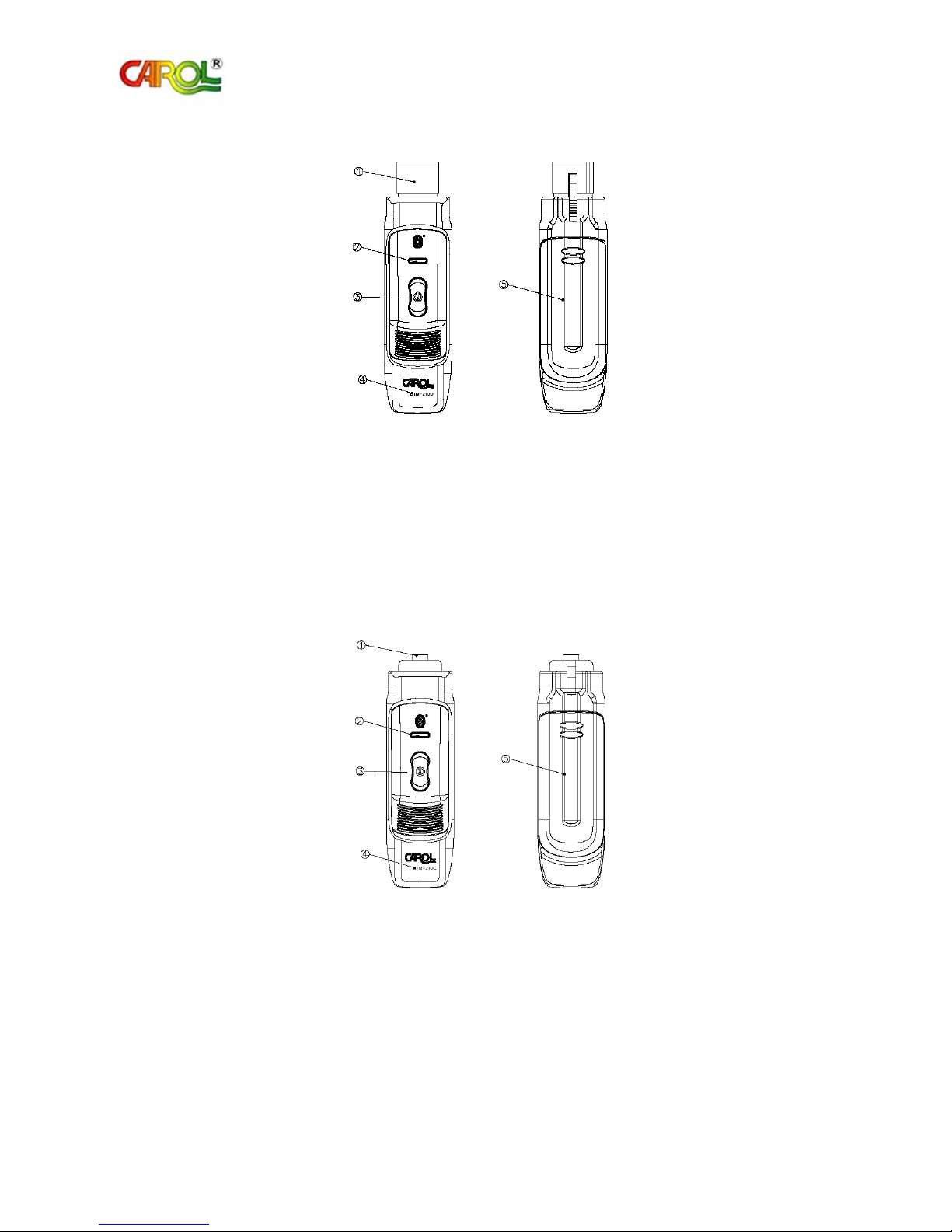
5.8 XLR transmitter (TX) is e uipped with XLR socket, suitable for dynamic microphone
5.9 Ø3.5 transmitter (TX) is e uipped with ø3.5 Phone Jack (socket) suitable for capacitor
microphone
5.10 Carrier Band: ISM band 2.400~2.4835GHz
5.11 Radiation Power: +12dBm
5.12 Radiation Reception Sensitivity: -90 to –20dBm
5.13 Maximum Output Voltage: 100mVrms
5.14 Maximum Current Consumption: 80mA
5.15 Fre uency Response: 20~20KHz