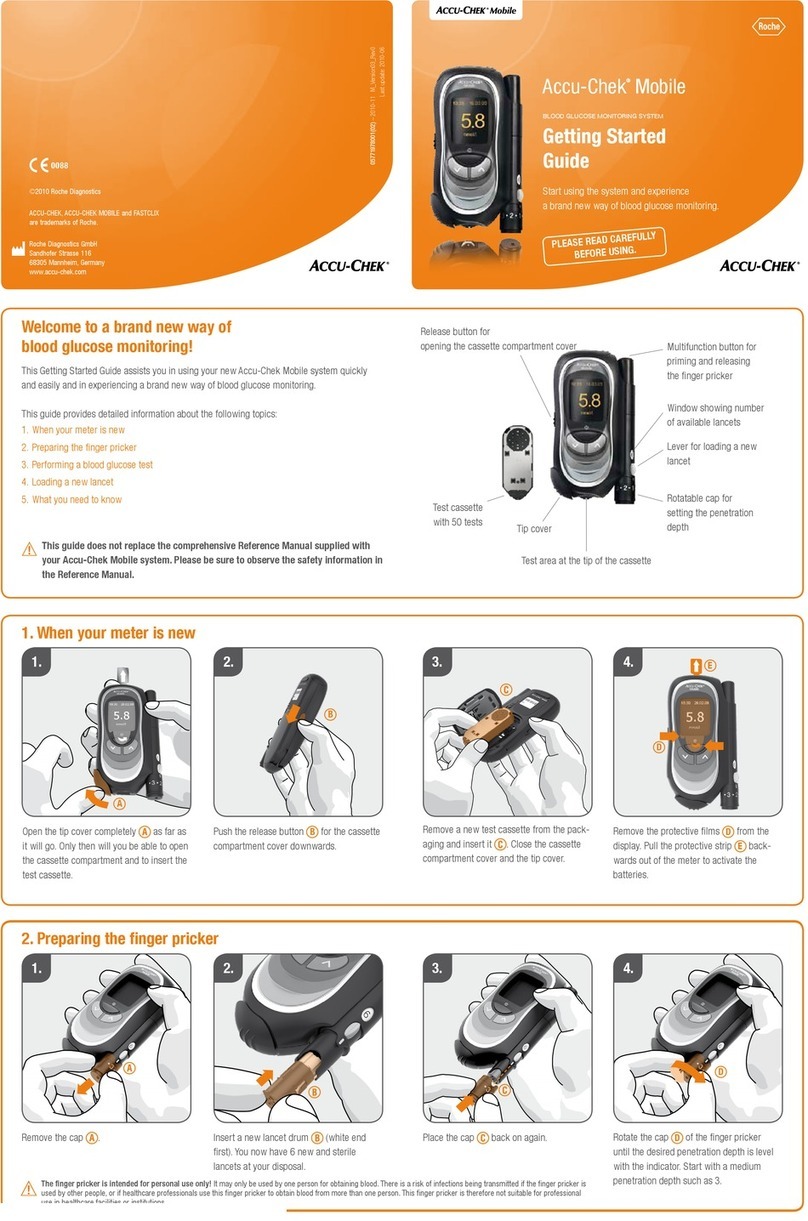
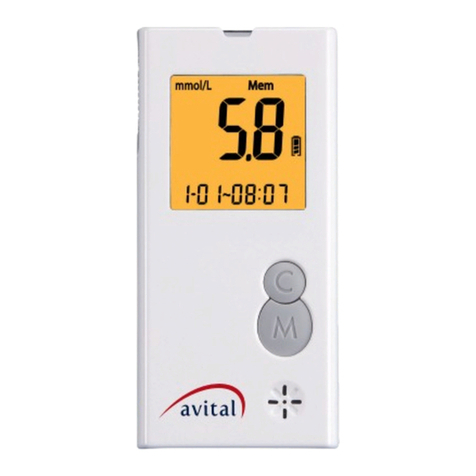
2) Twist the protective cap until it is separated from the lancet.
Replace the lancing device cap. Twist the adjustable tip in either direction until the
desired Insert a lancet into the lancet holder and push down rmly until it is fully
seated.number lines up with the arrow: 1~2 for soft of thin skin, 3 for average skin.
4~5 for thick or calloused skin. Pull the sliding barrel until it clicks.
3) To get a drop of blood from a ngertip
Hold the lancing device rmly against the side of your ngertip.
Press the release button. You will hear a click, indicating that the puncture is complete.
Then gently squeeze the punctured area to obtain blood sample.
Do not smear the blood sample.
4) Remove the lancet
After pulling the sliding barrel out. Push the ejection system upwards to remove the
lancet. Place the protective cap on a hard surface and push the exposed tip into the
protective cap.
9-2. Alternative SiteTesting (AST)
You have the option to get a drop of blood from an alternative site (forearm, upper arm,
palm, thigh and calf) in addition to blood taken from your ngertip. When blood glucose
is changing rapidly, ngertip samples show these changes more quickly than alterna-
tive site samples. Please read this section to understand which option is right for you.
IMPORTANT
Do not use Alternative Site Testing under the following conditions.
• If you think your blood glucose is low (hypoglycemia)
• If you get alternative site blood glucose results that do not agree with how you feel.
• If you have hypoglycemic unawareness (lack of symptoms)
• After a meal, insulin dose or exercise.
• During illness or times of stress.
1) Choose the puncture site. Select a puncture
site from a eshy area on forearm or palm.
Avoid veins, hairs, and bones.
2) Massage the area. To increase blood ow to the puncture site,
massage the area gently. If you have experience difculty in
getting sufcient blood for a test, rub the testing area vigorously
until it feels warm.
3) Position the lancing device. Press and hold
the lancing device against the puncture site
for a few seconds. Press the release button.
4) Allow blood drop to form. Continue to hold the
lancing device rmly against the skin until a
blood drop forms.
5) Once a large enough drop of blood has formed, remove the lancing device.
WARNING
A lancet should only be used once. Please dispose the used lancet in a safe manner in
order not to cause accidental injury.
Never share a lancet of the lancing device with another person.
Always use a new lancet.
9-3. Performing a Blood Glucose Test
1) Insert test strip
Remove the test strip from the vial and immediately close the cap.
Insert the test strip into the insert port.
The ‘blood’ symbol ( ) will blink on the display.
IMPORTANT
Make sure the code number shown on the display matches the code number printed
on the test strip vial. If the code numbers are different, please refer to the section of
“8-1. Coding the Test Meter”, for the procedure of coding.
2) Obtain a blood sample
Please refer to the section of “9-1.Getting a drop of blood” or “9-2 Alternative Site
Testing (AST).
NOTE
If you do not apply a blood sample to the test strip within 2 minutes, the test
meter will automatically shut down. You must remove and reinsert the test strip
to restart the test procedure.
3) Apply blood onto the test strip
Apply your blood to the absorbent hole of the test strip until the conrmation window
is full of blood. The test meter will begin to count down from 5 seconds and a result
will be displayed.
CAUTION
The blood sample should fully ll the conrmation window in order for the countdown
to begin. If you nd that the conrmation window is not fully lled when the test
meter is counting, DO NOT try to add more blood to the test strip. Discard the test
strip and retest with a new one.
4) Obtain an accurate result in 5 seconds
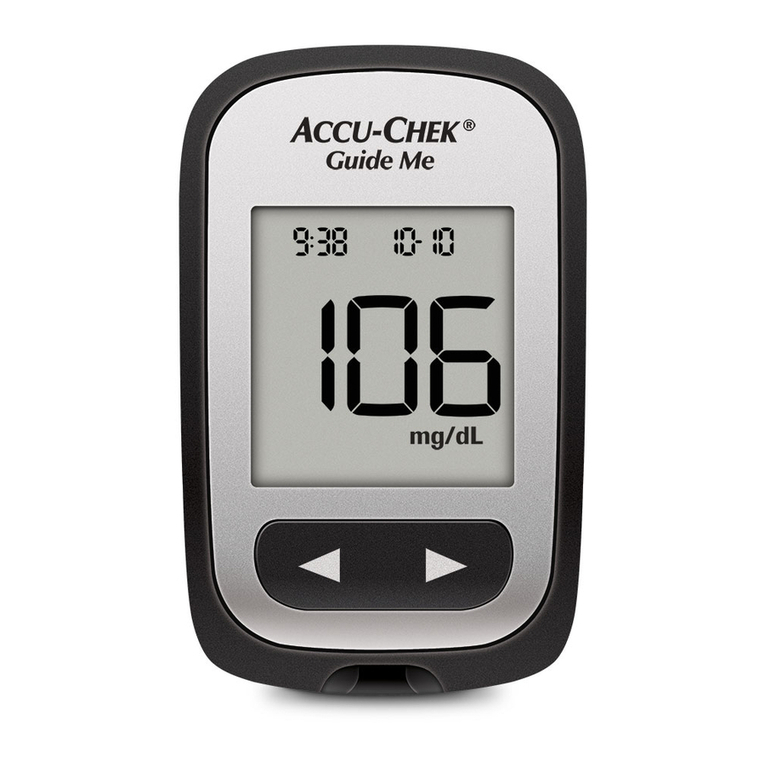
The result of your blood glucose test is shown on the test meter display.
This reading is automatically stored in the test meter.
CAUTION
Please discard the used test strip immediately after use.
DO NOT REUSE THE TEST STRIP.
10
MEMORY
10-1. Reviewng Results from the memory
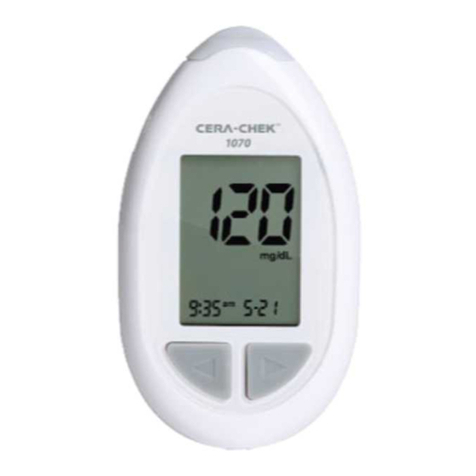
CERA-CHEK™ 1070 can store up to 1000 test records. Each record includes the test
result, time and date. The meter will also calculate the average values of records from
the last 7, 14, 30days.
1) Viewing Stored Records
With the meter On, press one of the Setting but-
tons(
◄►
) to enter memory mode.
The most re-
cent test result and the ‘memory’ symbol (
) will appear on the display. Press the Left
arrow
button(◄) to go through the stored records.
First, you will see the test number then it will switch
to your test results with date and time.
NOTE
If you are using the meter for the rst time, the meter display will show
three dashed lines (---) and the ‘memory’ symbol ( ).This means
that no data has been stored in memory.
2) Viewing data averages
When you press the Right arrow button(►) for viewing data, it will
display the average value of test results performed during 7 days.
Pressing again the Right arrow button (►), it shows the average
value of tests during 14 and then 30 days. When you press the
Left arrow button (◄), it will display the latest result.
* If you press the Power button when viewing memory, the
glucose meter will close down.
NOTE
If there are already 1,000 records in the memory, the oldest record will be erased to
make room for a new one. Your most recent result will display rst.
10-2. Clearing the Memory
1) Press and hold both the Setting buttons(
◄►
) for more
than 3 seconds to enter the delete mode from the
memory mode. You will see both displays “dEL” and
”ALL” switching one after another.
2) To clear the memory, press and hold both the Setting buttons(
◄►
) for 3 seconds.
The display will show ‘memory’ symbol ( ) and “---”, the meter will clear its mem-
ory and turn itself off after a moment.
3) If you entered the delete mode but want to exit without deleting the stored data, press
the Power button. This will turn the meter off without deleting any data.
WARNING
Extreme caution should be used when clearing the memory. This is not a reversible
operation.
10-3. Blood Glucose Monitoring Chart
Time of day
Plasma Glucose range (mg/dL)
for
people without
diabetes.
Your target range
(mg/dL)/(mmol/L)
Before a meal Less than 100mg/dL (5.6 mmol/L)
2 hours after a meal Less than 140mg/dL (7.8 mmol/L)
Source: American Diabetes Association; Diadetes Care , January 2007, Volume 30,
Suppl 1 S42~S47
11
TRANSFERRING STORED DATE
CERA-CHEK™ 1070 provides a comfortable function to our users; blood glucose man-
agement software that can transfer and show analytical interpretation of all the stored
data of blood glucose results from your glucose meter into your computer.
※
To use the blood glucose management software, you should purchase separately
the installation CD and the USB data transfer cable.
1) Make sure the glucose meter is turned off. (Data cannot
transfer when the device is still on).
2) After you initiate the software for blood glucose management
on the computer, you connect the transfer cable from the
computer to the glucose meter .
3) If the connection is properly carried out, the glucose meter
will display “PC” on the display screen.
NOTE
When you disable the cable during the transfer of data, the data may not be
transferring properly. Please keep the transfer cable intact until the transfer is
completed.
4) After the data transfer is completed, you can release the transfer cable.
In case you need more details about the blood glucose monitoring software of CERA-
CHEK™ 1070, please contact your local distributor.
12
CARING FOR YOUR TEST METER AND TEST STRIPS
To avoid contaminating your test meter and test strips, please wash your hands and
test site with soap and water. Make sure to dry your hands and test site thoroughly.
12-1. Maintenance
Your test meter does not require special maintenance. There is no special cleaning re-
quired because no blood or control solution comes in contact with the test meter. Avoid
getting dirt, dust, blood, or water inside the test meter through the test port. A damp cloth
and mild detergent can be used to wipe the outside of the test meter. Your test meter is
a precision instrument.
Please handle it with care.
12-2. Storage and Handling
1) Test Meter storage and handling
• Store test meter at : -10 °C ~ 60 °C (14 °F ~ 140 °F).
• Do not leave the test meter in very hot or cold places.
• Do not leave it near a heat source or in your vehicle during adverse weather condi-
tions.
• Always store or carry the test meter in its original storage case.
• Avoid dropping and strong impact.
• Avoid direct sunlight and humidity.
2) Test Strip storage and handing
• Store test strips at 1 °C ~ 32 °C (34 °F ~ 90 °F), below 85 % relative humidity.
• Store your test strips in their original vial only.
• Do not transfer to other containers.
• Store test strips in a cool and dry place.
• Keep away from direct sunlight and heat.
• After taking test strips from the vial, close the vial cap.
• Touch the test strips with clean and dry hands.
• Use each test strips immediately after removing it from the vial.
• Write the disposal date on the test strip vial as a reminder to dispose of the opened
vial after 4 months.
• Do not bend, cut, or alter a test strips in anyway.
• Keep the test strips away from children since the cap and the test strips may be a
choking hazard.
• If swallowed, immediately see a doctor for help.
• Follow local governing ordinances and recycling plans for disposal or recycling of
device components.
12-3. Error Message and Troubleshooting
Message me Possible cause What You Should Do
Test result level is over
900mg/dL. (50.0mmol/L)
Repeat the test with a new
test strip. If this message shows
again, please contact your doctor
immediately.
Test result level is less than
10mg/dL. (0.6mmol/L)
Repeat the test with a new test
strip. If this message shows
again, please contact your doc-
tor immediately.
Prepare to replace the
battery.
Recommending to replace the
battery.
The battery power is too
low for testing.
Replace the battery at once.
The operating temperature
of the system is not the
mentioned range.
4 °C ~ 40 °C (39 °F ~ 104 °F).
Allow the test meter and test
strips to warm up or cool down
slowly (30 minutes) until the
error message goes away.
Test strip is used. Repeat test with a new test strip.
Failure to operate during
a test.
Repeat test with a new test strip.
Test strip was removed
during a test.
Repeat test with a new test strip.
Damaged code key or the
code key was removed
during a coding the meter.
Re-coding the Test Meter
If the problem still continues,
please contact your local service
center.
The code is not set. Insert the code key that acco
mpanied the box of the test
strips.
13
SPECIFICATIONS
Product Name: CERA-CHEK™ 1070 Blood Glucose Monitoring System
Model: G 300
Calibration: Plasma (YSI 2300 STAT PLUS)
Sample material: Fresh whole blood from capillary and venous
Sample Size: 0.5
㎕
Hematocrit Range: 10 % ~ 70 %
Test Time: 5 seconds
Dimensions: 53.6 x 94 x 13.9 (mm)
Weight: 35 g
Power source: One CR2032 3V lithium coin battery
Display: LCD
Memory: 1000 measurement results with date and time
Automatic Turn Off: Shuts down after 2 minutes of inactivity
Measurement Units: Either mg/dL or mmol/L
Operating Condition: 4°C~40°C (39 °F~104 °F), below 85%, relative humidity
Altitudes up to 4,000m (13,200ft)
Measurement Range: 10~900 mg/dL (0.6~50 mmol/L)
Storage/Transport Condition: -10°C~60°C (14°F~140°F)
(Blood Glucose Test Meter) below 85% relative humidity, 700 to 1,060 hPa
14
PERFORMANCE CHARACTERISTICS
14-1. Accuracy
The accuracy of the CERA-CHEK™ 1070 Blood Glucose Monitoring System was evaluat-
ed by comparing blood glucose results obtained from 100 subjects with replicate measure-
ment. Readings obtained with the CERA-CHEK™ 1070 Blood Glucose Monitoring System
were compared to those obtained using an YSI Model 2300 Glucose Analyzer.
Accuracy results for glucose concentration < 75mg/dL (4.2 mmol/L)
Within ± 5 mg/dL
(Within ± 0.28 mmol/L)
Within ± 10 mg/dL
(Within ± 0.56 mmol/L)
Within ± 15 mg/dL
(Within ± 0.83 mmol/L)
70%(14/20) 95%(19/20) 100%(20/20)
Accuracy results for glucose concentration ≥ 75 mg/dL (4.2 mmol/L)
Within± 5 % Within± 10 % Within± 15 % Within± 20 %
78 %(141/180) 89 %(160/180) 100 %(180/180) 100 %(180/180)
14-2. Precision
The precision of CERA-CHEK™ 1070 Blood Glucose Monitoring System was esti-
mated with venous blood samples and Glucose Control Solutions in the laboratory.
Within Run Precision
Blood average
45 mg/dL(2.5 mmol/L) STD= 2.4 mg/dL
98 mg/dL(5.4 mmol/L) CV = 3.1 %
129 mg/dL(7.2 mmol/L) CV = 3.2 %
228mg/dL(12.7 mmol/L) CV = 3.0 %
326 mg/dL(18.1 mmol/L) CV = 2.2 %
Day to Day Precision
Control average
43 mg/dL(2.4 mmol/L) STD= 2.3 mg/dL
108 mg/dL(6.0 mmol/L) CV = 3.2 %
304 mg/dL(16.9 mmol/L) CV = 2.8 %
15
WARRANTY
The manufacturer, CERAGEM Medisys Inc., guarantees the CERA-CHEK™ 1070
Blood Glucose Monitoring System to be free of defects in material and workmanship for
a period of 3 years. This guarantee is valid from the date of purchase. The guarantee
extends only to the original purchaser and is not transferable.
16
SYMBOLS FOR PROPER USAGE
Symbol Referent
In vitro disgnostic medical device
Do not reuse
Consult instructions For use
Temperature limitation
Use by
Date of manufacture
Batch code
Manufacturer
Serial Number
Power Button
Authorised representative in the european community
Do not dispose the instrument with the urban waste
Caution, consult accompanying documents
Direct current
This product fullls the requirements for directive on in vitro disgnostic
medical devices.
CERAGEM MEDISYS Inc.
3-2 Jeongchon-ri, Seonggeo-eup,
Seobuk-gu,Cheonan-si, Chungcheong-
nam-do, 331-833 Republic of Korea
OBELIS s.a.
Bd. General Washi 53 1030 Brussels,
Belgium http://www.obelis.net
G30MM1C01 (03/13)