manuals.online logo
Brands
  1. Home
  2. •
  3. Brands
  4. •
  5. Cermate Technologies
  6. •
  7. Cables And Connectors
  8. •
  9. Cermate Technologies UR43 Series User manual

Cermate Technologies UR43 Series User manual

This manual suits for next models

3

Popular Cables And Connectors manuals by other brands

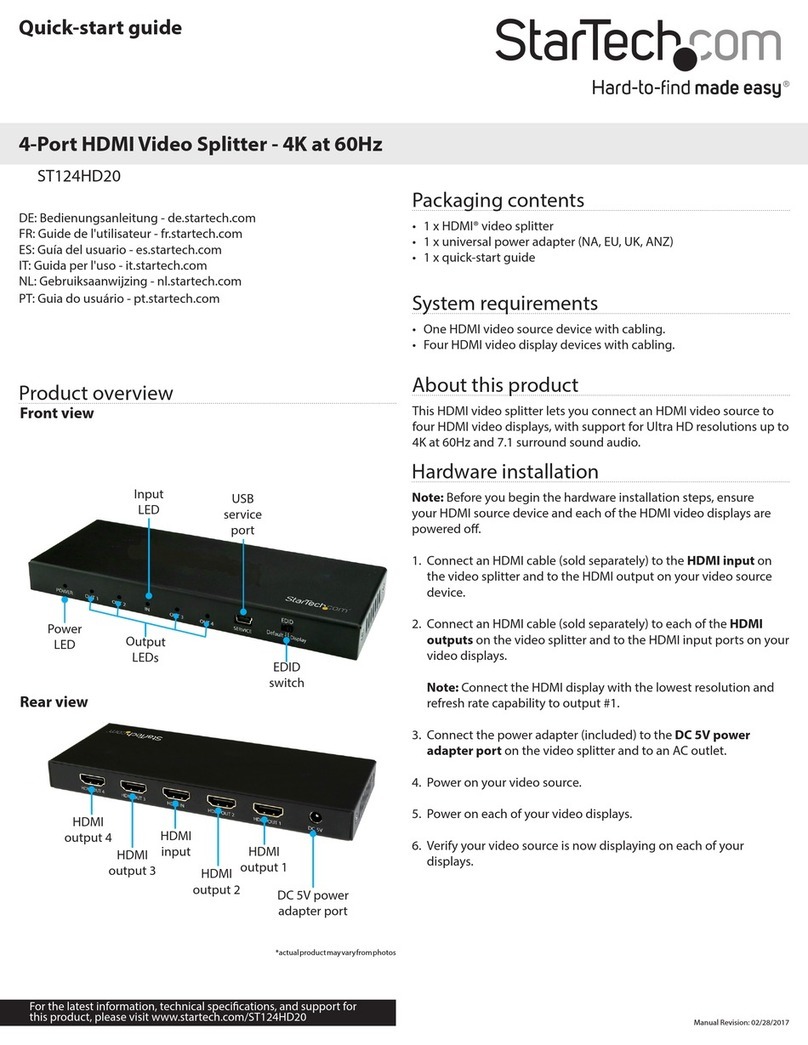
StarTech.com ST124HD20 quick start guide

StarTech.com

StarTech.com ST124HD20 quick start guide

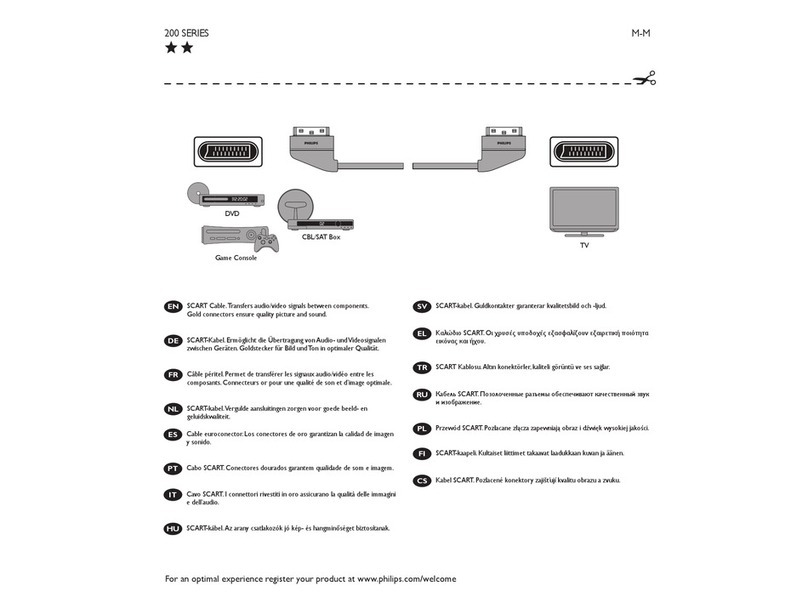
Philips SWV4543S/10 Features

Philips

Philips SWV4543S/10 Features

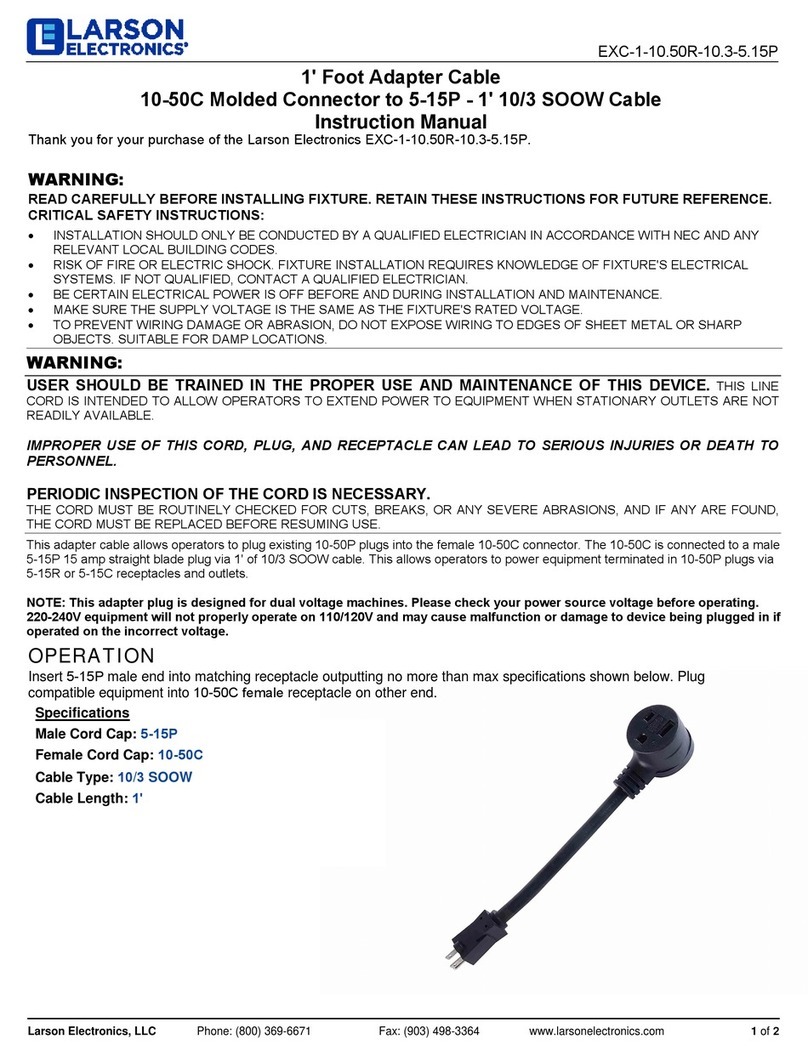
Larson Electronics 10-50C instruction manual

Larson Electronics

Larson Electronics 10-50C instruction manual

Grip MEK-PM Assembly and operating manual

Grip

Grip MEK-PM Assembly and operating manual

Ultra Products Travel Pack #3 ULT31436 Specifications

Ultra Products

Ultra Products Travel Pack #3 ULT31436 Specifications

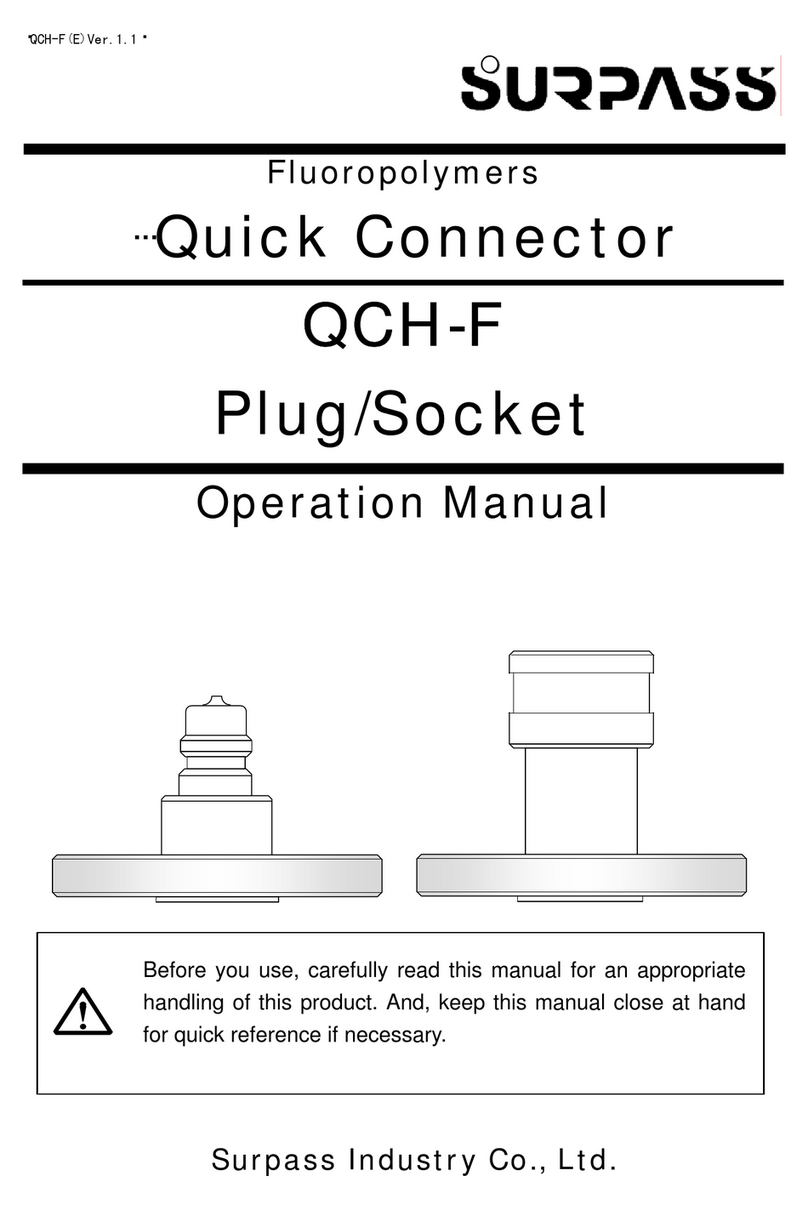
Surpass QCH-F Operation manual

Surpass

Surpass QCH-F Operation manual

Philips SWA6310 Specifications

Philips

Philips SWA6310 Specifications

StarTech.com CRJ4550PK quick start guide

StarTech.com

StarTech.com CRJ4550PK quick start guide

Nohau EMUL-IP2K-PC user guide

Nohau

Nohau EMUL-IP2K-PC user guide

Foxun SX-SP144E-HD4K2K operating instructions

Foxun

Foxun SX-SP144E-HD4K2K operating instructions

Philips SWA3305W Specifications

Philips

Philips SWA3305W Specifications

opticis Stretch DVIM1-1P0x user manual

opticis

opticis Stretch DVIM1-1P0x user manual

Volkswagen VAS 6558A operating manual

Volkswagen

Volkswagen VAS 6558A operating manual

NEXIBO N-13 user manual

NEXIBO

NEXIBO N-13 user manual

CYP PU-1H3HBTL Operation manual

CYP

CYP PU-1H3HBTL Operation manual

Allen-Bradley 1784-u2dhp installation instructions

Allen-Bradley

Allen-Bradley 1784-u2dhp installation instructions

Global Caché Flex Link Blaster quick start

Global Caché

Global Caché Flex Link Blaster quick start

Hauppauge USB-Live2 Quick installation guide

Hauppauge

Hauppauge USB-Live2 Quick installation guide

manuals.online logo
manuals.online logoBrands
  • About & Mission
  • Contact us
  • Privacy Policy
  • Terms and Conditions

Copyright 2025 Manuals.Online. All Rights Reserved.

Overview/
Installation/
Product Appearance/
Specifications/
Connections/
UR43-232M9-B1L20C01 (Cermate HMI 屏通)
USB-to-Serial CABLE /
The USB-to-Serial CABLE provides bi-directional connectivity between single
standard USB compliant host equipment and particular serial communication
device. According to the device requirement, customer can choose the cable
for efficient conversion.
•USB connector/ USB連接端:
The USB converter requires to connect with PC that equipped with any
standard USB Type A port c ompliant with Universal Serial Bus Specification 1.1.
USB數據轉換器需要連接有標準USB A port 並相容USB1.1的電腦
The proper operation of the interface in the computer requires the installation of a device
driver.
The device driver can be downloaded from the following link:
http://www.cermate.com/
The file to be downloaded from "UR25/43 Driver"
此操作介面連接於電腦時需要安裝驅動程式,驅動程式可至本公司網站
WWW.CERMATE.COM下載,可從 "UR25/43 Driver" 進行連結下載
System requirements for driver installation/ 驅動程式系統需求:
Pentium II or higher
Windows 98/ME/NT/2000/XP/Vista/7/8/8.1/10
256MB RAM
1GB hard disk space/ 1GB硬碟空間
•The driver comes in a self-installing executable file with the name
“USB Serial Port(COM?)”; the installation of the driver must be done before connecting
the converter to the USB port of the computer.
驅動程式會自行執行“USB Serial Port(COM?)”名稱的檔案,請注意連結USB數據轉換器
至電腦前,驅動程式需於電腦安裝完成
Pin
1
2
3
4
Description
VCC
D-
D+
GND
+5V
Data -
Data +
Ground
產品資訊表
連接端口
USB interface/ USB介面
COM1 interface/ COM1介面
UR43-232M9-B1L20C01→USB to Cermate HMI cable
UR43-232M9-B1L20C01 (Cermate HMI 屏通)
UR43-485M9-B1L20S01 (Siemens PLC PPI 西門子)
UR43-422R8-B1L20M01 (Mitsubishi FX Series PLC 三菱)
UR43-422R8-B1L20M01→USB to Mitsubishi FX Series PLC cable
UR43-485M9-B1L20S01→USB to Siemens PLC PPI cable
(屏通)
(三菱)
(西門子)
RS-232
9Pin-male D-Sub Connector Pin
1
2
3
4
5
6
7
8
9
Description
None
None
None
None
None
None
SG
RS-232 TXD
RS-232 RXD
UR43-485M9-B1L20S01 (Siemens PLC PPI 西門子)
RS-485
9Pin-male D-Sub Connector Pin
1
2
3
4
5
6
7
8
9
Description
None
None
None
None
RS-485 -
None
SG
None
RS-485 +
UR43-422R8-B1L20M01 (Mitsubishi FX Series PLC 三菱)
12
3
4
5
6
7
8
RS-422
8Pin-male DIN Connector Pin
1
2
3
4
5
6
7
8
Description
RS-422 RX+
RS-422 TX-
None
RS-422 TX+
None
None
RS-422 RX-
SG
3
1 2
3
1 2
3
1 2
UR43 V1.0 05.18.2015
P8Z-CM0-UR3
Manual / 安裝手冊
USB 串列介面轉換線
產品敘述
安裝相關
產品外觀
USB串列介面轉換線提供單一的標準USB相容主機設備和特定的串列通訊裝置之
間進行雙向性的連接。客戶可以依據裝置需求進行有效率的串列介面轉換
USB interface/ USB介面
1
Converter/ 轉換器
2
COM1 interface/ COM1 介面
3
介面
長度
重量
操作溫度
儲存溫度
輸入電壓
Input Voltage/
Input Current/
Interface/
從USB端口輸入5VDC
5VDC from USB port /
120mA
RS-232
9pin-male D-sub 8pin-male DIN 9pin-male D-sub
RS-422 RS-485
UR43-232M9-B1L20C01 UR43-422R8-B1L20M01 UR43-485M9-B1L20S01
Length/
Weight/
2M
97g
Version 1.1
USB
COM1
COM1 Connector
Operating Temperature/
Storage Temperature/
0°C to 50°C
-10°C to 60°C
輸入電流
13
24
13
24
Click “Extract”
to unpack Windows Drive package and launch the installer.
點選“Extract”後開始安裝驅動程式
Click “Finish”
The device driver install completed.
點選“Finish”完成驅動程式安裝
Click “Next”
start to install the Drivers for the UR 43 product.
點選“Next”執行後續驅動程式安裝步驟
Qualified personnel
To install the driver, launch the downloaded executable file, then follow the instructions
on screen. You must accept the terms of the license agreement to complete the
installation procedure.
請依照下面螢幕上的指示進行安裝,必須接受許可協議才能完成安裝步驟
Do not throw this electronic device into the trash when discarding. To minimize
pollution and ensure utmost protection of the global environment, please recycle.
Reproduction of the contents of this copyrighted document, no part of this publication
may be reproduced, stored in a retrieval system, or transmitted, in any form or by
any means, electronically, by photocopy, recording or otherwise, without the prior
written permission of Cermate Inc.
You can check the Device Manager to see the USB Serial Converter.
可以進入「裝置管理員」查看USB串列轉換線是否完成安裝
Disposal Instructions/ 廢棄物處理說明
Copyright Declaration/ 版權聲明
57
68
技術安全事項
Technical Safety Notes/
The device should only be used by qualified personnel. Qualified personnel as
referred to in safety guidelines in this documentation are persons who are
authorized to commission, ground, and tag circuits, equipment, and systems in
accordance with established safety practice.
此裝置必須由合格人員操作使用。此人依據公認的安全指示須有合格的委託、理由和電
路、設備和系統
- Do not use this product near water or install it in areas subject to excessive dust,
oily mist, conductive dust, corrosive gas and flammable gas.
- Do not mount this product on the an unstable location and subject to high
temperature, moisture, or rain.
- To avoid damage of internal components, do not place the product on a vibrating
surface.
- Your device and its enhancements may contain small parts. Please keep them out
of the reach of small children.
Indicated loss of life, severe personal injury, or substantial property damage will
result if proper precautions are not taken.
The USB-to-Serial cables is only used for industrial PLC and not used for IT or consumer
products.
The equipment/system or the system components may only be used for the applications
described in this manual, and only in combination with the equipment, components, and
devices of other manufacturers as far as this is recommended or permitted by Cermate.
The product will function correctly and safely only it is transported, stored, set up, and
installed as intended, and operated and maintained with care.
Qualified personnel/ 合格人員
Warnings/ 注意事項
裝置和系統或是系統元件只能使用於此手冊描述的應用範圍,而且只和本公司建議或允許
的裝置、元件和其他製造業者設備進行連接。
當產品被謹慎操作和維修時將會正常和安全地運作除非有目的的進行運輸、儲存、豎立或
是安裝。
1. 請勿在有水的地方使用產品或把產品安裝在有過度粉塵、油性霧氣、導電的粉塵、
腐蝕性和可燃性的氣體區域。
2. 請勿將產品安裝於不穩定和易受高溫、濕氣和雨水的區域。
3. 避免傷害產品內部組件,不要將產品放在會震動的表面。
4. 產品和其增強模組可能包含小型組件,請勿讓小孩拿取或把玩。
如果沒有執行適當的預防措施可能將會導致生命損害、嚴重受傷和巨大的財產損失
USB串列介面轉換線只限於工業PLC上,不適用於IT產品和消費性電子產品
當丟棄此電子產品時請勿直接丟進垃圾桶。為了減少汙染及確認對全球環境的保護,請
回收此產品。
本文件內容版權為Cermate Technologies Inc.所有,未經本公司許可,本出版品任一部分
不可以任何形式或電子的辦法、攝影、錄製或是其他方法在檢索系統裡進行複製及儲存或
是傳輸。