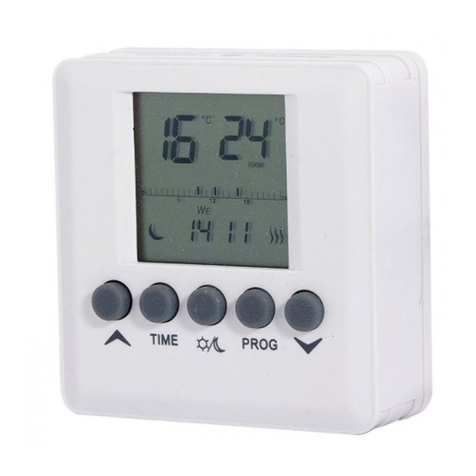
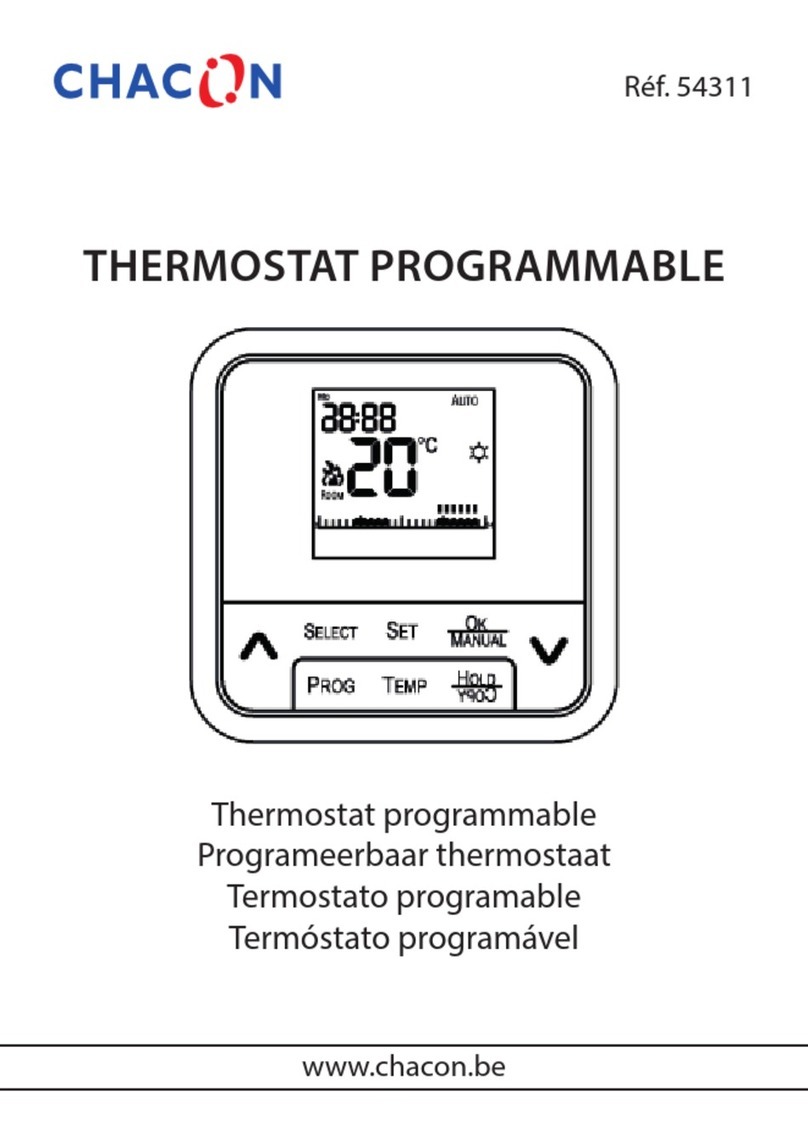
Chacon 54311 User manual

Model Reference : 54311
Programmable Electronic Room Thermostat
Installation and Operation Manual
www.chacon.be [email protected]

Table of content
1. Introduction.......................................................................................................................................................3
2. Technical Characteristics .................................................................................................................................. 6
2.1. Heating system............................................................................................................................................... 6
2.1.1. Pulse Width Modulation (PWM)..........................................................................................................6
2.1.2. Setback Temperature ............................................................................................................................6
2.1.3. Frost Protection..................................................................................................................................... 7
2.2 Cooling function .............................................................................................................................................7
3. Reference to display screen..................................................................................................................................... 8
4. Heating/Cooling Operation...................................................................................................................................11
4.1. Heating operation......................................................................................................................................... 11
4.2. Cooling operation......................................................................................................................................... 11
5. Programming.........................................................................................................................................................12
5.1. Set the time & day........................................................................................................................................ 12
5.2. Setting program............................................................................................................................................12
5.3. Review and adjust the set-temp ...................................................................................................................15
5.4. Program override .........................................................................................................................................16
5.4.1. Temporary program override..............................................................................................................16
5.4.2. Timer/ Permanent override .................................................................................................................17
6. Installation Instructions......................................................................................................................................... 18
7. Basic settings ........................................................................................................................................................19
8. Specifications........................................................................................................................................................ 21
1

1. Introduction
Keys
This wireless thermostat has 8 input keys: COMF/ECON, , , PROG, OK, __, SET, and
internal RESET Button.
Keys Functions
COMF/ECON Select Comfort, Economy or Defrost set-temp
and Adjust the desired set-temperature
PROG Cancel program override/ select program in program setting mode
OK Return to normal mode
__ Button Turn on setback function in heating system/ switch to off mode in
cooling system
SET Enter setting modes/ change program day in program setting mode
RESET Reset the thermostat to default state. This key is located on the PCB
Reset
This wireless thermostat will be hard reset after reset button is pressed. It will be soft reset after
power up.
2

Default of Comfort, Econ and Setback:
If System option is set to Heat:
Comfort: 21.0°C (70°F)
Econ: 19.0°C (66°F)
Setback: = Econ – 3°C (6°F) = 16.0°C (60°F)
If System option is set to Cool:
Comfort: 24.0°C (75°F)
Econ: 27°C (81°F)
Function Hard reset Soft reset
Operation mode Normal mode
Temperature scale Depends on option switch
Room temperature The current room temperature
Set-temp Base on the current time and program
Preset Set-temps Default Retrieved from EEPROM
Clock 00:00 Retrieved from EEPROM
Day Monday Retrieved from EEPROM
Program day 5 –2 or 7 – days depends on Program day option
Program profile Reset to default (Refer to 5.1.3) Retrieved from EEPROM
Program All days are reset to Program 1 Retrieved from EEPROM
Program override All cleared
System Heat or Cool mode depends on System option
Control mode On – Off or PWM control depends on Control mode option
3

Span Span depends on Span option
Low battery warning Cleared, to be renewed within 4 seconds
LCD backlight Off
Short cycle protection timer Reset
Power down flag Reset
ID code Reset to 0 Retrieved from EEPROM
Output status Off - An Off message is sent out
4

2. Technical Characteristics
2.1. Heating system
2.1.1. Pulse Width Modulation (PWM)
This wireless thermostat offers Pulse width modulation control that enables a set point
temperature to be maintained in a precise and convenient way. In the case of under floor heating,
the duration of opening for the valve actuator is regulated by comparing continuously the set point
temperature with the actual temperature. In this way, the room temperature can reach the set
temperature with minimal temperature deviation. Subsequently, the room temperature is
constantly maintained via the PWM control. In the case of the thermostat is used with radiator or
convector heating system, PWM can be switched off if necessary.
2.1.2. Setback Temperature
This wireless thermostat has setback temperature function. Once the setback button is activated,
the set point temperature is 30C or 60F lower than the Econ set-temp. For example, if the Econ
set-temp is at 220C, then the setback temperature is 190C.
Press __ button to toggle between normal set-temperature and setback function, icon will
flash and animate to indicate that the setback function is activated.
5

2.1.3. Frost Protection
The thermostat can be made to offer frost protection. After enable this function, the set-point
temperature become 50C(410F).
To activate the frost protection, press and hold COMF/ECON buttons for 1.5 seconds. Frost
protection indicator is animating to indicate that the frost protection function is activated.
2.2 Cooling function
This wireless thermostat offers the selection of using the devise in cooling system. In this case,
turning the “Heat/Cool” switch to on position to activate the Cooling. In the case of cooling,
PWM is switched off automatically.
Press __ button to toggle between off mode and normal operation. Cool mode indicator is
animating to indicate off mode is set.
6

3. Reference to display screen
7

LCD indicators Function
Day of week indicator Display day of week
Clock display Display clock, time and other information
Temperature display Displays room-temp, set-temp and other information
Temperature scale indicator “°C” for Celsius / “°F” for Fahrenheit
Program indicator Indicates that the thermostat is operating in Program mode
and display the setting
Comfort indicator Indicates that the current set-temp is Comfort
Econ indicator Indicates that the current set-temp is Econ
8

Defrost mode indicator Indicates that the current set-temp is Defrost
Setback indicator Indicates that the current set-temp is Setback
Heat mode indicator Indicates the thermostat is operating in heat mode
Cool mode indicator Indicates operating in cool mode/ A rotating fan animate if
cooling is turn on/ Outside circle and center dot flash in off
mode
Program override indicator Indicates program is overridden
Transmit indicator Indicates radio signal is being transmitted
Low bat indicator Indicates battery is low
9
Other manuals for 54311
2
Table of contents
Other Chacon Thermostat manuals
Popular Thermostat manuals by other brands

Charmeg
Charmeg MP-R user manual

dixell
dixell WING XW40LS Installing and operating instructions

Network Thermostat
Network Thermostat NetX X7C-WIFI Installation and programming manual

Radio Thermostat
Radio Thermostat CT80 Operation guide

HAI
HAI Omnistat RC-120 installation manual

Lennox
Lennox iComfort E30 Installation and setup guide

Lux Products
Lux Products PSD011Ba Installation and operating instructions

Computherm
Computherm Q20 operating instructions

Heatmiser
Heatmiser neoStat user manual

Mars
Mars HEAT CONTROLLER IR Wireless Thermostat user manual

LUX
LUX LP0511D user manual

Saswell
Saswell SAS920XWHB-7-S-RF User manual and warranty card