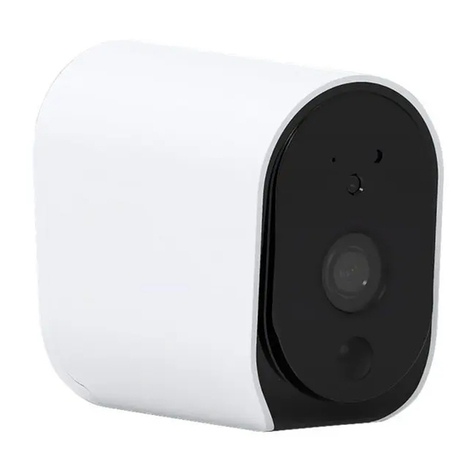
Power the device on and make sure the indicator is red and flashing quickly or a prompt tone is
heard.
If the indicator is not red and flashing quickly, use the Reset Needle to press the reset button of
camera above 5 seconds, then release the button, a red LED on the front of camera will blink
quickly.
Follow App's instructions to add a new device, Security & Sensor -> Smart Camera. Follow the on
screen instruction. The device will connect to your Wi-Fi network successfully.
The blue light is on, camera is ready for viewing.
8.Set up your camera
Press the Reset button for above
5 seconds to start Reset processing
Blue light
blinks