manuals.online logo
Brands
  1. Home
  2. •
  3. Brands
  4. •
  5. D&R
  6. •
  7. Music Mixer
  8. •
  9. D&R ClubMix User manual

D&R ClubMix User manual

Other D&R Music Mixer manuals

D&R Vision User manual

D&R

D&R Vision User manual

D&R AIRMATE-USB User manual

D&R

D&R AIRMATE-USB User manual

D&R Airlab User manual

D&R

D&R Airlab User manual

D&R Airlab User manual

D&R

D&R Airlab User manual

D&R AXUM User manual

D&R

D&R AXUM User manual

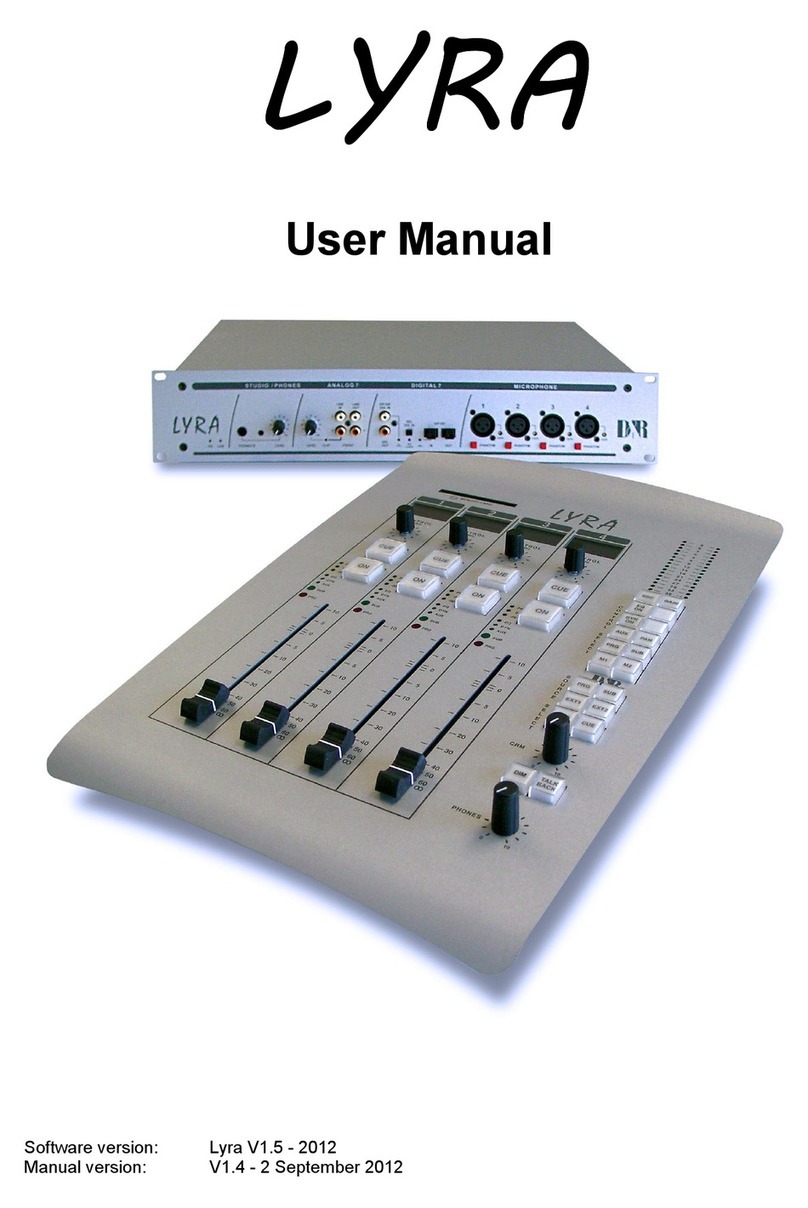
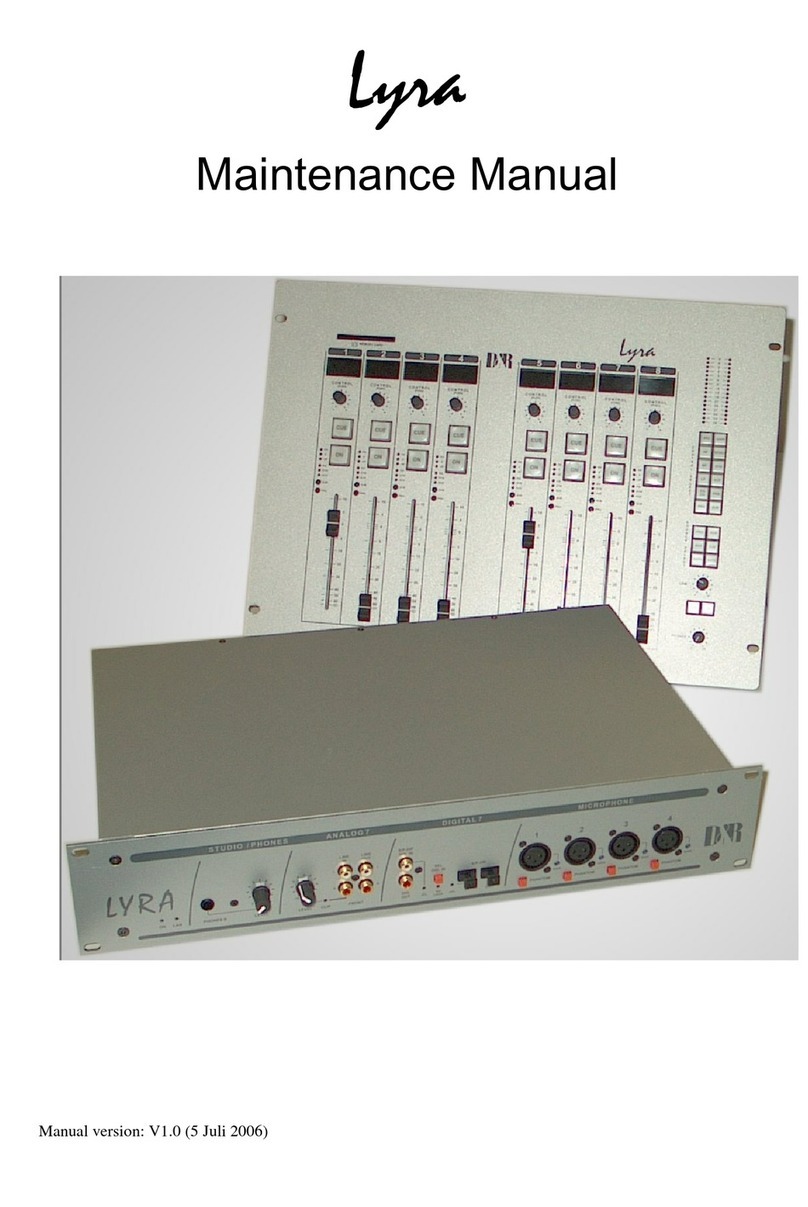
D&R Lyra User manual

D&R

D&R Lyra User manual

D&R MR600 User manual

D&R

D&R MR600 User manual

D&R Mic-Amp User manual

D&R

D&R Mic-Amp User manual

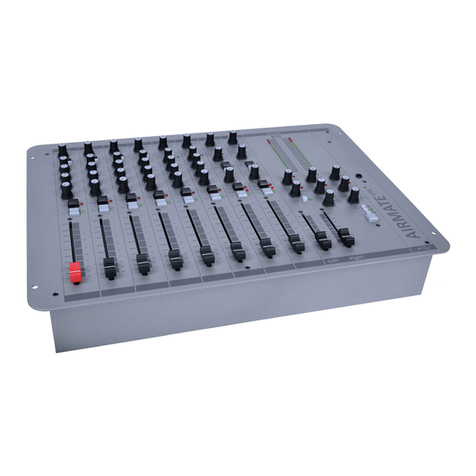
D&R AIRMATE User manual

D&R

D&R AIRMATE User manual

D&R 1500 Series User manual

D&R

D&R 1500 Series User manual

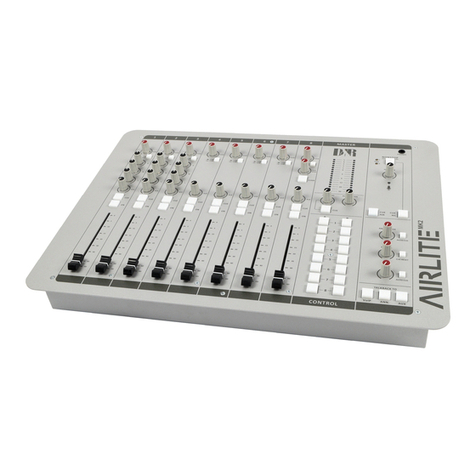
D&R Airlab MK2 User manual

D&R

D&R Airlab MK2 User manual

D&R AIRMATE-USB User manual

D&R

D&R AIRMATE-USB User manual

D&R Lyra User manual

D&R

D&R Lyra User manual

D&R Discom 5 User manual

D&R

D&R Discom 5 User manual

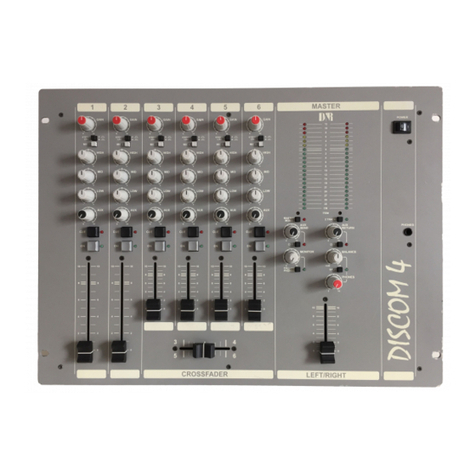
D&R DISCOM 4 User manual

D&R

D&R DISCOM 4 User manual

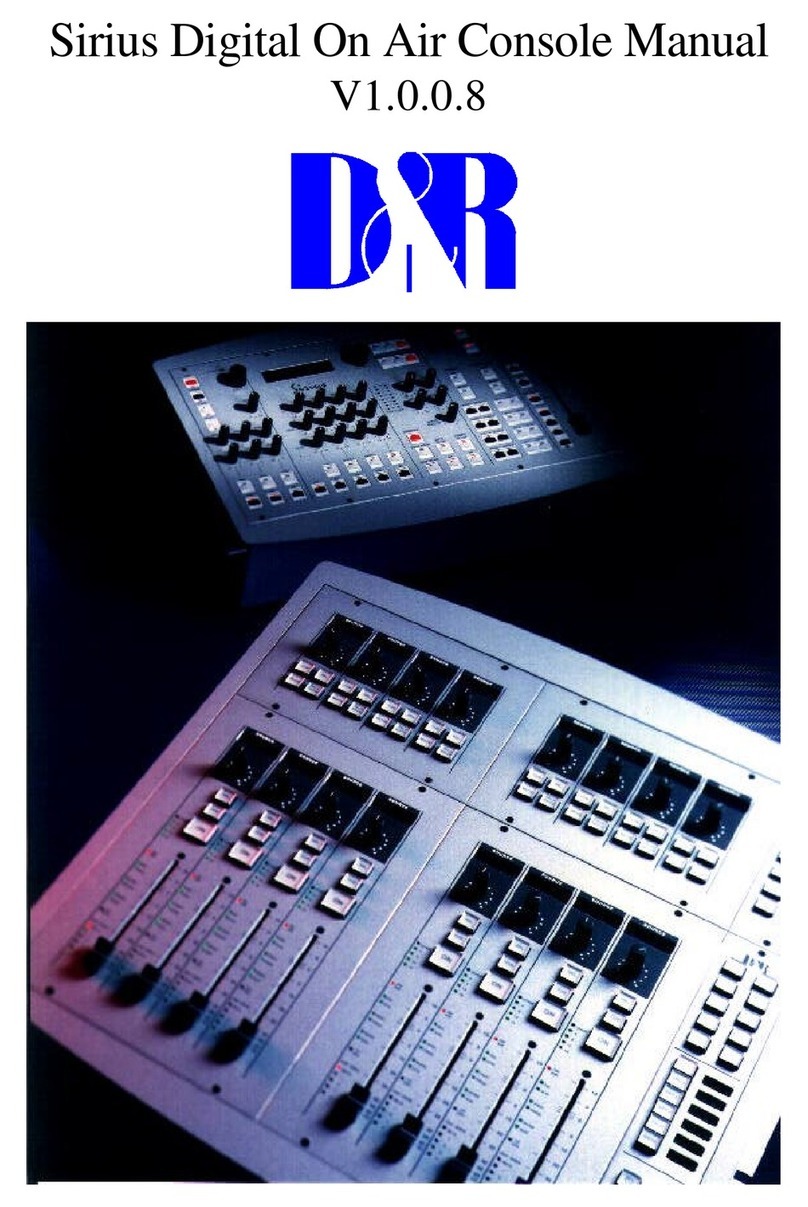
D&R Sirius User manual

D&R

D&R Sirius User manual

D&R CinemIX User manual

D&R

D&R CinemIX User manual

D&R 8000 User manual

D&R

D&R 8000 User manual

D&R Telephone Hybrid 1 Safety guide

D&R

D&R Telephone Hybrid 1 Safety guide

D&R ST1600 User manual

D&R

D&R ST1600 User manual

D&R WEBSTATION User manual

D&R

D&R WEBSTATION User manual

Popular Music Mixer manuals by other brands

Denon DN-HC5000 - Serato ITCH Hardware/Software... Service manual

Denon

Denon DN-HC5000 - Serato ITCH Hardware/Software... Service manual

Yamaha WC42260 owner's manual

Yamaha

Yamaha WC42260 owner's manual

Vertiv KMMLED156 Quick installation guide

Vertiv

Vertiv KMMLED156 Quick installation guide

Yamaha EMX3000 user manual

Yamaha

Yamaha EMX3000 user manual

Mackie Onyx Analogue Mixer brochure

Mackie

Mackie Onyx Analogue Mixer brochure

Peavey S-32 Sanctuary Series Operation guide

Peavey

Peavey S-32 Sanctuary Series Operation guide

Rane MP 4 Operator's manual

Rane

Rane MP 4 Operator's manual

True T9 Touchscreen Console owner's manual

True

True T9 Touchscreen Console owner's manual

Studiomaster Air Pro 24 instruction manual

Studiomaster

Studiomaster Air Pro 24 instruction manual

Yamaha MV802 owner's manual

Yamaha

Yamaha MV802 owner's manual

Roland SoundCanvas SC-8820 owner's manual

Roland

Roland SoundCanvas SC-8820 owner's manual

Roland M-160 owner's manual

Roland

Roland M-160 owner's manual

Yamaha MR1642 Operation manual

Yamaha

Yamaha MR1642 Operation manual

Pioneer DJM 909 - Battle Mixer W/Effects operating instructions

Pioneer

Pioneer DJM 909 - Battle Mixer W/Effects operating instructions

Veeder-Root TLS-350 Series System setup manual

Veeder-Root

Veeder-Root TLS-350 Series System setup manual

Alto APM80.QUAD user manual

Alto

Alto APM80.QUAD user manual

Omnitronic PM-211 user manual

Omnitronic

Omnitronic PM-211 user manual

SoundCraft B400 user guide

SoundCraft

SoundCraft B400 user guide

manuals.online logo
manuals.online logoBrands
  • About & Mission
  • Contact us
  • Privacy Policy
  • Terms and Conditions

Copyright 2025 Manuals.Online. All Rights Reserved.

CLUBMIXCLUBMIX
OWNERS
MANUAL
Clubmix manual page 1
INTRODUCT I ON
The D&R ClubMix is an extremely compact and easy to handle 19" rack mountable mixing console which
incorporates all the necessary facilities for public address, and discotheques.
The ClubMix is the answer to all those situations where a versatile "high quality" modular mixer is needed.
A choice of two modules is available. Mic/line modules and a stereo line/phono module.
The 19" rack frame can accept a maximum of 10 input modules.
To become familiar with all the facilities of the ClubMix we suggest you to read this manual very carefully.
It will give you important information about the operation, installation and service of this high quality product.
D&R Electronica Weesp b.v.
Clubmix manual page 2
2.0 MONO INPUT CHANNEL
The ClubMix channels are either mono or stereo. The front panel controls only differ in a few functions. We
shall describe the mono and stereo channels separately. '.
2.1 Mic/line input channel
The channel can operate in either the microphone or line input mode.
The microphone input is an electronically balanced transformerless design.
The input impedance is greater than 2 kOhms which will not cause any loading effects (signal loss) on today's
studio microphones. The line level input has an input impedance greater than 10k Ohms which is high enough
to interface with all available peripheral equipment, keyboards and CD players.
2.2 Mic/line switch
The line input is selected when the LINE button is depressed. The channel input is now connected to the
balanced line input jack. In the up-position of this switch the balanced microphone amplifier is connected to the
XLR input on the back of this module.
2.3 Mic/line gain
The microphone input can be varied between -12 dBu and -65 dBu of gain with a good overload margin. The
line input gain (the same control but with selected line input) can be varied between -40dBu and +0dBu. Both
the mic and line amplifiers have their own input connectors. The mic input is a balanced XLR connector. The
line input amp is balanced on a stereo jack.
2.4 Equalizer
The equalizer of the ClubMix is a very musical and versatile section with three controls to span the entire
audio spectrum.
2.5 High
16dB of boost or cut is available at 10kHz with a shelving curve, which means that when the desired amount
of boost or cut is achieved all frequencies from l0K and above are boosted or cut equally.
2.6 Mid
This control has a range of + and - 16dB with a "bell" curve. Having reached its maximum/minimum at its
center frequency (1kHz) the amplitude response returns to zero on either side of that frequency.
A plot from that response shows a bell shape. The bandwidth of that bell curve is fixed.
2.7 Low
The low control has a shelving characteristic, like the high control 16dB of boost or cut from 60Hz down.
Clubmix manual page 3
3.0 AUXILIARY SECTION
There are two AUX send controls on each module. The second aux control is on a concentric knob on top of
the already fitted control.
Aux sends
The standard auxiliary sends are set pre and post-fader. Aux 1 is post fader and AUX 2 is pre fader. The aux
sends are designed to be post equal izer and post insert point.
3.1 VOICE OVER
The "Voice Over" switch sends a postfader signal to the control circuitry located in the master section to
attenuate music signals in a controlled amount for compact presentation.
4.0 THE PANPOT
This control (with a 4.5 dB loss at its center point) pans the signal between the left and right master buss .
5.0 CUE/ON
The Cue switch (pre fader listen) enables you to listen to the channel signal before the fader without effecting
the normal signal path to the master outputs.
The ON switch activates the input module when depressed. The On switch also closes contacts at the start
jack at the back of the console.
6.0 CHANNEL FADER
The channel fader has a slide length of 100 mm and is manufactured to give an exceptionally smooth feel in
operation .
7.0 CHANNEL IN/OUTPUTS
Located on the back of the console .
7.1 MICROPHONE INPUT
This is the XLR input for balanced condenser or dynamic microphones.
pin 1 is ground,
pin 2 is hot (in phase)
pin 3 is cold (out of phase).
7.2 LINE INPUT
This is a 1/4" tip ring sleeve jack which is balanced. The tip is hot, ring is cold and the sleeve is wired to
ground. This input has a sensitivity of -40dBu to 0 dBu.
The impedance is 10k Ohms. I t will accept any Line output of tape recorders, keyboards, CD players and so
on.
Clubmix manual page 4
7.3 Insert
This is the channel insert (placed ahead of the channel fader ) . The tip is the input and the ring of the stereo
jack is the output, both at a level of 0dBu.
7.4 START CONNECTOR
On the back of the console is a stereo jack labeled START which is put there to control start function of mono
signal sources such as jingle machines. It can also be used as a red light indicator for broadcast purposes.
8.0 THE TRIPLE INPUT CHANNEL
Basically there is not much difference in use between the mono and the triple input stereo channel in
controlling the sound. The Line B input amp can be replaced by a stereo phono input with R.I.A.A. correction
amp (optional). All the other electronics in the channel are doubled to achieve a full stereo output with a
minimum of crosstalk. The panpot has been changed into a balance control to justify incorrect balanced
signals. This module is capable of mixing stereo line signals, stereo phono signals and balanced mic signals,
all in one module.
8.1 LINE A/B SWITCH
The line A/B switch selects which input jack is activated. The optional R.I.A.A. correction amp can be placed
on the pcb very easily by taking out the J2 jumpers and putting the small board up side down on the
connectors J2 and J4.
By doing this the Line B input becomes an R.I.A.A. corrected phono input. The sensitivity and frequency
response is now changed to amplify phono cartridges correctly.
In the up position of the Line A/B switch the triple input module can accept the signal from line A input. In the
down position the line B jack can now accept phono cartridges. The tip is wired to the left channel amps and
the ring to the right channel amps. The phone amp has a built in correction amplifier which follows the
standard R.I.A.A. frequency curve within
0.5 dB.
The gain control of the stereo channel adjusts the incoming level of the phono cartridge or the stereo line
input.
8.2 GAIN
The gain control of the stereo channel adjusts the incoming level of all connected sources to the line A/B and
Mic xlr connectors.
8.3 EQUALIZER
The equalizer of the stereo channel has the same characteristics as the one designed in the mono channels. It
consists of two shelving controls for high and low frequencies and a bell curve control for the mid frequencies.
(see description in mono channel)
8.4 AUX SENDS
The aux sends are factory set pre and post fader. The Aux 1 is postfader is mono and receives a summed left
right signal. Aux 2 is mono and wired pre fader and receives a summed stereo signal.
Clubmix manual page 5
8.5 CROSSFADER ASSIGN SWITCHES A/B
The two black switches labeled A and B are routing the output of the stereo module to the left(A) or Right (B)
side of the crossfader. In this way it is possible to crossfade between any module that is assigned to the
crossfader. It is possible to have multiple modules assigned to the crossfader section.
8.6 BALANCE CONTROL
This control is able to correct incorrect stereo balanced signals. It can even cancel one signal either left or
right.
8.7 ON SWITCH
The ON switch naturally switches the channel's audio on but it can also serve start functions of equipment.
There are several possibilities to start equipment connected to the start jack.
1. The On switch closes contacts
2. The Cue switch can start equipment
3. A fader start can do the job
4. The ON switch in series with the fader
5. The On switch in series with the fader and the Cue switch in parallel
It is up to you how you want this function to be active in your set up.
In the technical section we will explain how to achieve all these individual possibilities.
8.8 CUE SWITCH
The Cue switch brings the stereo signal pre-fader to the phones section for setting up channel levels and
checking out signal sources. The Cue switch is also able to start equipment when cueing only.
8.9 FADER
The stereo channel fader has a length of 100 mm. and is manufactured to give an exceptionally smooth feel in
operation. A start switch is optional and can be fitted when ordered in advance.
9.0 STEREO CHANNEL INPUTS
These are located at the back of the console and are accessible through jack sockets and an XLR connector.
9.1 LINE A
This is a stereo input for line level input signals with a sensitivity between -20dBu and +20dBu
9.2 LINE B
The line B input is a stereo jack socket accepting a quarter inch stereo plug. Tip is left and ring is right sleeve
is ground. If a mono signal has to be connected to the stereo channel it is necessary to short circuit both tip
and ring with each other. Note: If a mono jack plug is inserted only the left channel will function. The right
channel path input is shorted to ground.
The B input can also be converted to a Phono input as described before. The tip will be the left input and the
ring will be the right input.
Clubmix manual page 6
9.3 START
The start stereo jack connector is for connecting the start functions with external equipment.
If a fader start switch is fitted the tip of the stereo jack socket will short to the ring when the fader is up or the
ON switch is activated or the Cue switch.
10.0 MASTER MODULE
The master module of the ClubMix contains all the electronics for the summing of the left/right signals, the aux
signals, the crossfader signals, the Cue signals, the voice over signals, and the control room monitoring as
well as the power supply. The width of this module is four times the width of the channel module.
10.1 LED BARS
The ledbars are peakreading instruments with attack and release times confirming world standards. The 0dB
led lights when the output reaches +10dBu. This also conforms to studio standards. The peakreading ledbars
are calibrated -6dB down from the output of the console. The ledbars will indicate all levels heard in the
PHONES signal path.
If a different calibration is requested, two small holes below the ledbars allow for adjustment of the ledbar
sensitivity.
10.2 AUX SENDS
The aux. sends are the master controls of the outgoing level to the aux. outputs. Nominal level is +4dBu
ground compensated balanced at 100 ohm output impedance. There are two CUE switches to check the AUX
outputs post fader.
10.3 AUX RETURN
The aux return is a stereo line input for the program mixing amps, the Voice Over does not have any influence
on these because the Aux return is intended to return effects coming from mics from the mono channels that
control the Voice Over circuitry.
All signals are fed to the program mix amp and adjusted in level by the aux return control.
There is a CUE switch to listen pre fader Aux return.
10.4 VOICE OVER SECTION.
The Voice over section controls the level dynamically of the signals coming from the stereo channels.
Any Mic/Line channel where a voice over switch is activated is able to lower the program level (which are the
stereo signals coming from the stereo modules directly or through the crossfader section), in a controlled way.
This feature is used when announcing needs to be done without having to control all sorts of levels at the
same time. It also gives a very compact way of combining music with speech.
The amount of attenuation of the music signal can be controlled by the ATT control.
( A maximum of 20dB is possible).
The voice over switch activated the circuit when needed. The REL control below the ATT control controls how
fast the music returns to its original level after the control voltage from the mic/line modules has stopped. In
large buildings with back ground music and regularly announcements it is wise to set the REL(ease) control
halfway or even further to avoid having music between each word or line spoken.
Clubmix manual page 7

10. 5 LIGHT OUTPUT
The light output of the ClubMix is a transformer isolated output to control light equipment.
There is a source selector for choosing between Program (which is all that is send to the master) or Music
only. A level pot controls the output.
10.6 ZONE 1 OUTPUT
The ClubMix has three individually adjustable main outputs apart from the Light, Aux, Subbass and Phones
outputs.
The Zone 1 output is intended to be the main output of the console. It is a ground compensated balanced XLR
+4dBu output, which can be switched to mono.
The ZONE 1 output will give all signals send to the output through direct routing from the channels pan-pots
and balance controls, as well as all signals coming from the crossfader section. Both left and right outputs
have inserts for limiters and or graphic equalizers.
10.7 ZONE 2 OUTPUT

The Zone 2 output is a parallel output of the Zone 1 section and has the same signal sourcing.
The signal is taken "pre" inserts and fed to the Zone 2 stereo fader.
The FLW PHONES switch is designed to give the same signal as the is in the PHONES section. Some D.J.'s
prefer not to work with headphones and this is an ideal way of monitoring through loudspeakers. The output of
the ZONE 2 section is unbalanced on an XLR type connector with a level of +4dBu.
10.8 ZONE 3 OUTPUT.
The Zone 3 output is a +4dBu unbalanced output on a jack connector.
by the rotary knob and the balance between microphone channels and stereo channel can be set anywhere
between the two sources.
The level can be controlled and there is
10.9 PHONES
The Phones section has many useful possibilities which we will explain in detail.
The input source can be either the cue signals from the channels or the zone 1 or 2 outputs.
A Cue led indicates that anywhere in the console a Cue switch is activated which will in turn disconnect the
Phones section from the main output signal and redirect it to the selected Cue switch.
All stereo signals will be heard in stereo.
The SPLIT switch directs the program signal(everything that is coming from the channels) to the left and the
summed stereo cue signal to the right. This circuitry makes syncing of two input signals an easy task. The
program signal can be mixed into the Cue signal (if necessary), so the main signal will not disappear
completely when using the autocue function.
The Phones amplifier is capable of driving headphones extremely loud. It can handle headphones as low as 8
ohms.
10.10 CROSSFADER
The crossfader is fed by the assign switches in the stereo channels and makes crossings possible between
any of the assigned input channels.
Any D.J. knows what to do with these types of crossfaders.
Clubmix manual page 8
10.11 PUNCH SWITCHES
The punch switches control soft fet switches which silently mute one or two of the crossfader outputs, this
feature creates intermittent rhythmic effects needed in today's live d.j. performances.
10.12 POWER SUPPLY
The power supply, which is located in the master section, is a highly regulated circuit with a torroidal
transformer to minimize hum pickup.
The phantom power supply switch sets +48 volt on every microphone input , when the individual jumper
setting on the mic/line channels is set to receive the phantom voltage.
11.0 MASTER IN/OUTPUTS
Located on the back of the master module the master in/outs are quarter inch jack sockets and XLR type
connectors.
11.1 ZONE 1 OUTPUT
These outputs are ground compensated balanced which means that they behave like a balanced output but
without the doubling of output power related with servo balanced output amps.
The XLR type connector wiring is conform international standards, pin1 is ground, pin2 is hot, pin3 is cold.
11.2 ZONE 3 OUTPUTS
This output is an unbalanced output which is wired as follows pin1 is ground, pin2 is left signal, and pin 3 is the
right output signal.
11.3 SUBBASS OUTPUT
The Subbass output of the ClubMix is a +4dBu ground compensated balanced output which has a frequency
roll off above 150 Hz by a gentle 6 B per octave avoiding phasing errors.
The subbass output is directly fed from the Zone 1 output.
The Zone 1 output controls the level of the subbass output at the same time.
11.4 LIGHT OUTPUT
The transformer balanced light output has a level of +4dBu and is wired on a stereo jack plug with the
transformer winding between the tip and ring. It is important not to wire the ground of this jack to the light
equipment. By only wiring the tip and ring to the light equipment a separation of ground is guaranteed, which is
important for your safety.
11.5 TAPE OUTPUT
The tape outputs are derived just ahead of the master f aders and the inserts so the signal is unaffected by
adjustments of the master faders.
The tape output level is -10dBv with an impedance of 100 ohms.
This output can also be used to drive any other equipment necessary if there is a need for an extra output.
Clubmix manual page 9
11.6 AUX RETURN
The aux return is a stereo jack socket. The tip goes to the left program buss and the ring to the right program
buss.
A mono signal source has to feed both tip and ring simultaneously.
WARNING If a mono jack is used in the aux return jack, the right input will be shorted to ground and there will
be no signal in this return.
11.7 AUX SENDS
The aux sends are ground compensated output jacks wired as balanced outputs.
The tip is hot, the ring is the ground compensation, the sleeve is ground.
Output level is +4dBu at an impedance of 100 ohm.
11.8 INSERTS
The inserts are send and return signals on one jack. The ring is the send at 0dBu level at 100 Ohm. The tip is
the return with an input impedance of 10 kOhm which will slightly vary with the master fader settings.
12.0 POWER/FUSE
The power supply is primarily fused between the power supply cable and the power supply transformer.
For 220 Volt use the value is slow 3.15 Amp.
For 110 Volt use the value is slow 6.30 Amp.
Clubmix manual page 10