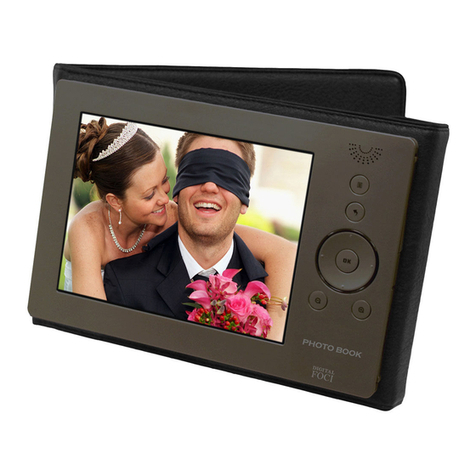
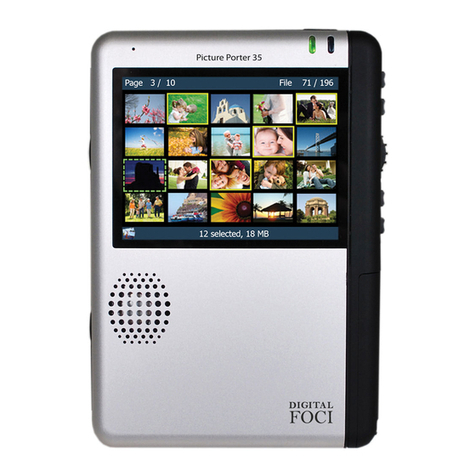
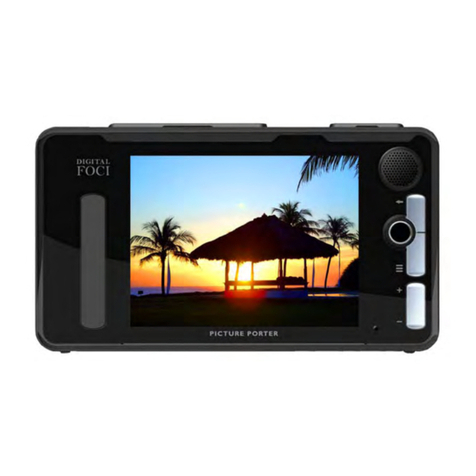
Picture Porter
User’s Guide
Table of Contents
1. Welcome! ..........................................................................................................................1
1.1. System Requirements for Computer Connection.............................................................1
1.2. Supported Memory Card Formats....................................................................................1
1.3. Supported File Formats ......................................................................................................2
1.4. Package Contents.................................................................................................................2
2. Getting Started..................................................................................................................3
2.1. Picture Porter Data Flow Overview...................................................................................3
2.2. Ways to Use Picture Porter.................................................................................................4
2.3. Device Layout.......................................................................................................................5
2.4. Main Screen..........................................................................................................................6
3. Basic Operations..............................................................................................................8
3.1. Navigation Mode..................................................................................................................8
3.2. Power Management...........................................................................................................12
3.3. Using Memory Cards on Picture Porter..........................................................................14
3.4. Using Picture Porter with Your Computer......................................................................16
4. How do I….....................................................................................................................19
4.1. Transfer Memory Card Data............................................................................................19
4.2. View Photos........................................................................................................................23
4.3. Play Video...........................................................................................................................28
4.4. Play Music..........................................................................................................................30
4.5. Manage Files ......................................................................................................................34
4.6. Use Additional Features ....................................................................................................35
4.7. Use the Bundled Ulead Software......................................................................................36
5. Play through TV or Stereo.............................................................................................38
5.1. View Photos and Slideshows on TV .................................................................................38
5.2. Play Music through Stereo System...................................................................................39
6. System Options...............................................................................................................40
Page iv
Revision 1.6