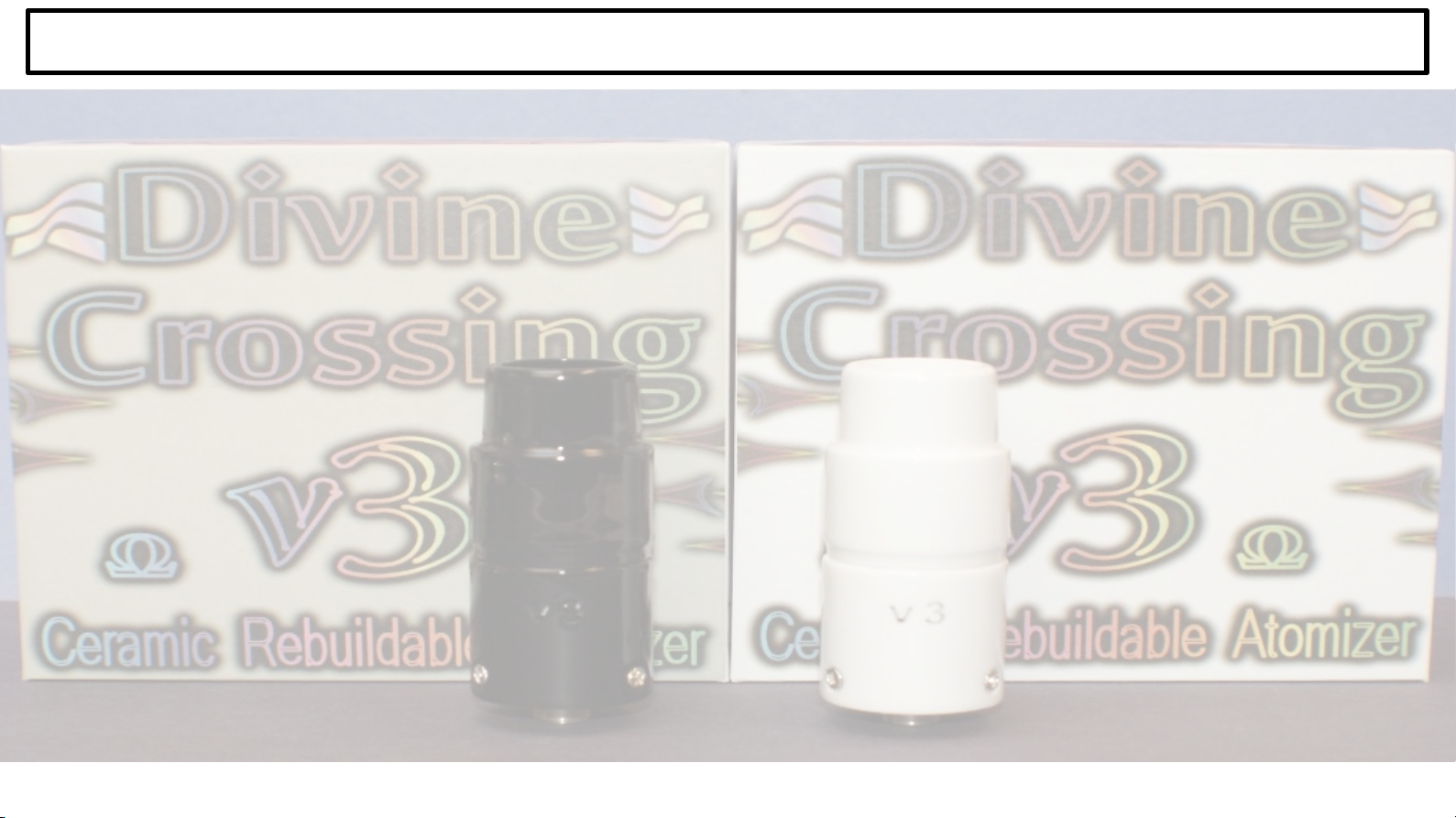
I want to use it now!
The atomizer works best with slow low draw hits. The donut takes a
couple seconds from cold to make vapor. Let off the fire button a few
seconds
before
you stop drawing. This helps keep the air holes open by
cooling any reclaim left in the atomizer. Load small bb size or –
smaller. Usually three to five 1 15s hits on that bb. DO NOT load –
a lot of material at once it will just leak out the air holes and into –
the base. DO NOT suck like a vacuum cleaner you'll just get –
splatter all over the cap. Now to setup your mod.
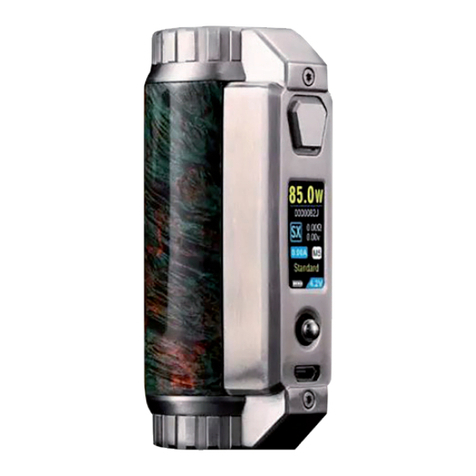
My mod has TCR mode –Stellar!
●1 mm donut TCR 24 2 -24 watts
●13mm donut TCR 345 3 -35 watts
The above settings should allow the temperature on the screen to be
pretty close to the donut. For the best results using TC, lock your
atomizer resistance at room temperature. Don't be afraid to tweak
these settings higher TCR number will make the donut hotter than –
the screen number and a lower TCR number will make the donut temp
lower than screen number.
My mod does TC but not TCR –Your best bet here is to use Ni
mode at 3 -2 watts and a temperature limit somewhat lower than
the desired donut temperature. The ideal TCR number for the donut
is between 2 and 4 while the TCR number for Ni is around
6 . A temperature between 28 -36 should yield donut temps
between 36 and 42 . Lock your atomizer resistance when cold.
My mod doesn't do temp control (TC) At least 12w are needed –
to make enough heat to vaporize oil, but getting to 4 F will take 5
seconds or so. 2 -3 watts heats the donut faster but you MUST
pulse the fire button to keep from blowing the donut. If you are using
a mod in wattage mod only, you probably already know this.
Advanced TC configuration (ArcticFox Firmware)
For those with an eLeaf, Joyetech or Wismec mod and are pretty
handy with computers. A windows computer or windows virtual machine
is required to run the NFE toolbox which provides for configuring and
loading the ArcticFox firmware (AFF) onto your mod. Also provided is
a device monitor for real time monitoring of the mod in use. AFF
allows a profile based configuration with intelligent switching of up to 8
atomizers. AFF also has support for PI regulator temperature control
and fully customizable screen output. All configurations can be
performed on the mod or via the NFE Toolbox interface. If all of this
still makes sense and sounds like a good idea proceed, you won't look –
back.
The process of reflashing the firmware is very simple. Download and
unzip the NFE toolbox from
https://github.com/TBXin/NfirmwareEditor/releases and the most
recent build of the AFF from
https://github.com/maelstrom2 1/ArcticFox.
Plug your mod into the USB port on your computer and launch
Ntoolbox.exe. Use 'Firmware Updater” to reflash your mod. Choose the
AFF .bin file you downloaded.
Now you can configure profiles using “ArcticFox Configuration”. Start
with the same TCR configuration to the left. Then click the “setup”
button next to temp control and enable PI-Regulator. The percentage
value is when the PI-Regulator kicks in a zero value means it's –
enabled from start to finish while a number indicates percent of
desired temperature. I leave % and set P=1 and I=2 . Testing
with an IR thermometer with emissivity set to .65 shows my donut
temp tracks within 1 F of the displayed temperature. I create one
profile for 1 mm donuts and one for 13mm donuts. I also like to
increase the puff cutoff time to 15 seconds on the “Advanced” tab.
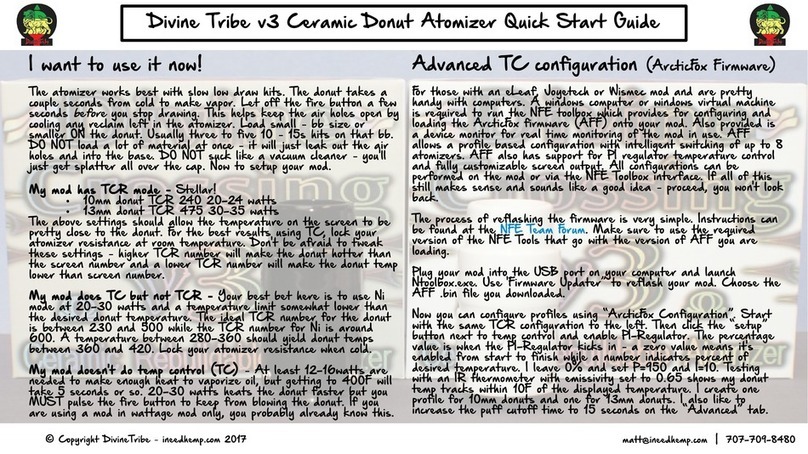
Divine Tribe v3 Ceramic Donut Atomizer Quick Start Guide
© Copyright DivineTribe ineedhemp.com 2 17–matt@ineedhemp.com | 7 7-7 9-848