Mounting Instructions MODEL 3115 DOUBLE-RIDGED WAVEGUIDE HORN
2© EMC TEST SYSTEMS, L.P. –MARCH 2002
REV D–PN 399039
MOUNTING INSTRUCTIONS
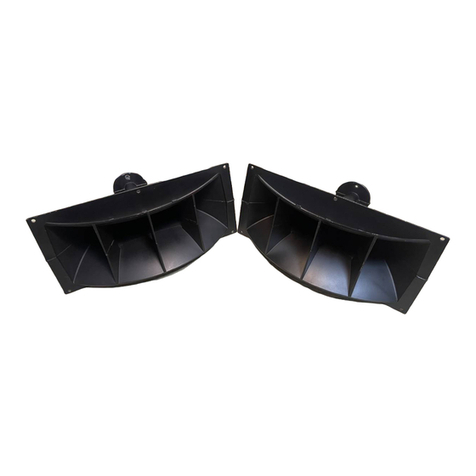
The Model 3115 consists of the following:
1 ea Double Ridged Waveguide Horn
1 ea Mounting Bracket with ¼-20 threads to accept ETS-
EMCO or other tripod mount
Step 1. The Model 3115 is shipped with the mounting bracket
attached backwards, for packaging purposes. Before the
antenna is mounted on a tripod the user will need to
unscrew the wing nut and separate the antenna from the
mounting bracket.
Step 2. To mount the antenna on the tripod, attach the antenna
bracket to the tripod with the ¼-20 bolt. To attach the
antenna to the antenna bracket, place the antenna in its
position locks, and tighten the wing nut. To rotate the
antenna, loosen the wing nut, reset the antenna in the
desired position lock and tighten the wing nuts.
Step 3. After you have mounted the Model 3115 onto the tripod or
tower you will be using for testing; connect an N-type
coaxial cable from the antenna connector to a signal
generator or amplifier.
Wingnut
Mounting Bracket
Type N Precision Female Connector