3
1. Integration with FLIR M-Series
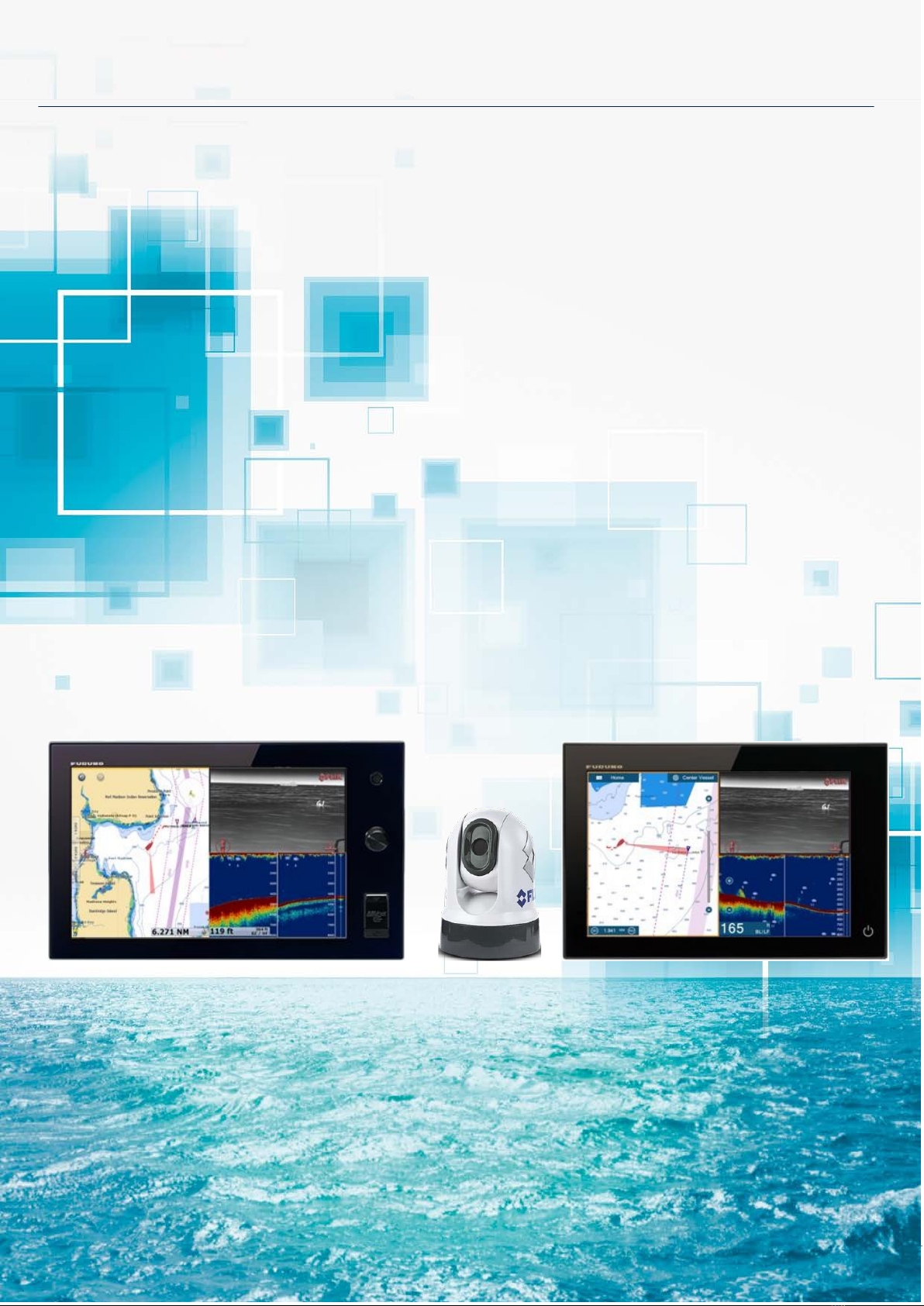
Most FLIR M-Series cameras can be integrated with NavNet TZtouch and NavNet TZtouch2 MFDs to pan, tilt, zoom
in/out, and move or lock a camera to a specific target. This document describes how to configure the IP type FLIR M-
Series cameras before integrating them to the NavNet TZtouch and TZtouch2 network. For composite output FLIR
units please see our other document (NavNet TZtouch and TZtouch2 FLIR camera setup procedures)
FLIR M-Series Models – IP Camera
The FLIR M232 is the latest IP camera model compatible with pan/tilt/zoom. The M132 is also the IP type compatible
with tilt/zoom, no panning.
M232
https://www.flir.com/support/products/m232#Overview
2. Network Overview
One (1) FLIR M-Series can be used on the TZT9/14/BB and/or
TZTL12F/15F/2BB network as shown at right. Both video
images and control commands are communicated via the
Ethernet for the IP type cameras.
Note:
The JCU-3 (joystick control unit), normally included with the
FLIR camera a is necessary to turn on and off the camera and
operate the camera for the functions not supported by the MFD.
The JCU is considered a mandatory device.
3.Setting up FLIR M-Series (IP Camera Type)
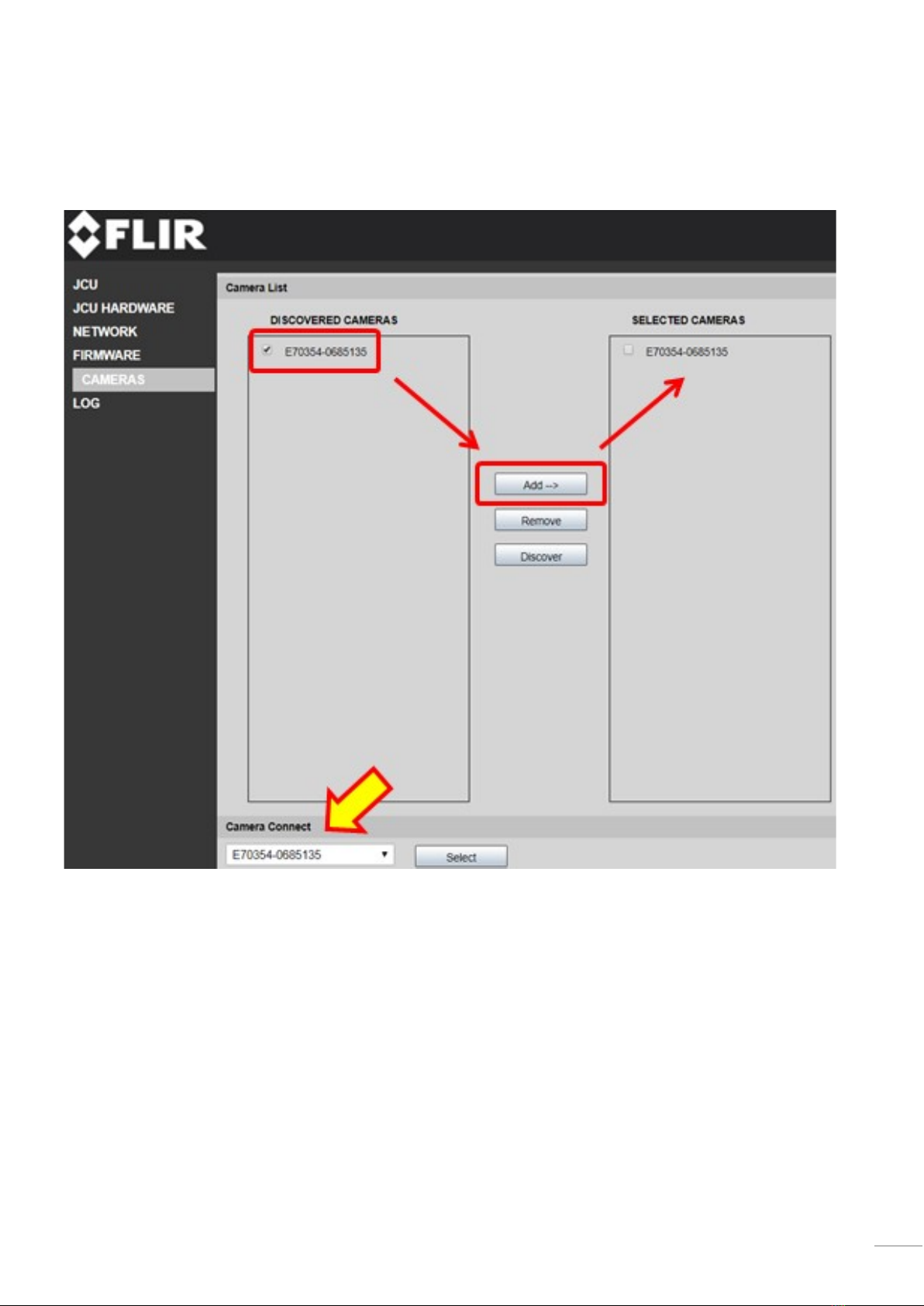
Static IP addresses should be assigned to the FLIR M-Series camera and JCU-3 to match with the NavNet TZtouch and
TZtouch2 network. Only properly configured units should be placed on the Furuno Ethernet.
Mask