manuals.online logo
Brands
  1. Home
  2. •
  3. Brands
  4. •
  5. Gallien-Krueger
  6. •
  7. Amplifier
  8. •
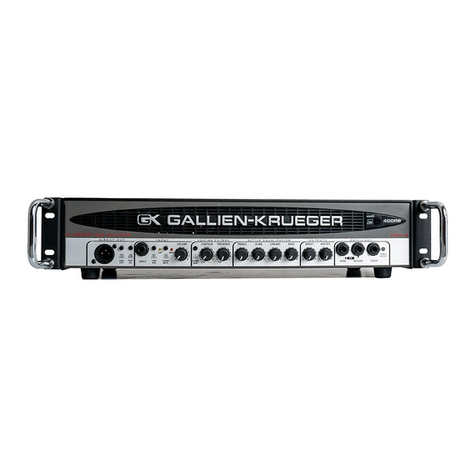
  9. Gallien-Krueger 400RB series User manual

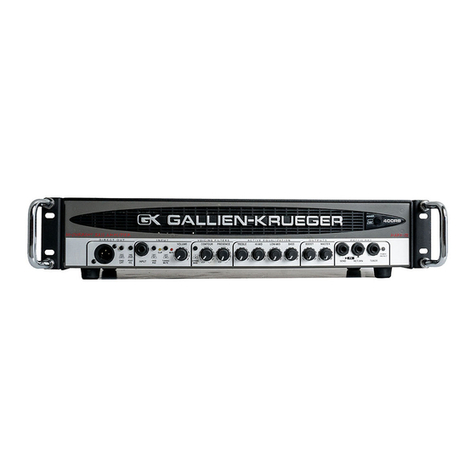
Gallien-Krueger 400RB series User manual

Other manuals for 400RB series

2

This manual suits for next models

3

Other Gallien-Krueger Amplifier manuals

Gallien-Krueger 200MK User manual

Gallien-Krueger

Gallien-Krueger 200MK User manual

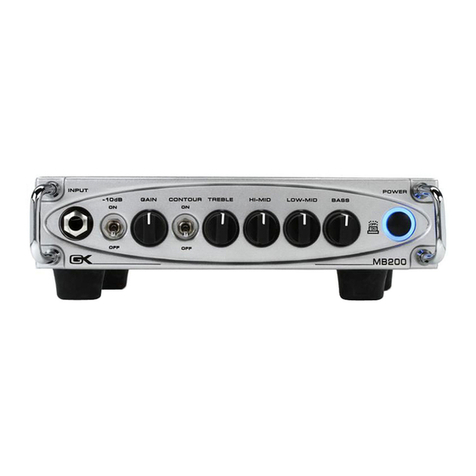
Gallien-Krueger MB200 User manual

Gallien-Krueger

Gallien-Krueger MB200 User manual

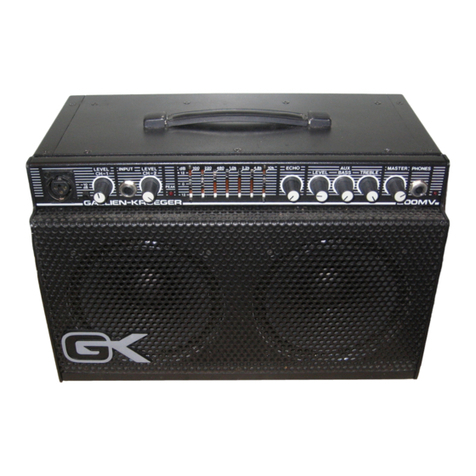
Gallien-Krueger 200MV User manual

Gallien-Krueger

Gallien-Krueger 200MV User manual

Gallien-Krueger MB 800 User manual

Gallien-Krueger

Gallien-Krueger MB 800 User manual

Gallien-Krueger 200MB User manual

Gallien-Krueger

Gallien-Krueger 200MB User manual

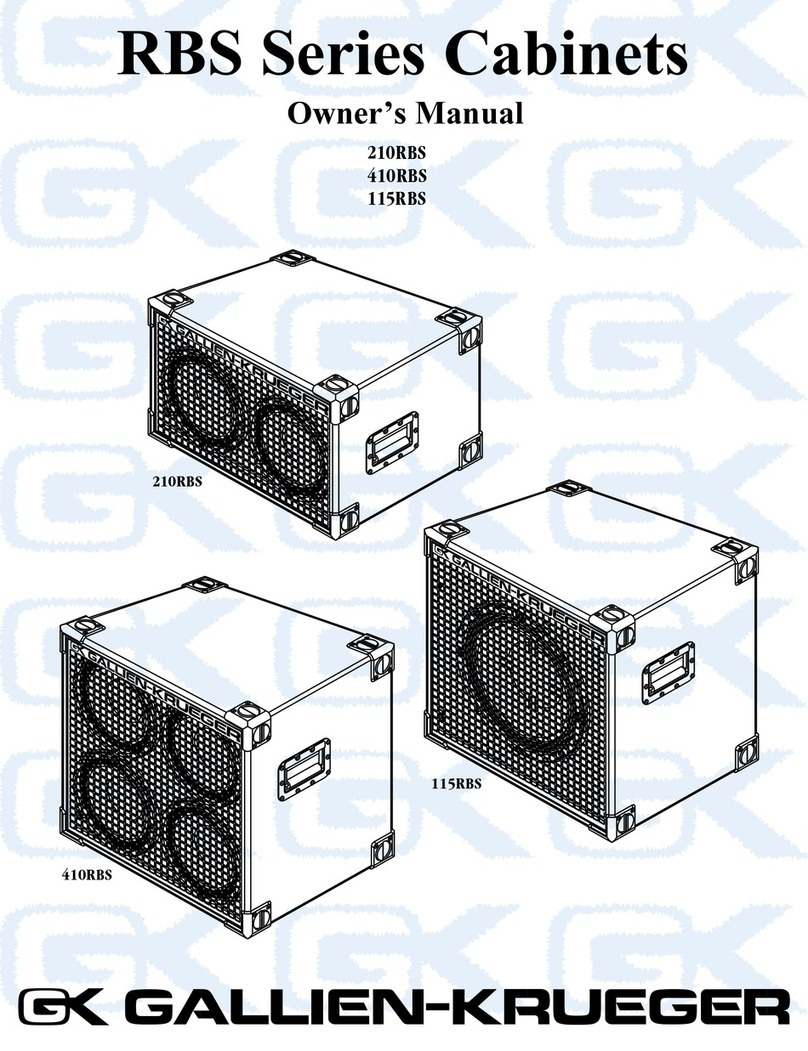
Gallien-Krueger RBS Series User manual

Gallien-Krueger

Gallien-Krueger RBS Series User manual

Gallien-Krueger MB2 500 User manual

Gallien-Krueger

Gallien-Krueger MB2 500 User manual

Gallien-Krueger 400RB-IV series User manual

Gallien-Krueger

Gallien-Krueger 400RB-IV series User manual

Gallien-Krueger MB500 User manual

Gallien-Krueger

Gallien-Krueger MB500 User manual

Gallien-Krueger Microbass MB150E/112 User manual

Gallien-Krueger

Gallien-Krueger Microbass MB150E/112 User manual

Gallien-Krueger Backline 112 User manual

Gallien-Krueger

Gallien-Krueger Backline 112 User manual

Gallien-Krueger 700RB-II User manual

Gallien-Krueger

Gallien-Krueger 700RB-II User manual

Gallien-Krueger MB115 User manual

Gallien-Krueger

Gallien-Krueger MB115 User manual

Gallien-Krueger 400RB series User manual

Gallien-Krueger

Gallien-Krueger 400RB series User manual

Gallien-Krueger PLEX Instruction manual

Gallien-Krueger

Gallien-Krueger PLEX Instruction manual

Gallien-Krueger 2000RB User manual

Gallien-Krueger

Gallien-Krueger 2000RB User manual

Gallien-Krueger 1001RB-II User manual

Gallien-Krueger

Gallien-Krueger 1001RB-II User manual

Gallien-Krueger MBCOMBO User manual

Gallien-Krueger

Gallien-Krueger MBCOMBO User manual

Gallien-Krueger MB200 User manual

Gallien-Krueger

Gallien-Krueger MB200 User manual

Gallien-Krueger Neo 1001/212 User manual

Gallien-Krueger

Gallien-Krueger Neo 1001/212 User manual

Gallien-Krueger MB115 User manual

Gallien-Krueger

Gallien-Krueger MB115 User manual

Gallien-Krueger 1001RB User manual

Gallien-Krueger

Gallien-Krueger 1001RB User manual

Gallien-Krueger Backline Series  sheet User manual

Gallien-Krueger

Gallien-Krueger Backline Series sheet User manual

Gallien-Krueger Fusion 550 User manual

Gallien-Krueger

Gallien-Krueger Fusion 550 User manual

Popular Amplifier manuals by other brands

Magnat Audio EDITION FOUR Owner's manual/warranty document

Magnat Audio

Magnat Audio EDITION FOUR Owner's manual/warranty document

Inter-m PA-2000A Operation manual

Inter-m

Inter-m PA-2000A Operation manual

Yamaha TX6n owner's manual

Yamaha

Yamaha TX6n owner's manual

Peavey TNT 150 user guide

Peavey

Peavey TNT 150 user guide

Bosch LBB 1903/10 Installation and user instructions

Bosch

Bosch LBB 1903/10 Installation and user instructions

Avocent Emerge DA1200D Installer/user guide

Avocent

Avocent Emerge DA1200D Installer/user guide

Redgum RGi35 operating instructions

Redgum

Redgum RGi35 operating instructions

Cambridge Audio AXA25 user manual

Cambridge Audio

Cambridge Audio AXA25 user manual

Alpine MRP-M200 owner's manual

Alpine

Alpine MRP-M200 owner's manual

Technical Pro H1502UrBT user manual

Technical Pro

Technical Pro H1502UrBT user manual

FMS EMGZ307 operating manual

FMS

FMS EMGZ307 operating manual

Racal Instruments 5601 user manual

Racal Instruments

Racal Instruments 5601 user manual

Valcom V-1094A Technical specifications

Valcom

Valcom V-1094A Technical specifications

Cambridge Audio 851D user manual

Cambridge Audio

Cambridge Audio 851D user manual

QSC 3800 Specifications

QSC

QSC 3800 Specifications

NAD C300 owner's manual

NAD

NAD C300 owner's manual

Rotel RMB-1077 owner's manual

Rotel

Rotel RMB-1077 owner's manual

Peavey Monitor 300 Series operating guide

Peavey

Peavey Monitor 300 Series operating guide

manuals.online logo
manuals.online logoBrands
  • About & Mission
  • Contact us
  • Privacy Policy
  • Terms and Conditions

Copyright 2025 Manuals.Online. All Rights Reserved.

400RB-III
400RB/115
400RB/112
Owners Manual
400RB Series
2
400RB Series
Table Of Contents
Gallien-Krueger
2240 Paragon Dr.
San Jose, CA, 95131
phone: 408-441-7970
fax: 408-441-8085
.gallien-krueger.com
Introduction.....................................................................
Quick Start.......................................................................
Sound Tips.......................................................................
Safety Information..........................................................
Installation and Maintenance........................................
Front Panel Controls.....................................................
Rear Panel Controls......................................................
400RB Series Com os...................................................
Tech Talk.......................................................................
Specifications.................................................................
Notes..............................................................................
*All Features and specifications are subject to change ithout notice.
**This list is subject to change ithout notice.
Table of Contents
9
10
11
12
14
15
3
5
6
7
8
CA
CA
UTION:
UTION:
TO REDUCE
O REDUCE
THE RISK OF ELECTRIC SHOCK, DO NO
T REMO
T REMO
VE
VE
CO
CO
VER (OR BA
VER (OR BA
CK).
CK).
NO USER-SER
NO USER-SER
VICEABLE P
VICEABLE P
AR
AR
TS INSIDE.
TS INSIDE.
REFER SER
REFER SER
VICING
VICING
TO Q
O Q
UALIFIED SER
ALIFIED SER
VICE PERSONNEL.
VICE PERSONNEL.
CA
CA
UTION:
UTION:
TO PREVENT ELECTRIC SHOCK, MA
O PREVENT ELECTRIC SHOCK, MA
TCH
TCH
WIDE
WIDE
BLADE OF PLUG
BLADE OF PLUG
TO
O
WIDE SLO
WIDE SLO
T, FULL
, FULL
Y INSER
Y INSER
T.
ATTENTION:
TTENTION:
POUR EVITER LES CHOCS ELECTRIQ
UES
UES
, INR
, INR
ODUIRE
ODUIRE
LA LAME LA PLUS LARGE DE LA FICHE D
ANS LA BORNE
ANS LA BORNE
CORRESPOND
CORRESPOND
ANTE DE LA PRISE ET POUSSER JUSQ
U'A
U'A
U FOND
U FOND
.
WARNING:
ARNING:
TO REDUCE
O REDUCE
THE RISK OF FIRE OR ELECTRIC SHOCK,
DO NO
DO NO
T EXPOSE
T EXPOSE
THIS APPLIANCE
THIS APPLIANCE
TO RAIN OR MOISTURE.
O RAIN OR MOISTURE.
The lightning flash with arro
whead
whead
symbol, within an equilater
al tr
al tr
iangle
iangle
, is
, is
intended to aler
intended to aler
t the user to the
t the user to the
presence of uninsulated "dangerous v
oltage"
oltage"
within the product's enclosure that ma
y be of
y be of
sufficient magnitude to constitute a r
isk of
isk of
electr
electr
ic shoc
ic shoc
k to persons
k to persons
.
The e
The e
xclamation point within an
equilater
equilater
al tr
al tr
iangle is intended to
aler
aler
t the user to the presence of
impor
impor
tant oper
tant oper
ating and
ating and
maintenance (ser
maintenance (ser
vicing) instr
vicing) instr
uctions
uctions
in the liter
in the liter
ature accompan
ature accompan
ying the
ying the
appliance
appliance
.
3
400RB Series
Congratulations
Your purchase of a new Gallien-Krueger 400RB Series
product is surely the result of much careful consideration
on your part. For our part, we at Gallien-Krueger are
pleased that you chose us, and are determined that you
will be a satisfied customer. In choosing a 400RB Series
product, you own an amplifier with many unique features,
that can take you where you have never been before.
To get the most out of your new purchase please take a few
minutes to read through this manual. If you are in a
hurry, we suggest you at least read through the Quick
Start section before setting up your new rig. This will help
get you started and give you a few quick tips, but is not a
substitute for reading the rest of the manual.
Your amplifier should have come with the following items,
please check the contents of the box to ensure that you
have everything.
Included with your 400RB Head:
400RB 1
Rack mount ears with hardware 2
Power cord 1
Owner’s manual 1
Warranty card 1
Safety instructions sheet 1
Included with your 400RB Combo:
400RB/112, or /115 1
Power Cord 1
Owner’s Manual 1
Warranty Card 1
Safety Instructions Sheet 1
If your 400RB Series amplifier or combo did not come
with all the items listed, or if you encounter problems
while setting up your new equipment, please contact
your local dealer, or us as soon as possible at:
Gallien-Krueger, Inc.
2240 Paragon Drive
San Jose, CA 95131
phone: (408) 441-7970
fax: (408) 441-8085
Internet: www.gallien-krueger.com
Email: [email protected]
We wish you a lifetime of good playing and remember to
always have fun!
Introduction
4
400RB Series
Always Listening
I have never seen the point in doing things the way
others have done them. I also have not been very
interested in following the latest fad. I am a
Stanford educated engineer who worked his way
through school as a musician. Like all musicians, I
have lugged amplifiers up stairways and into car
trunks, always wondering why these things had to
be so heavy, bulky, and hard to handle.
As I am the principal innovator at
GK
, our products
reflect my attitudes and life experiences. I don’t model
my designs after other manufacturer’s products (as
some of our competitors are proud of reciting).
Instead, I believe new and old problems are best solved
with new solutions. Having taken our own path,
GK
products enjoy a unique, unmatched sound, allowing
the artist using them every opportunity to make an
original statement.
Having supported my products for over thirty years, I
have learned from the story they tell.
Gallien-Krueger
is a reflection of that story, and has a commitment to
support that legacy. Just as the products I created
thirty years ago are still telling their story, the products
we create today will be talking to us tomorrow.
We’ll be listening,
Ro ert Gallien
Introduction
5
400RB Series
Quick Start
The 400RB Series is designed to be simple to operate.
All controls have a well defined purpose and are well
behaved. These directions will take you through the
basics and give you a good start for setting up your
sound.
First:
Set the power switch to Off and connect the supplied
power cable from the amplifier AC receptacle to an AC
power outlet of proper voltage and power rating (see
safety information on page 7 for details).
Next:
Connect your speaker cabinets to the amplifier
outputs marked 240W. Be sure not to exceed the
recommended speaker load listed below.
Maximum Recommended Speaker Load:
One 4 Ohm, or two 8 Ohm cabinets.
If you are using an RBH series cabinet, set the
crossover switch to full range.
Then:
Set all EQ controls and the Boost control to 12
o’clock. The Voicing Filters should be turned all the
way down to get a flat response. Set the Volume and
Master Volumes at 0. If you have a five string bass,
push the button marked String Bass in.
Next:
Using an instrument cable, connect your bass to the
Input jack and turn the power switch on and play. If
the clip LED flashes, push the button marked
-10db
in. This will prevent you from overdriving the preamp.
Now:
Set the master control to 12 o’clock and slowly bring
the Master volume up. Do not turn the Volume
control in the input section past 12 o’clock unless you
want an overdrive effect. If you have a bass with
passive electronics make sure the controls are all the
way up. If you have a bass with active electronics,
turn all of the EQ controls on the bass to the middle
or flat position.
At This Point:
You should be hearing your bass quite well. You can
use the Volume and Master to achieve a comfortable
sound level.
Remember:
If you need more volume,
turn up the Master control first.
Quick Start
6
400RB Series
Sound Tips
The 400RB Series has several unique features which,
if used properly, will obtain that sound you have been
searching for.
The Equalizer:
The Equalizer is used to fine tune your sound. When
adjusting it, do it just a little at a time. These are
active circuits, and small changes can make a big
difference in your sound. With a little experimenta-
tion you will find that this equalizer is very easy to
use, never sounds weird and provides you with a large
variety of great sounds, unique to GK.
Contour:
Increasing the Contour level will scoop out mid-
range frequencies while boosting the highs and lows.
The sound, once again, is unique to GK and unavail-
able on any other Bass amp.
String Bass:
The way a Bass amp deals with the instrument low
string is a critical part of it’s sound. In fact, a five
string instrument requires an entirely different low
end response than a four string instrument. No
equalizer can make the necessary adjustments to
accommodate both. However, the String Bass button
on the 400RB Series does just that. When it is out, the
400RB is voiced like the 800RB (the world’s classic
four string amp). Push it in and the 400RB is voiced
for five string instruments. For some playing styles
you may want it in, even with a four string instru-
ment.
Sound Tips
Boost/Master:
Turning up the Boost control, will add a little growl to
your tone. This is an unmistakable GK trade mark
sound, that you will grow to appreciate. Raising the
Boost while lowering the Master will add more growl
while keeping the sound level the same. Growl is
actually a small amount of even order harmonic
distortion, that sounds great through a woofer. For
most playing situations, the Master is set between 12 &
3 o’clock. The cleanest sound is obtained by setting
the Master above 12 o’clock, and going above 3
o’clock for maximum power situations.
Direct Out:
The 400RB provides a low noise, high quality
balanced direct out for connection to PA and record-
ing consoles. With the Pre/Post EQ switch set to “Pre”
(Out), the direct output signal is fed directly from our
low noise, high headroom, FET input stage providing
a low noise output superior to external direct boxes
and impedance transformers. The Direct Output
signal is only effected by the -10dB Pad, and Tuning
Mute controls. This allows you to adjust your tone
and volume on stage without changing the Direct Out
signal level and confusing your sound man.
Changing the Pre/Post EQ switch to “Post”(In),
sends the “GK sound”and preamp response to the
Direct Out jack. This gives you complete control over
the Direct Out’s tone and volume. In addition, a
Ground (Gnd) Lift switch is included to remove hum
and buzz when connecting to equipment powered by
a different ground system.
7
400RB Series
Safety Information
Verify Line Voltage and Amperage Before
Use:
Your new 400RB Series Bass Amp has been factory
configured for use with:
120 Volt/60Hz 20 Amp circuit for USA &
Canada.
230 Volt/50Hz 10 Amp circuit for Europe
& Australia.
100 Volt/50Hz 20 Amp circuit for Japan.
Proper AC circuit for all other countries.
Connecting the amplifier to a line with specifications
other than indicated above can create a safety and fire
hazard, and may damage the amplifier. If you have any
questions about the voltage requirements for your
specific model, or about the line voltage in your area,
contact your dealer before plugging the unit into a wall
outlet.
Verify AC Circuit Capacity Before Use:
The high power output of your amplifier may require
heavy current draw under Full-Load conditions. To
insure proper performance and avoid potential safety
hazards, we recommend connection to line circuits with
Amperage specified “as above”. Connecting multiple
amplifiers to the same circuit, or connecting the ampli-
fier to the same circuit used by other heavy-power
devices, such as high-wattage lights, may cause circuit
breakers to trip. It is always a good idea to avoid using
any audio equipment on the same AC circuit as equip-
ment with motors, such as air conditioners or refrig-
erators. This will lessen to possibility of power
variation and electrical start-up noise affecting your
sound.
Do Not Use Extension Cords:
To avoid safety hazards, use only the power cord
supplied with your unit. If a replacement cord is
used, make certain that it is of consistent quality
and gauge as the original. We do not recommend
using extension cords with this product. As with all
electrical devices, do not run power cords under
rugs or carpets or place heavy objects on them.
Damaged power cords should be replaced immedi-
ately with cords meeting factory specifications.
Handle The AC Power Cord Gently:
When disconnecting the power cord from an AC
outlet, always pull the plug, never pull the cord. If
you do not intend to use the amplifier for a consid-
erable length of time, disconnect the plug from the
AC outlet.
Do Not Open The Amplifier Enclosure:
There are no user-serviceable components inside
this product. Opening the amplifier enclosure may
present a shock hazard, and modification to the
product will void your warranty. If liquid enters the
unit, or any metal object such as a paper clip, wire,
or staple accidentally falls inside the enclosure,
disconnect the unit from the AC power source
immediately and consult an authorized service
station.
Unpacking:
The carton and packing materials used in shipping
your new amplifier were specially designed to
cushion it from the shocks and vibration that occur
during transport. We suggest that you save the
carton and packing materials for use in shipping,
in the event you move, or the amplifier needs repair.
Safety Information
.
.
.

8
400RB Series
.
Installation and Maintenance
Installation:
To insure proper operation and to avoid
potential safety hazards, place the unit on a
firm, level surface. When installing the unit
in a rack, be sure the mounting hardware can
support the amplifier’s weight. To save space
in your rack, the 400RB’s feet can be
removed using a Philips head screwdriver.
Make certain that proper space is provided
for ventilation. The 400RB Series requires at
least ½inch clearance above for proper
ventilation. Never block the fan vent holes in
the top or front of the amplifier. If the
amplifier will be installed in a rack or other
enclosed area, make sure that there is
sufficient air movement within the enclosure
to allow proper cooling. Consult your dealer
for more information.
Avoid installation in extremely hot or cold
locations, and areas that are exposed to direct
sunlight, or near heating equipment.
Avoid moist or humid locations.
Remember, power amplifiers generate heat.
The heat sink fins and ventilation slots that
form part of the enclosure are specially
designed to remove this heat. Placing other
electronic equipment near these heat-
dissipation systems may possibly affect the
long-term reliability of both your amplifier
and the other equipment.
Moving the Unit:
Before moving the unit, be certain to disconnect any
interconnection cords with other components, and
make sure that you disconnect the unit from the AC
outlet.
Cleaning:
When the unit gets dirty, wipe it with a clean, soft and
dry cloth. If necessary, first wipe the surface with a
soft cloth slightly dampened with mild, soapy water,
followed by a fresh cloth with clean water. Wipe
immediately with a dry cloth. Never use benzene,
thinner, alcohol, or other volatile cleaning agents.
Do not use abrasive cleaners, as they may damage the
finish of metal parts. Avoid spraying insecticides near
the unit.
Maintenance:
Your new amplifier is rugged. It was built to give you a
lifetime of trouble-free operation, if it is operated in
accordance with the instructions contained in this
manual. The only maintenance required is cleaning. If
you are going to move your amplifier around frequently,
we recommend a road case to protect it from scratches
and road wear.
Installation & Maintenance
.
.
.

.
9
400RB Series
Front Panel Controls
1-Balanced Direct Out:
An electronically balanced output, that you can run
to your P.A. system.
2-Pre/Post EQ Button:
Selects the direct out signal from before or after the
EQ.
3-Input:
A standard ¼” input jack and input attenuator
button. The button is generally left out, except in rare
cases when the clip LED flashes.
4-Tuning Mute Button:
Set this switch to “On”when tuning up. No signal
will be sent to the speakers, or the P.A. system.
-Volume:
Sets pre-amp gain after the input stage. It is used in
conjunction with the input pad, to optimize the
amplifier’s headroom.
6-Voicing Filters:
String Bass:
Setting
this button voices the pre-amp for basses with
“B”tuning. Leave it out and the amp is voiced like the
800RB, for 4 string basses.
Contour:
Drops the mid-range frequencies while boosting lows
& highs.
Presence:
Adds edge and definition to higher frequencies.
Active Equalization:
7-Treble:
Boost and cut at 7kHz+14dB shelving type. Add or
remove edge and definition.
8-High Mid:
Boost and cut at 1 kHz +6dB -10dB, “Q Optimized,”
band pass type. Works on lower string harmonics,
and effects the punch of your sound.
9-Low Mid:
Boost and cut at 250Hz +6dB -10dB, “Q Optimized,”
band pass type. Works on the main body of your
sound.
10-Bass:
Boost and cut at 60Hz +10dB, shelving type. Controls
low end push.
Outputs:
11-Boost:
A post EQ gain stage using GIVE technology which
adds “growl”as it is turned up.
12-Master:
Controls output level of the amplifier.
13-Effects Loop:
Send and return jacks provided for the insertion of
effects after the EQ, but before the boost section.
Some effect units have gain, turning the BOOST
down, will compensate for this.
14-Tuner Output
Output to tuner.
1 -Power Switch
Turns the amplifier on or off. Should a problem
occur during operation press this switch out first.
Front Panel Controls
10
400RB Series
Rear Panel Controls
1- AC Receptacle:
The power cord is detachable and plugs in here.
2- 240W Jacks:
240W power amp output for Full-Range operation
only. They deliver 240 watts into 4 Ohms. Lower
impedances should not be used. Each jack has a
minimum of 8 Ohms each. Higher impedances such
as 8 Ohms, 16 Ohms, or No Load are acceptable. No
damage will result from operating the amplifier with
the speakers disconnected.
Rear Panel Controls