6
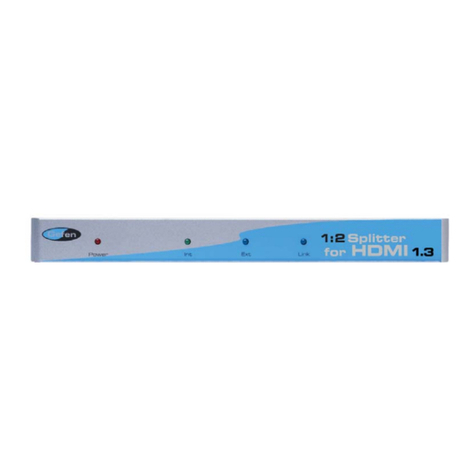
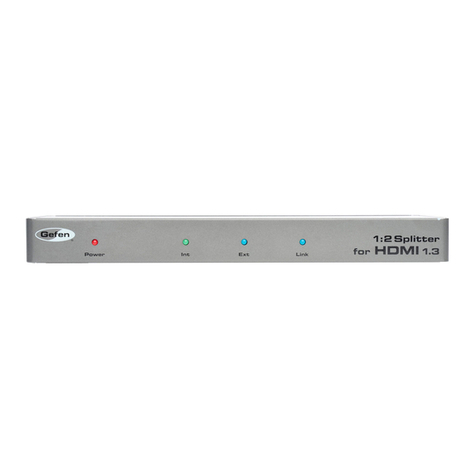
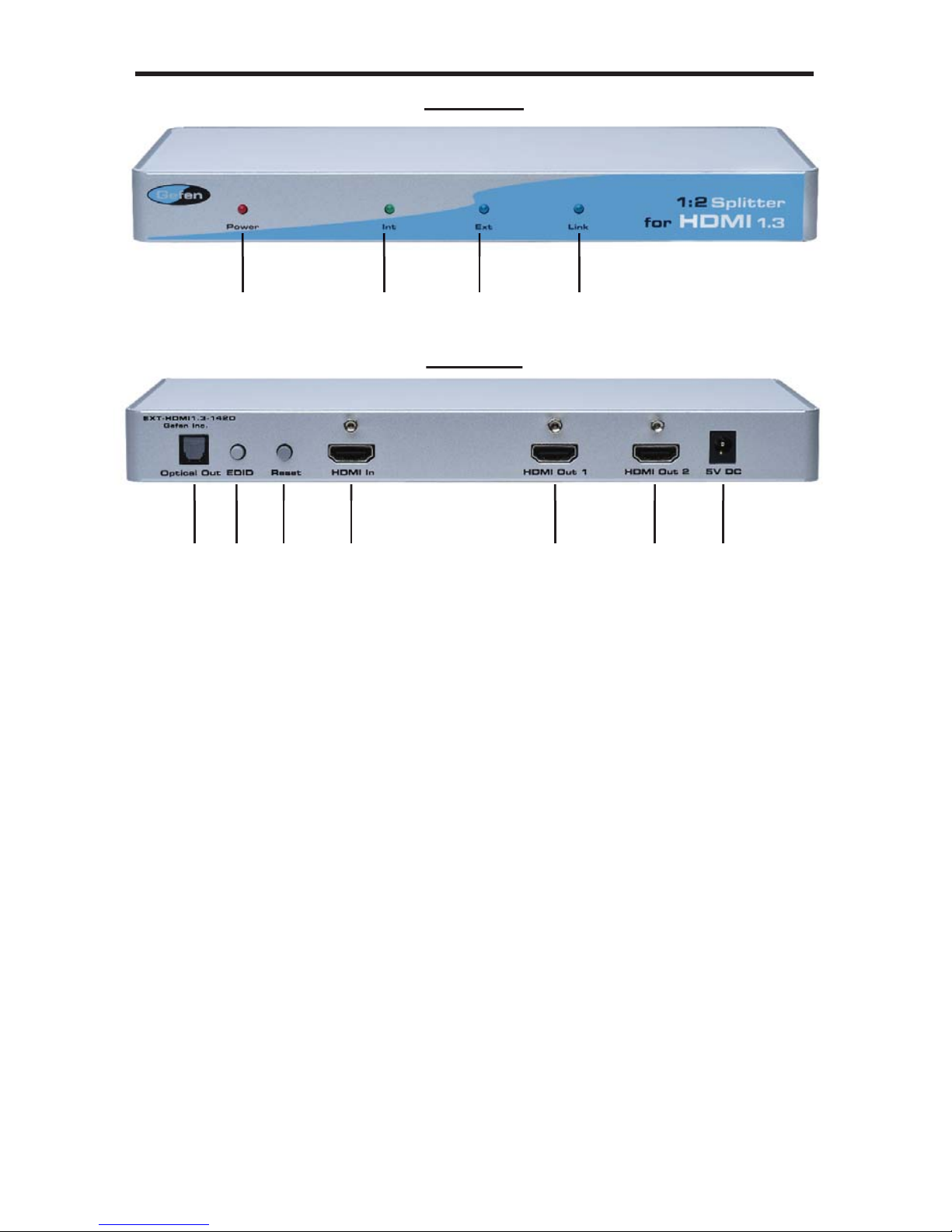
How to Connect the 1:2 Splitter For HDMI 1.3
1. Connect the supplied cable from the HDMI source into the 1:2 Splitter for HDMI
1.3 input.
2. Connect the cables from your displays (monitor or projector) into the HDMI
outs of the 1:2 Splitter for HDMI 1.3. Up to 2 displays are supported.
3. If using the TOSLINK optical audio output, connect a TOSLINK optical audio
cable between the 1:2 Splitter for HDMI 1.3 and a appropriate audio decoder
or device.
4. Plug the 5V DC power supply into the 1:2 Splitter for HDMI 1.3.
NOTE: By Default, the display information from the display connected to HDMI
output port 1 is sent back to the source. Therefore, the other display that is
connected to the 1:2 Splitter for HDMI 1.3 must be capable of accepting the
timings and resolutions of the display that is connected to HDMI output port 1. It
is recommended that the display with the lowest native resolution be connected to
HDMI output port 1. This is to ensure that a compatible video signal will be able to
be displayed on all connected monitors. There is a generic EDID programmed into
the 1:2 Splitter for HDMI 1.3 that can be used instead. Please see below for the
activation process. EDID MODE
The HDMI 1:2 has an EDID button which will determine if the EDID is used from
the display attached to output 1 (Ext. mode) or if the onboard EDID (Int. mode)
will be used.
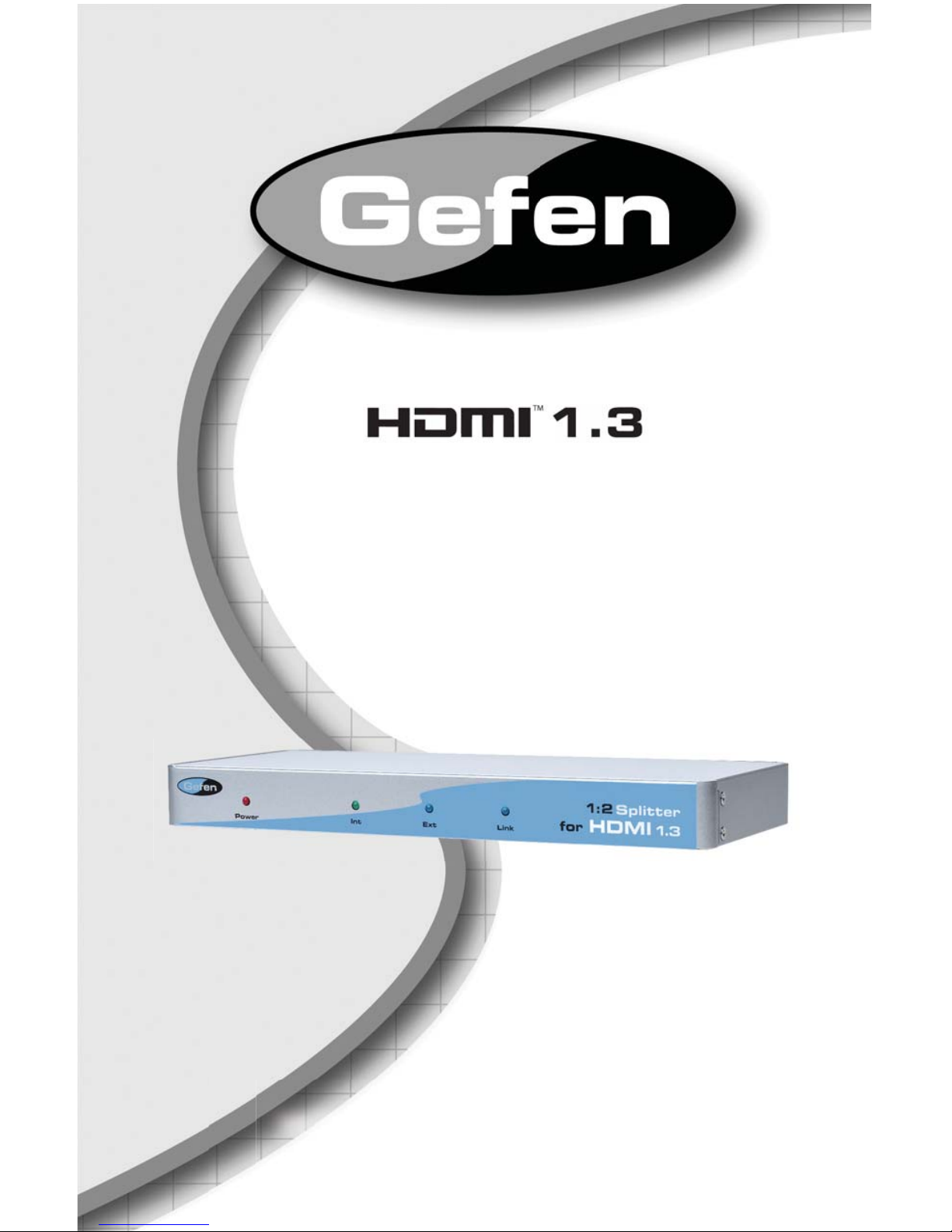
The current EDID mode can be determined by which EDID mode LED is ac-
tive on the front panel. The Ext LED will indicate that the external EDID (from
output port 1) is being used, and the Int LED will indicate that the internal pre-
programmed EDID is being used.
If you want to use the onboard EDID, press the EDID button on the rear panel
and then press the reset button to activate the new EDID mode. To revert back
to using the external EDID, press the EDID button again and then reset the unit
using the reset button to activate the new EDID mode.
Listed Resolutions in the Internal EDID:
Listed Audio Formats:
2 Channel LPCM
1280x720p 50 Hz
(Naitive)
1280x720p 59.94 / 60 Hz
(Naitive)
1920 x 1080i 50 Hz
1920 x 1080i 59.94 / 60 Hz
720 x 480p 59.94 / 60 Hz
720 x 576p 50 Hz
1920 x 1080p 50 Hz
1920 x 1080p 59.94 / 60 Hz
1440 x 480p 59.94 / 60 Hz
1440 x 576p 50 Hz
CONNECTING AND OPERATING THE 1:2 SPLITTER FOR HDMI1.3