INTRODUCTION
Congratulations on your purchase of this product.
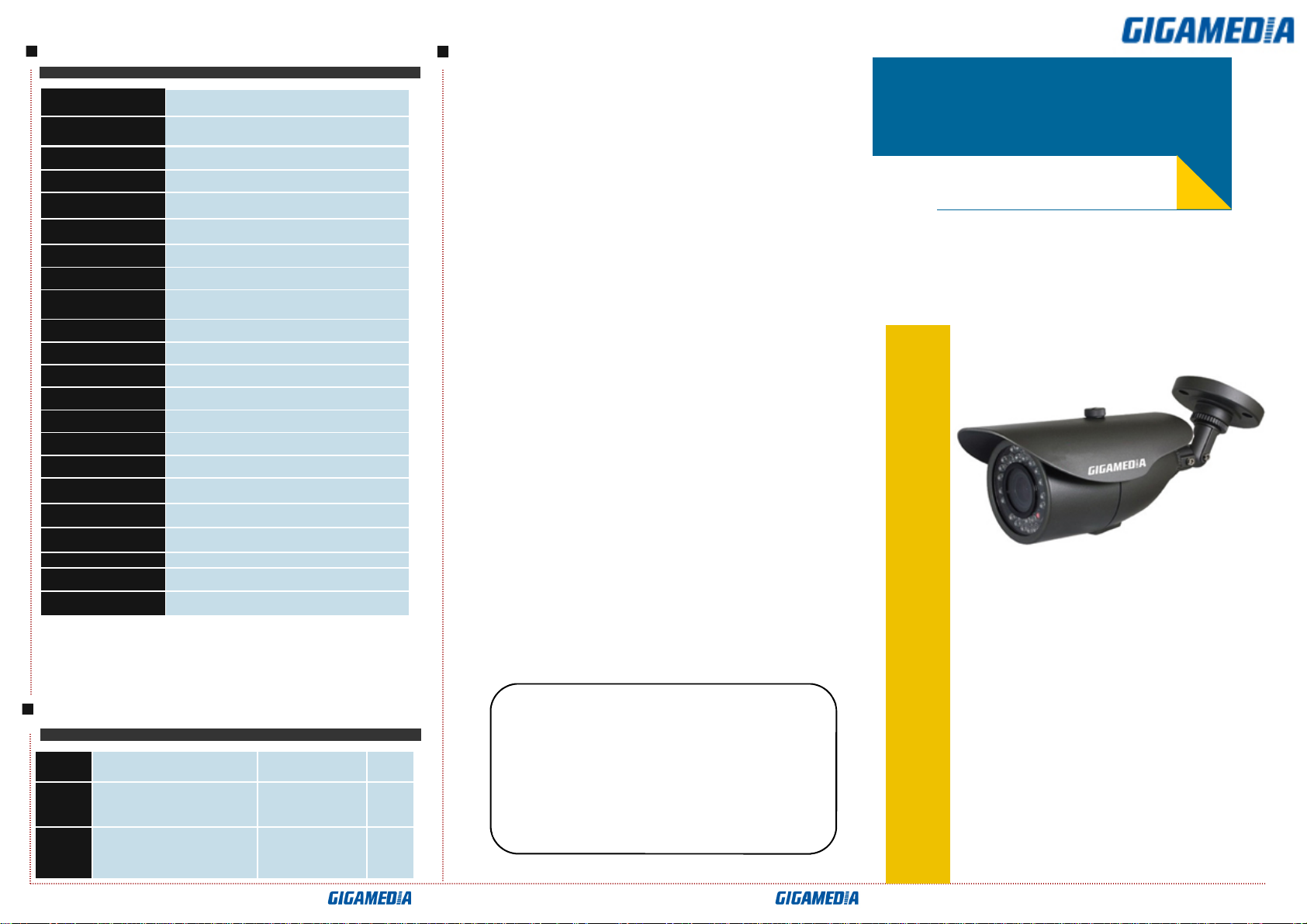
This User Guide suits GGM CCKITCAM2 series product.
We adopt the latest SO Y technical of sensor and driver.
The most attractive characteristics are water-resistant, and
widely applicable to day & night, indoor & outdoor. In
addition, it owns the characters of high definition and
stability, strong anti-jamming, rich and real color. Fixing
and using this model are convenient too. It is very good
for you to apply to yours CCTV system.
Please read this instruction manual carefully to
ensure proper use of the product.
CONNECTING
BRIEF OF PRODUCT
*
* *
* Sensor (
((
(CCD)
))
)
Adopt 1/3" CMOS sensor.
*
* *
* Auto Gain Control (AGC)
Built-in auto gain control (AGC) circuit. The
SO Ycamera
can get high definition picture in low Lux condition.
*
* *
* Auto Electronic Shutter (AES)
Built-in auto electronic shutter function. The SO Y
camera’s AES speed can reach 1 100,000s.
*
* *
* Gamma Characteristic
Camera Gamma characteristic is 0.45.
*
* *
* Scanning Mode
TSC or PAL mode.
*
* *
* Night-time Vision
0 Lux with IR LED O . Adopt TaiWan high quality IR
LED, having very good night-vision effect.
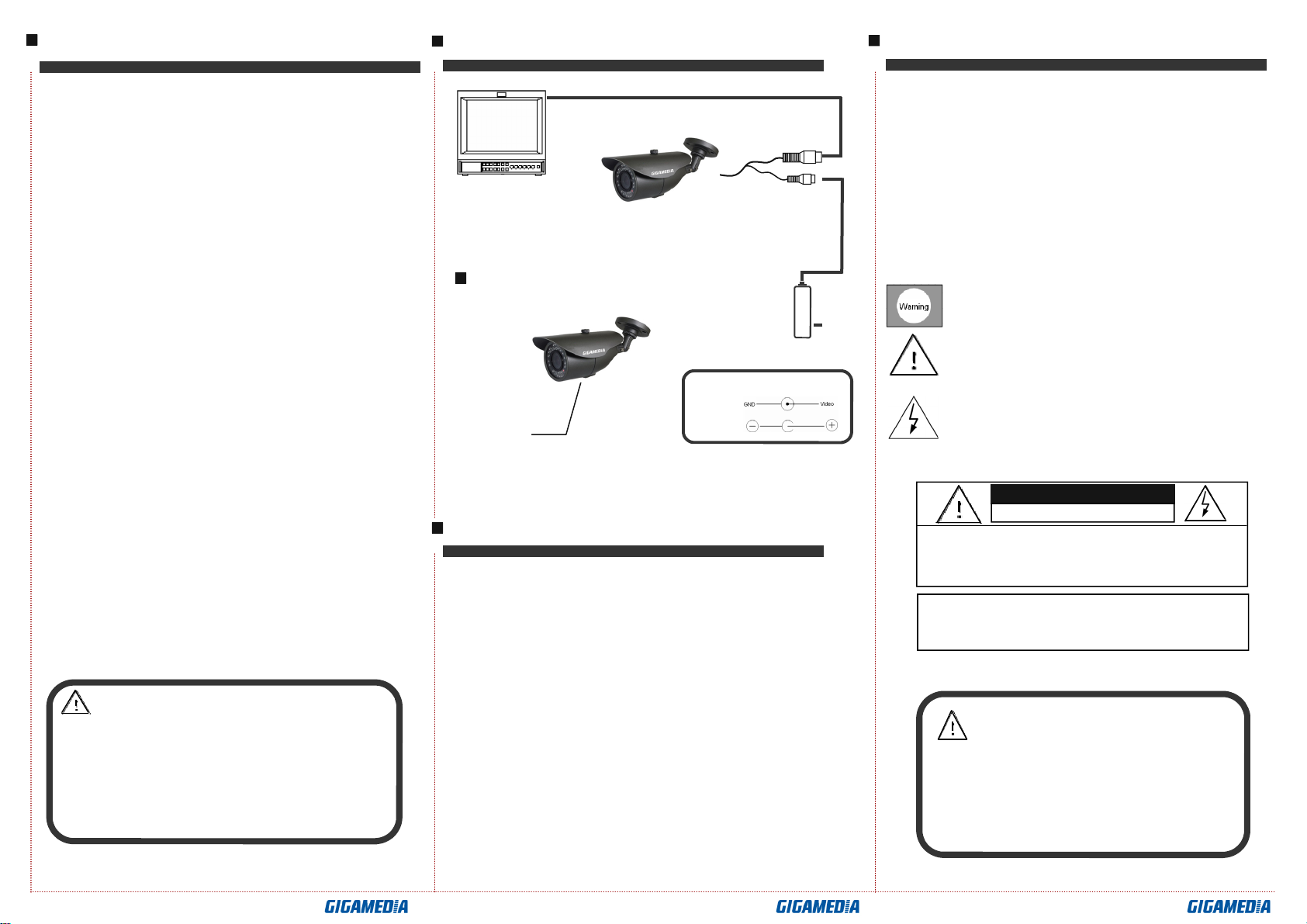
DC12V
Power Supply
Monitor
GGM CCKITCAM2
TROUBLE AND SOLUTION
Link wire rule:
Power
Video
MOUNTING
Mounting Bracket
Note:
: :
:
● Please note the camera’s operating temperature and its using
environment requirement. Avoid using the camera at too high or
too low temperatures. The operating temperature is -10℃-50℃.
(Recommendatory operating temperature is -5℃--40℃.)
● ever make the camera face the sun or bright object.
Otherwise, it will damage the CCD.
● Do not mount the camera near by the radiator or heater.
1. No Picture after providing power
. May be the power supply voltage abnormity, please check the power
supply voltage and pole whether exactitude.
. Please check all the connecting cable and monitors whether be connected
correctly or not.
2. The picture level direction have flowing interference ripples
. May be caused by the power supply AC ripples, it need filter the wave of the
power supply.
. Check the monitor and peripheral equipments used.
3. The picture background SONY changes continuously
. The fluorescent lamp’s electromagnetic field cause SO Y roll. This is
proper
phenomenon of the cameras.
. Reduce the fluorescent lamp numbers or increase the distance between the
camera and the fluorescent lamps can improve it.
. Use power supply external sync. camera can solve it.
4. The picture smear too mass
. The power supply’s voltage unstable.
. Connecting cables not connect correctly or have high impedance.
To prevent fire or shock hazarded. Do not expose the unit
The symbol is intended to alert the user to the presence of
The symbol is intended to alert the user to the presence of
into water too long time directly.
important operating and maintenance (servicing)
Instructions in the literature accompanying the appliance.
uninsulated ‘dangerous voltage’ within the product’s
enclosure that may be of sufficient Magnitude to constitute
a risk of electric shock to persons.
Notes:
::
:
●The power supply must through safe attestation. Its output voltage、
current、voltage polarity and operating temperature must match the
camera’s requirement.
●When using the camera in the thunderbolt condition,please note to
mount Anti-thunder device or put off the power supply plug and cable.
●In order to capture high quality pictures, the power supply’s cable and
video output cable should not be too long.
Video
12V DC
CAUTION:
CAUTION: TO REDUCE THE RISK OF ELECTRIC
SHOCK
DO NOT REMOVE COVER OR BANCK NO USER
SERVICEABLE PARTS INSIDE. REFER SERVICING
RISK OF ELECTRIC. DO NOT OPEN
CAUTION:
To prevent electric shocks and risk of fire hazards,
do NOT use other than specified power source.