USING THE HOB - ELECTRIC (CERAMIC)
Warnings
• Do not use the ceramic hob if the
glass surface is cracked, as electrical
parts are directly beneath. Switch
off the appliance at the supply to
prevent electric shock and contact
your supplier.
• The hob surface remains hot after
use. DO NOT TOUCH.
Initial Power On and calibration
• Whenthehobisrstconnectedto
the mains supply, the hob will appear
in childlock mode and a red neon is
illuminated.
• Before use the hob needs to be
calibrated. For this it is important that
any bright lights above the hob are
switched off, eg. halogen hood lights.
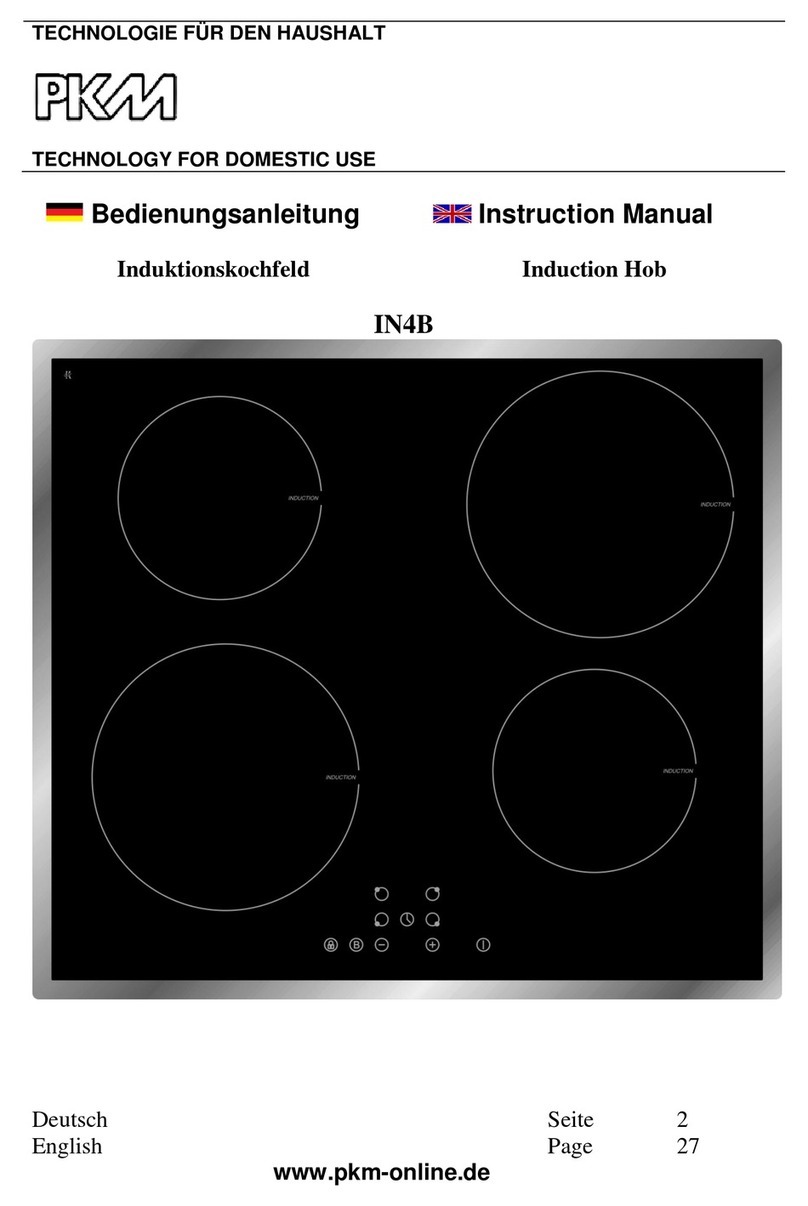
• To calibrate and unlock the hob,
touch the key symbol and the red
neon goes out, and a beep is heard.
• The hob is now calibrated and ready
for use.
Switching on the hob
• Touch and hold the on/off symbol for
3 secs. The hob will beep and all en-
ergy level indicators will display “0”.
• If no other symbol is selected within
10 secs the hob will turn off.
Operating a heater
• Select the desired heater by touching
its own symbol. The corresponding
displaywillash“0”.Touch“+”or“-”
to set the power level. After 10 secs
thedisplaywillstopashinganda
beep is heard.
• To adjust the power level, touch
the heater symbol until the display
ashes.Adjustthe“+”or“-”tothe
desired power level. After 10 secs the
displaywillstopashingandabeep
is heard.
Switching a heater off
• To turn off a heater, touch and hold
the desired heater symbol until the
displayashes.Adjustthe“-”symbol
down to “0”. After 10 secs the heater
will switch off, the display will stop
ashingandabeepisheard.
• To turn off all heaters together, touch
and hold the on/off symbol for 1 sec.
Notes on use
• The power settings on the hob do
not indicate any set temperature and
cannot be used to judge one element
against another.
• During cooking, the elements will
cycle on and off. This is normal.
Dual Zone (if tted)
• Select the dual zone heater by touch-
ing its inner symbol. The correspond-
ingdisplaywillash“0”.Touch“+”
or “-” to set the power level. If you
require the outer heater, while the
powerlevelisashingtouchandhold
the outer symbol. After 10 secs the
displaywillstopashingandabeep
is heard.
Auto heat-up
• Select the desired heater by touch-
ing its own symbol. The correspond-
ingdisplaywillash“0”.Touch“+”
until9isreachedthenpressthe“+”
again. A dot will appear next to the
“9.”andtheywillbothstarttoash
for 10 secs. This indicates that auto
heatup is on. During this time the de-
sired power level must be set. After
10 secs a bleep sounds and the dot
becomesxed.Theheaterwillbeset
at this level.
• If “0” or “9” are selected whilst in
auto heatup mode the function is
cancelled