manuals.online logo
Brands
  1. Home
  2. •
  3. Brands
  4. •
  5. Goodmans
  6. •
  7. Dashcam
  8. •
  9. Goodmans GSCOUT GPS User manual

Goodmans GSCOUT GPS User manual

Other manuals for GSCOUT GPS

1

Other Goodmans Dashcam manuals

Goodmans GSCOUT GPS User manual

Goodmans

Goodmans GSCOUT GPS User manual

Goodmans GSCOUT HD User manual

Goodmans

Goodmans GSCOUT HD User manual

Goodmans GSCOUT HD User manual

Goodmans

Goodmans GSCOUT HD User manual

Popular Dashcam manuals by other brands

Cansonic UltraDuo Z2 instruction manual

Cansonic

Cansonic UltraDuo Z2 instruction manual

Gazer F720 user manual

Gazer

Gazer F720 user manual

HP f500g user manual

HP

HP f500g user manual

Xblitz TANGO 4K user manual

Xblitz

Xblitz TANGO 4K user manual

Rexing M1 user manual

Rexing

Rexing M1 user manual

Maka Technologies Marbella MXPro user manual

Maka Technologies

Maka Technologies Marbella MXPro user manual

NESA NRC-80DLM User manual & installation guide

NESA

NESA NRC-80DLM User manual & installation guide

Kaiser Baas R20 user guide

Kaiser Baas

Kaiser Baas R20 user guide

Boyo VTM43TC manual

Boyo

Boyo VTM43TC manual

Minolta MNCD37 user manual

Minolta

Minolta MNCD37 user manual

Thinkware FA10 user manual

Thinkware

Thinkware FA10 user manual

Momento MD-5200 user manual

Momento

Momento MD-5200 user manual

BlackVue DR590X-1CH manual

BlackVue

BlackVue DR590X-1CH manual

HP F300 quick start guide

HP

HP F300 quick start guide

CammSys BlackSys BH-300 manual

CammSys

CammSys BlackSys BH-300 manual

Snooper DVR-2HD user manual

Snooper

Snooper DVR-2HD user manual

Lukas Q900 user guide

Lukas

Lukas Q900 user guide

RVS 450C Product manual installation & instructions

RVS

RVS 450C Product manual installation & instructions

manuals.online logo
manuals.online logoBrands
  • About & Mission
  • Contact us
  • Privacy Policy
  • Terms and Conditions

Copyright 2025 Manuals.Online. All Rights Reserved.

The full User Manual is available online at:
www.goodmans.co.uk/support
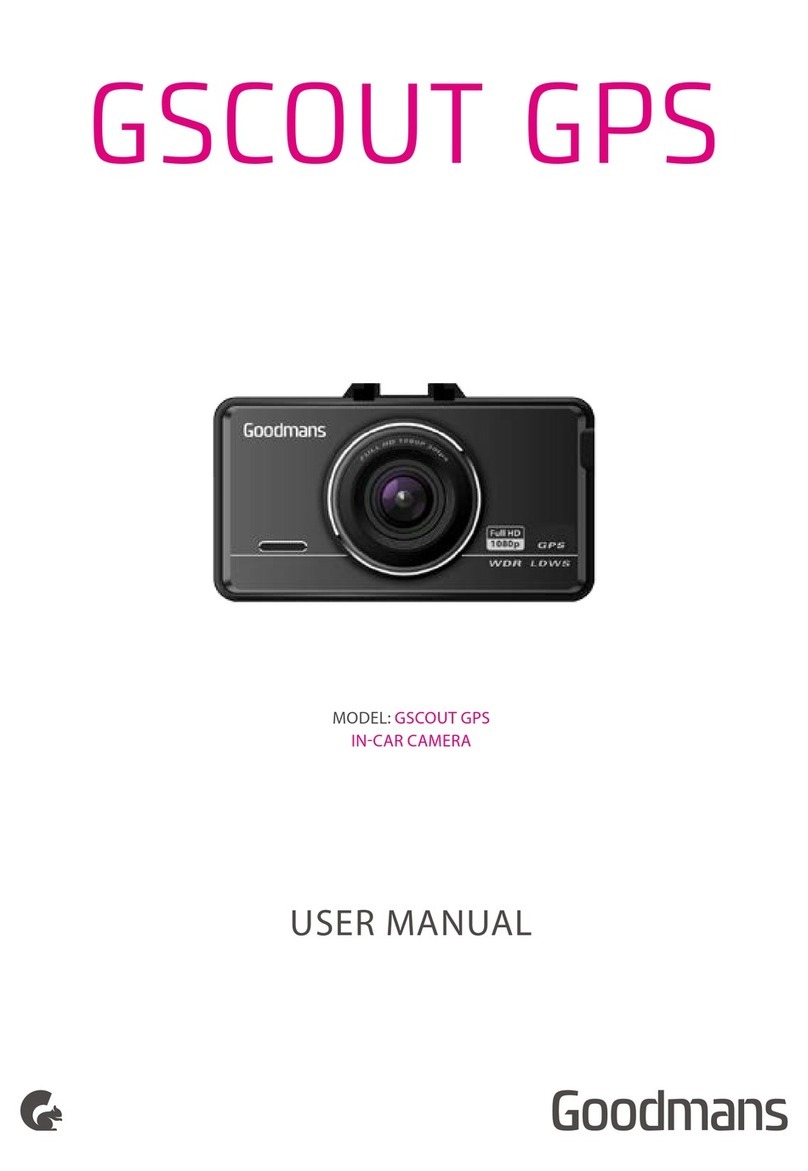
GSCOUT GPS
GETTING STARTED WANT TO KNOW MORE? GSCOUT GPS
Stick it to
windshield
Connect to
cigar jack
In the box
Stand USB cableChargerDash Cam
Guarantee &
Safety booklet
Quick Start Guide
DID YOU KNOW?THANK YOU
Thank you for choosing a Goodmans product. We’ve
been making electronics for the Bristish people for 70
years. Each of our products has been carefully designed
to be great at what it does and this one is no exception.
We hope you enjoy your new GSCOUT GPS Dash Cam.
Please read the Guarantee & Safety booklet before
starting. The full User Manual is available online.
During recording, press M button to
permenently save the video on SD card
Press and hold the OK button to enable Time Lapse
Photography Mode
Press and hold the DOWN button to enable
Parking Mode
Please use class 6
or better SD Card for
best performance