16 17
Each camera mode has its own settings menu.
To Navigate Settings Menus:
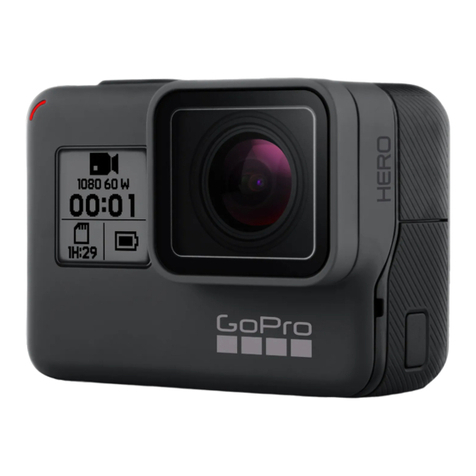
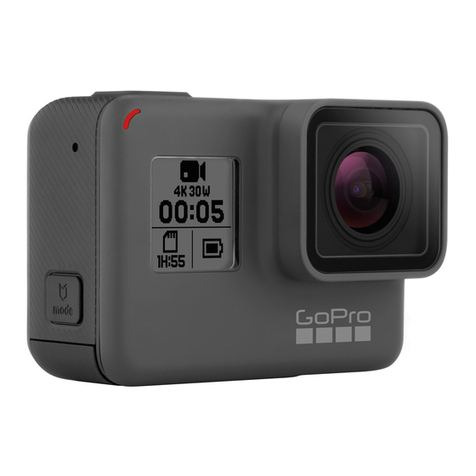
1. Verify that the camera is in the desired camera mode. If the icon
for that mode does not appear on the camera status screen, press
the
Power/Mode button
repeatedly until it appears.
2. Press the Settings/Tag button to open the settings menu for that
mode.
3. Use the Power/Mode button to cycle through the settings.
4. Press the Shutter/Select button to cycle through the options
within a setting. To select an option, leave the option highlighted
when you move to another setting.
5. To go back to the previous screen or exit the settings menu, press
the Settings/Tag button.
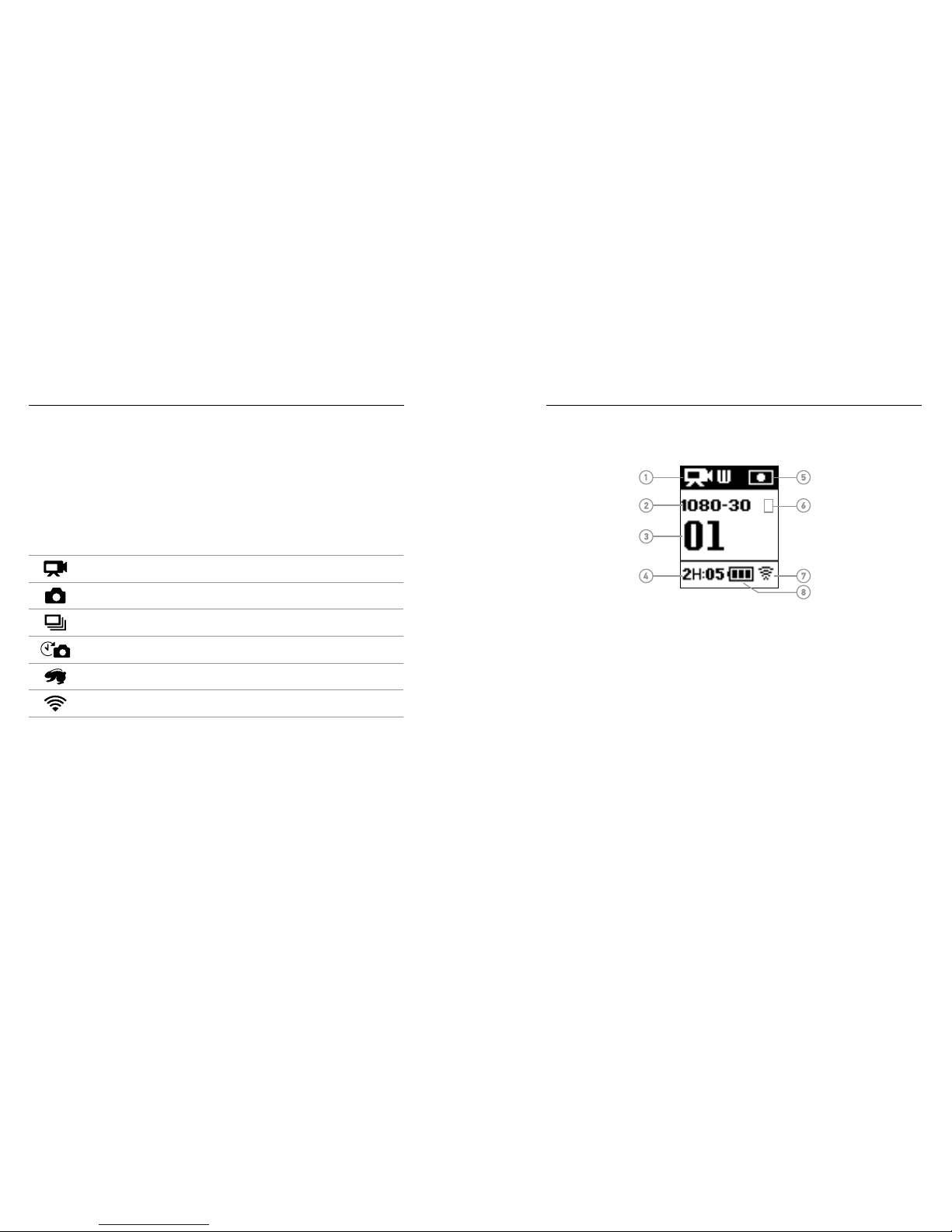
HERO+ features several camera modes. Press the
Power/Mode
button repeatedly to cycle through the modes
.
These modes appear:
Video Record video
Photo Capture a single photo
Burst Capture 10 photos in 2 seconds (5 fps)
Time Lapse Capture a series of photos at specified
intervals
Setup Adjust general camera settings
PRO TIP: To change settings for the current mode, press the
Settings/Tag button. To change general camera settings that apply
to all modes, navigate to Setup mode.
/ Camera Modes / Navigating Settings Menus