18 19
PRE-FLIGHT CHECKLIST TAKING OFF
Complete these items before every flight:
• Securely tighten the propellers
• Fully extend the landing gear and arms
• Be sure the camera stabilizer is securely locked into the drone
• Check battery levels for Karma, the controller, and the camera
• Check the available space on the microSD card
• Be sure your flight area is clear of people and obstacles
• Review all safety items in Safety (page <?>)
INCLUDE IMAGE --
GENERIC CHECKLIST
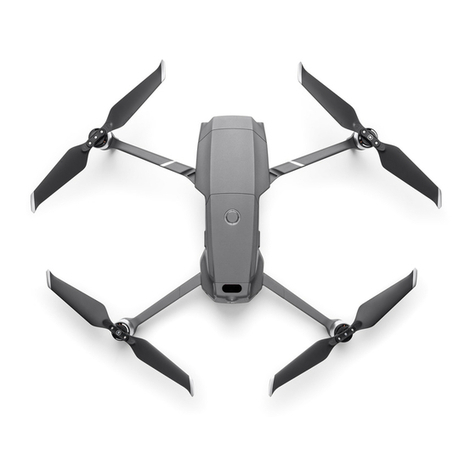
IMAGE?
Before taking off, be sure to complete the items in Pre-Flight Checklist
(page 18).
1. Place Karma on flat, firm ground in an open area. Point the camera
away from you.
2. Power on Karma and the controller.
3. When the controller confirms that Karma is ready for flight, press
and hold the Start/Stop button on the controller to start the
motors. The light around the Start/Stop button and the light near
the Power button on Karma blink green when the GPS signal is
strong enough for takeoff.
Note: The Karma controller contains antennae that must be directed at Karma
at all times. If the connection is lost, Karma returns to the launch location. For
details, see Automatic Safety Landings (page 26).
4. Select one of these options:
• To take off automatically, tap the auto takeoff button on the
screen.
• To take off manually, gently push the left joystick forward.
5. Use the joysticks to guide the drone during flight.
PRO TIP: Karma hovers in place whenever you let go of the joysticks.
WARNING: Never touch Karma while it is in flight. The
propellers have sharp edges and move rapidly and with force.
Do not touch the propellers when Karma is in operation.