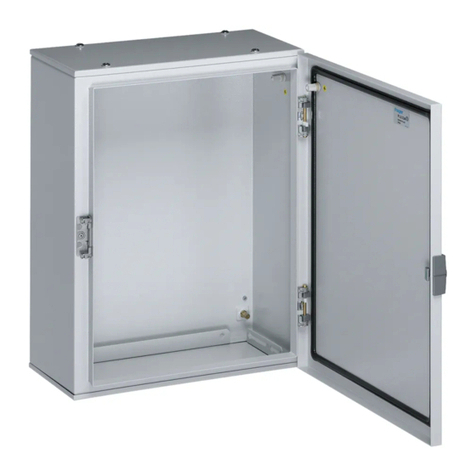
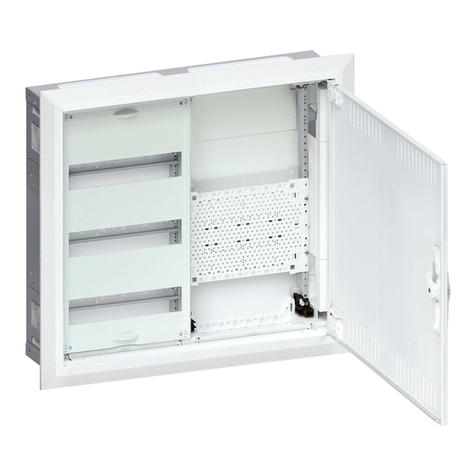
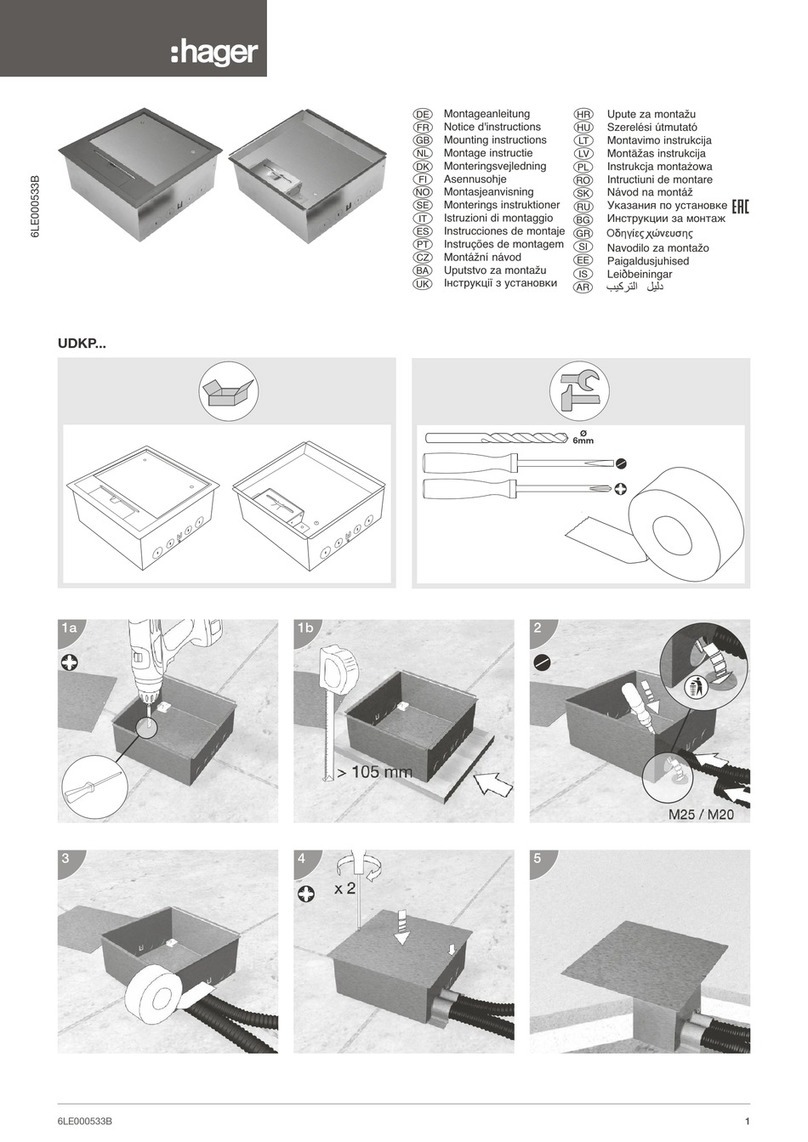
5Mounting the body/wall cabinet 59
5.1 Protected and packaged during transport/integrated plaster guard 60
5.2 Before wall installation 60
5.2.1 Cutting out cable entries at the side and rear 60
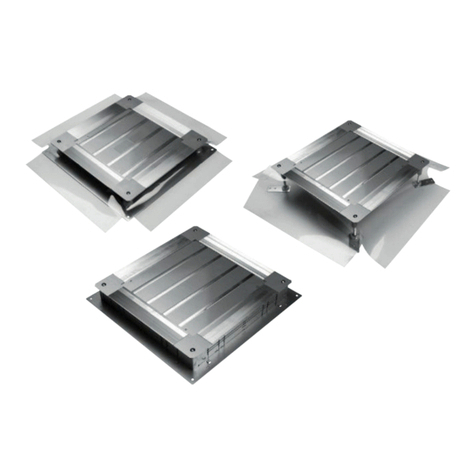
5.2.2 FD00P5 ventilation insert 61
5.2.3 Enclosure-to-enclosure connection with the FWU00F1
connection set 63
5.3 Wall installation 66
5.3.1 Wall installation measurement/dimensions 66
5.3.2 Wall installation options 68
5.3.3 Using the plaster guard 70
6univers FW internal fitting system 71
6.1 Coding 72
6.2 Kits pre-mounted 73
6.2.1 Distribution kits UWxxUx 73
6.2.2 Multimedia kits 74
6.2.3 Hybrid kits 77
6.2.4 Protection class on multimedia and hybrid kits 80
6.3 Kits to assemble 81
6.3.1 UN0xFN vertical uprights 81
6.3.2 UZ0xAx tower parts 81
6.3.3 U… DIN rail 82
6.3.4 UM00M0 plastic mounting plate 82
6.3.5 Steel mounting plates UZxxMx 85
6.3.6 USxxAx covers 86
6.4 Multimedia accessories 87
6.4.1 Patch panels without socket holder 91
6.4.2 Berker Integro Design Flow patch panel and socket holder 94
6.4.3 Patch panel and FLF socket holder 96
6.4.4 UM00H0 FLF socket holder 98
6.4.5 VZ00APZ set with socket and holder 100
6.4.6 Volta VZ00AS/VZ00ASF multi-socket 100
6.4.7 US00Sx multimedia covers 101
6.4.8 UM00Mx multimedia set 102
7Accessories for internal fittings 103
7.1 Coding 104
7.2 Universal accessories in detail 105
7.2.1 Hollow wall anchor VZ405N 105
7.2.2 Flange VZ741 for rear cable entry 107
7.2.3 Cable entry slider FWU00P1 107
7.2.4 Cable strain relief FZ850F 108
7.2.5 Cable clips M7240 for lateral cable duct 110
7.2.6 Cable cover FWU00Cx for lateral cable duct 111
7.2.7 Partitions 112
7.2.8 Screw set ZZ44SF for fixing vertical uprights 116