manuals.online logo
Brands
  1. Home
  2. •
  3. Brands
  4. •
  5. HQST
  6. •
  7. Cables And Connectors
  8. •
  9. HQST HCPHCCPC-US/CA User manual

HQST HCPHCCPC-US/CA User manual

Popular Cables And Connectors manuals by other brands

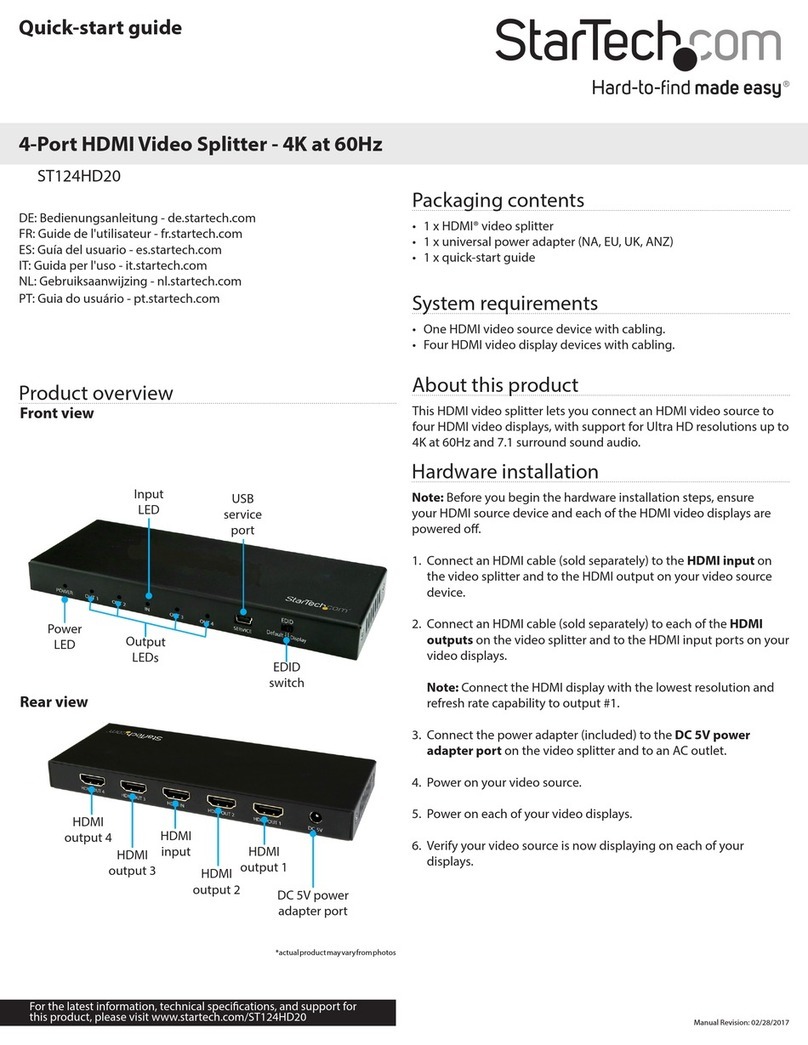
StarTech.com ST124HD20 quick start guide

StarTech.com

StarTech.com ST124HD20 quick start guide

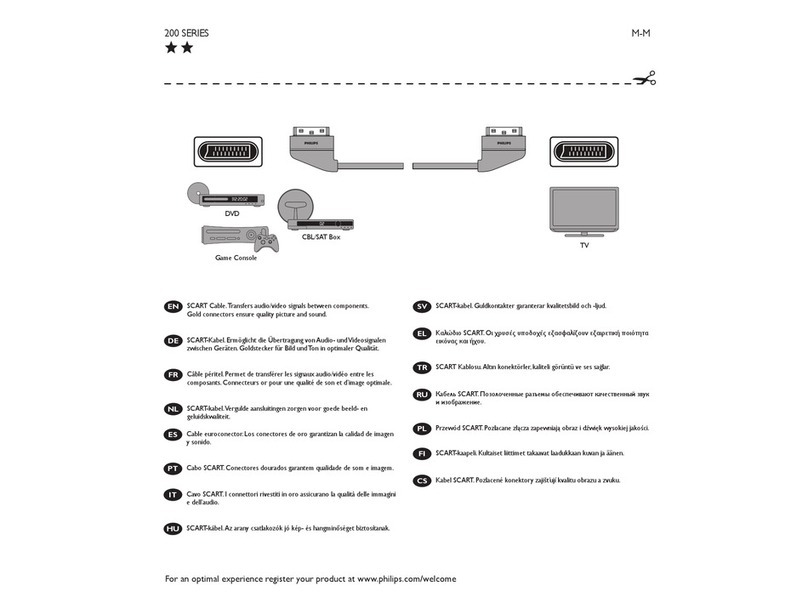
Philips SWV4543S/10 Features

Philips

Philips SWV4543S/10 Features

Larson Electronics 10-50C instruction manual

Larson Electronics

Larson Electronics 10-50C instruction manual

Grip MEK-PM Assembly and operating manual

Grip

Grip MEK-PM Assembly and operating manual

Ultra Products Travel Pack #3 ULT31436 Specifications

Ultra Products

Ultra Products Travel Pack #3 ULT31436 Specifications

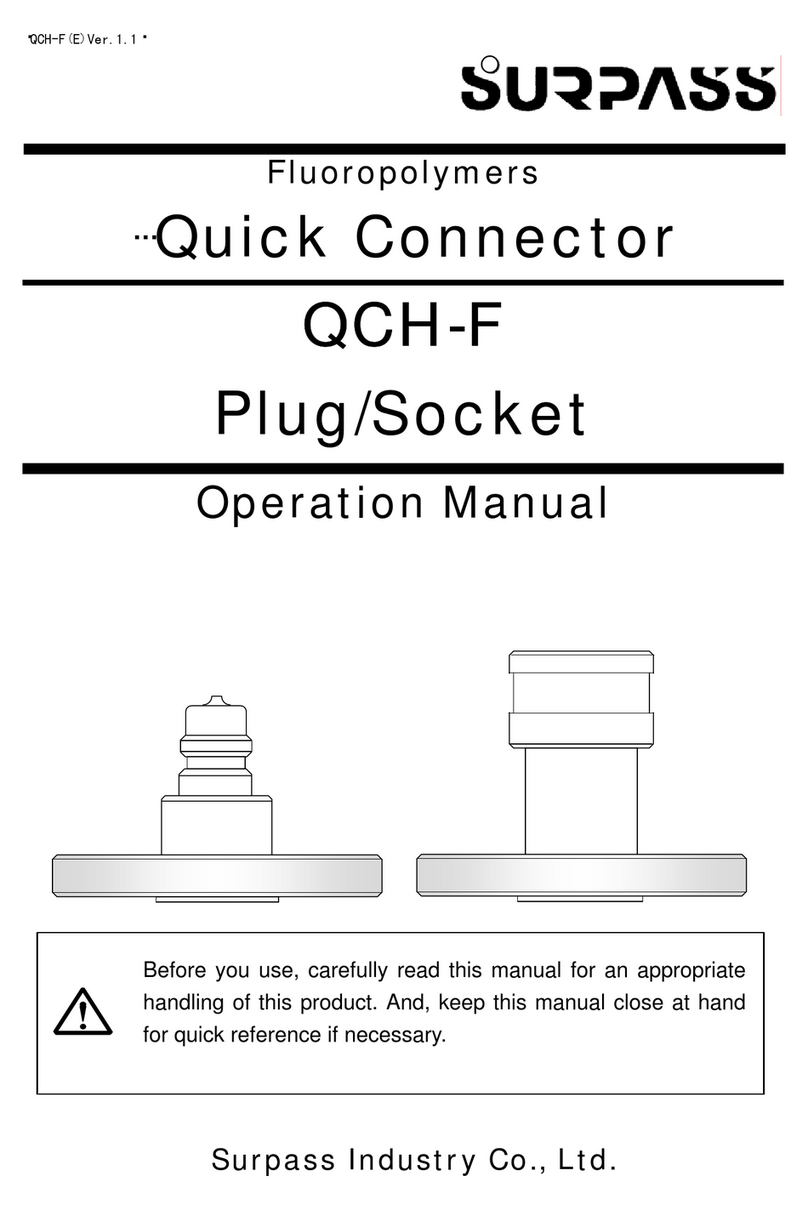
Surpass QCH-F Operation manual

Surpass

Surpass QCH-F Operation manual

Philips SWA6310 Specifications

Philips

Philips SWA6310 Specifications

StarTech.com CRJ4550PK quick start guide

StarTech.com

StarTech.com CRJ4550PK quick start guide

Nohau EMUL-IP2K-PC user guide

Nohau

Nohau EMUL-IP2K-PC user guide

Foxun SX-SP144E-HD4K2K operating instructions

Foxun

Foxun SX-SP144E-HD4K2K operating instructions

Philips SWA3305W Specifications

Philips

Philips SWA3305W Specifications

opticis Stretch DVIM1-1P0x user manual

opticis

opticis Stretch DVIM1-1P0x user manual

Volkswagen VAS 6558A operating manual

Volkswagen

Volkswagen VAS 6558A operating manual

NEXIBO N-13 user manual

NEXIBO

NEXIBO N-13 user manual

CYP PU-1H3HBTL Operation manual

CYP

CYP PU-1H3HBTL Operation manual

Allen-Bradley 1784-u2dhp installation instructions

Allen-Bradley

Allen-Bradley 1784-u2dhp installation instructions

Global Caché Flex Link Blaster quick start

Global Caché

Global Caché Flex Link Blaster quick start

Hauppauge USB-Live2 Quick installation guide

Hauppauge

Hauppauge USB-Live2 Quick installation guide

manuals.online logo
manuals.online logoBrands
  • About & Mission
  • Contact us
  • Privacy Policy
  • Terms and Conditions

Copyright 2025 Manuals.Online. All Rights Reserved.

SKU: HCPHCCPC-US/CA
尺寸:70 x 90 mm
形式:折页 共 3 页
材质:128g铜󷣵纸
RS485 PARALLEL CHARGE
CONNECTION CABLE FOR CHARGE
CONTROLLER
S K U : H C P H C C P C - U S / C A
Manual
This user manual offers a brief walkthrough of its features and how to use it.
Please keep the user manual in hand for future reference.
Still need help? Feel free to send us an email at sales@myhqsolar.com
FEATURES PRODUCT CONNECTION PORT
HOW TO CONNECT TWO CHARGE CONTROLLERS IN PARALLEL
Expand the charging current for charging your battery bank
system by connecting two charge controllers using the RS485
Parallel Charge Connection Cable.
COMPATIBILITY
Works with HQST MPPT Charge Controllers Series with an
RS485 communication port: HCC-20MPPTN, HCC-40MPPTN,
HCC60HTR.
It's not compatible with other brands' controllers and PWM
controllers.
If you’re not sure about the compatibility of your controller,
please feel free to contact the seller directly or send us an email
at sales@myhqsolar.com
No need to upgrade to a controller with a higher amperage
parameter. Connect two controllers in parallel to achieve the
charging current you require. RS485 PIN
RS485 Port
PIN-1
VDD
PIN-2
VDD
PIN-3
GND
PIN-4
GND
PIN-5
D-
PIN-6
D+
1First, connect the battery bank to two charge controllers that
you want to connect in parallel for expanding charging
current (both controllers can be connected to an independent
PV array system).
2Then, link these two controllers using this RS485 parallel
charge connection cable.
3Both controllers must be set the same and right battery bank
system voltage parameter.
TURN ON/OFF PARALLEL CHARGE CONNECTION FUNCTION WARRANTY
SUPPORT INFORMATION
It supports connecting two controllers with different amperage
parameters, such as 20A + 40A, 20A+ 60A, or 40A + 60A.
Press and hold the “DOWN” and “SET” keys simultaneously until
the parallel charge page appears.
HQST Parallel Charge Connection Cables are covered by a
12-month limited warranty from the original purchase date. If you
encounter any issues during usage, feel free to contact us at
sales@myhqsolar.com
We only provide after-sales service for products sold by HQST or
retailers and distributors authorized by HQST. If you have
purchased your unit through other channels, please contact your
seller for more information about the return and warranty.
Need help? Feel free to send us an email at
sales@myhqsolar.com
Want to see more products? Visit the website
hqsolarpower.com
Press the “Up” or “Down” key to select Parallel ON or Parallel
OFF.
Press and hold the “SET” key to save and exit the setting page.
When using parallel charge connection cable, two controllers
only can be connected to ONE battery bank system.
Please remember to set the controllers with the same battery
charge voltage parameter before connecting the PV arrays to
the controllers. Or you will damage the battery bank system.
1
2
3
Note: Parallel Charge Page
How to set up:
The parallel charge connection function of the controller is
disabled by default.
How to enter the parallel charge setting page:
DOWN Key
SET Key
UP
Parallel OFF
DOWN
Parallel ON