Step 1
Establish that the existing heating controls are in
fact controlling the heating. Turn off the power to
your heating system at the mains. To ensure the
wires do NOT have power running to them, use a
mains tester.
Step 4
Identify your wiring, and then see the appropri-
ate wiring diagram. Connect the Lto the top, V1
to the centre, and, if applicable, Nto the bottom.
If this is your rst installation, you may want to
check the troubleshooting section for more info.
Step 2
Remove your existing thermostat or time clock
or programmer. If required, test each wire to de-
termine its function. Label and safely disconnect
the wires.
Step 3
Tighten the HUB base plate to your wall using the
screws provided. Don’t forget to use the washer
to make sure it’s level.
Step 5
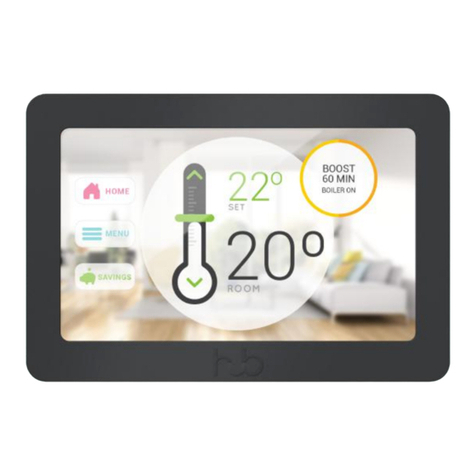
Connect the HUB Display to the base plate
aligning the display with the right side of the
base plate. Then push the left side into place
until it ‘clicks’. The HUB Controller will start auto-
matically, so follow the on-screen instructions to
proceed to setup.
Step 4a
If applicable, set your programmer or time clock
to always on. Turn on the mains electrical power.
WARNING! HIGH VOLTAGE
WARNING! Installing the wires incorrectly
will damage your HUB.
NOTE! Overtightening the screws may
interfere with proper operation.