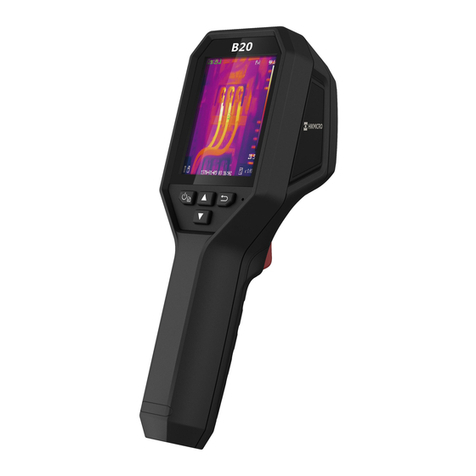
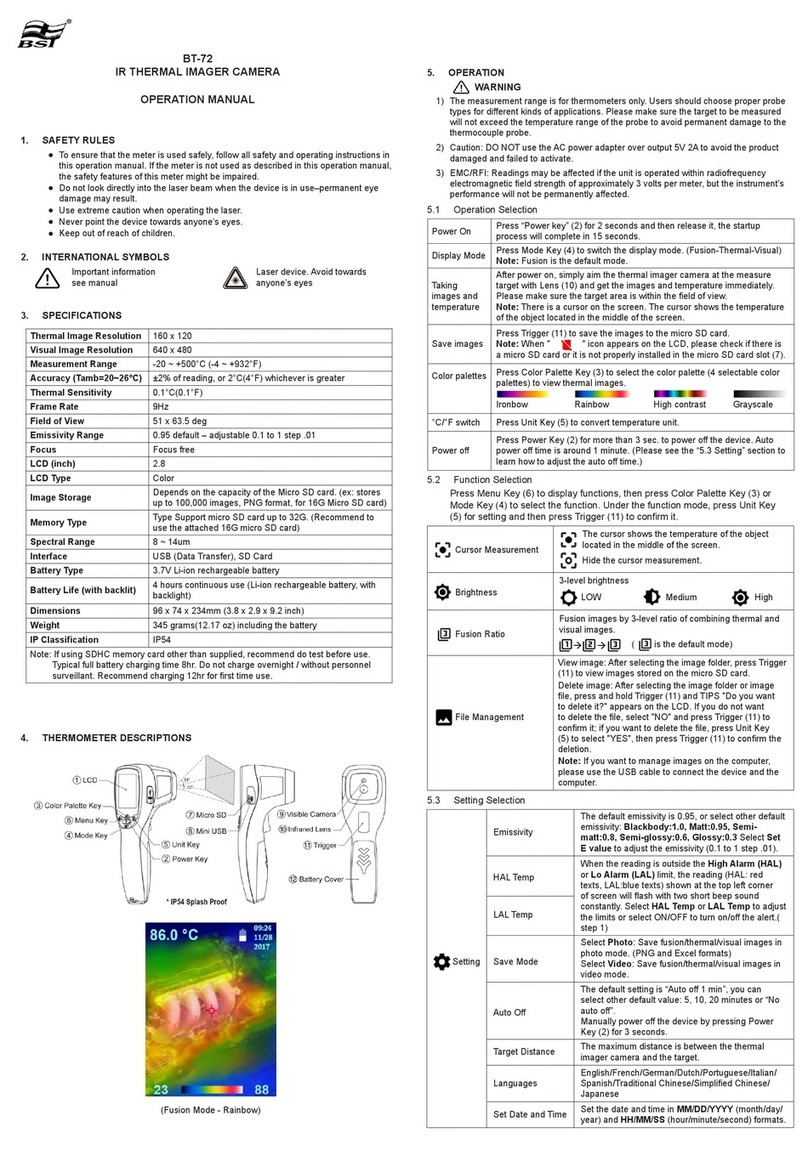
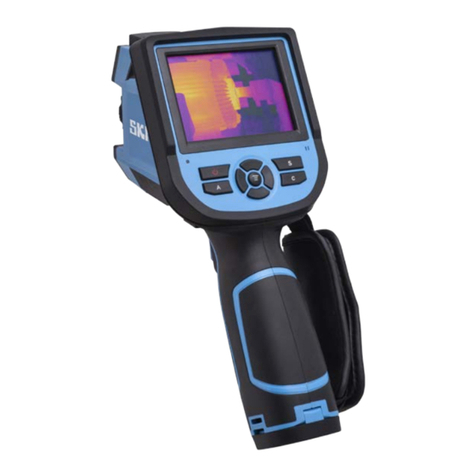
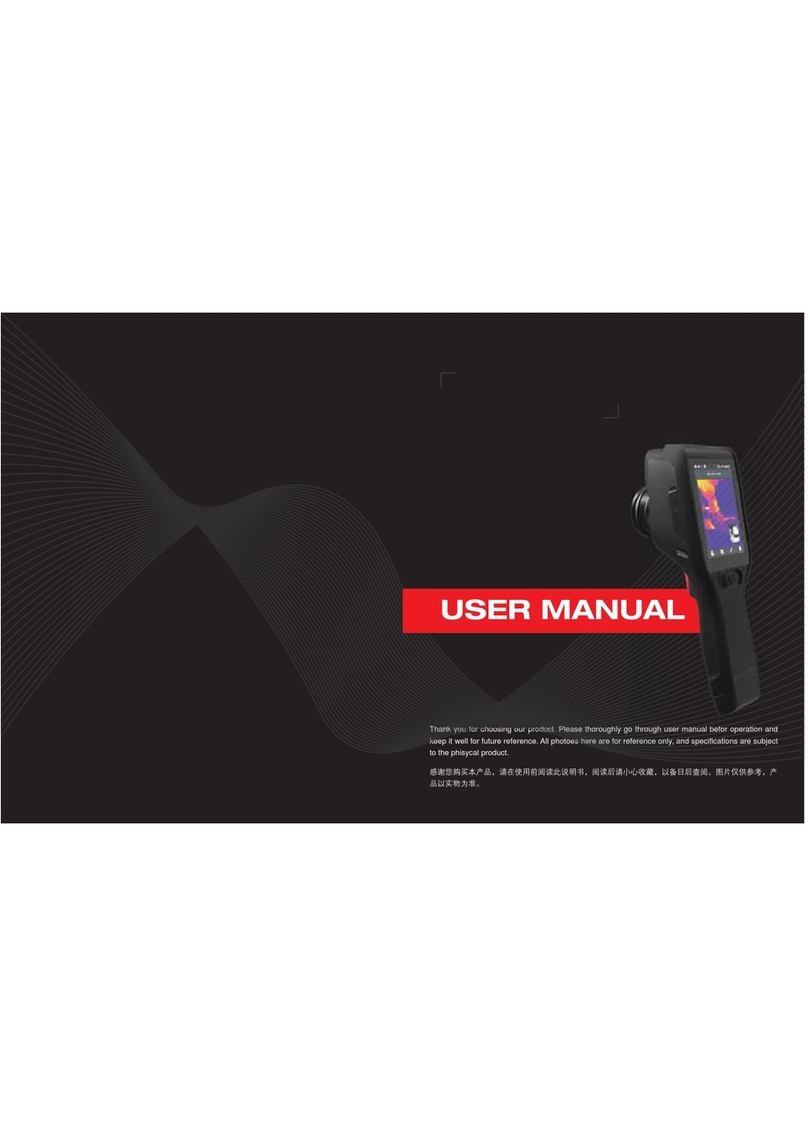
i3 THERMAL EXPERT TE-SQ1 User manual

TE-SQ1
Portable Thermal Camera
User Guide
Guide Video
i3system.com
www.i3-thermalexpert.com
i3system
i3system, Inc.

Thermal Camera
Power Button
Capture Button
Touch Screen
LED Flashlight
USB-C
Data transfer/
Charging Port
micro-HDMI Port
micro-SD Slot
Laser Pointer
Visible Camera
Charger Hand Strap USB-C cable micro-HDMI to HDMI

Thermal Camera
Power Button
Capture Button
Touch Screen
LED Flashlight
USB-C
Data transfer/
Charging Port
micro-HDMI Port
micro-SD Slot
Laser Pointer
Visible Camera
Charger Hand Strap USB-C cable micro-HDMI to HDMI
Color Map
Temperature Setting
Image Processing
Display Setting
Basic Setting
Record Videos
Capture Images
Main Screen
The Basics
Point: Check the temperature of designated points
Min/Max: Check the Min/Max temperatre point in the scene
Rectangle: Check the Min/Max/Ave temp of designated rectangles
Alarm: Make warning sound if the temperature exceeds set value
Emissivity Setting: Adjust the controler to change emissivity
Temp Offset: Adjust the controler to correct temperature manually
Temperature Setting
Turn on/off: Hold the power button for 2-3 seconds
Charge: Connect USB-C cable to charger
Display Connection: Connect micro-HDMI adapter with standard HDMI
External Memory: Insert micro-SD memory to the micro-SD card slot
8:00 AM

Flip: Image upside down
Mirror: Image left and right reverse
Center target: It shows temerature of center cross at the bottom left
Level span: Setting temperature range manually
Image enhance: Image processing(denoise, edge, gain) applied.
Gallery: Check saved images and videos
Image Processing
50:50 view: Partition a scene into half visible, half thermal
Twin View: Two same scenes in both visible and thermal
Overlay View: Draw a square, then thermal emage will be shown
Floating View: Small visible image is shown at the bottom right
Image Fusion: Thermal and visible images are fused.~
Display Setting
Temperature: Celcius(℃)/Fahrenheit(℉) setting
LED: LED flashlight on/off
Laser Pointer: Laser pointer on/off
Wi-Fi mirroring: Hotspot on/off for mirroring and data sharing
Storage: internal memory / external memory(micro-SD)
About: Check the software version
Basic Setting

PDF
PDF
1. Capture thermal images by the camera app.
2. Select an image to make a report at ‘Image Processing - Gallery’.
3. Press at the right of the screen to make the report.
4. Name the report and choose the location to save.
5. Check the saved report by PDF viewer.
6. For example
1. Digital Zoom: Tap the screen twice. Zoom in/out maximum x8
2. Wi-Fi: Wi-Fi connection enables data sharing; photo, video
Additional Function
1. Factory reset through Android settings
Settings - System - Reset options - Erase all data(factory reset)
2. After reset, You should update TE-SQ1 camera app at TE homepage.
TE homepage: http://www.i3-thermalexpert.com
System Reset
Thermal Electrical Inspection Report(PDF)

2. Battery
3. Cleaning
Caution
1. Handling
- Do not drop or apply shock or stress to the product.
- As the lens on the infrared camera is fagile, please avoid putting too
much pressure on it.
- Since the infrared camera lens has been coated front and back, please
handle it carefully to avoid any damages to the lens.
- Since the product is not waterproof and dustproof, please do not
expose it to water, rain or dust.
- Do not expose the product directly to the sun, high-temperature place.
- TE-SQ1 contains a non-removable battery. Do not attempt to remove
the battery.
- Do not dispose of the product in a fire or break your camera physically.
- Exposing TE-SQ1 to environments having high temperature or having
high concentrations of industrial chemicals, including near evaporating
liquefied gasses such as helium, may damage or impair the product
functionally.
- Please use adapter and cable included to charge, Do not use a power
adapter in wet location.
- Clean the product only with a soft dry cloth.
- Use a blower for lens cleaning to remove dust on lens.
- Do not use air compressor for cleaning.

Product Warranty
Service Center - i3system, Inc.
1. Address: 435 Expo-ro, Yuseong-gu, Daejeon, 34051 KOR
2. Web page: www.i3-thermalexpert.com
Warranty
1. Period of warranty: 1 year
2. The warranty period starts from the date of purchase.
3. Repairs after the warranty period is paid in priciple.
4. Please contact to the service center when you need a help.
Thermal Expert is a product made with the strictest standards of quality control
and testing processes.
Please the date of purchase, and get warranty services properly.
What are not covered by a warranty
1. Defects caused by normal wear and tear or otherwise due to the normal
aging of TE-SQ1
2. Dagame caused by modify or service by a third party repair shop
3. Damage caused by operating the product outside the guidelines
4. Damage caused by accident, abuse, misuse, fire, liquid contact,
earthquake or external cause.
5. Consumable parts, such as charger, cable, or micro-HDMI converter

TE-SQ1
TE-EV2, EQ2
TE-HQ1
TE-EX2
TE-Q1
TE-Q2
i3system.com
www.i3-thermalexpert.com
i3system
i3system, Inc.
Table of contents