manuals.online logo
Brands
  1. Home
  2. •
  3. Brands
  4. •
  5. IntesisBox
  6. •
  7. Recording Equipment
  8. •
  9. IntesisBox PA-AW-KNX-1 User manual

IntesisBox PA-AW-KNX-1 User manual

Other IntesisBox Recording Equipment manuals

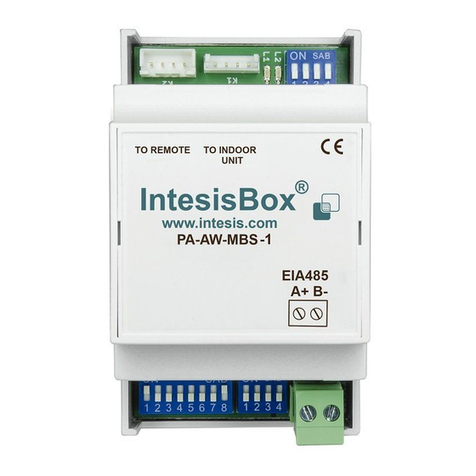
IntesisBox PA-AW-MBS-1 User manual

IntesisBox

IntesisBox PA-AW-MBS-1 User manual

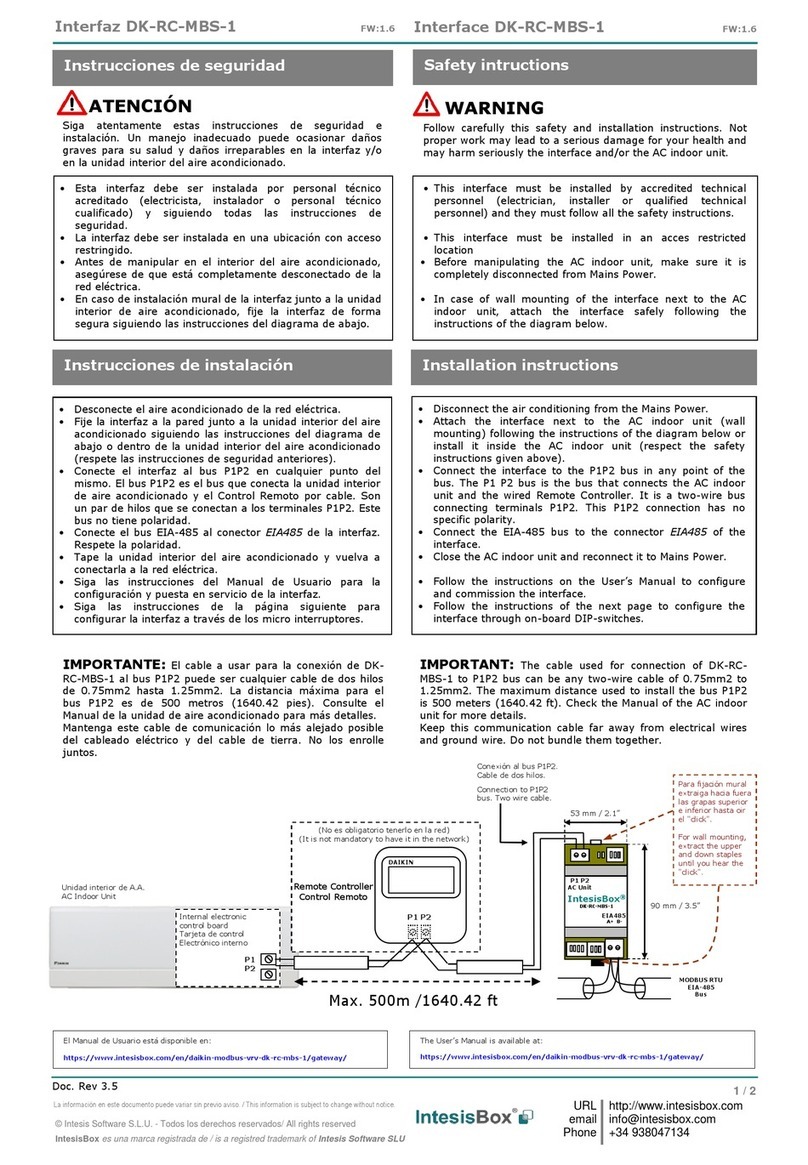
IntesisBox DK-RC-MBS-1 User manual

IntesisBox

IntesisBox DK-RC-MBS-1 User manual

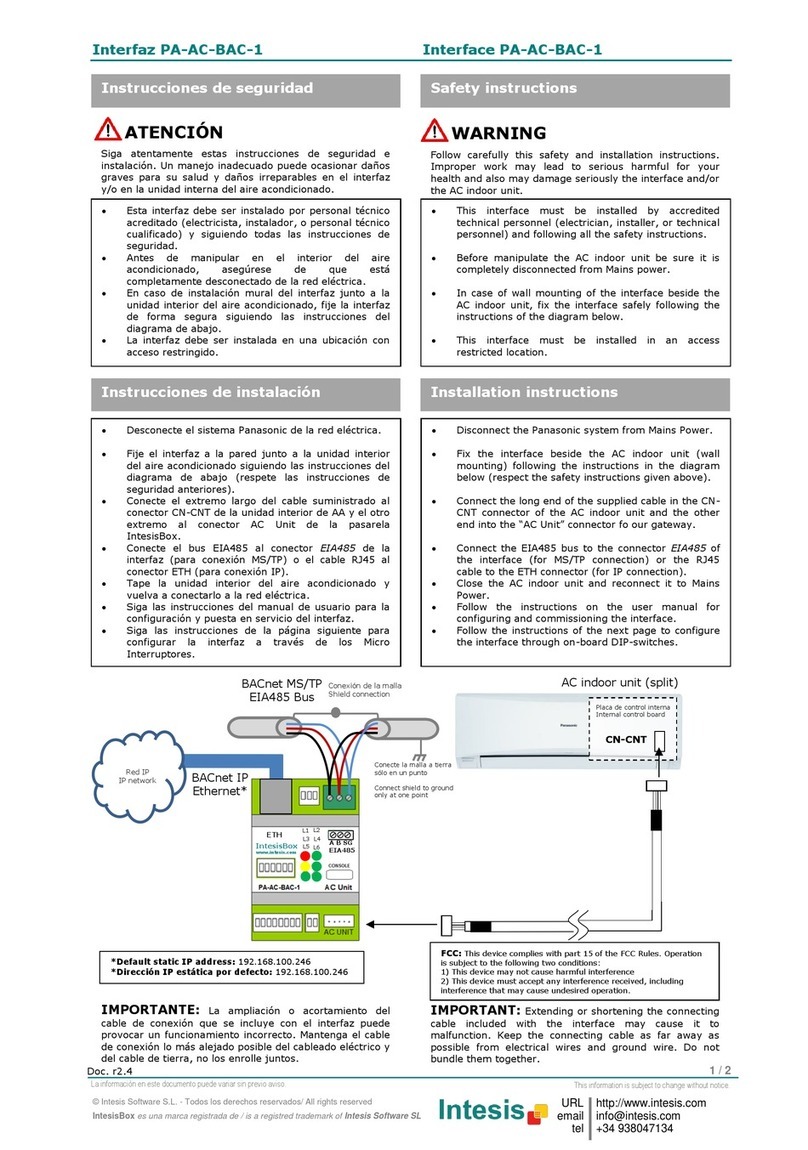
IntesisBox PA-AC-BAC-1 Setup guide

IntesisBox

IntesisBox PA-AC-BAC-1 Setup guide

IntesisBox DK-RC-MBS-1 User manual

IntesisBox

IntesisBox DK-RC-MBS-1 User manual

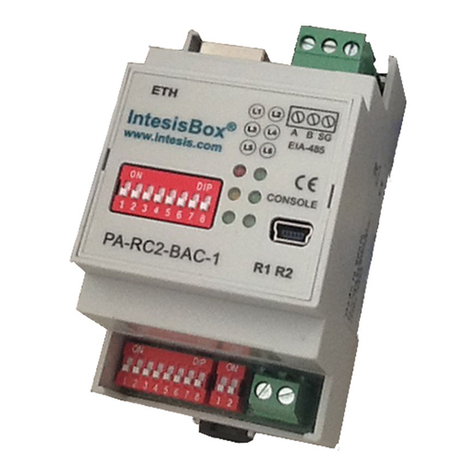
IntesisBox PA-RC2-BAC-1 User manual

IntesisBox

IntesisBox PA-RC2-BAC-1 User manual

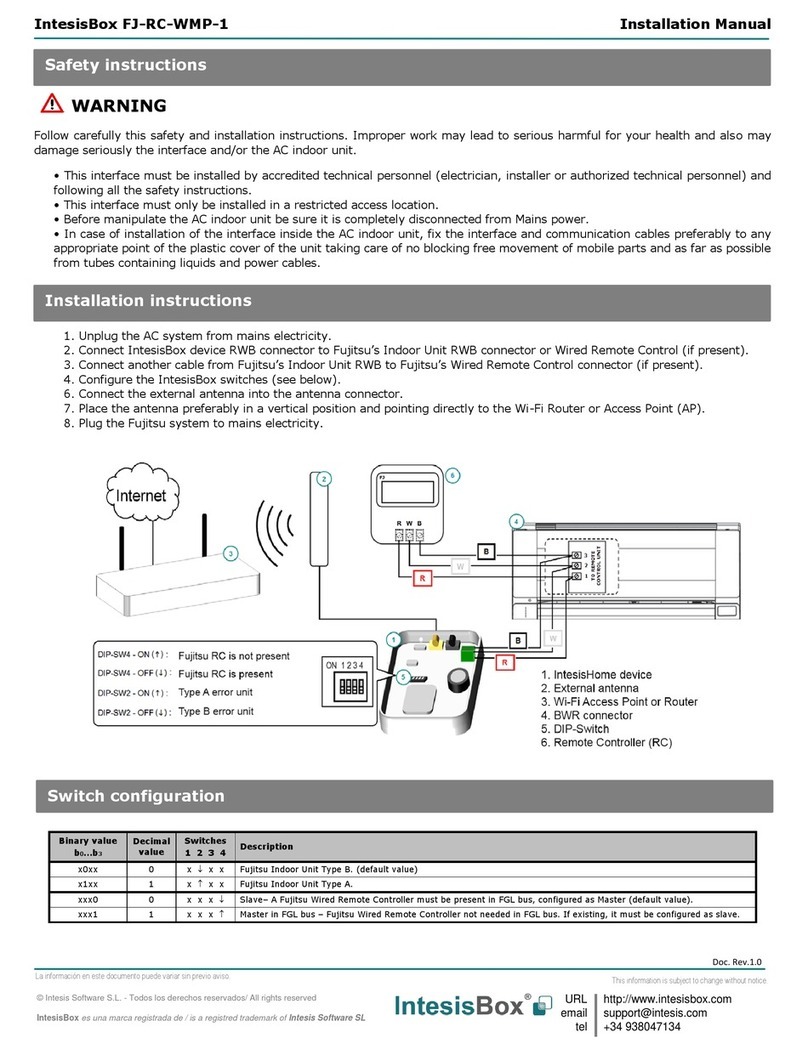
IntesisBox FJ-RC-WMP-1 User manual

IntesisBox

IntesisBox FJ-RC-WMP-1 User manual

IntesisBox MD-AC-MBS-1 User manual

IntesisBox

IntesisBox MD-AC-MBS-1 User manual

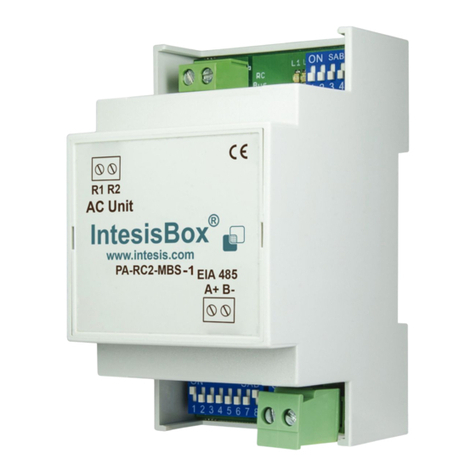
IntesisBox PA-RC2-MBS-1 User manual

IntesisBox

IntesisBox PA-RC2-MBS-1 User manual

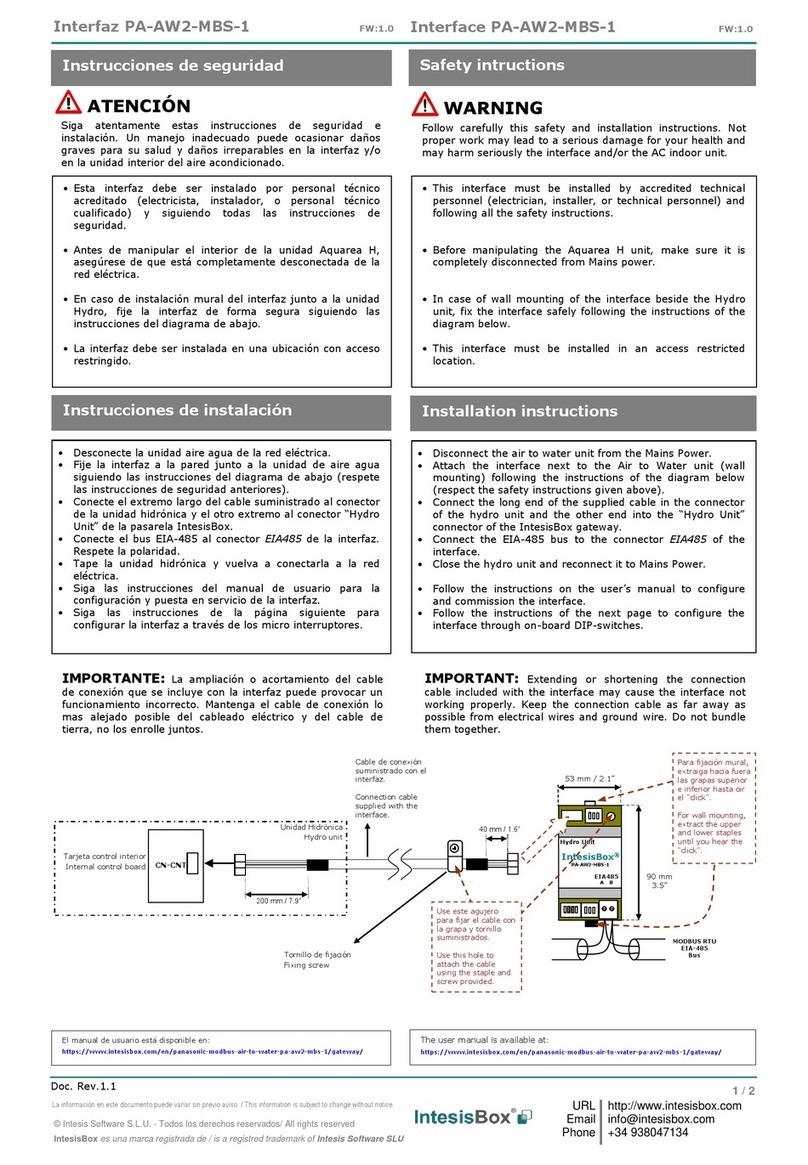
IntesisBox PA-AW2-MBS-1 User manual

IntesisBox

IntesisBox PA-AW2-MBS-1 User manual

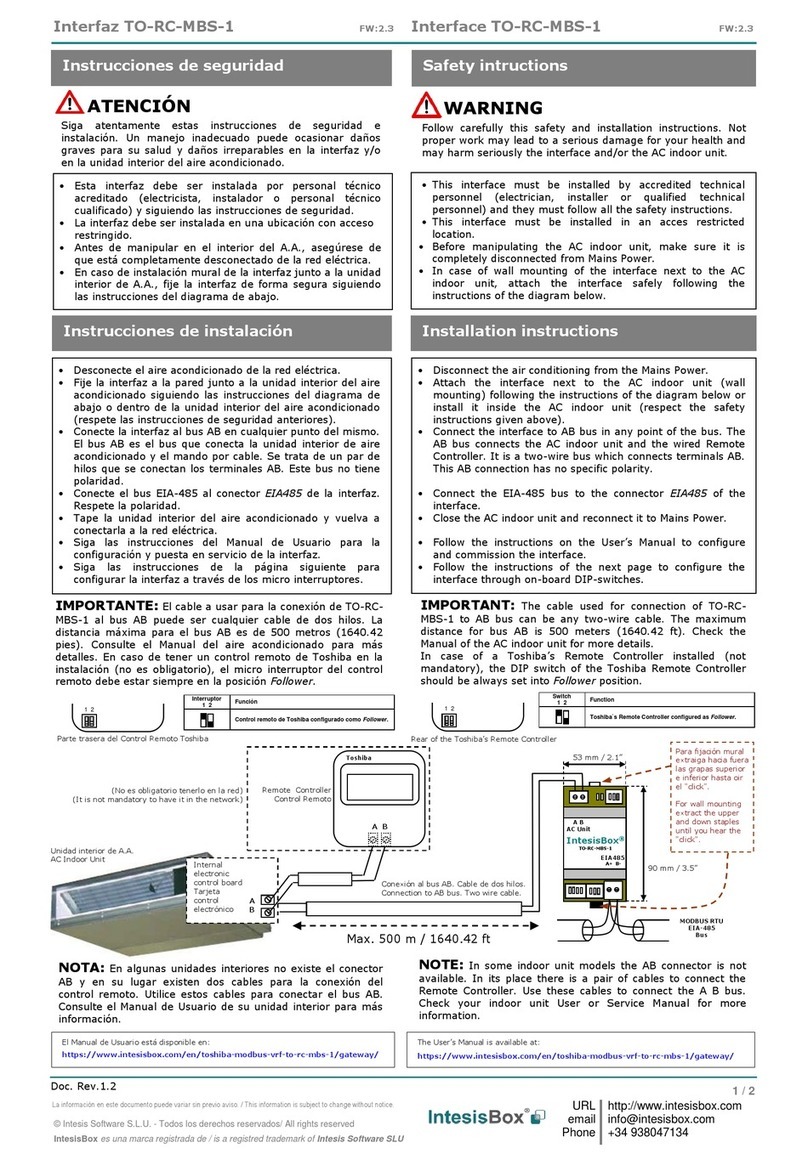
IntesisBox TO-RC-MBS-1 User manual

IntesisBox

IntesisBox TO-RC-MBS-1 User manual

IntesisBox LG-RC-WMP-1 User manual

IntesisBox

IntesisBox LG-RC-WMP-1 User manual

IntesisBox LG-RC-MBS-1 User manual

IntesisBox

IntesisBox LG-RC-MBS-1 User manual

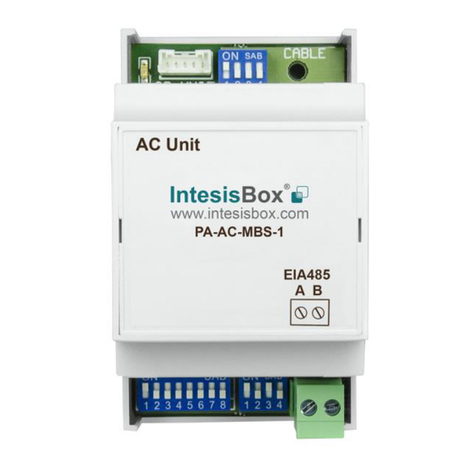
IntesisBox PA-AC-MBS-1 User manual

IntesisBox

IntesisBox PA-AC-MBS-1 User manual

IntesisBox MH-RC-BAC-1 User manual

IntesisBox

IntesisBox MH-RC-BAC-1 User manual

IntesisBox ME-AC-MBS-1 User manual

IntesisBox

IntesisBox ME-AC-MBS-1 User manual

IntesisBox PA-RC2-BAC-1 User manual

IntesisBox

IntesisBox PA-RC2-BAC-1 User manual

IntesisBox MH-RC-MBS-1 User manual

IntesisBox

IntesisBox MH-RC-MBS-1 User manual

IntesisBox DK-AC-MBS-1 User manual

IntesisBox

IntesisBox DK-AC-MBS-1 User manual

IntesisBox PA-RC2-WMP-1 User manual

IntesisBox

IntesisBox PA-RC2-WMP-1 User manual

IntesisBox SM-RC-MBS-1 User manual

IntesisBox

IntesisBox SM-RC-MBS-1 User manual

IntesisBox KNX Series User manual

IntesisBox

IntesisBox KNX Series User manual

IntesisBox ME-AC-BAC-1L User manual

IntesisBox

IntesisBox ME-AC-BAC-1L User manual

IntesisBox IS-IR-WMP-1 User manual

IntesisBox

IntesisBox IS-IR-WMP-1 User manual

IntesisBox HA-AC-KNX-16 User manual

IntesisBox

IntesisBox HA-AC-KNX-16 User manual

Popular Recording Equipment manuals by other brands

ThermoFisher Scientific Dionex DRS 600 Installation checklist

ThermoFisher Scientific

ThermoFisher Scientific Dionex DRS 600 Installation checklist

Shure ANIUSB-Matrix user guide

Shure

Shure ANIUSB-Matrix user guide

Nady Audio HE-1 user guide

Nady Audio

Nady Audio HE-1 user guide

AUDAC APM 01 User manual & installation guide

AUDAC

AUDAC APM 01 User manual & installation guide

Teac GF-350 owner's manual

Teac

Teac GF-350 owner's manual

Fractal Audio MFC-101 MARK III owner's manual

Fractal Audio

Fractal Audio MFC-101 MARK III owner's manual

bmcm USB-OI16 manual

bmcm

bmcm USB-OI16 manual

HHB BurnIT CDR-830 Service manual

HHB

HHB BurnIT CDR-830 Service manual

GE VersaMax IC200CPUE05 manual

GE

GE VersaMax IC200CPUE05 manual

Attero Tech unD4l user manual

Attero Tech

Attero Tech unD4l user manual

Sennheiser UI 765 instruction manual

Sennheiser

Sennheiser UI 765 instruction manual

Sony RCD-W1 Operating Instructions  (primary... Service manual

Sony

Sony RCD-W1 Operating Instructions (primary... Service manual

Roland Planet-P  MKS-10 owner's manual

Roland

Roland Planet-P MKS-10 owner's manual

Roland BOSS GT-PRO Turbostart

Roland

Roland BOSS GT-PRO Turbostart

8x8 Inc Valcom V-2001A manual

8x8 Inc

8x8 Inc Valcom V-2001A manual

Waves SUB Align user guide

Waves

Waves SUB Align user guide

Mitsubishi Electric MAC-334IF-E installation manual

Mitsubishi Electric

Mitsubishi Electric MAC-334IF-E installation manual

Robotics Technologies microBus-Cam II installation manual

Robotics Technologies

Robotics Technologies microBus-Cam II installation manual

manuals.online logo
manuals.online logoBrands
  • About & Mission
  • Contact us
  • Privacy Policy
  • Terms and Conditions

Copyright 2025 Manuals.Online. All Rights Reserved.

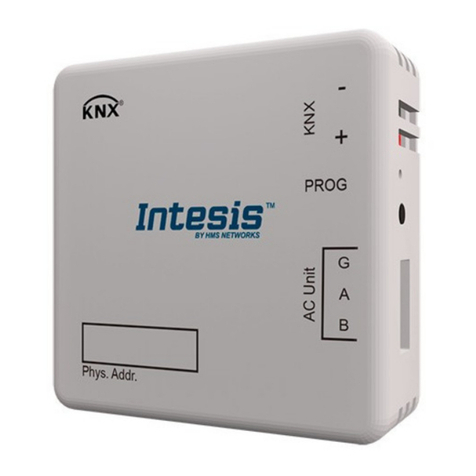
Interfaz PA-AW-KNX-1
Interface PA-AW-KNX-1
1 / 2
© Intesis Software S.L. - Todos los derechos reservados/ All rights reserved
IntesisBox es una marca registrada de / is a registred trademark of Intesis Software SL
URL
email
tel
http://www.intesis.com
[email protected]m
+34 938047134
La información en este documento puede variar sin previo aviso.
This information is subject to change without notice.
Doc. r1
Esta interfaz debe ser instalada por personal técnico
acreditado (electricista, instalador, o personal técnico
cualificado) y siguiendo todas las instrucciones de
seguridad.
Antes de manipular en el interior del sistema de
clima, asegúrese de que está completamente
desconectado de la red eléctrica.
En caso de instalación mural del interfaz junto a la
unidad interior, fije la interfaz de forma segura.
Instrucciones de seguridad
Safety instructions
This interface must be installed by accredited
technical personnel (electrician, installer, or qualified
technical personnel) and following all the safety
instructions.
Before manipulating the climate system unit be sure
it is completely disconnected from Mains power.
In case of wall mounting of the interface beside the
AC indoor unit, fix the interface safely.
Desconecte el sistema Aquarea de la red eléctrica.
Si posee un sistema Aquarea Monobloc:
1. Desconecte el cable suministrado por Panasonic
proveniente de la unidad exterior del Panel de
Control (Ver Manual de Panasonic)
2. Conecte el cable de Panasonic al conector K1 de
la interfaz PA-AW-KNX-1.
3. Conecte un extremo del cable suministrado en
el conector K2 de la interfaz PA-AW-MBS-1 y el
otro al Panel de Control (Ver Manual de
Panasonic)
Si posee un sistema Aquarea Bibloc:
1. Desconecte el cable del Panel de Control de la
Placa Electrónica de la Unidad Interior (CN-
Remote connector)
2. Conecte el cable del Panel de Control de
Panasonic en el conector K2 del PA-AW-KNX-1.
3. Conecte un extremo del cable suministrado al
conector K1 del PA-AW-KNX-1 y el otro extremo
a la Placa Electrónica como si se tratara del
Panel de Control (conector CN-Remote).
Conecte el bus EIB al conector KNX de la interfaz.
Respete la polaridad.
Fije la interfaz a la pared, junto a la unidad interior
del sistema Aquarea o en el sitio que le parezca más
conveniente en función de las necesidades de la
instalación (respete las instrucciones de seguridad
anteriores).
Tape el sistema Aquarea de nuevo y vuelva a
conectarlo a la red eléctrica.
Siga las instrucciones del manual de usuario para la
configuración y puesta en servicio de la interfaz.
Instrucciones de instalación
Installation instructions
Disconnect the Aquarea system from Mains Power.
If you have an Aquarea Monoblock system:
1. Detach Outdoor Unit’s cable supplied by
Panasonic from the Control Panel itself (See
Panasonic’s installation manual)
2. Connect Panasonic’s cable coming from the
Outdoor Unit in the PA-AW-KNX-1 K1 connector.
3. Connect one end of the supplied cable in the PA-
AW-KNX-1 K2 connector and the other end into
the Control Panel (See Panasonic’s installation
manual)
If you have an Aquarea Biblock system:
1. Detach Control Panel’s cable from the Indoor
Unit Electronic Controller Board (CN-Remote
connector)
2. Connect Panasonic’s Control Panel cable in the
PA-AW-KNX-1 K2 connector.
3. Connect one end of the supplied cable in the K1
connector of the PA-AW-KNX-1 itself and the
other end into the Indoor Unit as if it was
Panasonic’s Control Panel cable (CN-Remote
connector).
Connect the EIB bus to the KNX connector of the
interface. Respect polarity.
Fix the interface beside the Aquarea system (wall
mounting) or install it in the place that best fits your
project needs (respect the safety instructions given
above).
Close the Aquarea system covers and reconnect it to
Mains Power.
Follow the instructions on the user manual for
configuring and commissioning the interface.
WARNING
ATENCIÓN
Siga atentamente estas instrucciones de seguridad e
instalación. Un manejo inadecuado puede ocasionar daños
graves para su salud y daños irreparables en el interfaz
y/o en el sistema de clima.
Follow carefully this safety and installation instructions.
Improper work may lead to serious harmful for your
health and also may damage seriously the interface and/or
the climate system.
IMPORTANTE: La ampliación o acortamiento del
cable de conexión que se incluye con el interfaz puede
provocar un funcionamiento incorrecto. Mantenga el cable
de conexión lo más alejado posible del cableado eléctrico y
del cable de tierra, no los enrolle juntos.
IMPORTANT: Extending or shortening the connecting
cable included with the interface may cause it to
malfunction. Keep the connecting cable as far away as
possible from electrical wires and ground wire. Do not
bundle them together.
IMPORTANT: Values shown in the PA-AW-KNX-1
and the Control Panel may differ due to the non-
synchronous behavior of the Panasonic Aquarea
system.
!
Importante: Los valores mostrados por la
interfaz PA-AW-KNX-1 y el Panel de Control
pueden diferir como consecuencia del modo de
trabajo asíncrono del sistema Aquarea de

Panasonic.
!
Interfaz PA-AW-KNX-1
Interface PA-AW-KNX-1
2 / 2
© Intesis Software S.L. - Todos los derechos reservados/ All rights reserved
IntesisBox es una marca registrada de / is a registred trademark of Intesis Software SL

URL
email
tel
http://www.intesis.com
[email protected]m
+34 938047134
La información en este documento puede variar sin previo aviso.
This information is subject to change without notice.
Doc. r1
Bibloc installation
Instalación bibloc
Monobloc installation
Instalación Monobloc
K2 Connector / Conector K2
K1 Connector / Conector K1
KNX Connector / Conector KNX
KNX Programming LED / LED KNX
KNX Programming button / Botón de programación KNX

El manual de usuario está disponible en:

http://www.intesis.com/pdf/IntesisBox_PA-AW-KNX-1_manual_esp.pdf
La base de datos para ETS está disponible en:
http://www.intesis.com/down/eib/PA-AW-KNX-1.zip
The user manual is available at:
http://www.intesis.com/pdf/IntesisBox_PA-AW-KNX-1_manual_eng.pdf
The ETS database is available at:
http://www.intesis.com/down/eib/PA-AW-KNX-1.zip
K2 Connector / Conector K2
K1 Connector / Conector K1
KNX Connector / Conector KNX
KNX Programming LED / LED KNX
KNX Programming button / Botón de programación KNX
1
2
3
4
5
1
2
3
4
5
1
2
3
4
5
Provided cable
Cable incluido
Provided cable
Cable incluido
Panasonic cable
Cable de Panasonic
Panasonic cable
Cable de Panasonic
Control Panel
Panel de control
KNX TP-1
(Bus EIB)
KNX TP-1
(Bus EIB)
1
2
3
4
5
Outdoor Unit
Unidad Exterior
Indoor Unit
Unidad Interior
CN-Remote Connector
Conector CN-Remote
To K2 Con.
Al con. K2
To K1 Con.
Al con. K1
To K1 Con.
Al con. K1
To K2 Con.
Al con. K2